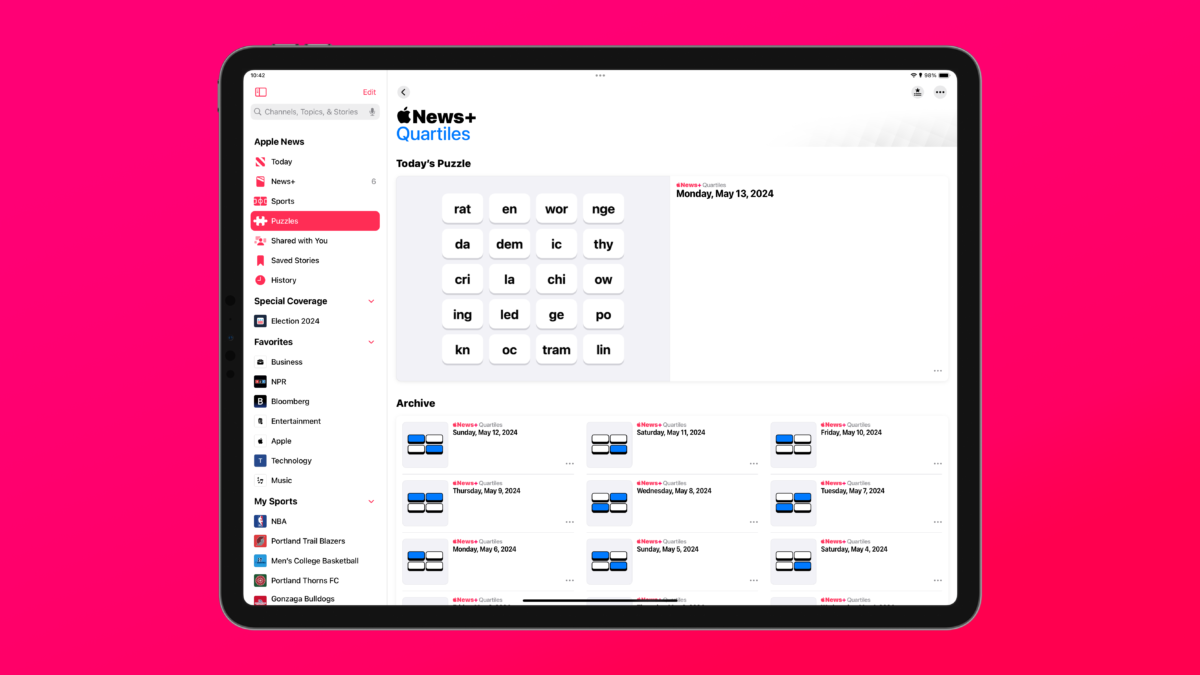
Today, Apple has released iOS 17.5 to the public, bringing with it a new game to the Apple News+ Puzzles section: Quartiles.
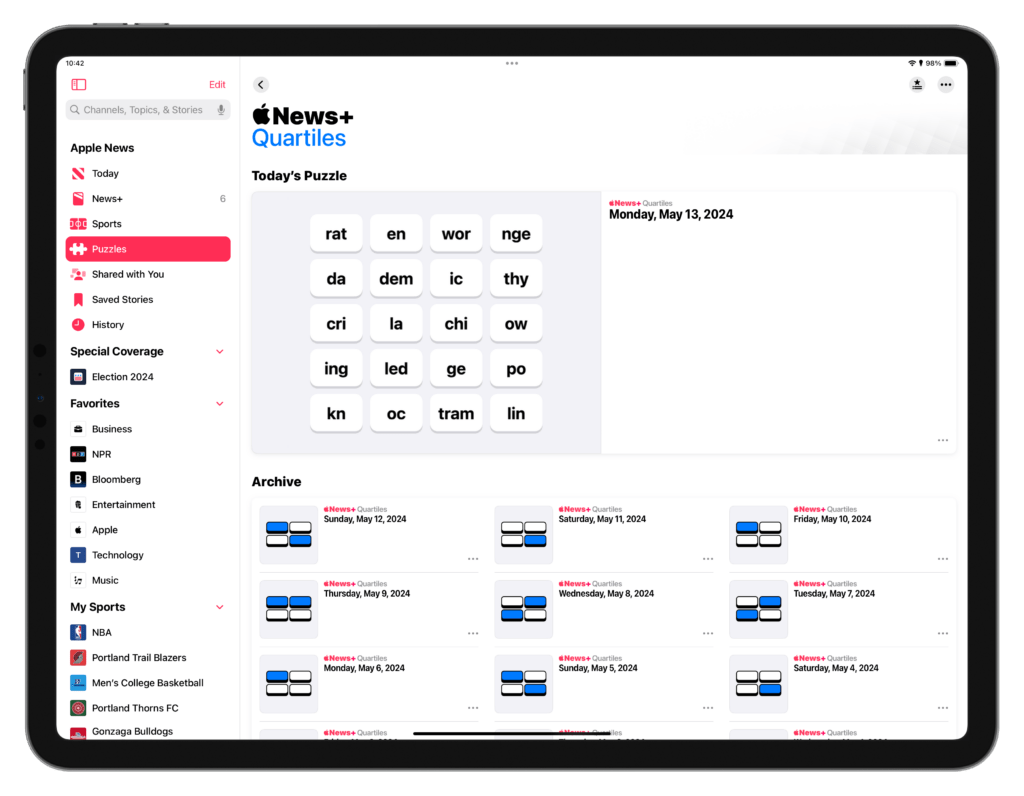
Quartiles divides a word into four parts, letting you select from the available tiles to form a word – each game has five rows, letting you adding up your score for each row to get the highest points possible.
Once you’ve visited the Puzzles, Crosswords, Crossword Mini, or Quartiles sections of the Apple News app (available for Apple News+ subscribers), the News app will “donate” suggested actions to the Shortcuts app for each section, which you can add to your custom shortcuts and run to quickly jump into the corresponding part of the News app again.
I’ve collected all four sections as individual shortcuts, which you can get in the Apple News folder of my Shortcuts Library. You can place this in a Shortcuts widget, add these to any of your Home Screens, or even open them from the menu bar on Mac – that puzzle is yours to figure out.
Quartiles is quite fun and, being so Wordle-adjacent, could attract casual gamers who might not be drawn to the Crosswords or Crossword mini features of Apple News – I’m sure Apple wouldn’t mind, since gaming is a fairly significant driver of revenue for the news business.
Happy gaming!