I’ve just updated my folder to the Shortcuts Library — my set of Remote Login shortcuts for using the Run Script over SSH action to perform remote login actions for your Mac devices.
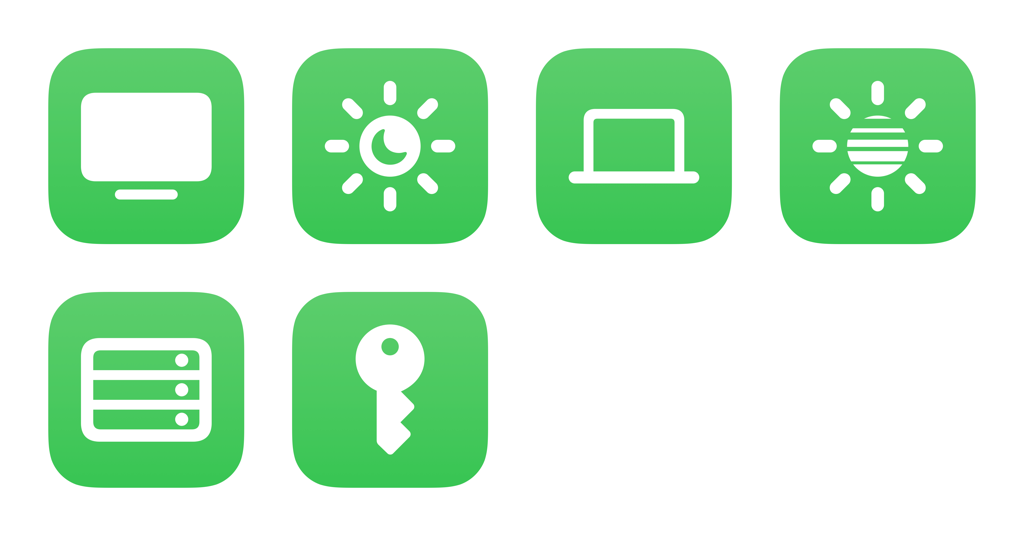
Use these to set up a dictionary of the IP addresses for your Mac devices, then run the shortcuts or use Siri to wake or sleep the devices. Includes individual options for my Mac mini and MacBook Air:
- Wake my Mac: Sends a remote command via the IP address of your Mac to wake up, then simulates keystrokes to keep it awake. Asks to pick between your Mac devices using my shortcut “Get the IP Addresses for my Macs.”
- Sleep my Mac: Sends a remote command via the IP address of your Mac to wake up, then simulates keystrokes to keep it awake. Asks to pick between your Mac devices using my shortcut “Get the IP Addresses for my Macs.”
- Wake my MacBook Air: Sends a remote command via the IP address of your MacBook Air to wake up, then simulates keystrokes to keep it awake.
- Sleep my MacBook Air: Sends a remote command to a Mac to go to sleep immediately.
- Wake my Mac mini: Sends a remote command via the IP address of your Mac mini to wake up, then simulates keystrokes to keep it awake.
- Sleep my Mac mini: Runs a shell script or sends a remote command via the IP address of your Mac to go to sleep immediately. Works well with Stream Deck.
- Run Script over SSH demo: Example shortcut that demonstrates the capabilities of Run Script over SSH to control your Mac remotely (and Run AppleScript when not triggered remotely).
- Get the IP Addresses for my Macs: Outputs a predefined dictionary of the title and IP address for each of your Mac devices. On import, asks you to enter the IP addresses.
Check out the folder of Remote Login shortcuts on the Shortcuts Library.