Short answer: On an iPhone with an Action Button, open Settings → Action Button → Shortcut, choose Gemini, then select Talk Live with Gemini or another Gemini App Shortcut. You can also run the same App Shortcuts from Siri, Spotlight, or the Shortcuts app.
Prerequisite: This requires an iPhone model with an Action Button and the current Gemini app with its App Shortcuts available. Menu names and available actions can change with iOS and app updates.
If you’re intrigued by Google’s release of Gemini 3 Pro, you can try out the assistant with one button press by adding one of the Gemini app’s shortcuts to the Action button on your device.
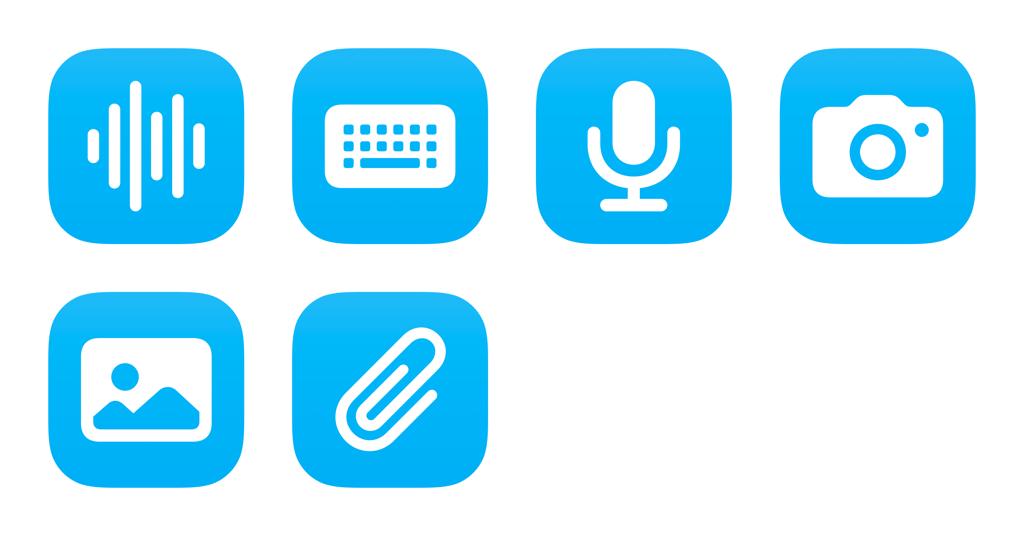
I’ve released a set of shortcuts in my Shortcuts Library to demonstrate what’s possible with the Gemini app (and on the web), but here’s how to add it yourself without setting up a custom shortcut first:
List of actions for the Action Button
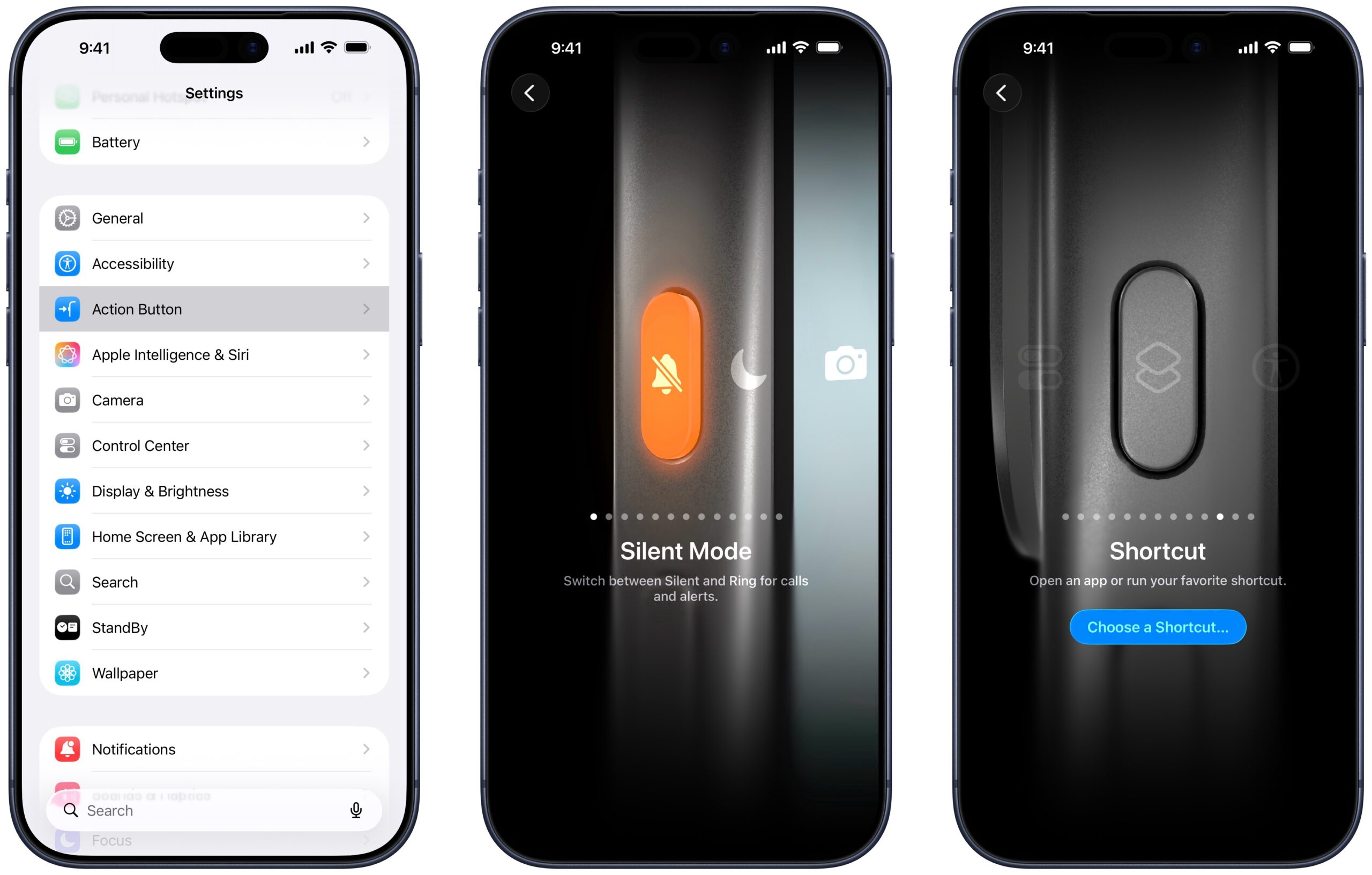
Within the Settings app, the Action Button option1 lets you choose between various actions the hardware button can take:
- Silent Mode: Switch between Silent and Ring for calls and alerts.
- Focus: Turn Focus on to silence notifications and filter out distractions.
- Camera: Open the Camera app to capture a moment.
- Visual Intelligence: Learn about the world around you and get more information about what you see.
- Flashlight: Turn on extra light when you need it.
- Voice Memo: Record personal notes, musical ideas, and more.
- Recognize Music: Find out what song is playing nearby or on your iPhone with Shazam.
- Translate: Translate phrases or have a conversation with someone in another language.
- Magnifier: Turn your iPhone into a magnifying glass to zoom in on and detect object near you.
- Controls: Quickly access your favorite Control.
- Shortcut: Open an app or run your favorite shortcut.
- Accessibility: Quickly use an accessibility feature.
- No Action
How do I put Gemini on the iPhone Action Button?
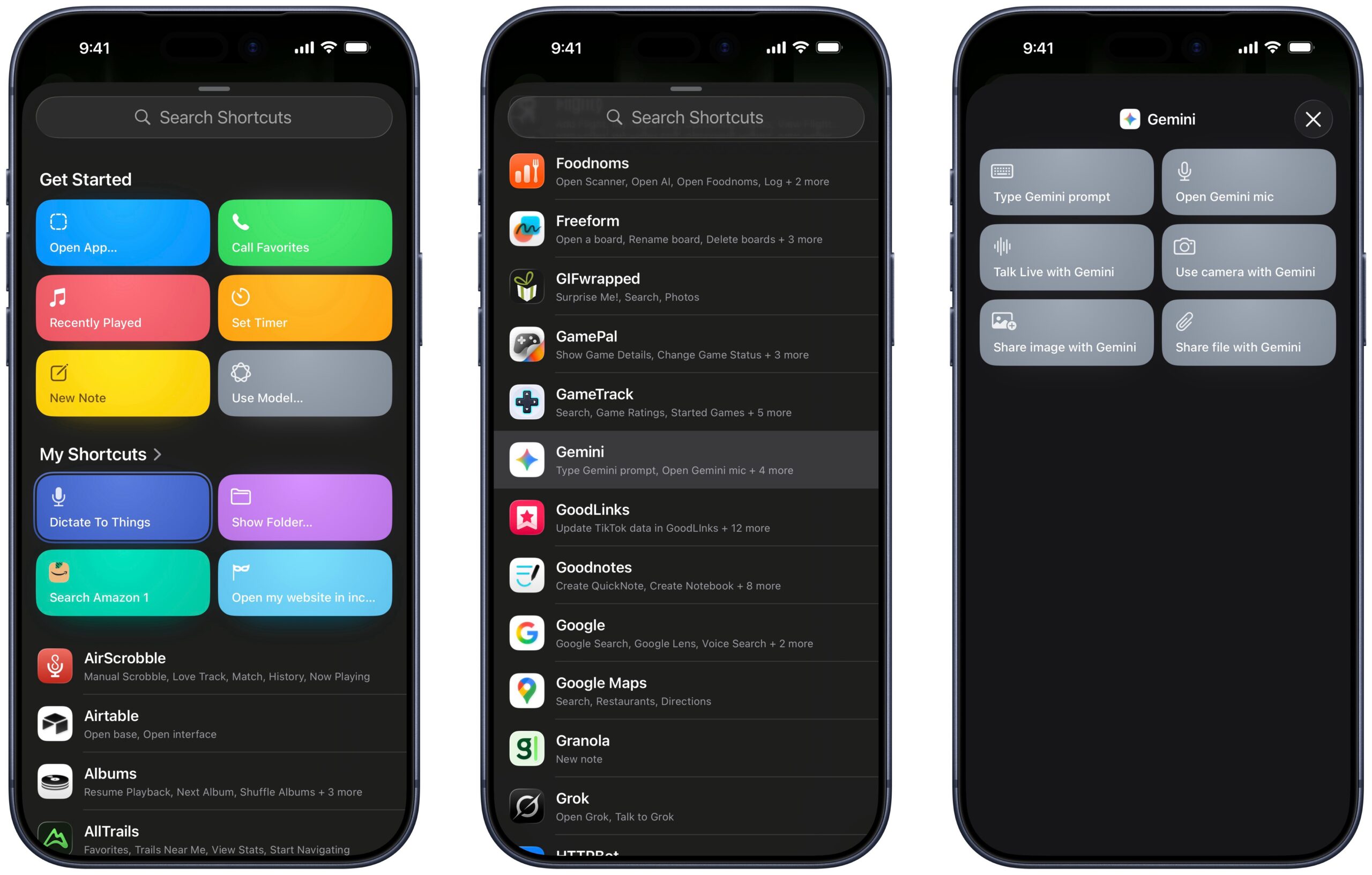
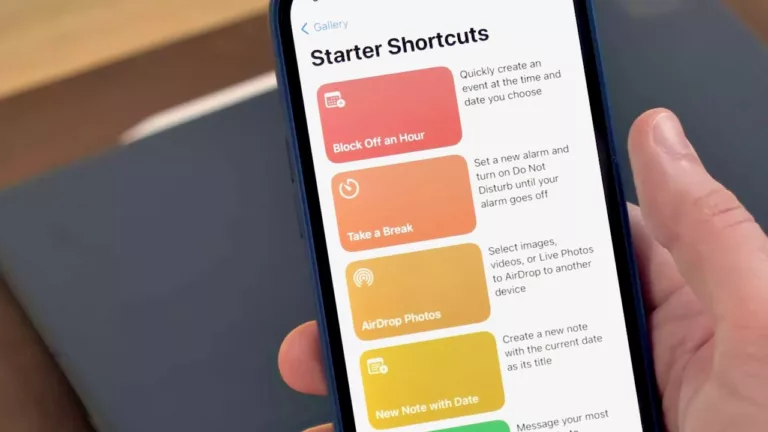
If you select “Choose a shortcut” for your Action Button, you’ll be presented with a specialized menu to help make your selection. There you’ll find options from Shortcuts including a search field, a set to Get Started, My Shortcuts (if you have any), and a set of App Shortcuts automatically provided by your apps.
If you search for or scroll down to Gemini, then tap into the results, you’ll see six shortcuts (I’ve linked my equivalents for reference):
- Type Gemini prompt
- Open Gemini mic
- Talk Live with Gemini
- Use camera with Gemini
- Share image with Gemini
- Share file with Gemini
Talk Live with Gemini is the best option for a Siri-like experience, so choose that to your Action Button – now Gemini is a single press away!
What can Gemini App Shortcuts do?
- Type Gemini prompt: Send a typed prompt to Gemini.
- Open Gemini mic: Start a voice interaction.
- Talk Live with Gemini: Start Gemini’s live conversational experience.
- Use camera with Gemini: Share what the camera sees with Gemini.
- Share image with Gemini: Send an image to Gemini.
- Share file with Gemini: Send a file to Gemini.
Gemini shortcuts in Siri, Spotlight, & Shortcuts
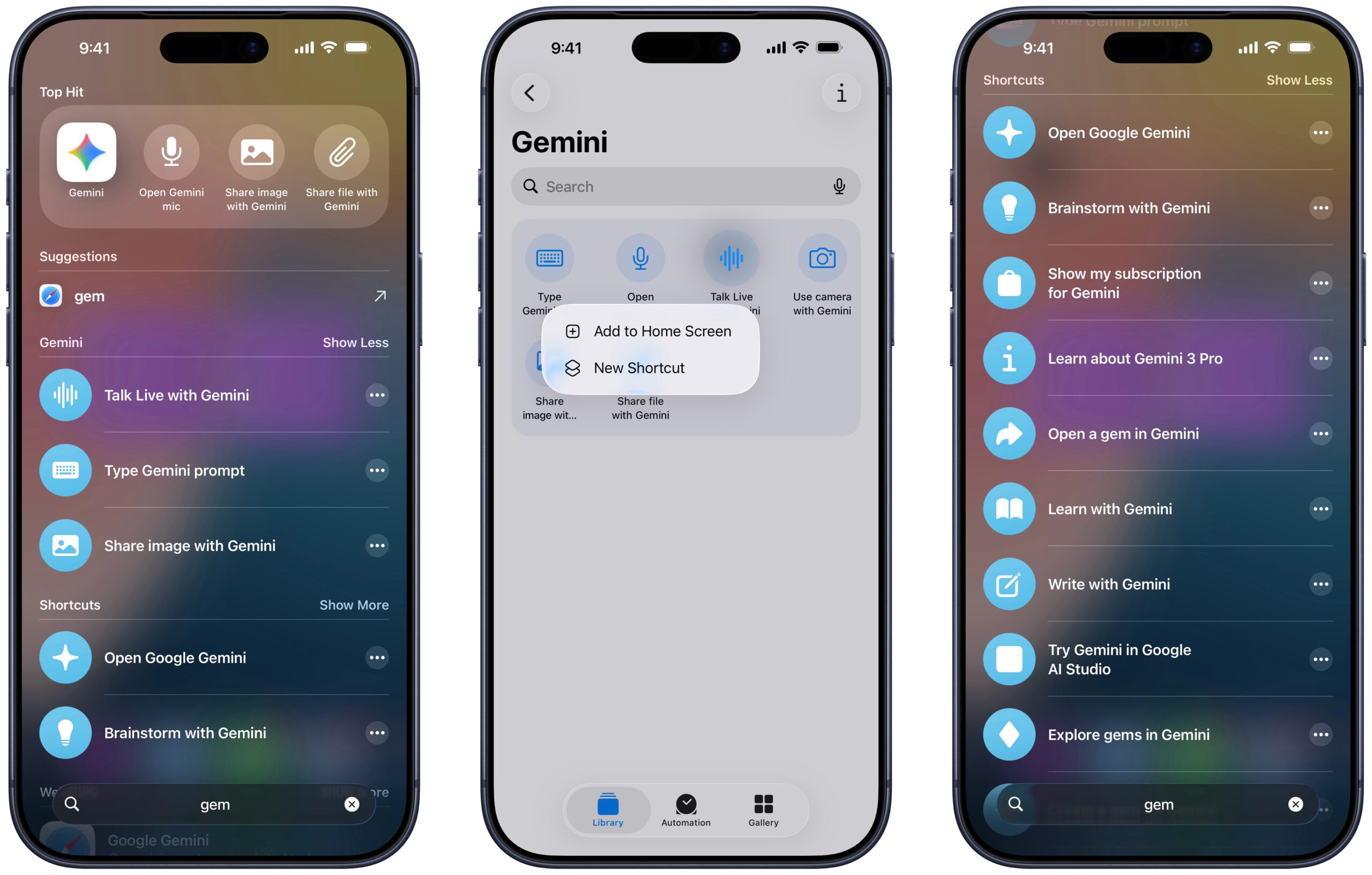
Gemini’s App Shortcuts are also available to trigger from both Siri, Spotlight, and the Shortcuts app.
You can activate any of these actions when searching for Gemini, by typing the title or speaking the trigger phrases, or by running them from the Gemini folder inside Shortcuts under “App Shortcuts.”
You can even add actions like Talk Live to Gemini directly to your Home Screen, plus spaces like the Shortcuts widget or Control Center for quick access as well.
If you have a set of custom shortcuts like mine, those will show up in Spotlight under Shortcuts as well.
Gemini shortcuts for the web
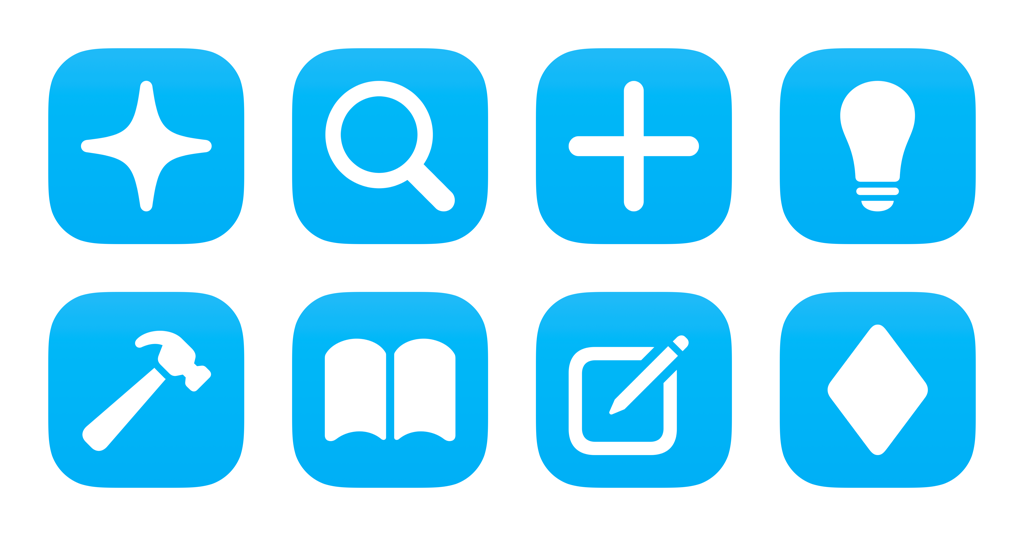
Gemini also has an expanded set of features that are not yet available natively in Shortcuts, but are only accessible via shortcuts using web links. To help integrate these features into my Shortcuts workflows, I’ve also included Gemini shortcuts for features like Gems, settings, and links to reference documentation.
—
Gemini is an extremely impressive assistant with the release of Gemini 3 Pro and worth trying out regardless of which assistant you use regularly. With the rumors that Apple might power the new Siri using Gemini technology on the back-end, it’s intriguing to see how Siri might improve on top of a platform like App Intents – the very API that Google is using to make these App Shortcuts for Gemini available.
Get the Gemini app, learn more about Gemini 3 Pro from Google, and get my folder of shortcuts for Gemini from my Shortcuts Library.
- Located beneath
Accessibilityand aboveApple Intelligence & Siri, in blue. ↩