New shortcut: Crop Podcast Artwork with Pixelmator

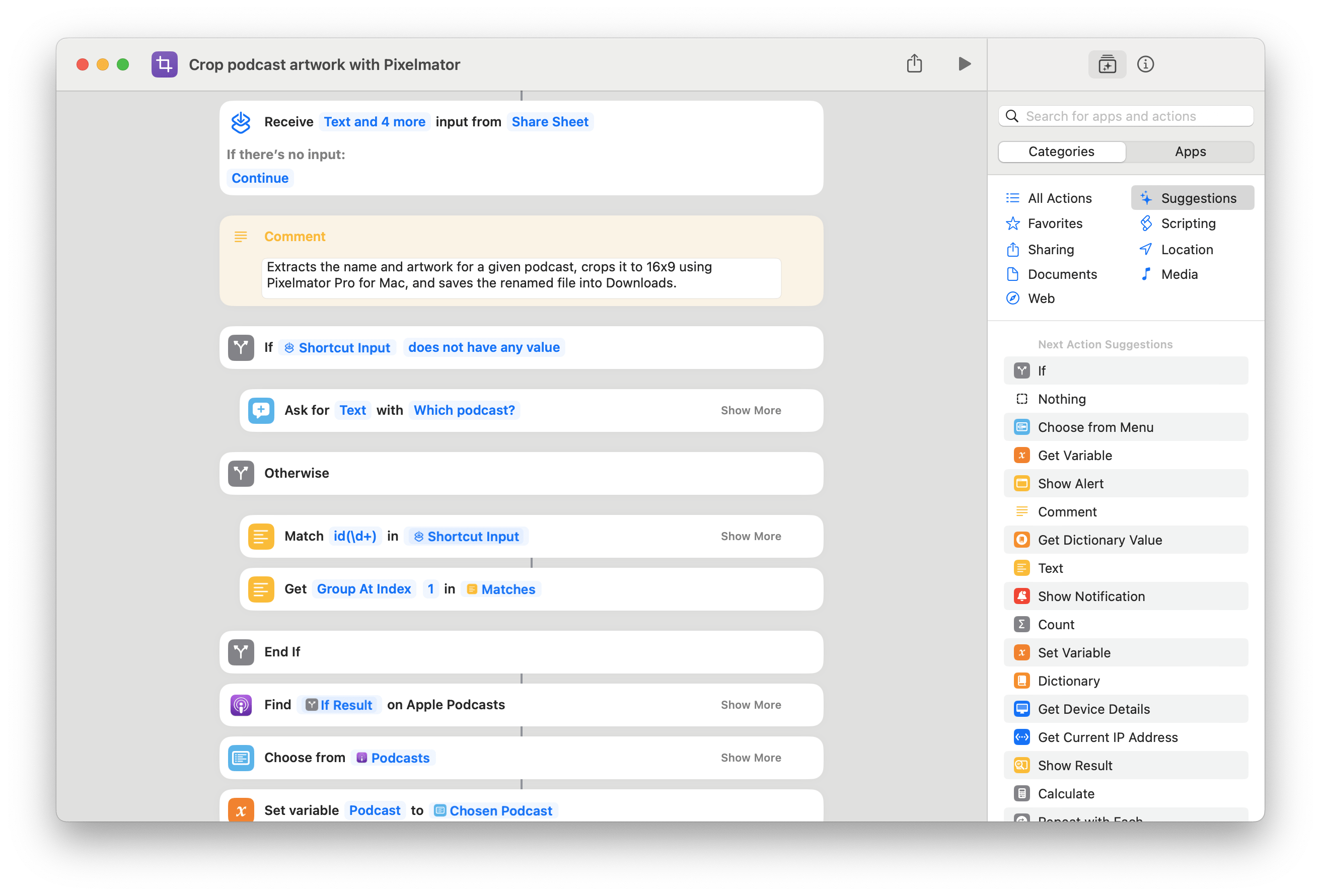
Built for linking to podcasts mentioning my work, this shortcut uses Apple Podcasts and Pixelmator Pro for Mac to perform a ML crop on the show artwork to generate a 16x9 image for a blog post.

I’ve just started a new folder in the Shortcuts Library — the first of my set of Apple Podcasts for Creators shortcuts:

  • Crop podcast artwork with Pixelmator:
    Extracts the name and artwork for a given podcast, crops it to 16×9 using Pixelmator Pro for Mac, and saves the renamed file into Downloads.

I built this to help with any future “podcast mentions” on my site, like today’s from the show Magic Rays of Light – all my blog posts require a 16×9 image, so this shortcut scrapes the Artwork from Apple Podcasts and uses Pixelmator’s Machine Learning crop to find the best position.

Check out the folder of Apple Podcasts for Creators shortcuts on the Shortcuts Library.

 

Posts You Might Like

How to make a GIF on iOS: Shortcuts in under 3 minutes [Video]
Sharing my first “Shortcuts in under 3 minutes” video, plus some improvements that I could make. Please excuse the lack of blinking :)
Apple Testing Updated Native Actions in Shortcuts (Starting with Reminders)
Two new actions for Reminders have appeared in the second summer beta – are these a sign of more to come?
Apple Music Replay: Save Your Listening History From Kids Music With These Shortcuts
If your Apple Music Replay results are mixed with your kids' songs, then you need to try the "Use Listening History" Focus Filter for the Music app.
What’s new in Shortcuts for iOS and iPadOS 17.4, macOS 14.4, watchOS 10.4 and visionOS 1.1
New in iOS 17.4 – customize your Action button with Get Orientation and Get Activity, take advantage of Clipboard actions in visionOS, and enjoy a more stable Shortcuts for Mac.