
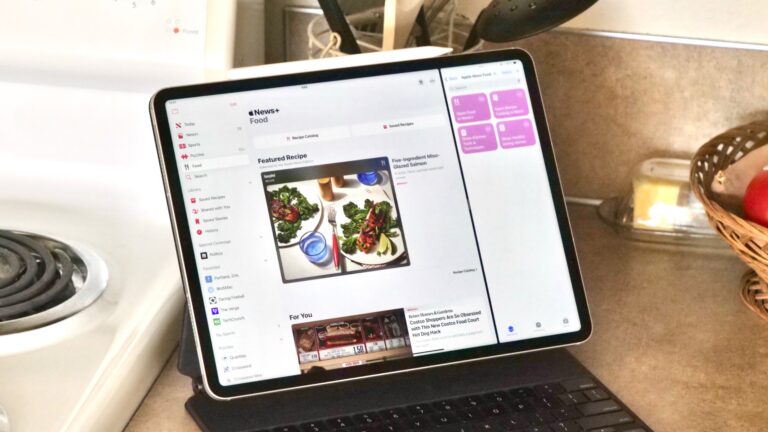
Open Food in News+
Opens to the new “Food” section in Apple News+ that curates stories and recipes for you.

Opens to the new “Food” section in Apple News+ that curates stories and recipes for you.

Opens the News app to stories from the Recipe Catalog feature, new in the new Food section in Apple News+.

Opens the News app to stories about Healthy Eating, located in the new Food section for Apple News+ subscribers.

Opens the section for Kitchen Tools and Techniques in the new Food section for Apple News+ subscribers.



Takes the clipboard and appends to it to the most-recently modified note, before opening it in Notes.

Creates a template from the Business category in Numbers, including an employee schedule, invoice spreadsheet, ROI calculator, financials spreadsheet, and break-even analysis.


Enhance your experience with bonus shortcuts, folder bundles, and exclusive perks.
