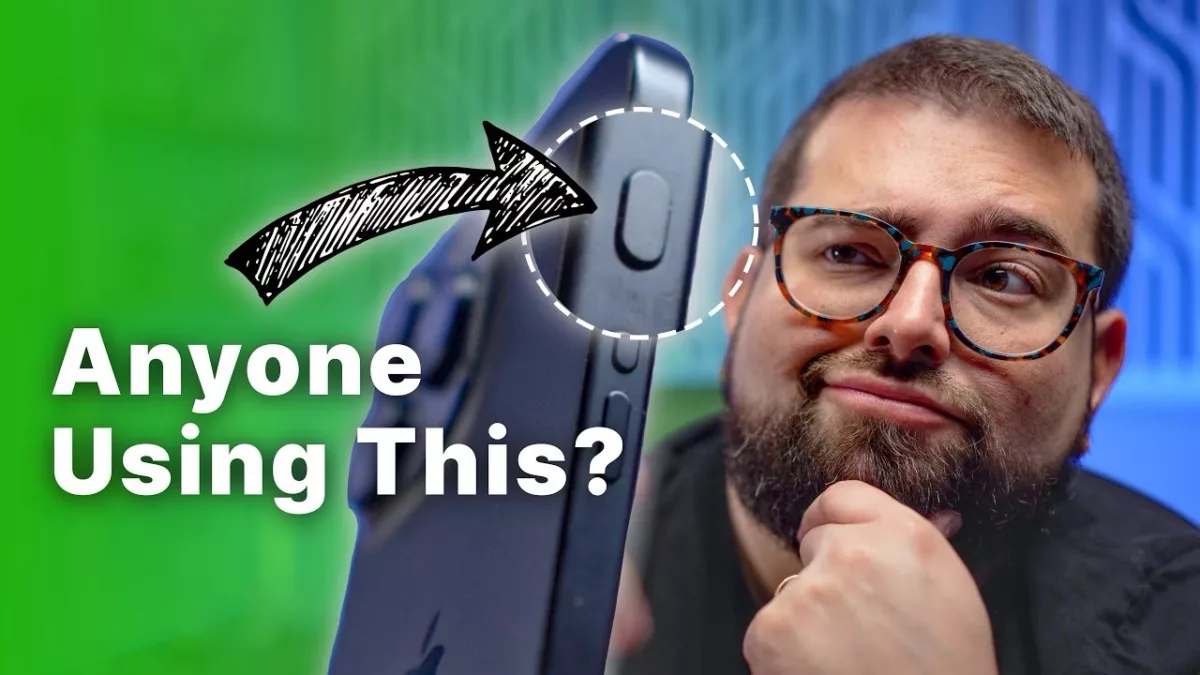
Stephen Robles on the iPhone Action Button 5 Months Later… »

Stephen Robles shares his thoughts on how to best use the iPhone Action button, now that we’ve had it for multiple months.

From Stephen Robles on YouTube:

After 5 months of experimenting with the iPhone Action Button, I’ve settled on one daily use that stands out above the rest. Discover the top 3 alternate uses that almost made the cut and why simplicity won the day for my action button setup.

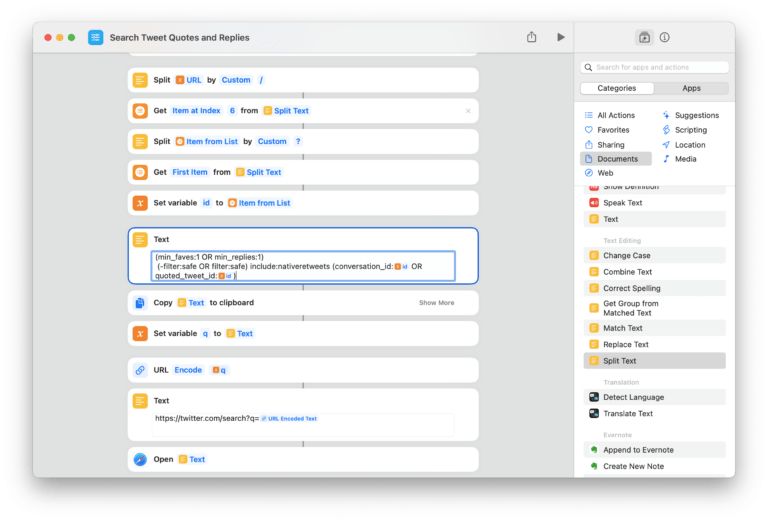
I mentioned this video on Clockwise this week – my usage has definitely changed. And, as a teaser, Apple is making more actions for Shortcuts in iOS 17.4 that make dynamic Action button shortcuts easier to create…

View the video YouTube.

Posts You Might Like

How to integrate your app with Visual Intelligence »
Using App Intents, enable people to find app content that matches their surroundings or objects onscreen with visual intelligence.
Shortcut to redirect YouTube links into the iOS app »
How to make YouTube videos redirect into the app – thanks to this shortcut from Stephen Robles.
Personal Link App Plinky Launches To Help You Enjoy The Vast Internet
Developer Joe Fabisevich has launched his new app Plinky for saving and organizing personal links for later – check out his launch thread and get the app.
Interactive Widgets Are Built Using App Intents: What That Means For Shortcuts »
Speaking on The Talk Show #382, Iconfactory developer Craig Hockenberry talks about the advantages for Shortcuts that will be realized off the work app developers put into interactive widgets.