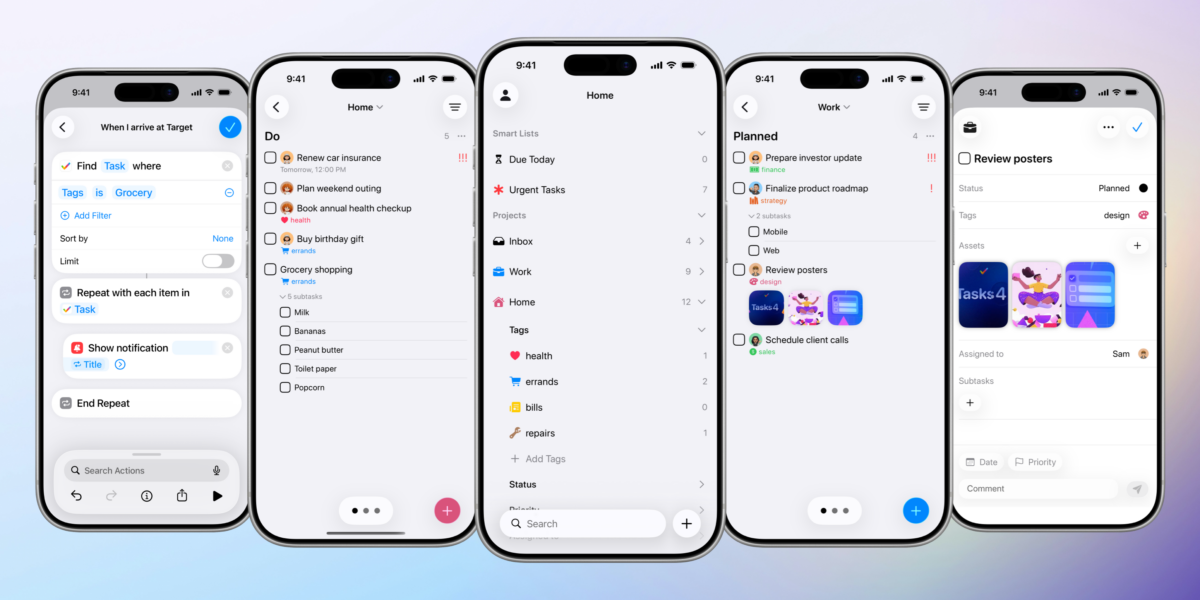
Tasks, the todo list & kanban app from developer Mustafa Yusuf, has added App Intents support to the app, providing a wide set of commands for projects, tasks, and the wide variety of “items” available in the app for managing your tasks.
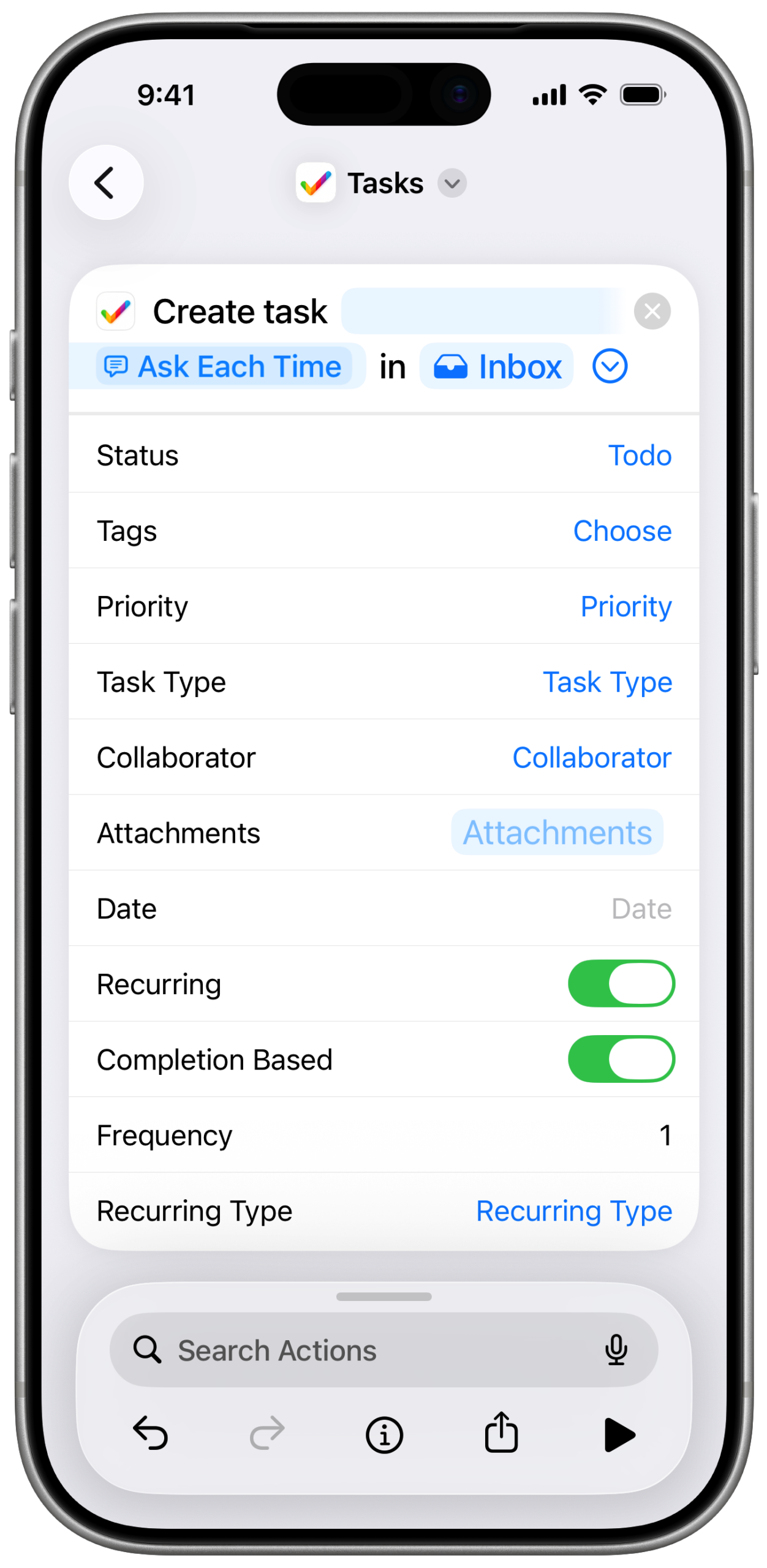
Grouped by type of action rather than type of content, Tasks’ actions allow you to create, delete, edit, find, get, and open all the available data types like lists, priorities, tags, comments, statuses, and so on.
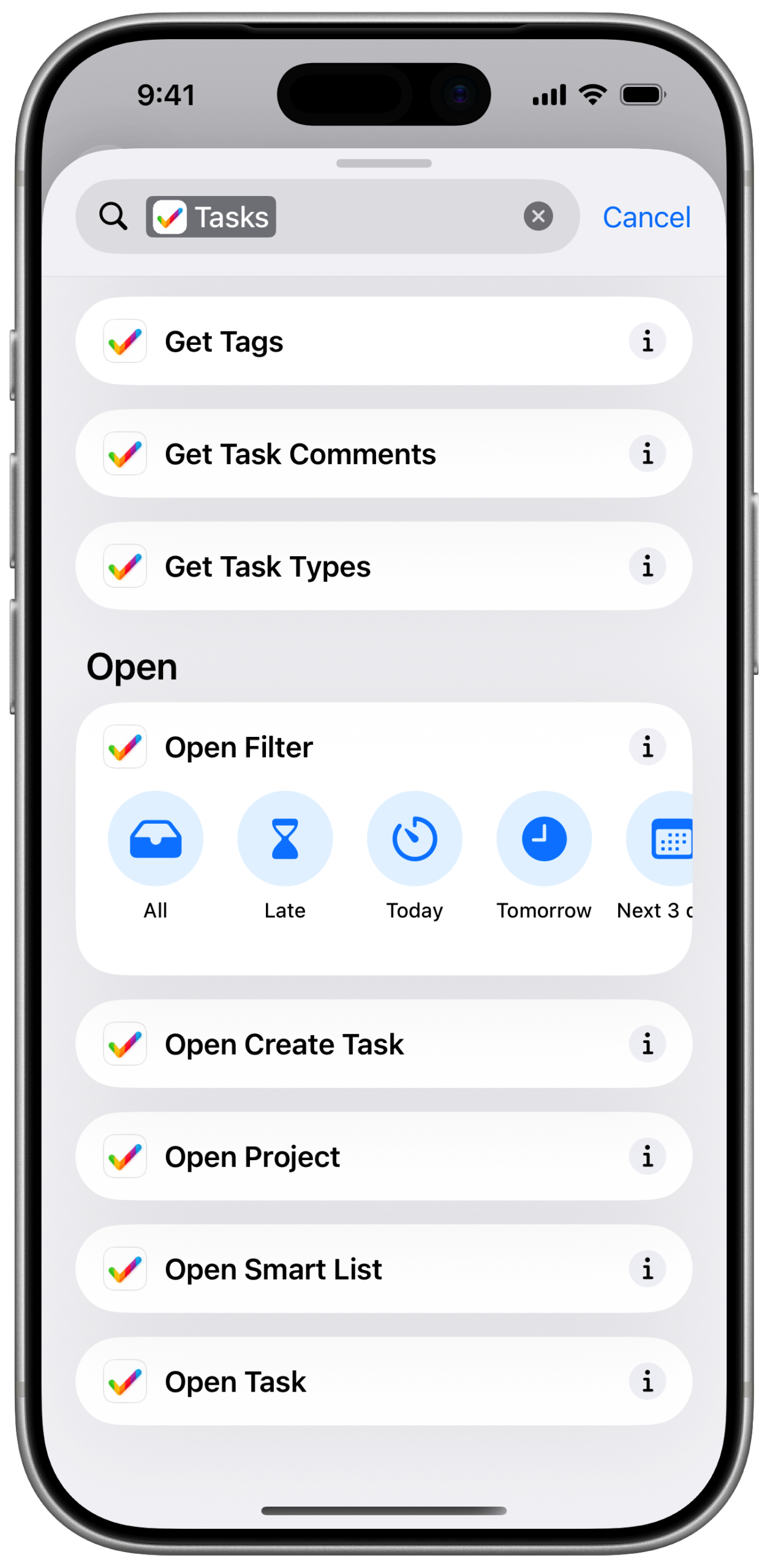
For actions like Create, Edit, and Open, Tasks also provides App Shortcuts support, generating per-type options automatically in Siri, Spotlight, and within the Action drawer in Shortcuts, making it easy to immediately set up or run an instance of that action for that type – you can Create a Task, Comment, and so on without having to specify each type again.
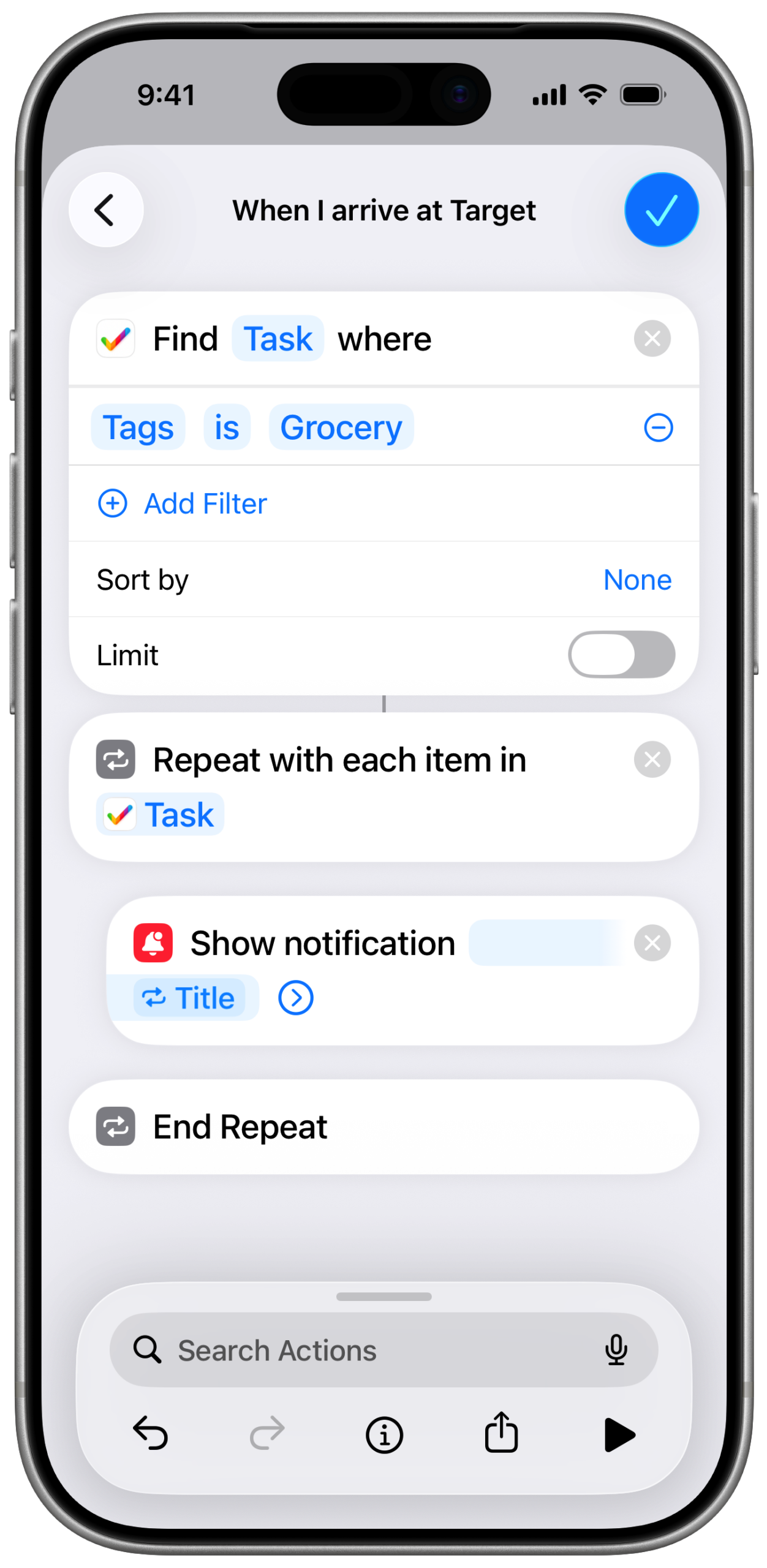
Exposing all this functionality to Siri, Search, and Shortcuts enables a wide set of possibilities with the app – here’s a set of automation examples from the developer:
- Location-Based Task Surfacing
When arriving at a grocery store, automatically show all tasks tagged “grocery.”
- Daily Task Dashboard
At the start of the day, automatically display all tasks due today.
- Automated Team Reminders
Send a message to a collaborator every day at 4 PM reminding them about overdue tasks assigned to them.
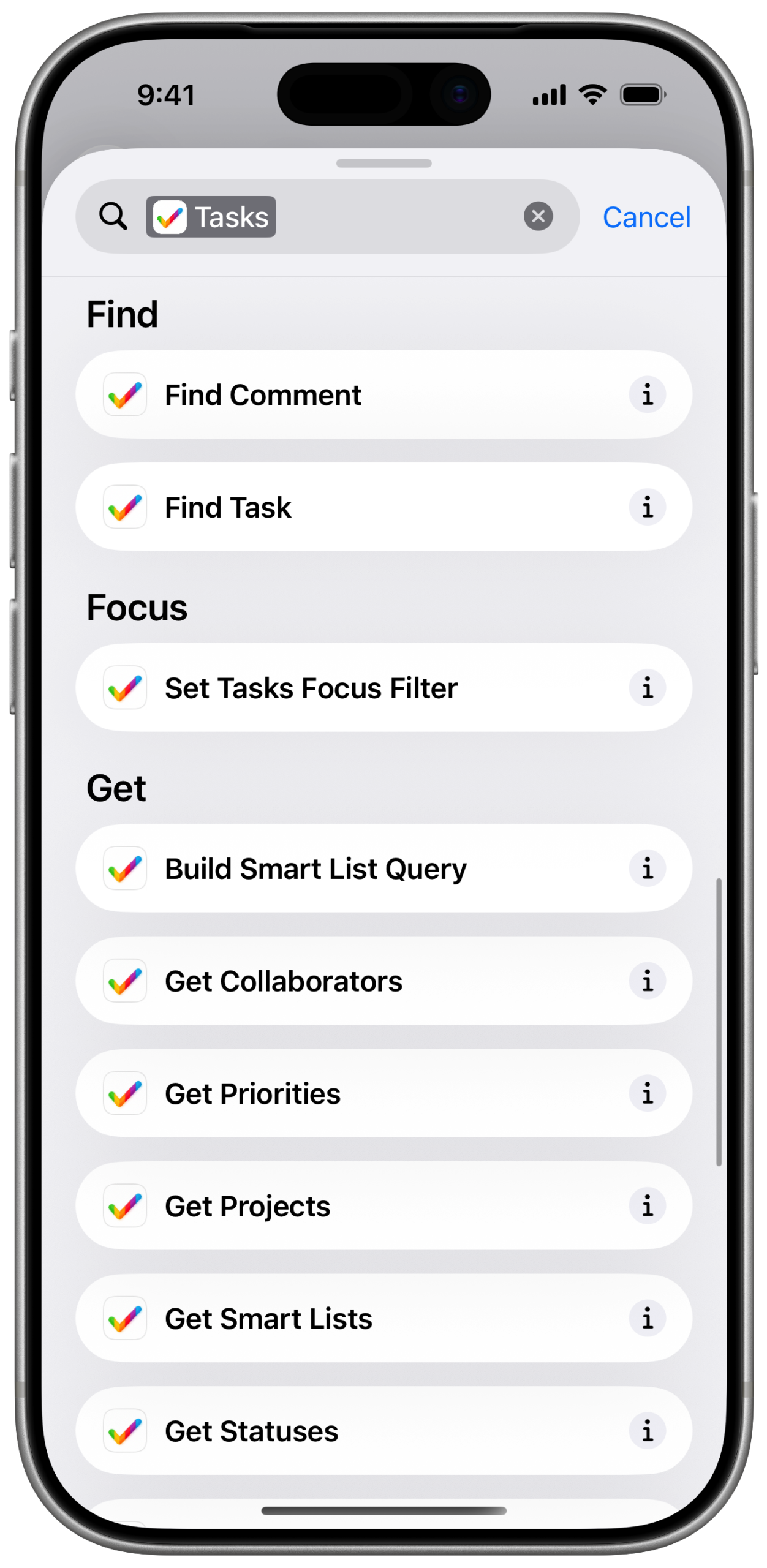
I do find grouping actions by type rather than the content a bit confusing since it doesn’t follow the idioms within Shortcuts – users/I tend to think in terms of what they’re working with, not the categorization of functionality. In my experience, action collections like these are hard to parse and it’s easy to not realize a dedicated function was available – you might not ever see the Get actions simply because it’s lower in the list. However, it does appear that the complexities of Tasks’ data model led to this decision, since it does create other downstream effects when designing your App Intents implementations (like what App Shortcuts functionality is available).
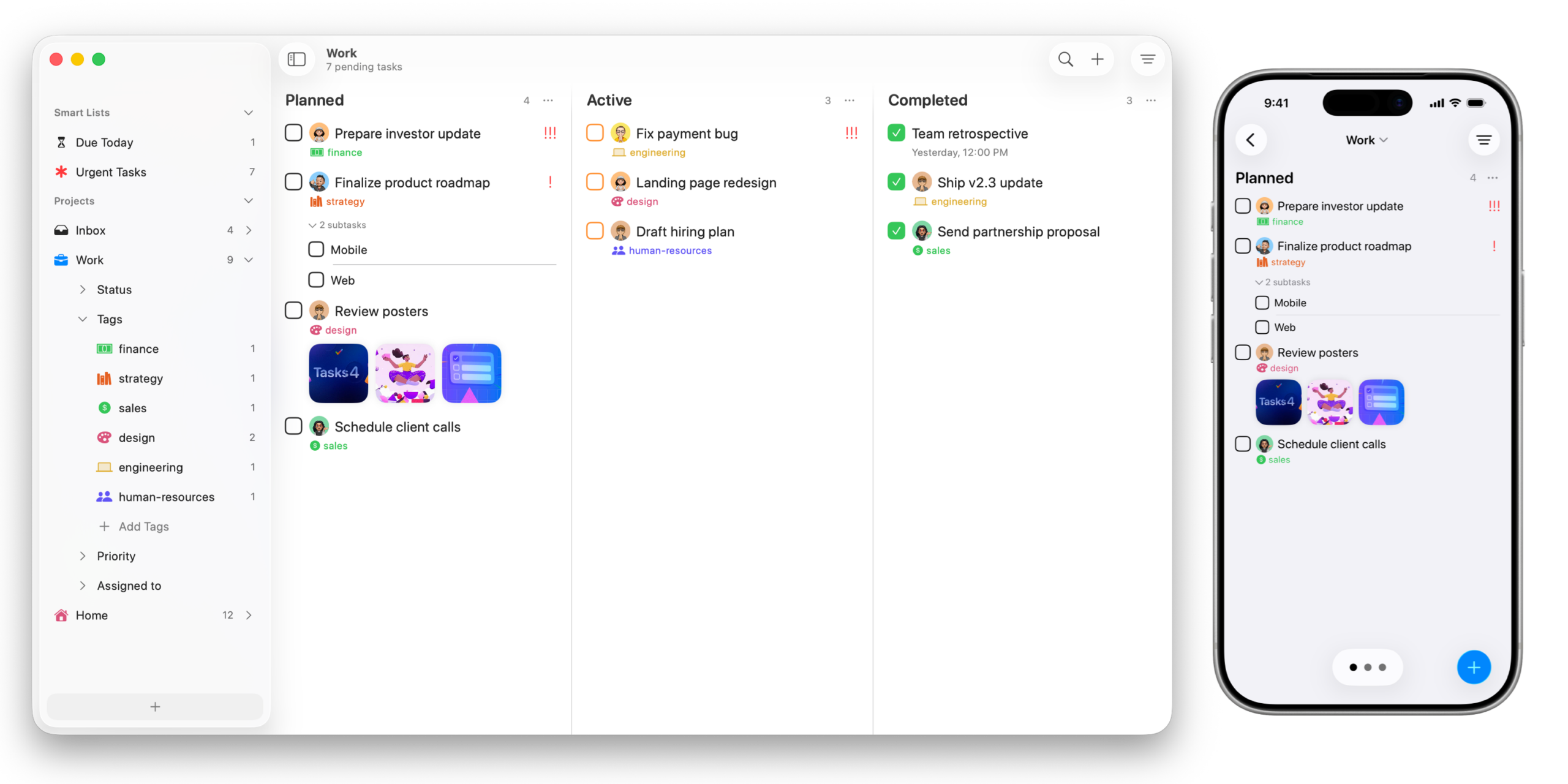
Tasks’ App Intents adds deep functionality for an already-complex app, so it’s great to see the depths of what’s available become automations so that power users looking to push the service further can scale their approaches the same way the app scales. I’d love to see Tasks push this integration further by categorizing by entity in future versions, as well as focusing on the higher-end design details of App Intents implementations once that base functionality is well-established.
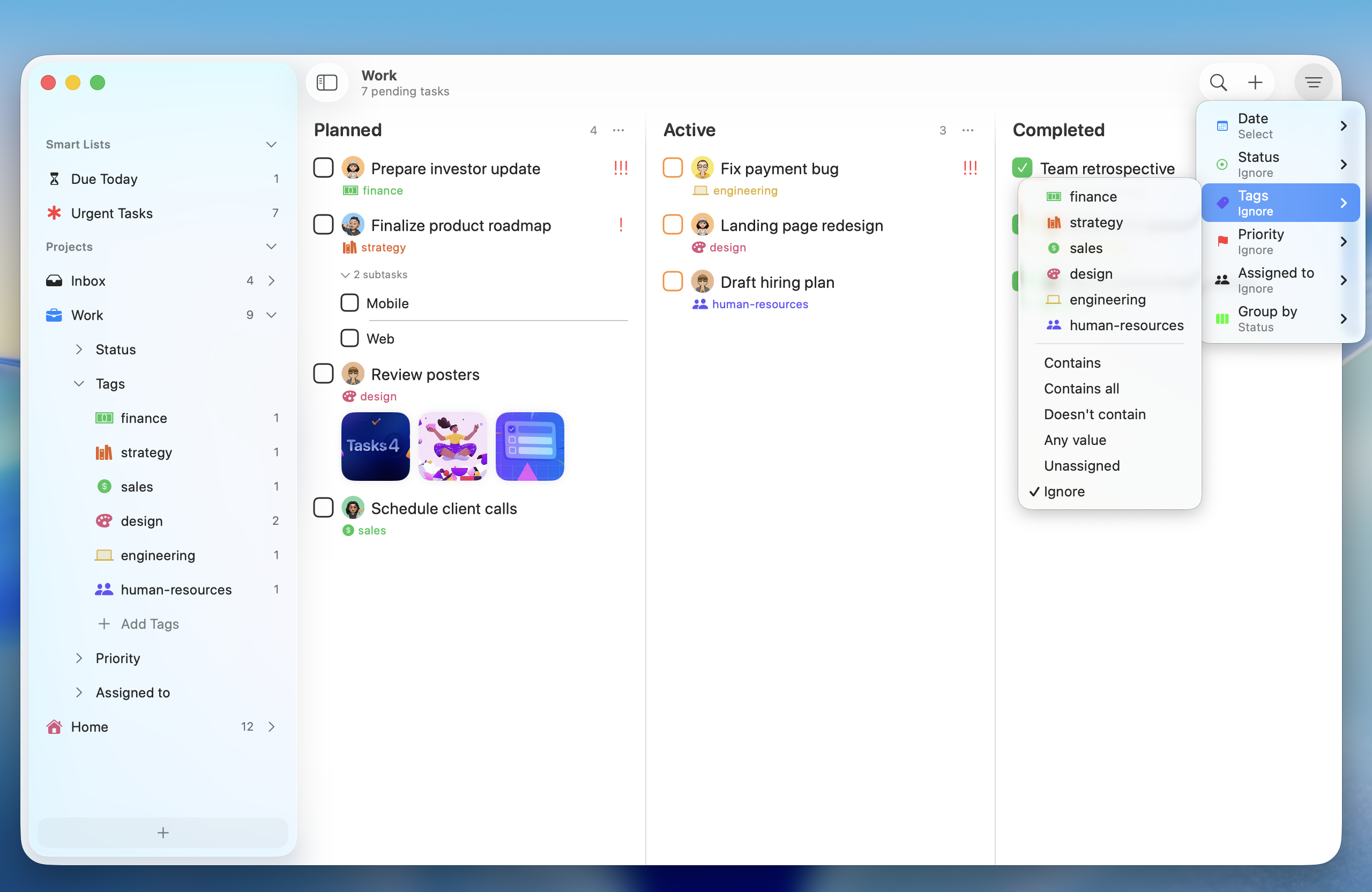
For me, apps like Tasks are so deep that I personally have to be able to use it all from Shortcuts, otherwise what’s possible for me is diminished compared what is already available within the app – a perfect App Intents implementation allows me to realize that full potential everywhere when I’m using my devices, not just within the app interface. Especially for productivity apps that are trying to fit into every corner of our lives, they have to fit into every corner of our increasingly automated digital lives too. Tasks has taken an incredible step in that direction, and I’m leaned forward in my chair.