My routine checklist shortcut on Rene Ritchie’s channel

My routine checklist shortcut on Rene Ritchie’s channel

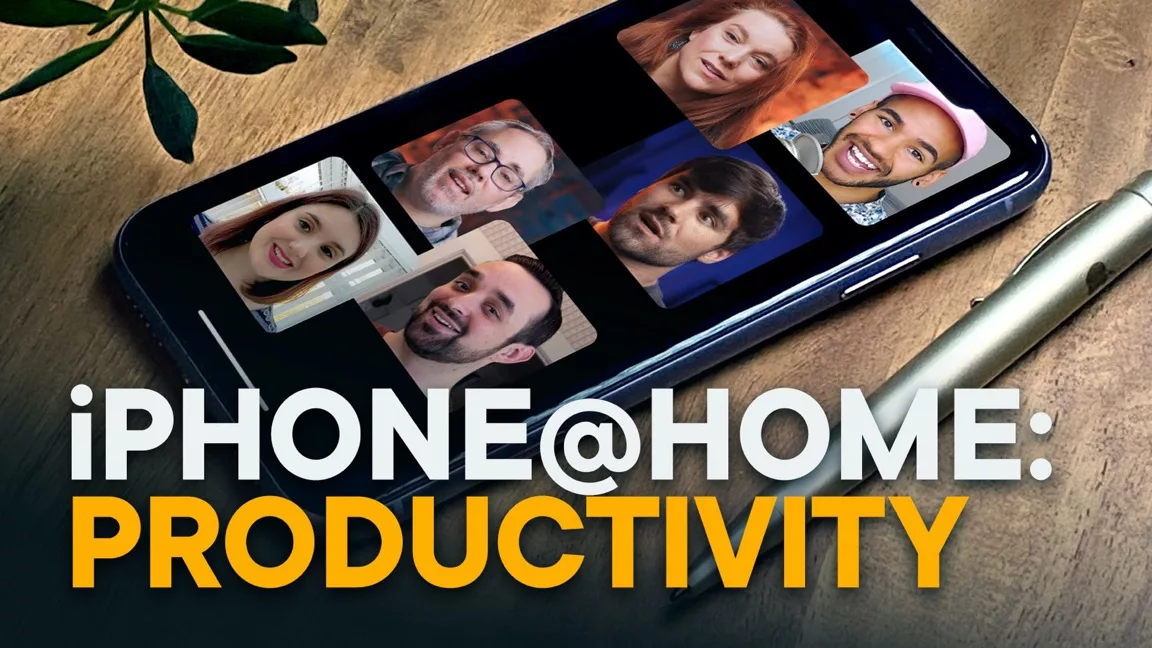
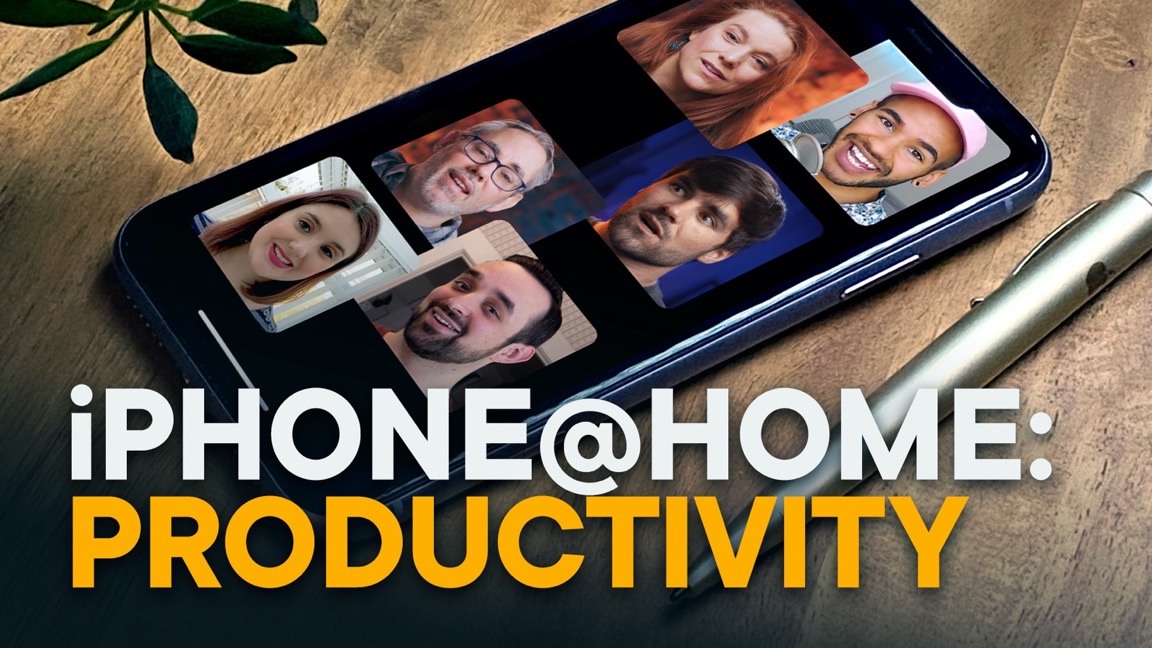
Rene Ritchie was kind enough to invite me onto his new channel along with some internet friends to talk about ways to stay productive with iPhone while stuck at home – here’s the video:
Play

I talked about my Routine checklist shortcut, which I’m using to pull from a series of checklists I just moved into a new app Data Jar.

Each gets added to Things as a single item with checklist attached, so I can keep up with my routine and mark things off as needed.

Here’s a shortcut with a blank checklist for you to fill out the data yourself, and get the main Routine checklist shortcut to use those lists regularly.

Make sure to watch the whole video for additional tips from my Smart Tech Today cohost Mikah Sargent, my automation pal Rosemary Orchard, Georgia Dow (senior editor for iMore) and Thomas Frank (creator/founder of Nebula)!

Plus, stay tuned to my RSS feeds for a detailed look at my routine checklists (and more on Data Jar too). ☺️
Posts You Might Like

How to Get a Custom Alert When Your iPhone Reaches Full Charge »
MakeUseOF has put together a guide for using Shortcuts to set up Personal Automations that go off when your phone is fully charged.
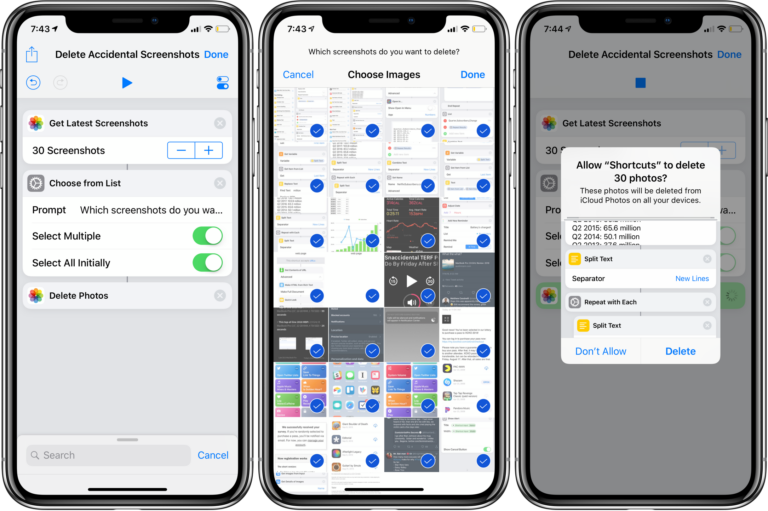
How to delete unplanned screenshots with Shortcuts
Do you find yourself taking tons of accidental screenshots on iPhone X or your Apple Watch? Of course there’s a shortcut for that!
30 Shortcuts Ideas for the Action Button on Your iPhone 15 Pro
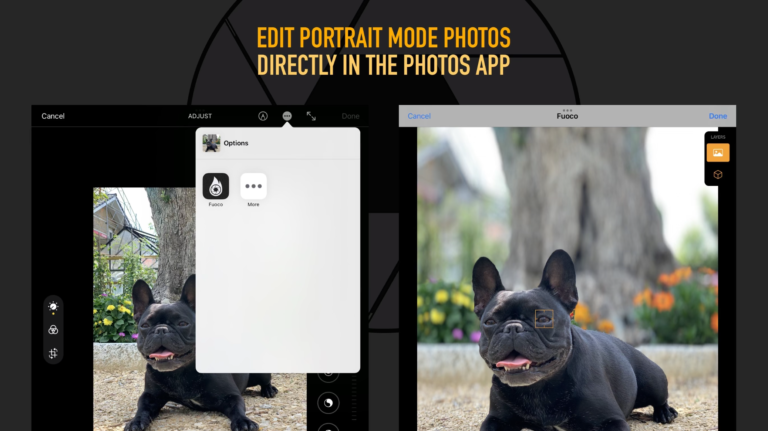
Fuoco lets you easily edit Portrait Mode photos »
If you've shot with Portrait Mode and want to change focus points—both in and out—Fuoco is the app for you.