16 ways to use Personal Hotspot with Shortcuts in iOS 16

I asked the Twitter community about Personal Hotspot — and made different Personal Automations for their responses.

Yours truly for iMore:

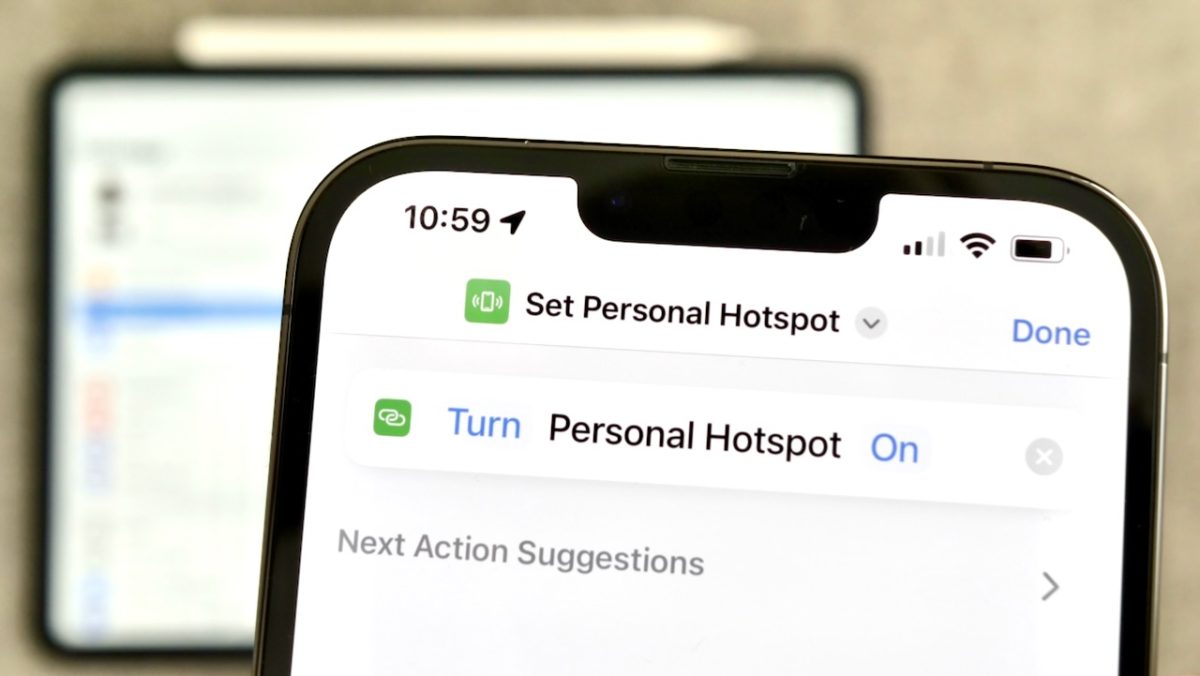
In the iOS 16 developer and public betas — and soon the full release — Apple has introduced a new action to the Shortcuts app to control the Personal Hotspot feature of the iPhone.

Personal Hotspot enables non-cellular devices to connect to your iPhone directly and utilize its cellular connection to provide Wi-Fi to your other devices. This works great for your favorite iPad or Mac, making it easy to utilize your bigger screen when out of the home or away from your main networks.

The addition to Shortcuts presents Personal Automation opportunities for discovering new situations you hadn’t yet thought of, building new workflows in particular locations, generally while traveling and in specific connectivity situations.

In this piece, I asked for Personal Hotspot ideas from the Shortcuts community, then took their responses and found the best Personal Automations in Shortcuts to get you started:
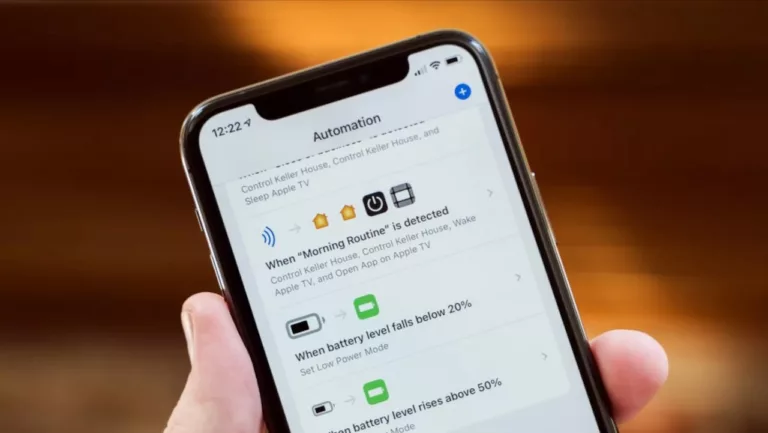
Read the full article on iMore.

Posts You Might Like

Shortcuts gains powerful Find Tabs action for Safari, more in second public beta
In my piece for iMore on iOS 16 public beta 2, I covered the new set of actions for Shortcuts that work with Safari, Mail, and Reminders.
What to know about the Siri Shortcuts beta
With about 2,500 words and 24 screenshots, I covered everything that’s new in the betas so far for iMore
Five apps Apple could automate to win over pro users
Apple's pro apps don't have enough Shortcuts support — here are suggestions for actions to add for each of them.
Why everyone should be using Share Sheet shortcuts
Running Shortcuts from the Share Sheet is one of the most powerful ways users can automate their workflows — here's how to best take advantage of everything the feature offers.