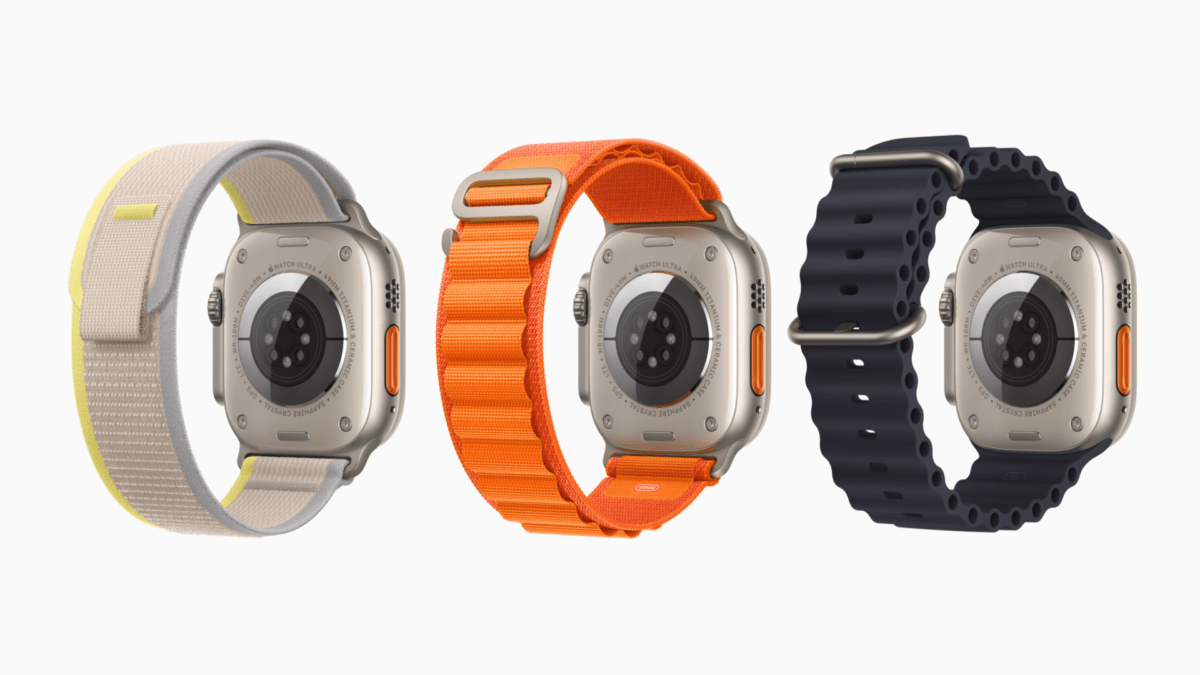
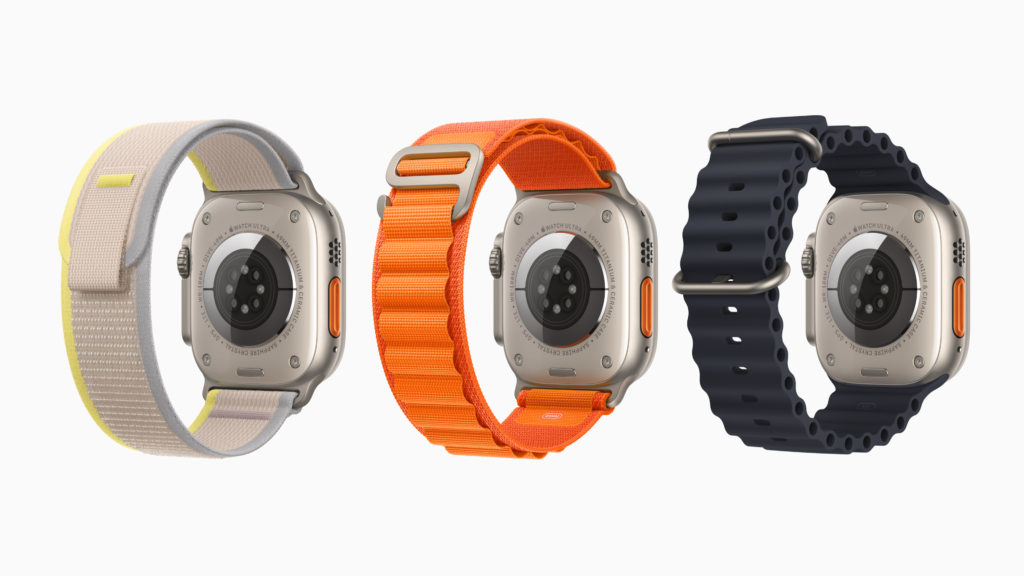
Today, the Apple Watch Ultra reviews dropped — and I’ve seen lots of coverage mention that the Action button can be set to run any shortcut.
This 9to5Mac article explains “What you can assign to the Action button, secondary actions, third-party apps” with a list of “Native options for the Action button can start/launch”:
- Workout
- Stopwatch
- Waypoint
- Backtrack
- Dive
- Flashlight
- Shortcut (from Shortcuts app)
- None
However, being able to use “Shortcut (from the Shortcuts app)” really means a lot more than that one line.
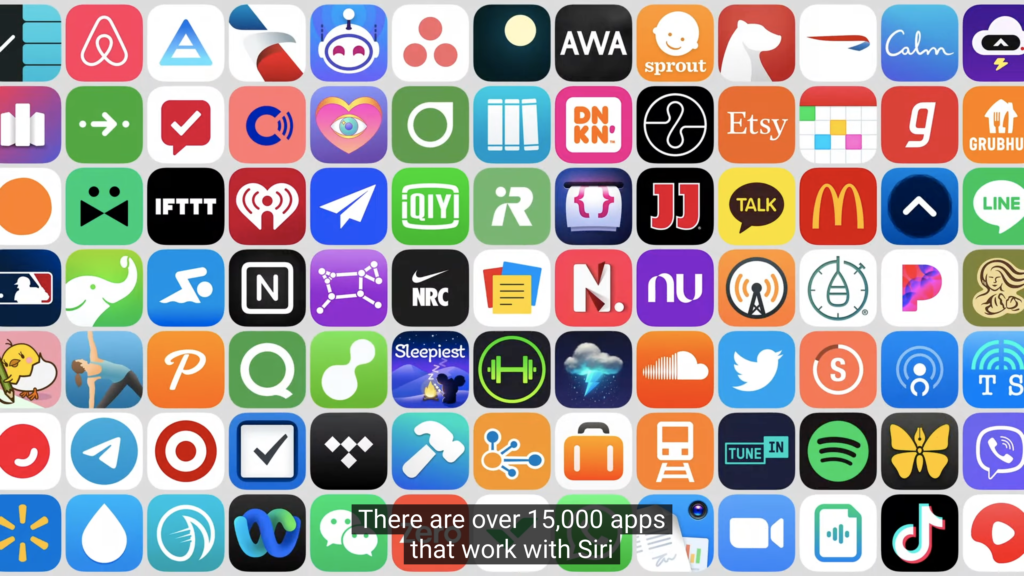
Back at WWDC ’22 during the keynote presentation, Apple’s Senior Director of Siri and Language Technologies, Robby Walker, said this line about the Shortcuts app (at ~0:16:30 in):
“There are over 15,000 apps that work with Siri using SiriKit and Siri Shortcuts.”
That means the Action button can be set to any shortcut using any of the:
• 15,000+ apps with Shortcuts support,
• 300+ native actions available for custom shortcuts,
• automatically-generated App Shortcuts from your apps
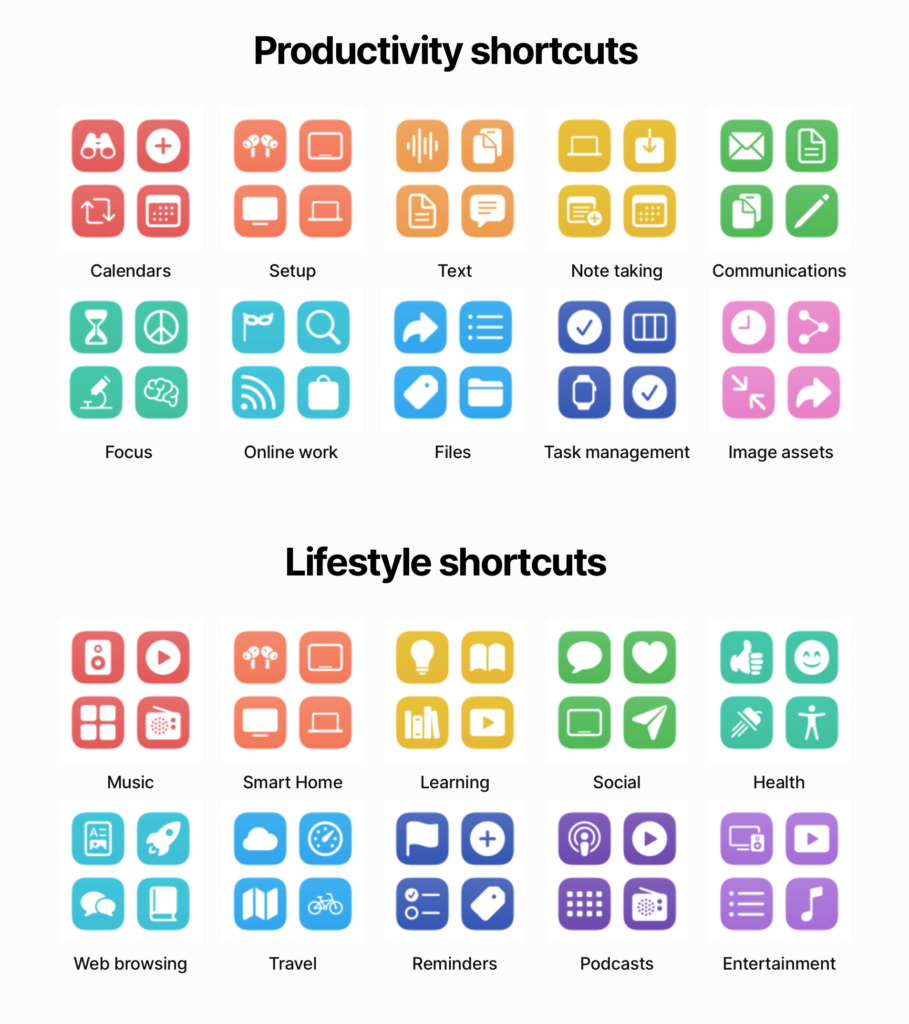
I’ve shared over 800 shortcuts myself in my Shortcuts Library, documented all 300 actions that Shortcuts users can build with in my Action Directory, and have extensive coverage of App Shortcuts so far in iOS 16 — there’s so much opportunity for that dedicated Action button.
As I’ll explain in an upcoming post, the Scripting actions in Shortcuts can also be used to make your chosen Action button shortcut fully dynamic. With a bit of setup in Shortcuts, you can program one shortcut to serve multiple purposes depending on the time of day, day of week, Focus mode, or any other condition that can be detected — sign up here for my newsletter to get updated once that post goes live.
I’m super excited to test this out and get my hands on an Apple Watch Ultra — I missed the preorder, however, so I suppose I’ll be outside my local Apple Store this Friday…