What’s New in Shortcuts – Issue 101

In this issue: Action button built for Shortcuts, iOS 17 apps and tips, quick shortcuts for social media and TV, and Apple's release notes.

From Issue 101 of my Shortcuts newsletter:

Welcome to Issue 101 of What’s New in Shortcuts!

Since the last issue in September, I’ve entirely moved from California to Oregon—hence the lack of regular issues as of late—while Shortcuts has gone pro in a big way as one of the main features of the new iPhone 15 Pro – the Action button.

I’ve collected a swath of Action button ideas from the community, shared a big set of apps that are updated for iOS 17, and released a whole new collection in the Shortcuts Library – including a massive new section for members.

Plus, for today only, there’s a special Cyber Monday discount on annual memberships – get your subscription locked in before the price goes up next year.

And, just to leave you with a teaser, I have my first set of Apple review units to cover soon – iPhone 15 Pro, M2 iPad Pro, and the OG Apple Watch Ultra… ?

Until next time, here’s what’s new in Shortcuts:
Read the full issue on MailerLite.

Posts You Might Like

Here’s how to automate iPhone’s always-on display (with Shortcuts) »
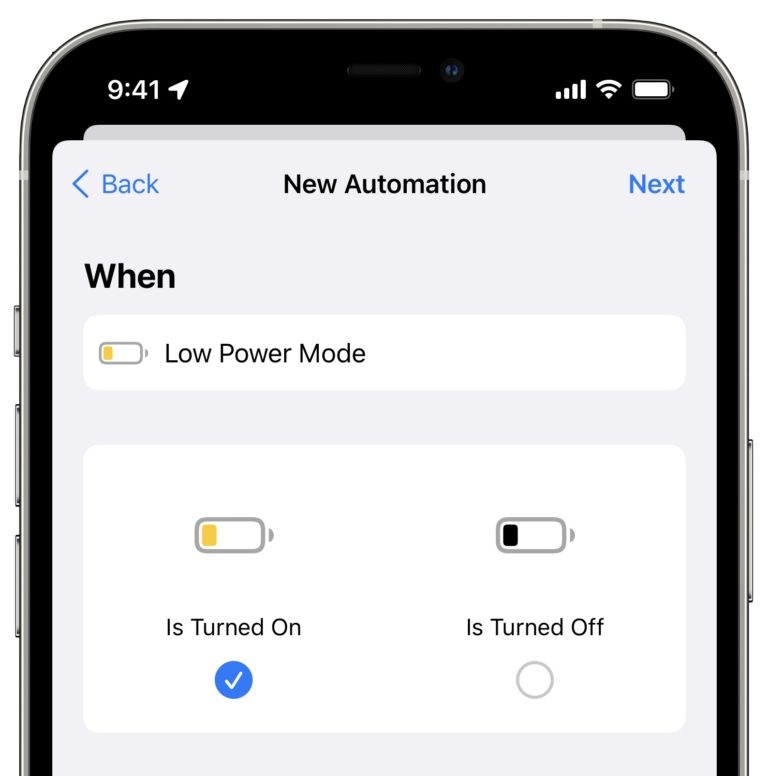
9to5Mac has a quick guide on automating the Always On Display for iPhone using Focus modes, the Shortcuts action, and—my addition—Automations.
What’s New in Shortcuts – Issue 105
WWDC is in two weeks, iOS 17.5 and new iPad Pros are out, and it's teaser season for Siri in iOS 18. Plus, a buncha shortcuts, of course.
Fantastical gets updated Shortcuts actions »
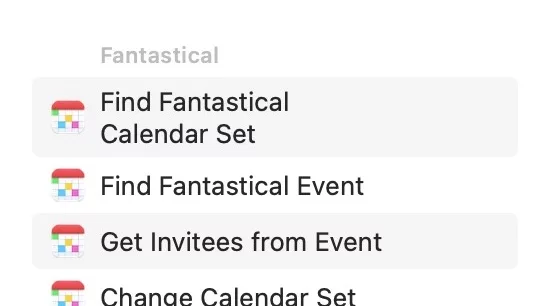
Fantastical has improved their Shortcuts collection, and Jason Snell has all the details on Six Colors.
John Giannandrea to retire from Apple »
Apple has announced a leadership transition, with John Giannandrea retiring and former Gemini lead Amar Subramanya will fill his AI role under Craig Federighi.