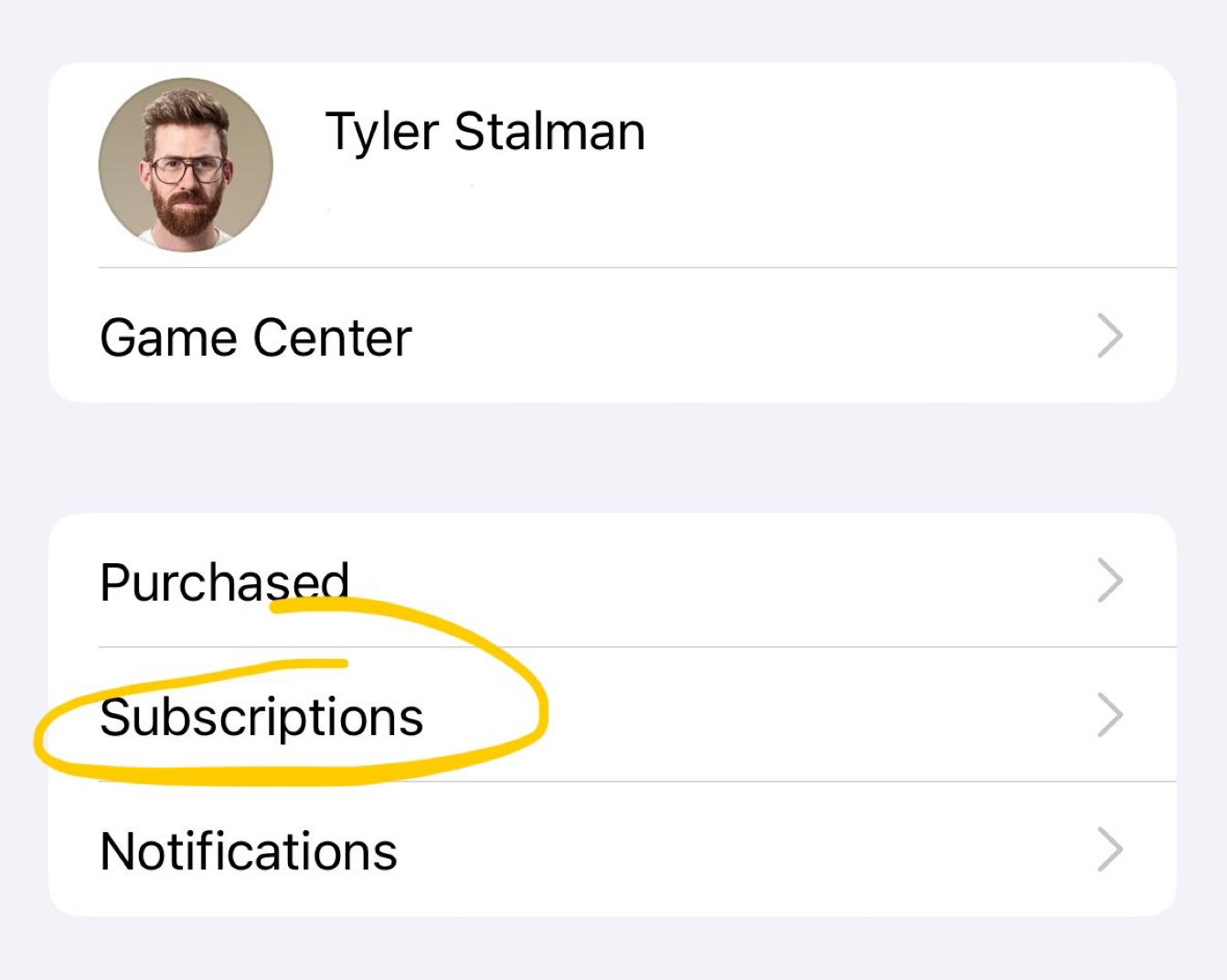
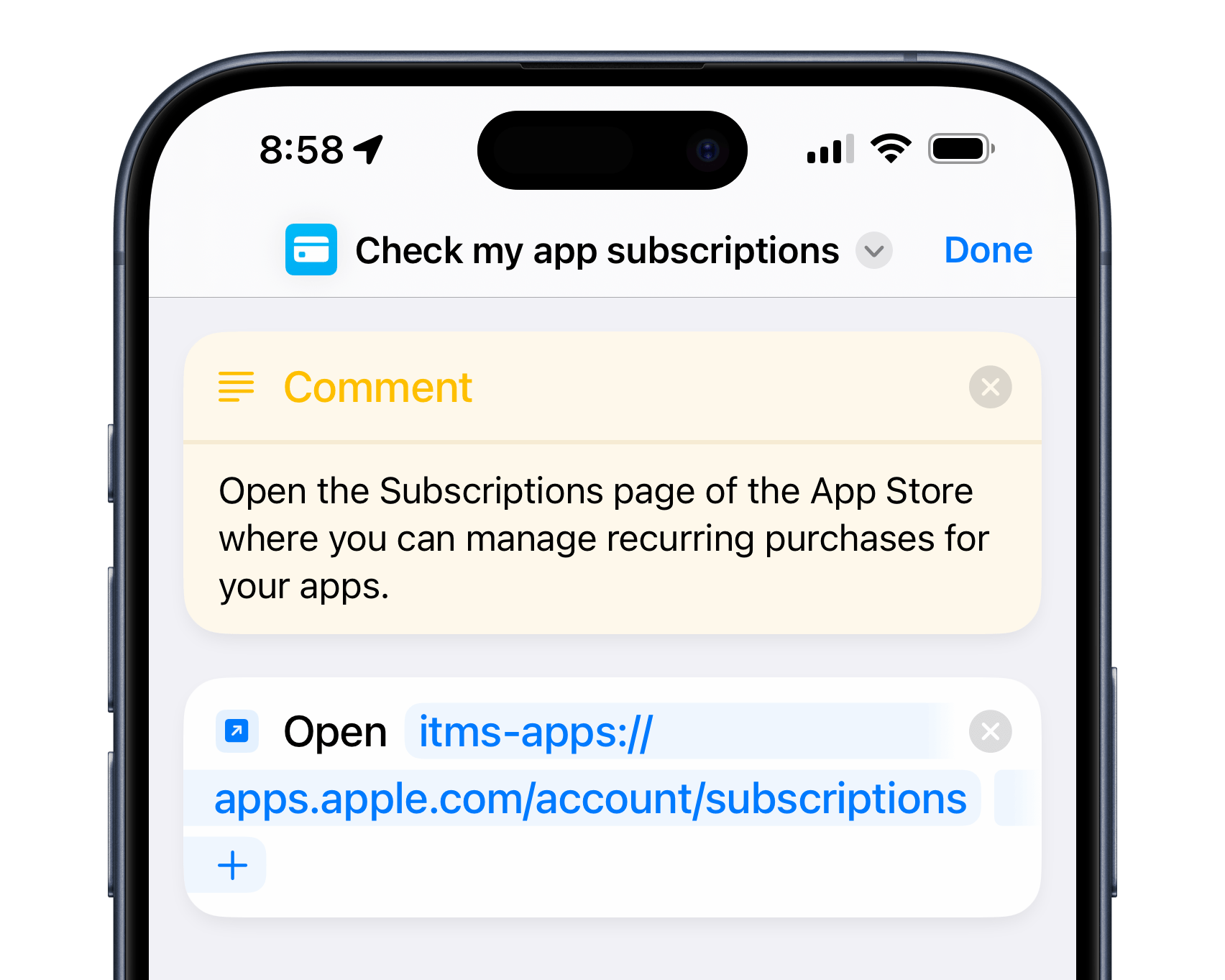
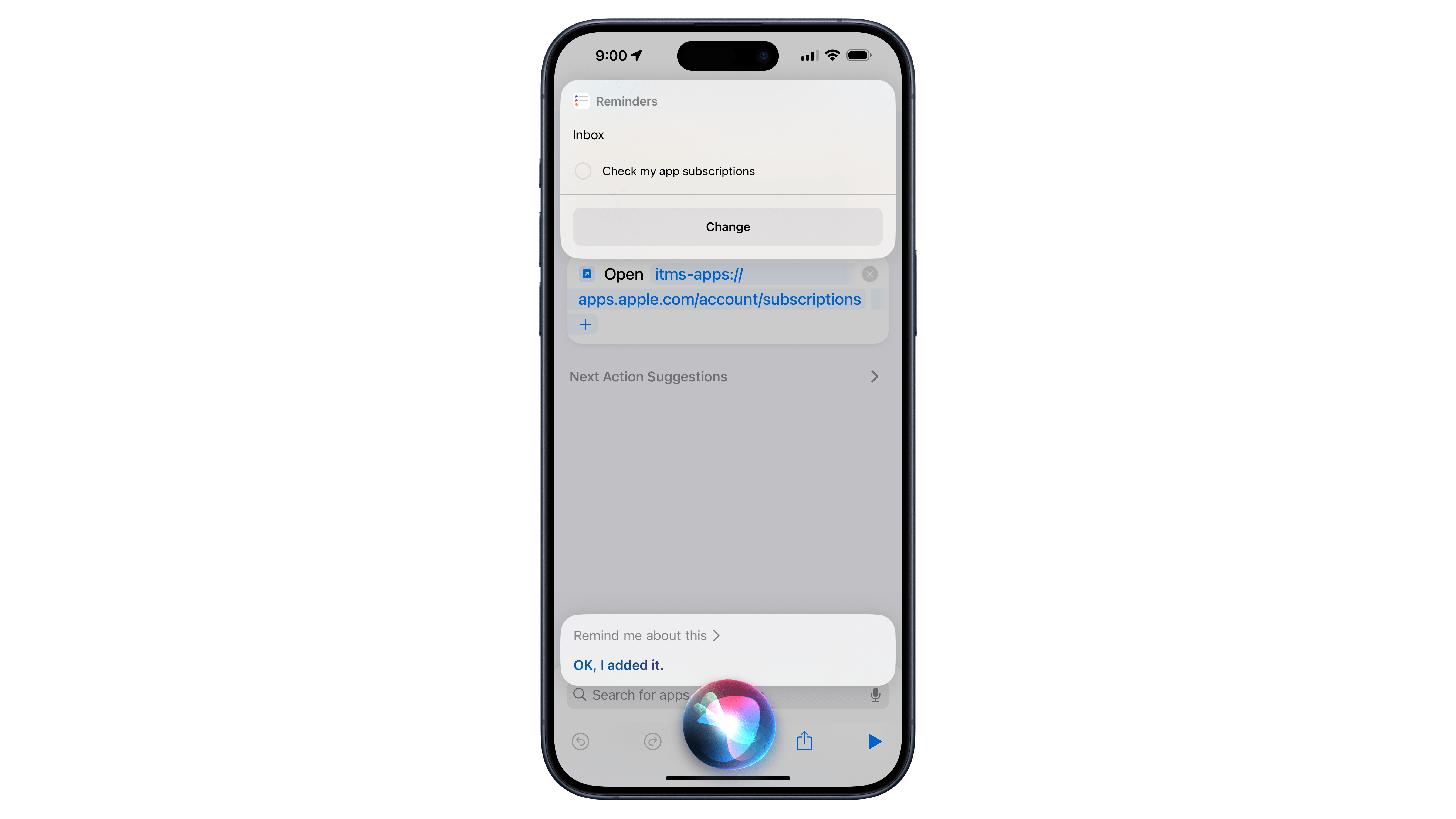
This shortcut uses a deep link into the App Store’s infrastructure, taking the URL itms-apps://apps.apple.com/account/subscriptions and opening the link using Open URLs. When run, Shortcuts opens the URL into the App Store page, showing your list of current subscriptions – including those trials you may have cancelled by default using Tyler’s method.
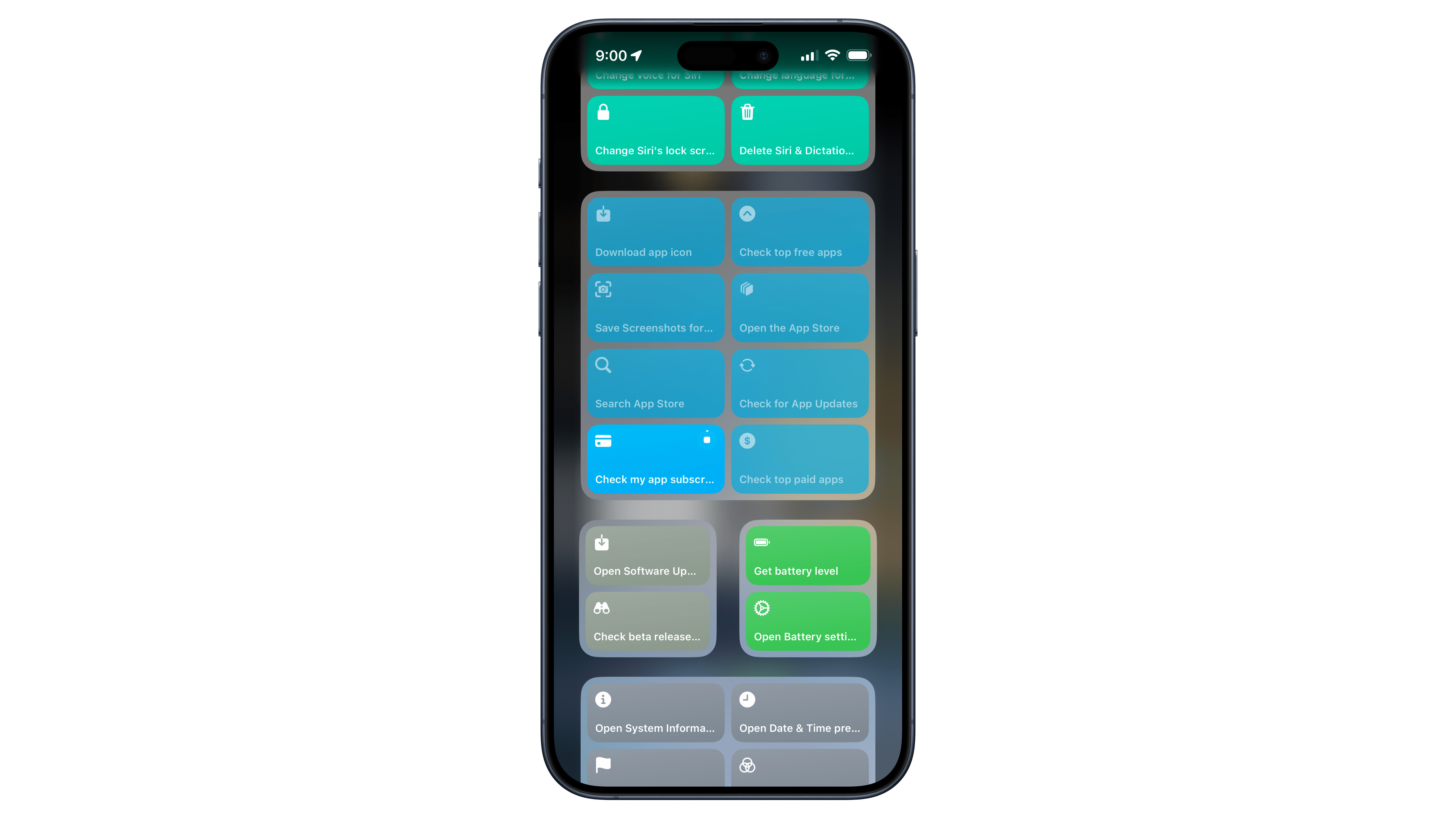
Once you have the shortcut in your collection, you can ask Siri using the name of the shortcut (which you can customize to your own preferred trigger phrase) and open right to this page at any moment. Or, you can keep it in an instance of the Shortcuts widget – I have mine in a small widget to the left of my Home Screen in a widget stack that I can rotate to when needed.
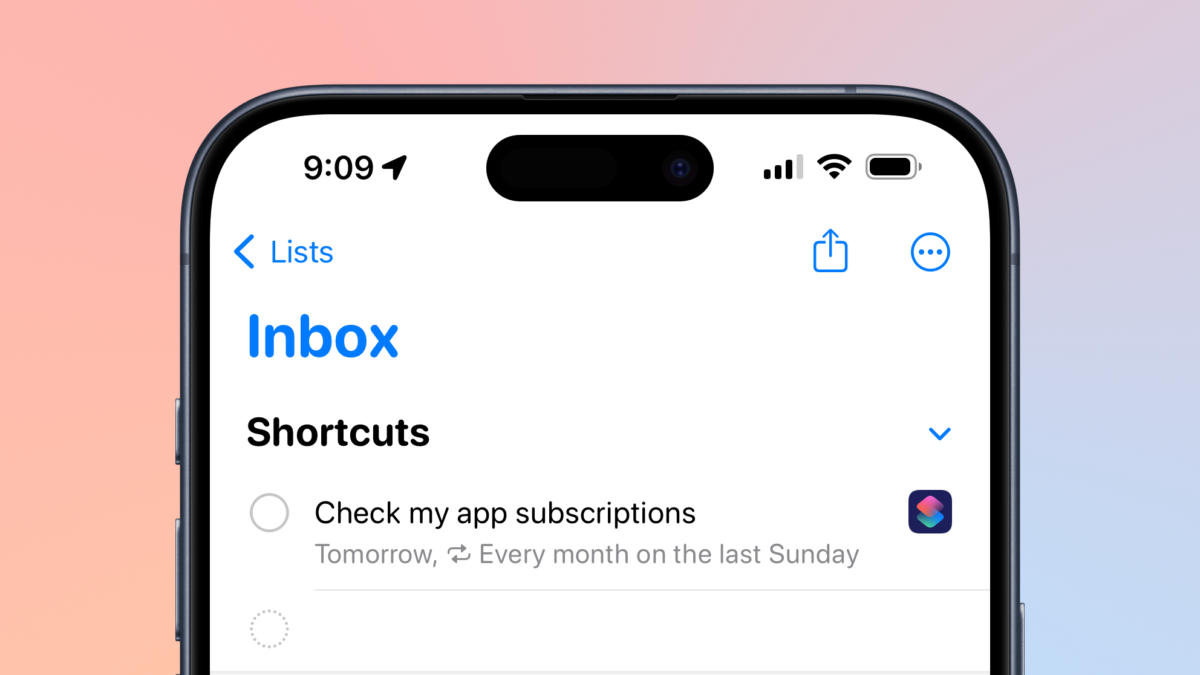
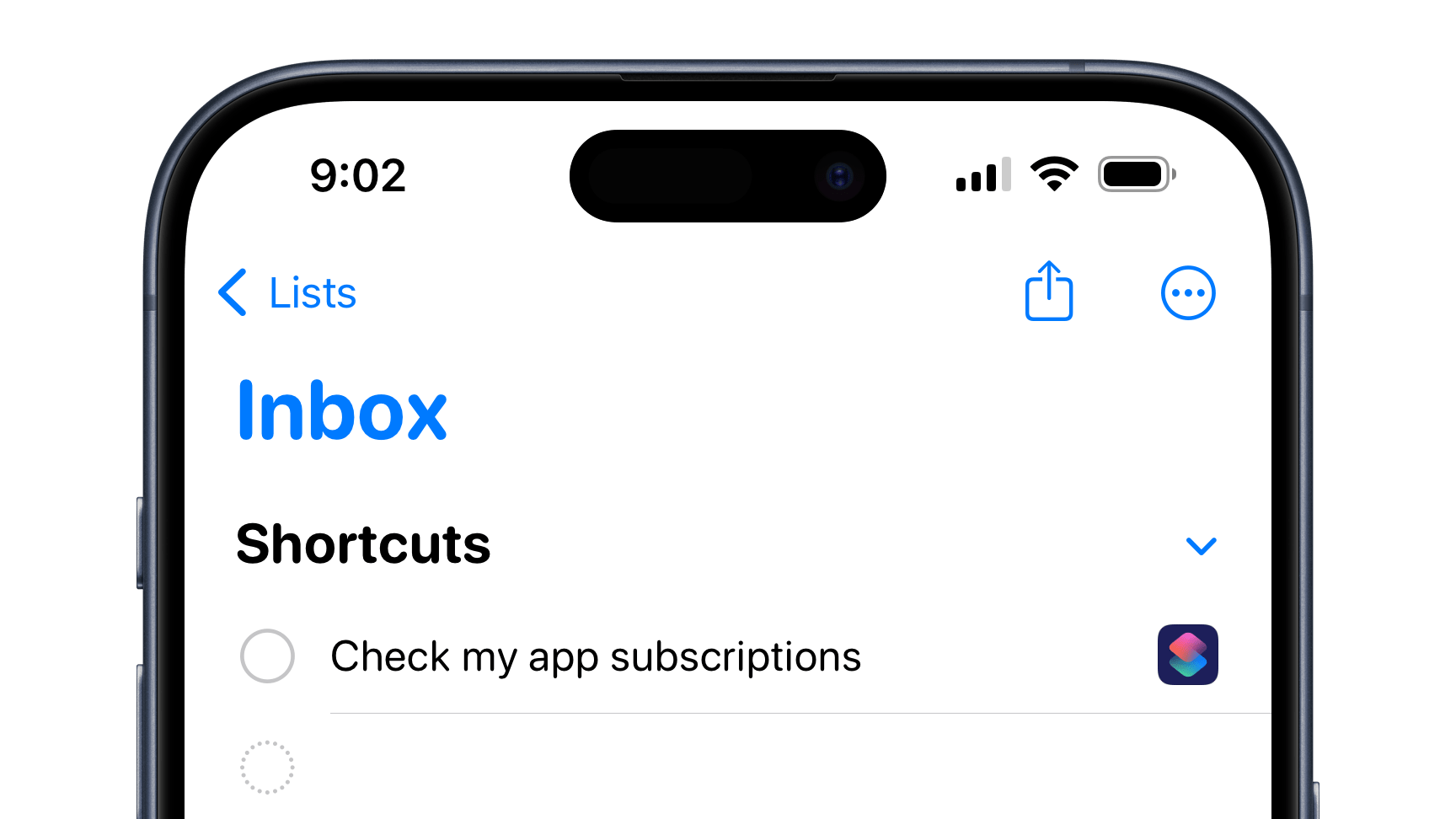
If you really want to stay on top of your subscriptions, however, I recommend using a little-known technique involving Shortcuts, Reminders, and Siri’s capability to “Remind me about this” – which you can use with Shortcuts to create a special button in your new reminder that, when tapped, opens Shortcuts and runs the shortcut.
With my “Check My App Subscriptions” shortcut open, you can ask Siri to “Remind me about this” (and even “Remind me about this once a month”) to create the special reminder.
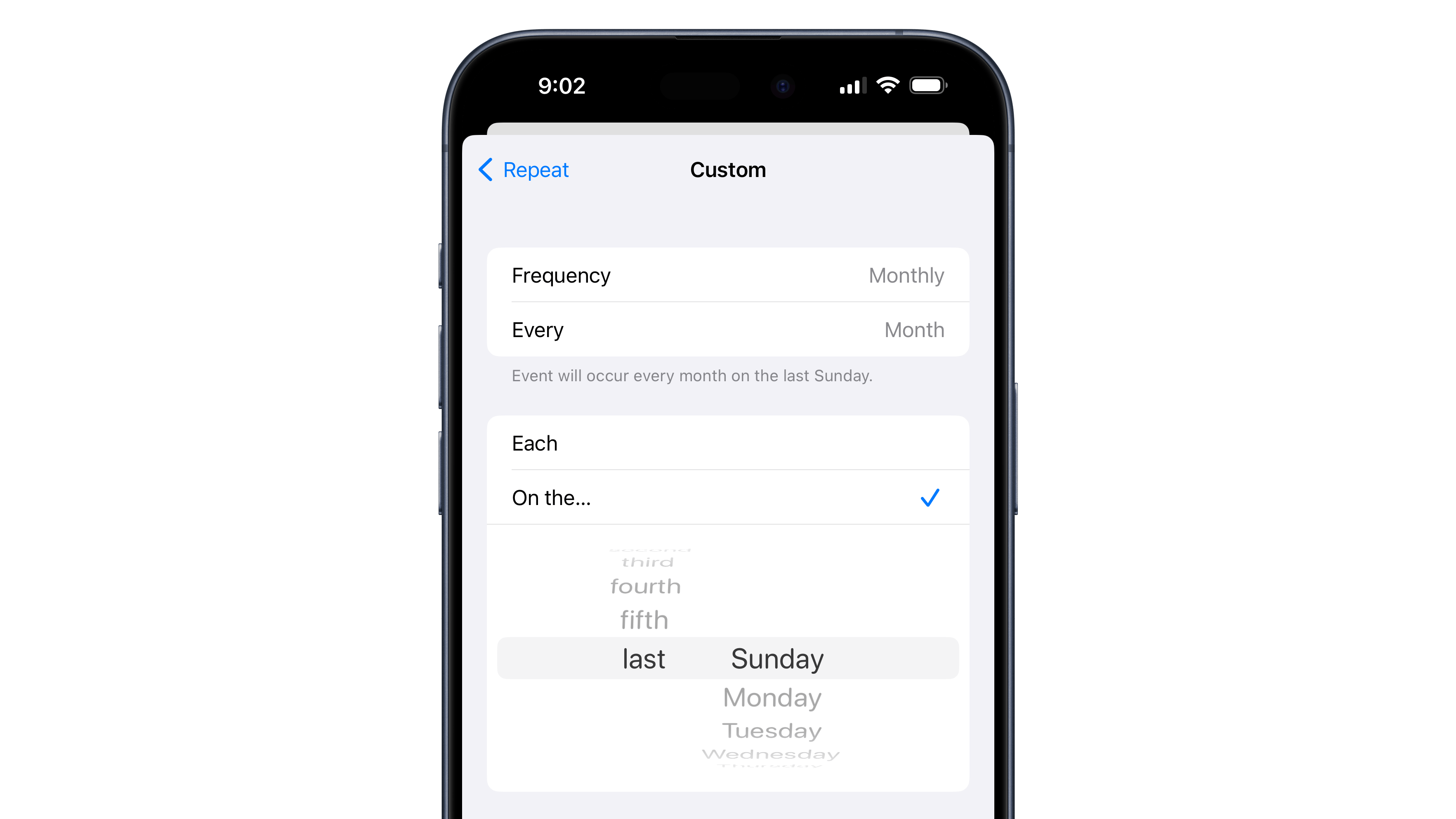
Then, you can customize the details like putting it in a different Reminders list or making the reminder repeat on a schedule – once on the weekends, or monthly on the 15th or the last Sunday are good starting points.