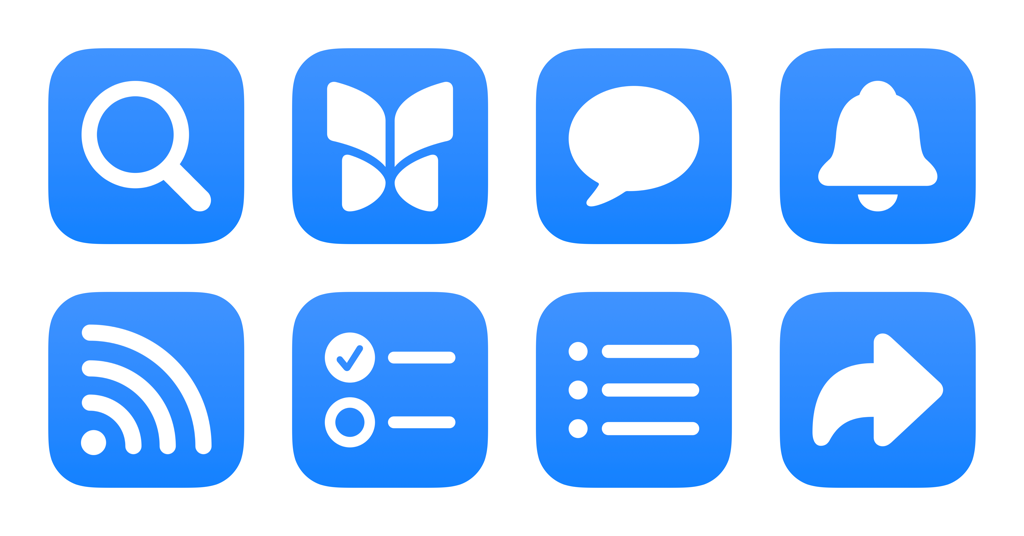
I’ve just added a new folder to the Shortcuts Library — my set of Bluesky shortcuts for accessing the different parts of the Bluesky social network.
Use these to switch to different tabs in the app or on the web, access your Lists, and open any profile:
- Open Bluesky Search: Opens the Search page on Bluesky where you can enter your query, find suggested accounts, and discover new feeds.
- Open Bluesky Home: Opens the Home feed on Bluesky so you can see your Discover & Following feeds, plus any pinned Lists.
- Open Bluesky Chat: Opens the Chat tab of Bluesky so you can see your messages, start a new chat, and change your chat settings.
- Open Bluesky Notifications: Opens the Notifications tab of Bluesky so you can see mentions, follower requests, and engagement such as likes and reposts.
- Open Bluesky Feeds: Opens to the Feeds tab of Bluesky, showing My Feeds and the Discover New Feeds section.
- Open Bluesky Lists: Opens the Lists tab of Bluesky, showing your user-created lists and letting you create a new one.
- Open from my Bluesky lists: Given a dictionary of Bluesky List names and unique IDs (from the URL), this prompts you to choose from your lists and opens it to the feed view.
- Open my Bluesky profile: Using your username, opens the link to your profile on Bluesky.
- Open my Bluesky followers: Using your Bluesky username, opens the link to your Followers list.
- Open my Bluesky following: Using your Bluesky username, opens the link to the list of people you are Following.
- Open a profile on Bluesky: Using a given username, opens the link to any profile on Bluesky.
- Open Bluesky settings: Opens Bluesky to the Settings tab, letting you manage multiple accounts, change basic settings, and adjust advanced account settings.
Check out the folder of Bluesky shortcuts on the Shortcuts Library and follow me on Bluesky.