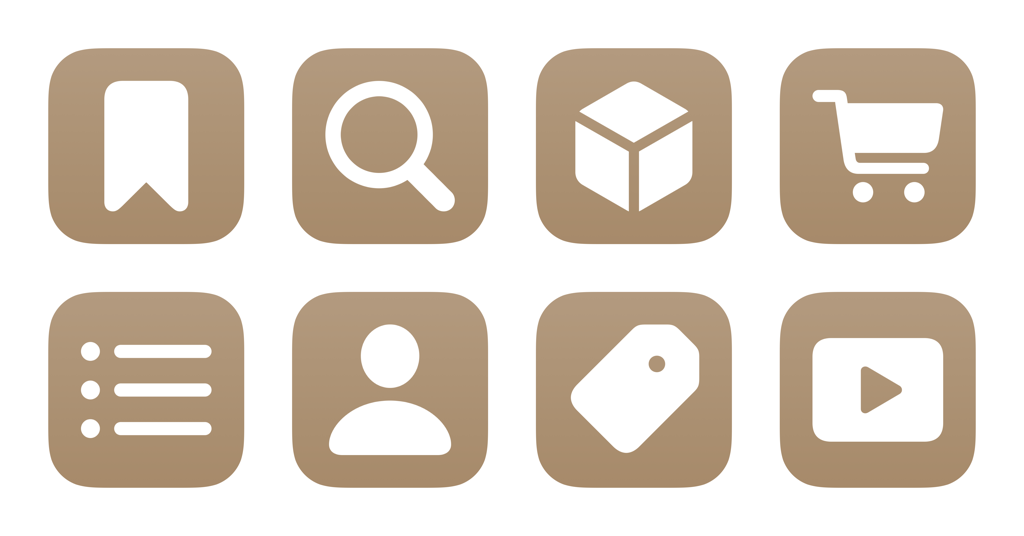
I’ve just added a new folder to the Shortcuts Library — my set of Amazon app shortcuts for launching into Amazon’s iOS and iPadOS apps using the native actions provided by Amazon.
These are automatically available as App Shortcuts if you have the Amazon app; I made these so standalone versions are available, and you can use these to add them to your Shortcuts widget:
- Show Amazon home: Opens the Amazon homepage, which redirects to the main page of the app when opened on mobile.
- Launch Amazon to Search: Opens the Amazon app to the Search field, bringing up the keyboard automatically so you can type your query right away.
- Open my Amazon orders: Opens the Amazon app to the Orders page so you can track upcoming packages, search through past deliveries, and start a return.
- Open my Amazon cart: Opens the Amazon app to the Cart tab so you can what you’ve added so far, check the subtotal, and find items saved for later.
- Show my Wish List on Amazon: Opens the Amazon app to your main Wish List within the Your Lists view.
- Show my Amazon account: Opens the Amazon app to Your Account so you can see previews from categories like Your Orders, Buy Again, Keep Shopping For, and other account details.
- Open Today’s Deals on Amazon: Opens the Amazon app so you can find Today’s Deals in the For You, Lightning, and Can’t Miss offers categories.
- Show Amazon videos: Opens the Amazon app to the Inspire tab, where you can watch videos from Amazon creators about products related to you.
- Buy Again on Amazon: Opens the Amazon app to the Buy Again section where you can repurchase past orders, check Subscribe & Save options, and filter by Deals, Favorite Reorders, and “Get it with fast delivery.”
- Show my In-Store code: Opens the Amazon app to the In-Store Code that can be scanned for deals at Whole Foods, Amazon Fresh, and Amazon Go stores.
- Show Amazon Lens: Opens the Amazon app to the Amazon Lens, where you can use your camera to scan barcodes and find pantry, health, & beauty products.
- Show Amazon Fresh: Opens the Amazon app to the Amazon Fresh page where you can order groceries for local delivery.
- Show Whole Foods on Amazon: Opens the Amazon app to the Whole Foods Market page where you can find and order food from your nearby store.
- Show Amazon Pharmacy: Opens the Amazon app to the Pharmacy page where you can find medications and refill prescriptions.
Check out the folder of Amazon app shortcuts on the Shortcuts Library.