Dictate To Poke with the Action Button on Apple Watch Ultra »

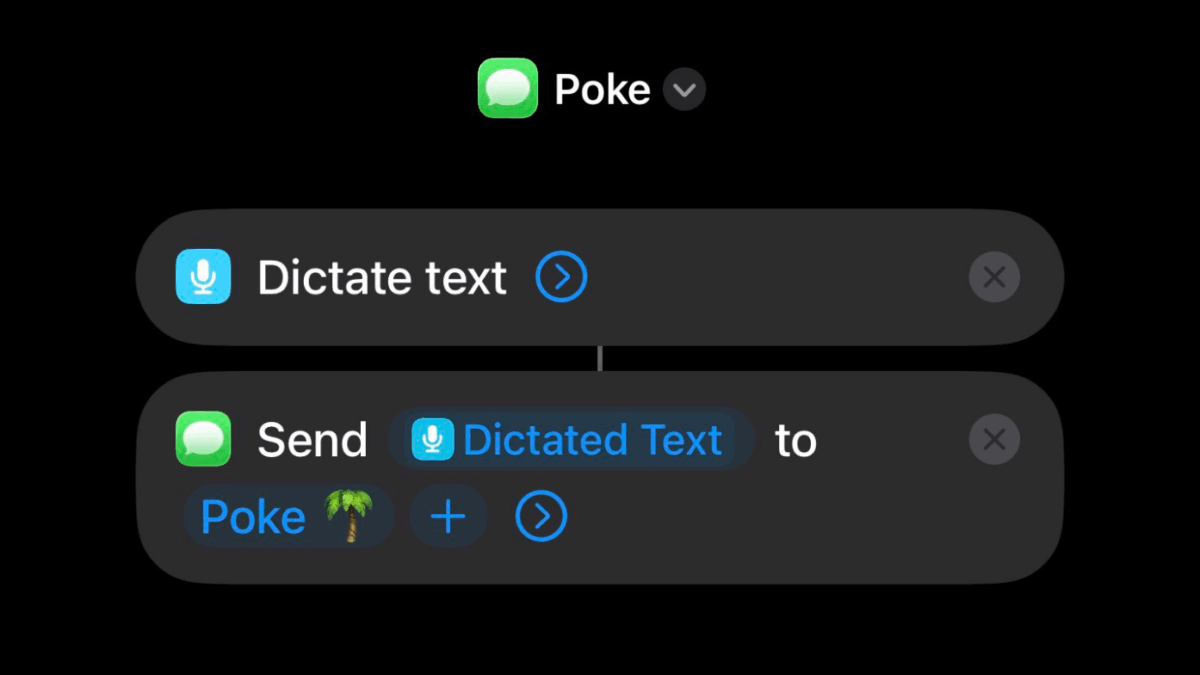
Eli Kia shared his shortcut for the Poke assistant from Interaction – a simple Dictate Text + Send Message shortcut designed for the Action Button on his watch.
Dictate To Poke with the Action Button on Apple Watch Ultra »

From Eli Kia, GP at Fortify VC:

My @interaction Poke shortcut for Apple Watch Ultra’s action button.

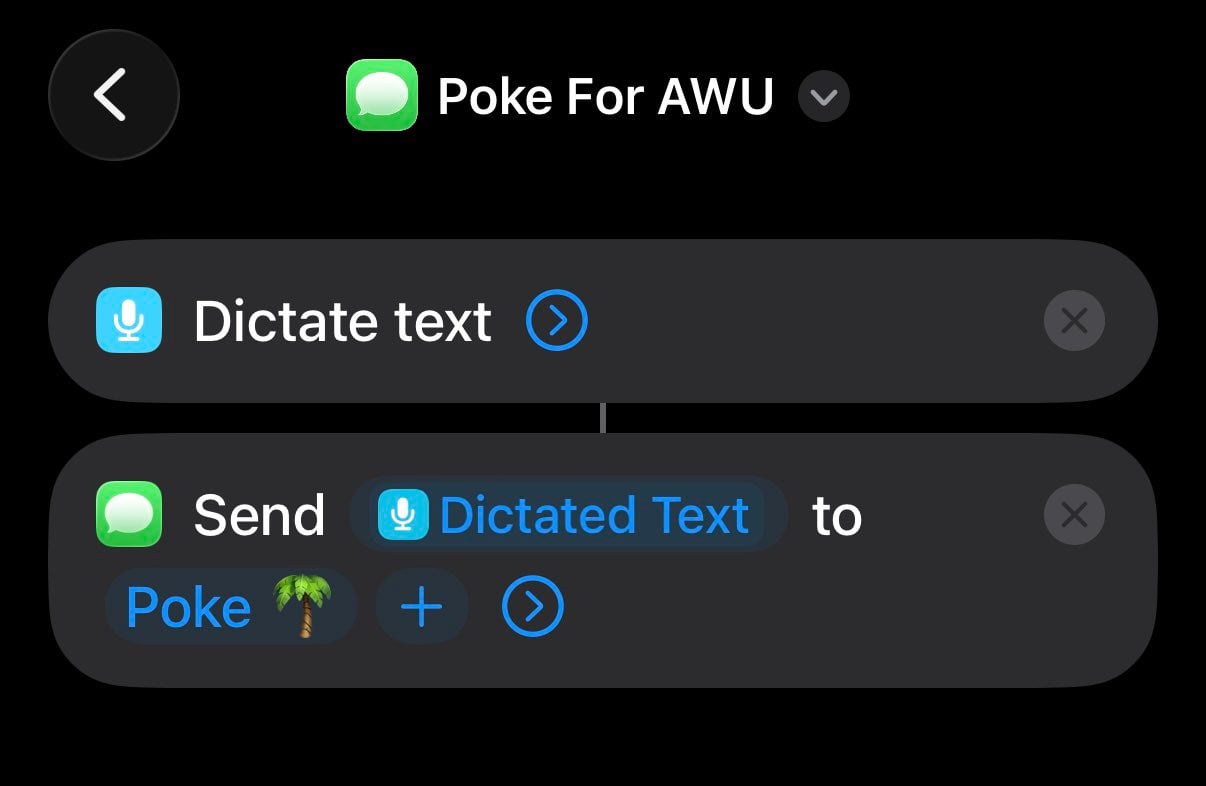
Dictate Text + Send Message – nice & simple, and a neat use of the Action Button (on either iPhone or Apple Watch).

For anyone who doesn’t know, Poke is “your proactive AI assistant that turns your emails into action” and is known on X for their AI’s cheeky-but-well-done personality as well as smooth integrations.

There are new Find Conversation and Find Messages actions for Shortcuts that I haven’t seen anyone play with yet – those could be an interesting addition to this workflow.

Also the Messages automation could be fun – you could flash the lights when you get a Poke message, for example.1
View the original on X.

  1. These are expanded notes from my quote tweet. ↩

Posts You Might Like

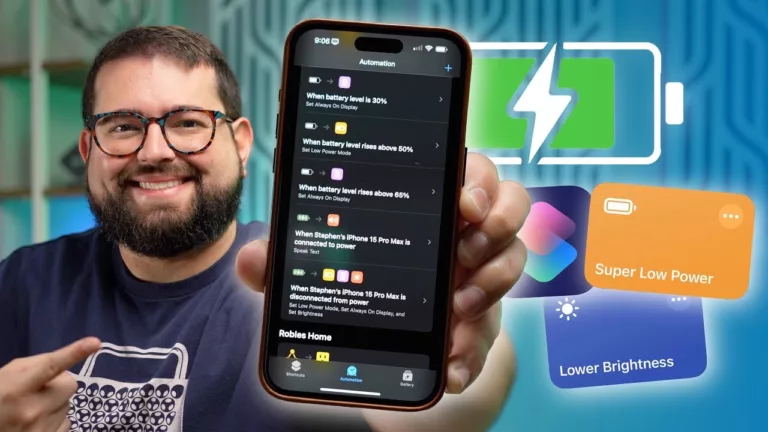
10 Shortcuts to Save your iPhone Battery »
Stephen Robles shared these great shortcuts and automatinos for interacting with your device's settings for managing battery life.
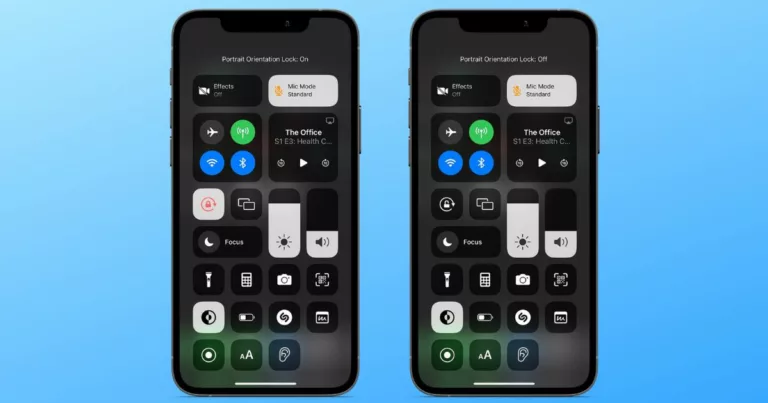
How to Enable iPhone Orientation Lock for Specific Apps »
The folks at MacObserver have put together a guide for how to set up App automations that control Orientation Lock – check it out.
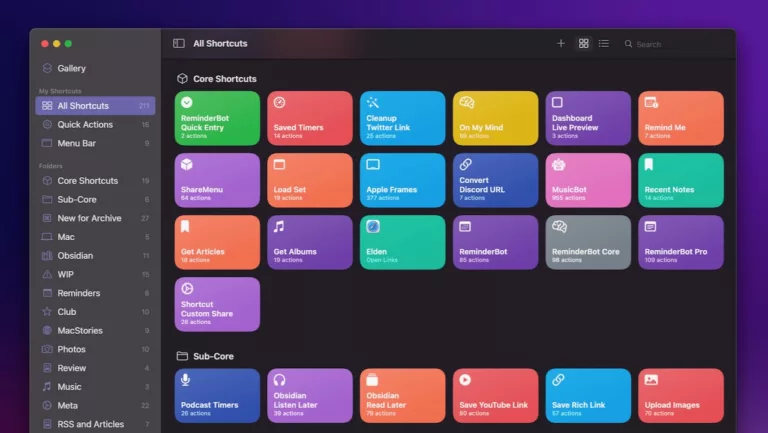
8 Tips for Optimizing Shortcuts for macOS from Club MacStories
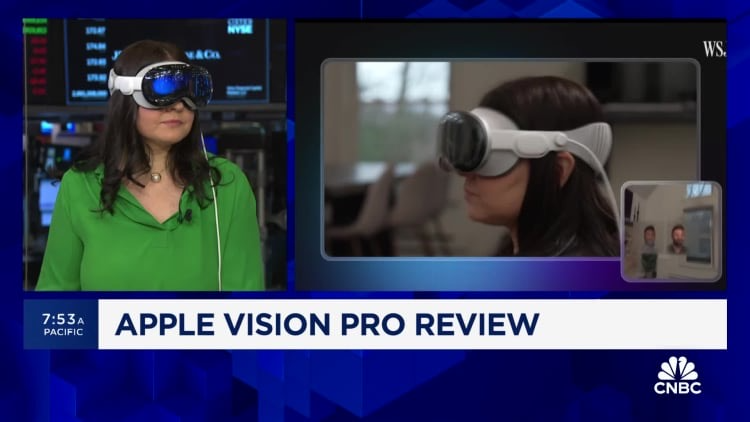
Joanna Stern wears Apple Vision Pro on Live TV
Journalist Joanna Stern went on CNBC's Squawk on the Street to discuss the Apple Vision Pro... while wearing the Apple Vision Pro.