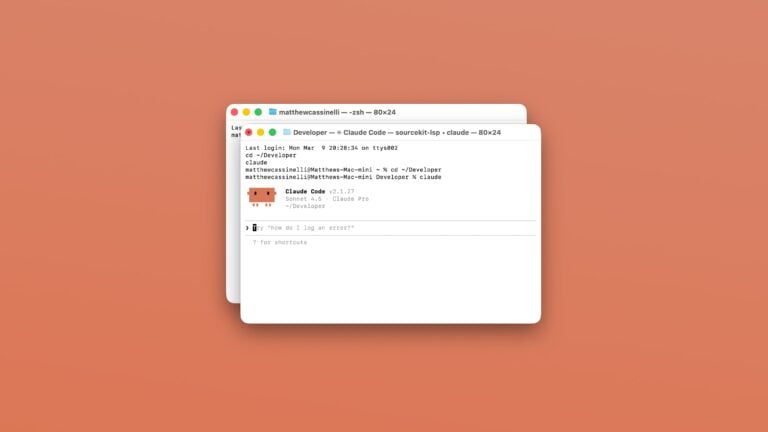


Open Codex for Mac
Open the Codex app for Mac, organized to your preferred window settings, or launches the app over SSH when run from mobile.

Show apps connected to Gemini
“Bring it all together with Gemini and your favorite apps. Go from tons of tabs to one conversation. Gemini can now access info from new sources, starting with Maps, YouTube, Flights, and Hotels so you can bring your ideas to life easier and faster.”

Show my subscription for Gemini
“The best of Google AI in one membership. Google AI Pro: Get more access to new and powerful features to boost your productivity and creativity. Google AI Ultra: Unlock the highest levels of access to the best of Google AI and exclusive features.”

Brainstorm with Gemini
“Find inspiration easily. Fresh ideas for parties, gifts, businesses and more.”

Learn with Gemini
“Here to help you learn and practice new concepts. Tell me what you’d like to learn, and I’ll help you get started.”

Show my activity in Gemini
“Keeping your activity lets you pick up chats where you left off anytime and helps improve Google services, including AI models. When this setting is off, Google still saves chats for 72 hours to respond to you and help keep Gemini safe.”

Plan for tomorrow
Uses the “View Tomorrow” donated shortcut from Calendar app to open into the next day.


Translate with Google Lens
Opens the Google app to the Lens feature and looks for text to translate using the camera.

Resize and rename PNG
Takes PNGs from input, resizes them to 2048px wide, appends a number for each image found, and asks you where to save it in Files.

Show random Thing in Menu Bar
Displays a random to-do that’s due today from Things in the Menu Bar.

Action Shortcuts
Designed for running your shortcuts from the Action Button, this shows shortcuts from the visible app or by Focus Mode if not in an app. When in Work mode, also presents option to edit the shortcut. Also, using Orientation, sets DND if face-down and if upside down in pocket, opens Maps directions home.

Automators Membership
Enhance your experience with bonus shortcuts, folder bundles, and exclusive perks.


Action Directory
Discover endless possibilities by combining the building blocks for Shortcuts.