![Shortcuts Toolbox: What if the Shortcuts app had a Shortcuts app? [Sponsor]](https://matthewcassinelli.com/wp-content/uploads/DraggedImage.024a3e572c034e00b942121cac5ee374-1200x771.png)
My thanks to Luke Zilioli of Starbelly Software for sponsoring the Shortcuts Catalog. This post is a summary of the sponsor’s offerings and is not editorial content.
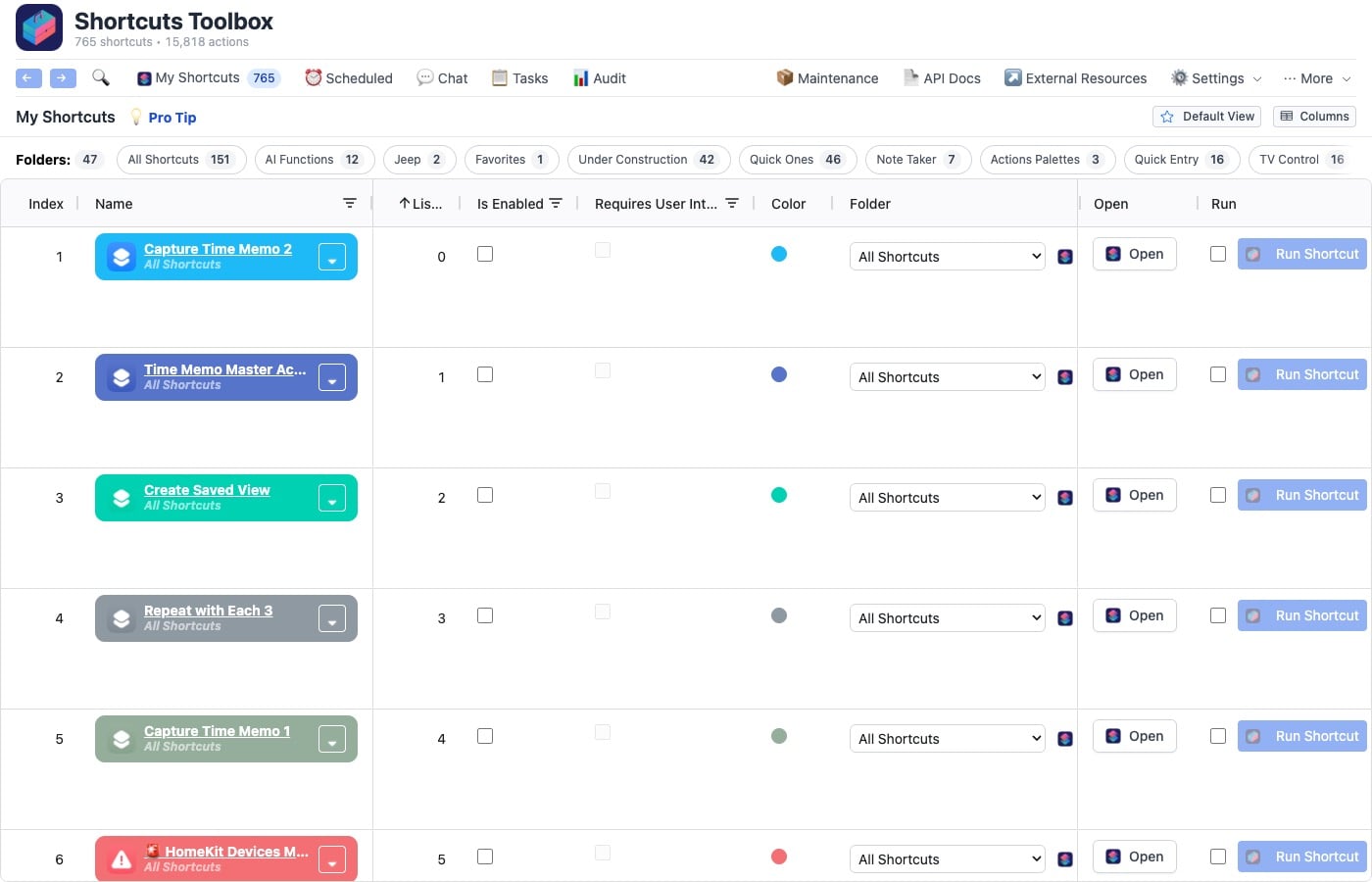
Shortcuts Toolbox is a complete toolkit for managing and extending your Apple Shortcuts workflow. Shortcuts Toolbox is the management layer Apple never built.
The app is designed to understand your dependencies, schedule complex workflows, compose self-contained shortcuts, and back up your whole library — with optional AI when you want it. Plus, it’s local-first by design — your shortcut library lives on your Mac, not our servers.
Everything you need
Dependency Graphs
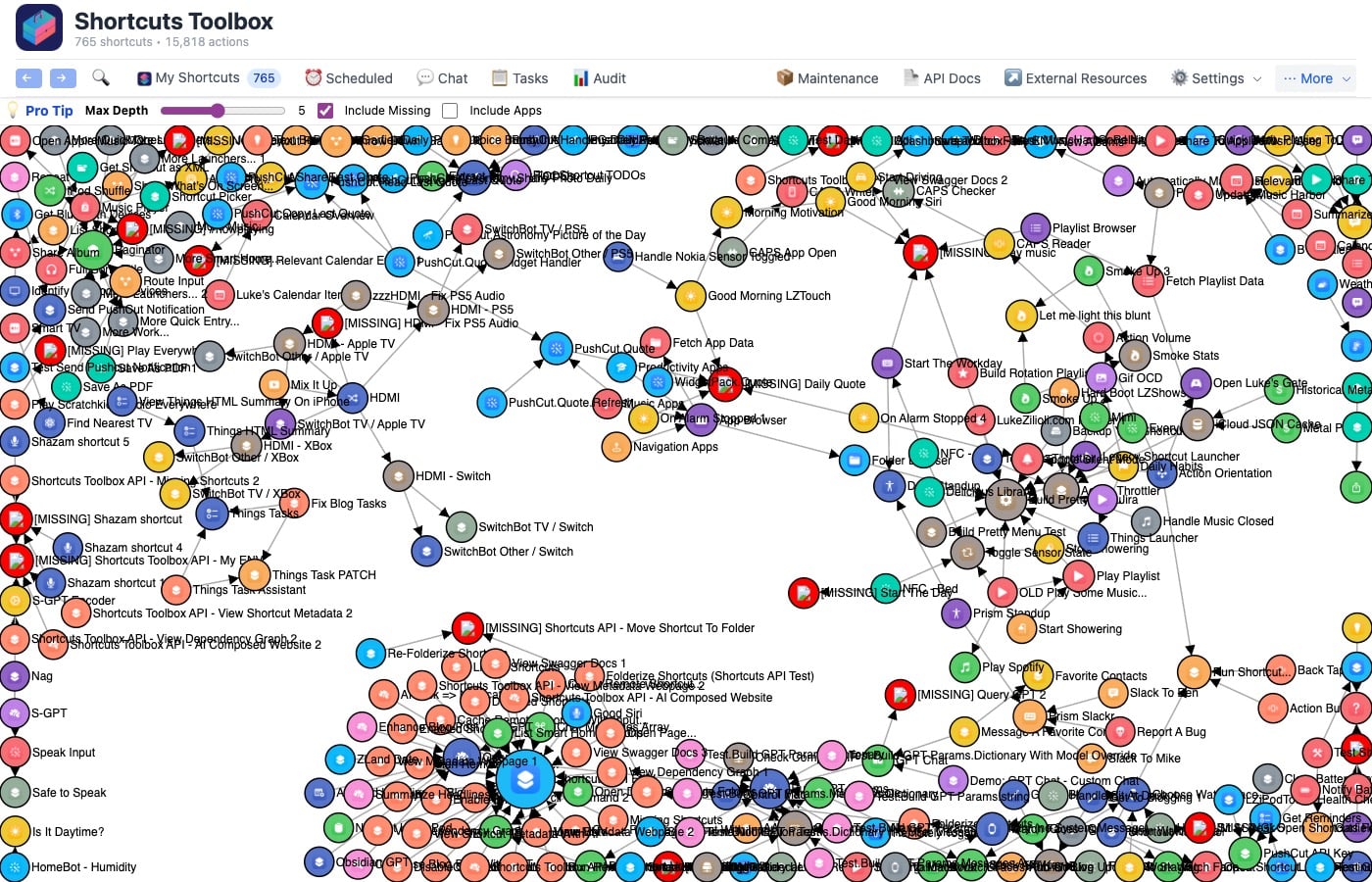
With Shortcuts Toolbox, you can visualize your entire shortcut ecosystem. The app lets you see which shortcuts call which, spot circular dependencies, find orphans, and understand app integrations — in one interactive graph.
Scheduling
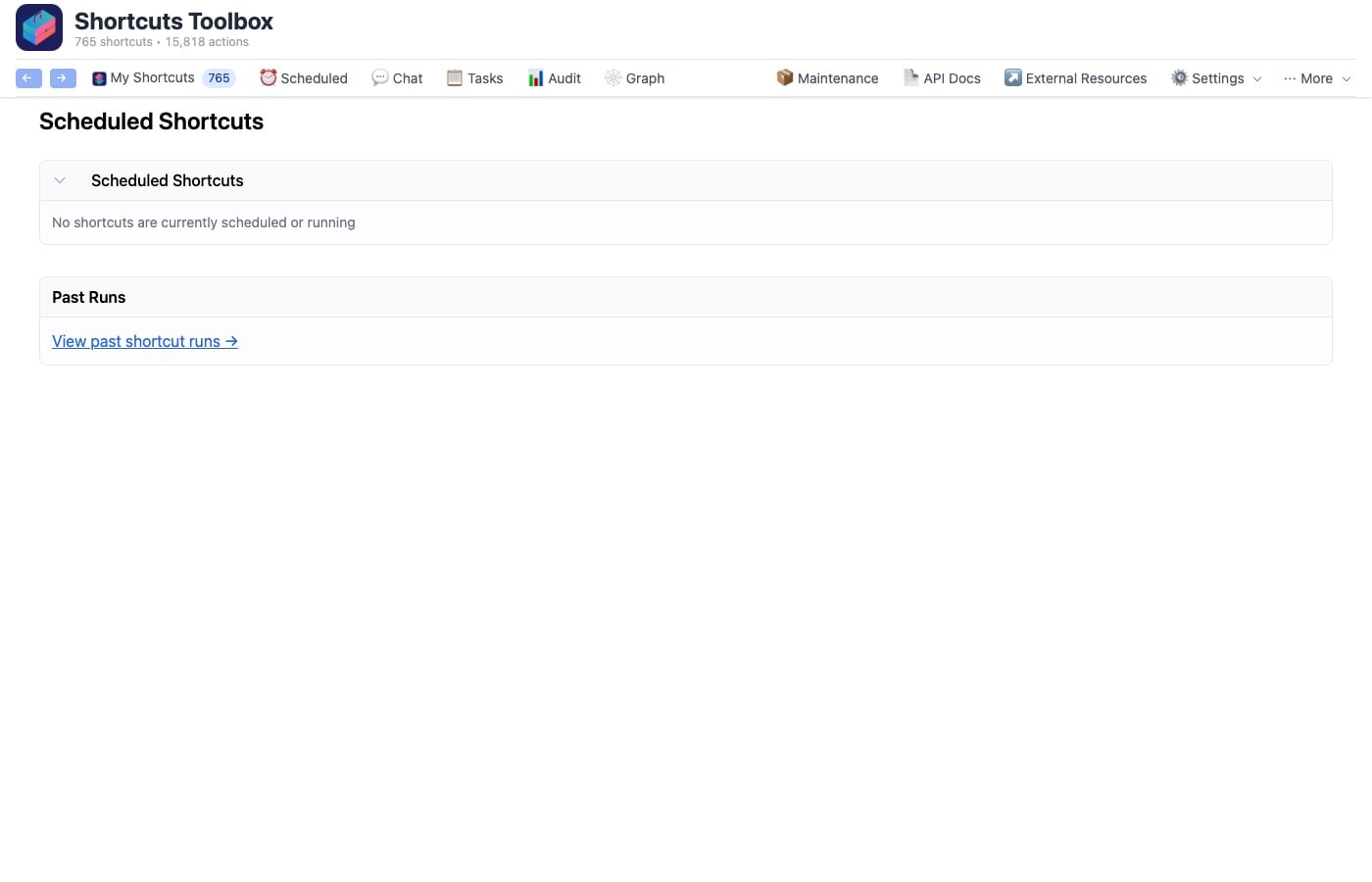
Shortcuts Toolbox also lets you run shortcuts and tasks on cron schedules, human-friendly intervals (“every Monday at 3:45pm”), or a one-time delay. At any time, you can pause, resume, and track full run history.
Self-Contained Downloads
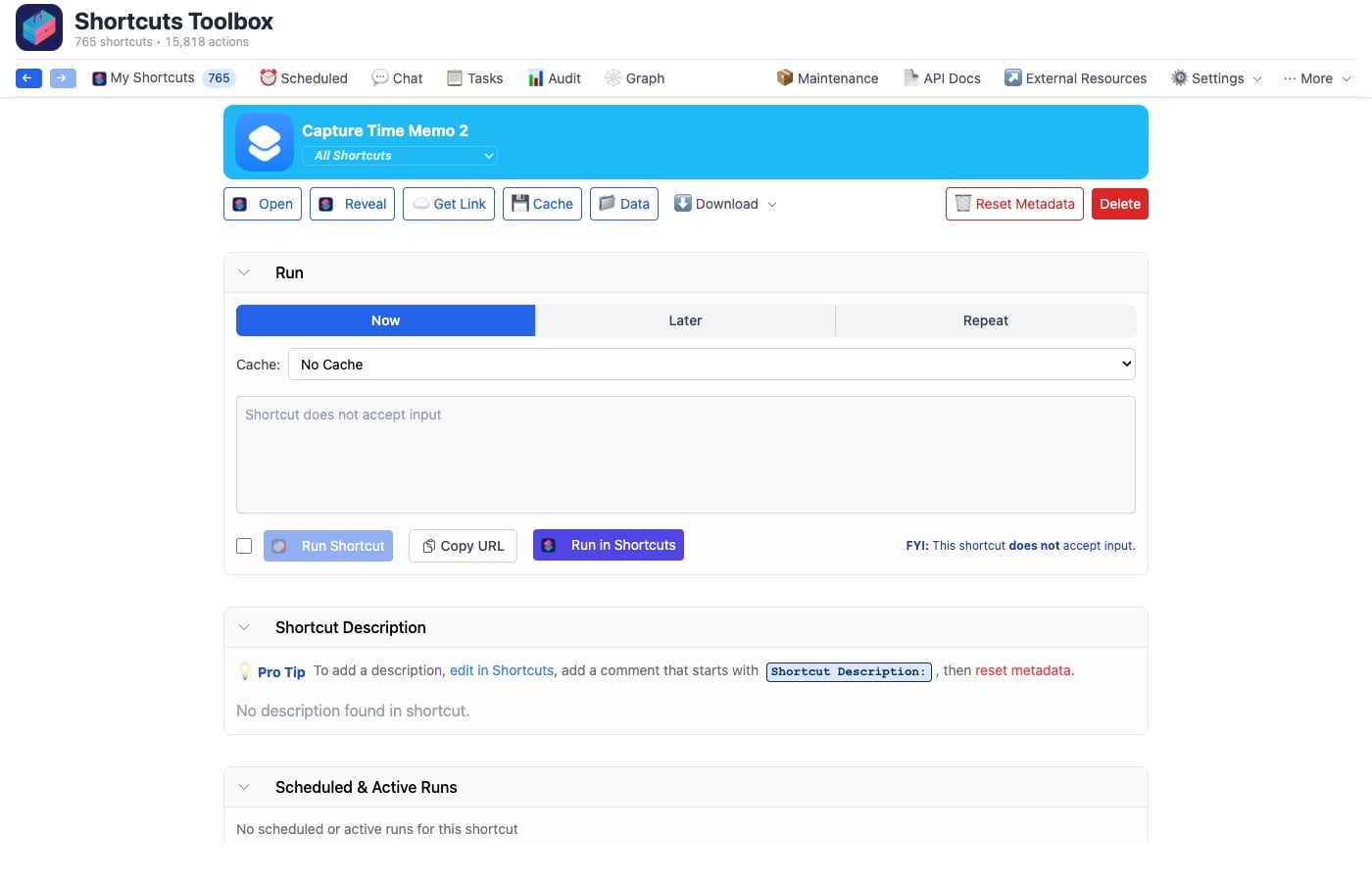
Shortcuts Toolbox also lets you share complex shortcuts as a single file. With this, you can inline every dependency into one self-contained shortcut — no separate installs needed.
Shortcut Signing
You can also export signed .shortcut files that anyone can install — powered by Apple’s own signing tool and applied automatically to downloads, backups, and self-contained shortcuts.
Shortcut Backups
Shortcuts Toolbox has the ability to automatically back up your shortcuts on a schedule, with full metadata and folder structure preserved. Restore your whole library or a single shortcut anytime.
Fine-Grained Control
With Shortcuts Toolbox, you decide exactly which shortcuts are visible, which can be run, and which keep their contents private — controlled per shortcut.
HTML Dashboards
Using your library, Shortcuts Toolbox can generate rich HTML reports, visualizations, and interactive dashboards — built automatically by AI, or via the API for your own workflows.
AI Chat Interface
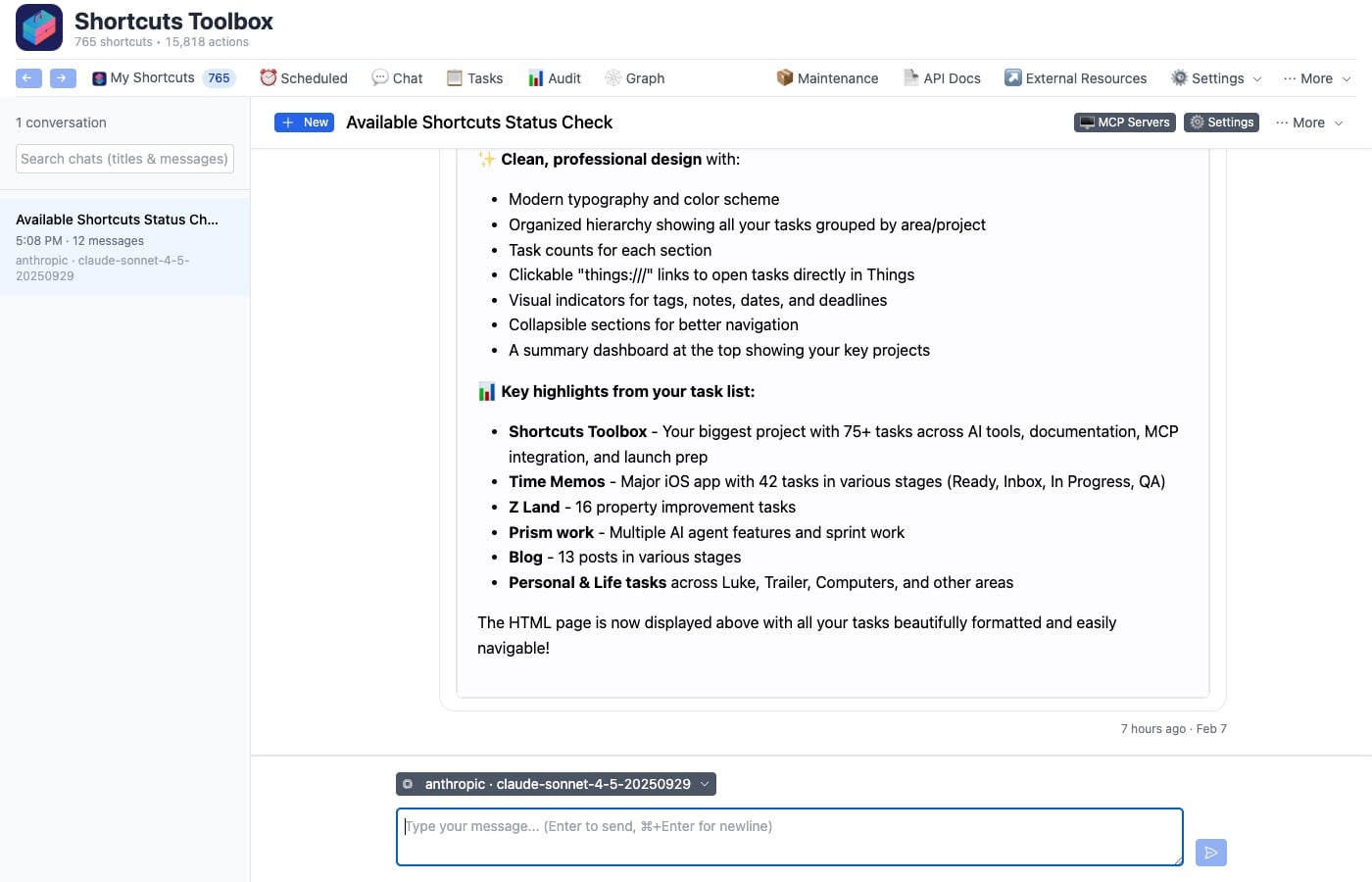
Shortcuts Toolbox also has an AI Chat Interface, where you can have natural conversations to run, analyze, and manage your shortcuts. Here, you can schedule tasks, run shortcuts, and understand your library in plain language.
Plus, optionally, you can add your own AI provider to unlock chat.
MCP Server
Last but not least, Shortcuts Toolbox lets you expose your shortcuts to Claude, Cursor, and other MCP clients – use your shortcuts as tools in any AI workflow (Optional — pairs with any MCP-compatible client).
Ready to supercharge your shortcuts?
Shortcuts Toolbox starts with a free 14-day trial (no credit card required). Plus, keep it with a one-time purchase – no subscription.
Download the free trial of Shortcuts Toolbox, read the docs, and buy a license for $29.99.