From Nate Pangaro on How-To Geek:
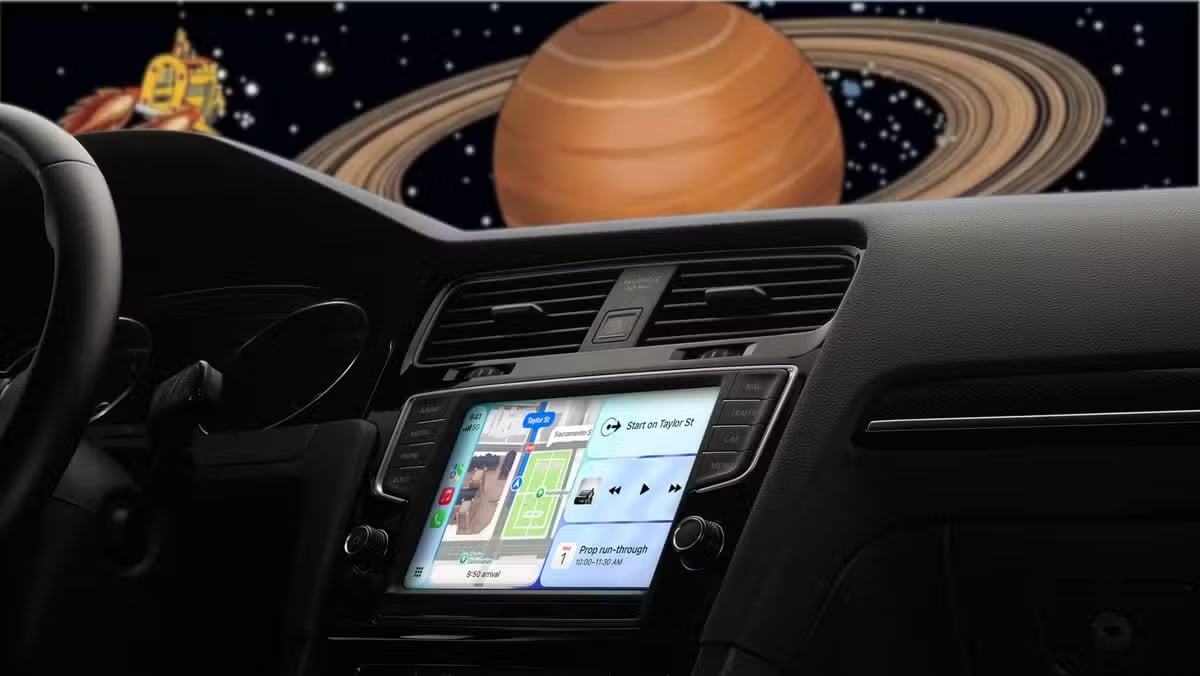
When you use CarPlay, you probably just start some music, enter a destination, and drive off. However, there is a lesser-known feature that can make your CarPlay experience a lot more personal and fun: setting a custom greeting or sound when it connects to your car.
How to add your custom sound to CarPlay
Add a custom sound to play when your iPhone connects to CarPlay
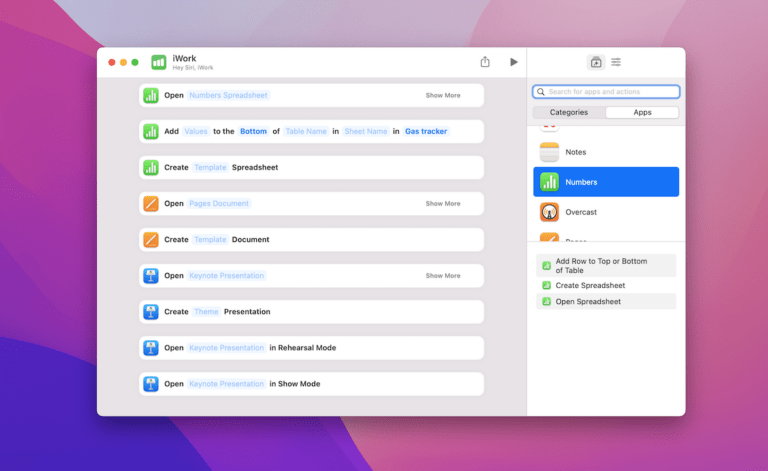
While it may seem hard to do at first, adding a sound—either personalized or prerecorded—to play when you first connect to CarPlay is fairly simple. To do so, all you need is a car that supports CarPlay and the Shortcuts app.