New in the Shortcuts Library: Muse shortcuts

Shortcuts for Meta's Muse assistant. Use these to start a call with your assistant, dictate to Muse, and forward along Messages & emails automatically.
New in the Shortcuts Library: Muse shortcuts

I’ve just added a new folder to the Shortcuts Library — my set of Muse shortcuts for Meta’s Muse assistant.

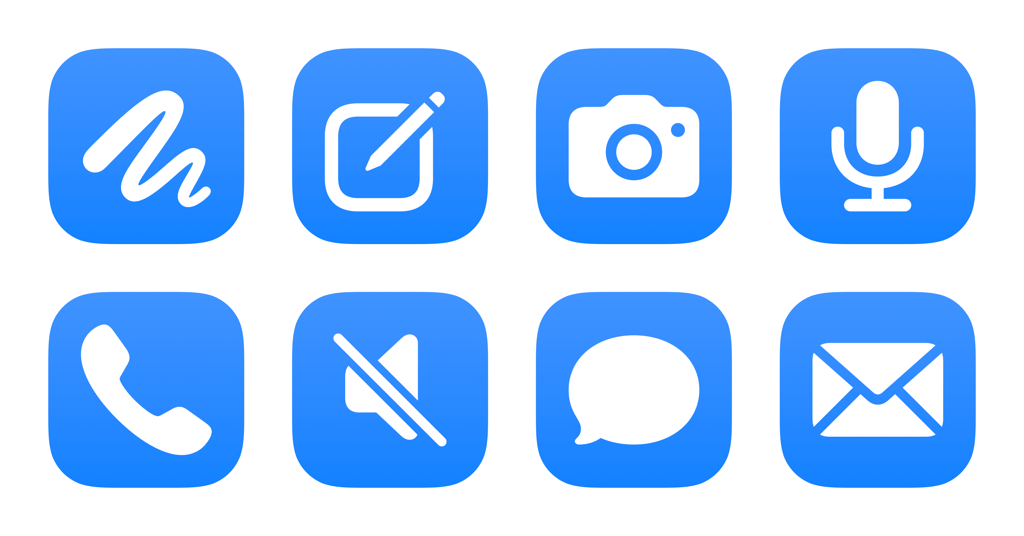
Use these to start a call with your assistant, dictate to Muse, and forward along Messages & emails automatically:

  • Open Muse: Opens the Muse app to your Main Chat.
  • Create new chat in Muse: Creates a new side chat in the Muse app, adding to your history of separate conversations from the Main Chat.
  • Open Muse Camera: Opens the Muse app to the Camera in your Main Chat, letting you add context from the world around you.
  • Dictate and send to Muse: Opens the Muse dictation mode, letting you speak your request before sending it to the Main Chat.
  • Start a call with Muse: Opens Muse and starts a call, letting you chat with your agent and have it execute requests over voice.
  • Toggle microphone in Muse: Mutes or unmutes the microphone in Muse when on a call with your agent. Works best as an Action Button selection.
  • Forward iMessage to your assistant: Finds Messages from the last 7 days and asks you to choose one to send to Muse as context.
  • Forward email to your assistant: Designed for Mail automations, this sends the Subject, Content, and Sender to Muse for any email triggered by your automation.

Check out the folder of Muse shortcuts on the Shortcuts Library.

Featured Shortcuts

shortcut-open-muse-icon
Open Muse
Opens the Muse app to your Main Chat.
shortcut-create-new-chat-in-muse-icon
Create new chat in Muse
Creates a new side chat in the Muse app, adding to your history of separate conversations from the Main Chat.
shortcut-dictate-and-send-to-muse-icon-1
Dictate and send to Muse
Opens the Muse dictation mode, letting you speak your request before sending it to the Main Chat.
shortcut-open-muse-camera-icon
Open Muse Camera
Opens the Muse app to the Camera in your Main Chat, letting you add context from the world around you.
shortcut-start-a-call-with-muse-icon-12
Start a call with Muse
Opens Muse and starts a call, letting you chat with your agent and have it execute requests over voice.
shortcut-toggle-microphone-in-muse-icon-1
Toggle microphone in Muse
Mutes or unmutes the microphone in Muse when on a call with your agent. Works best as an Action Button selection.
shortcut-forward-email-to-your-assistant-icon-1
Forward email to your assistant
Designed for Mail automations, this sends the Subject, Content, and Sender to Muse for any email triggered by your automation.
shortcut-forward-imessage-to-your-assistant-icon-2
Forward iMessage to your assistant
Finds Messages from the last 7 days and asks you to choose one to send to Muse as context.

Posts You Might Like

New for moviegoers: Fandango shortcuts
New in the Shortcuts Library – shortcuts for finding movies, theaters, or news on Fandango.
Updated in the Shortcuts Library: Apple Music Replay shortcuts
With the release of Apple Music Replay for 2025, I've updated my folder of shortcuts with the new playlist – plus the Replay All Time playlist added to the service in June.
Look ahead at your day with “Agenda”
Learn how to build your own Siri-based Shortcuts – starting with a look ahead at your schedule for the day.
15,000 ways you can use the Action button on Apple Watch Ultra
The new Apple Watch Ultra can set any shortcut to run from the Action button — and that means any app that works with Shortcuts has a new physical button.