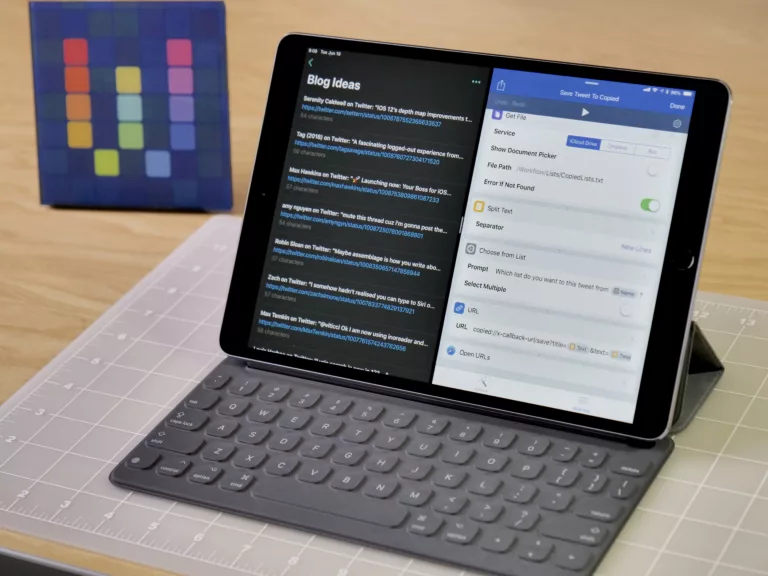
In honor of seeing Dune 2 tonight, I’ve just added a new folder to the Shortcuts Library — my set of Fandango shortcuts:
- Show movies in theaters: Opens Fandango to the section with movies available to go see now in theaters.
- Show theaters nearby: Gets your current ZIP code, then opens Fandango to movie times in your area.
- Leave for theater: Checks for a movie calendar event (automatically added via Gmail when you purchase tickets) and presents the total travel time estimates, then opens Apple Maps to get directions.
- Find my ticket: Shows your recent movie ticket to be scanned by the tixket taker – or tap to open your ticket details.
- Browse Fandango: Opens the Fandango app when run from iPhone or Fandango.com when run from other devices.
- Search Fandango: Asks you to enter a query, then reformats it for Fandango’s search results and opens the URL into the app/website.
- Show movie news: Opens the “Movie News” section of Fandango to show reporting on upcoming films.
- Show purchase history: Opens the “My Purchases” section of your Fandango accounts to see recent tickets you’ve purchased.
Check out the folder of Fandango shortcuts on the Shortcuts Library.