Hello members (and future members)! I am excited to announce a new Partner addition to my Membership – Pop Out Timer!
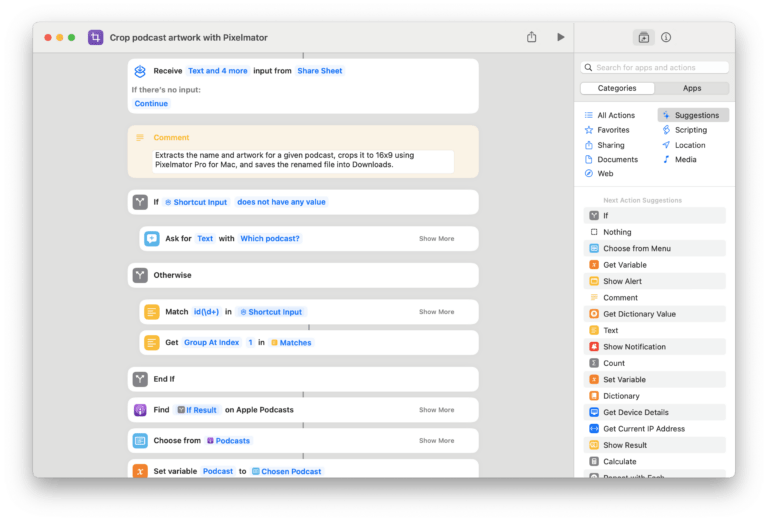
Built from developer Jeremy Provost, Pop Out Timer for iPhone & iPad lets you, well, pop out a timer and use it in picture-in-picture across the OS – plus features 11 different shortcuts for controlling timers, stopwatches, and pomodoros. Here’s how it’s described on the App Store:
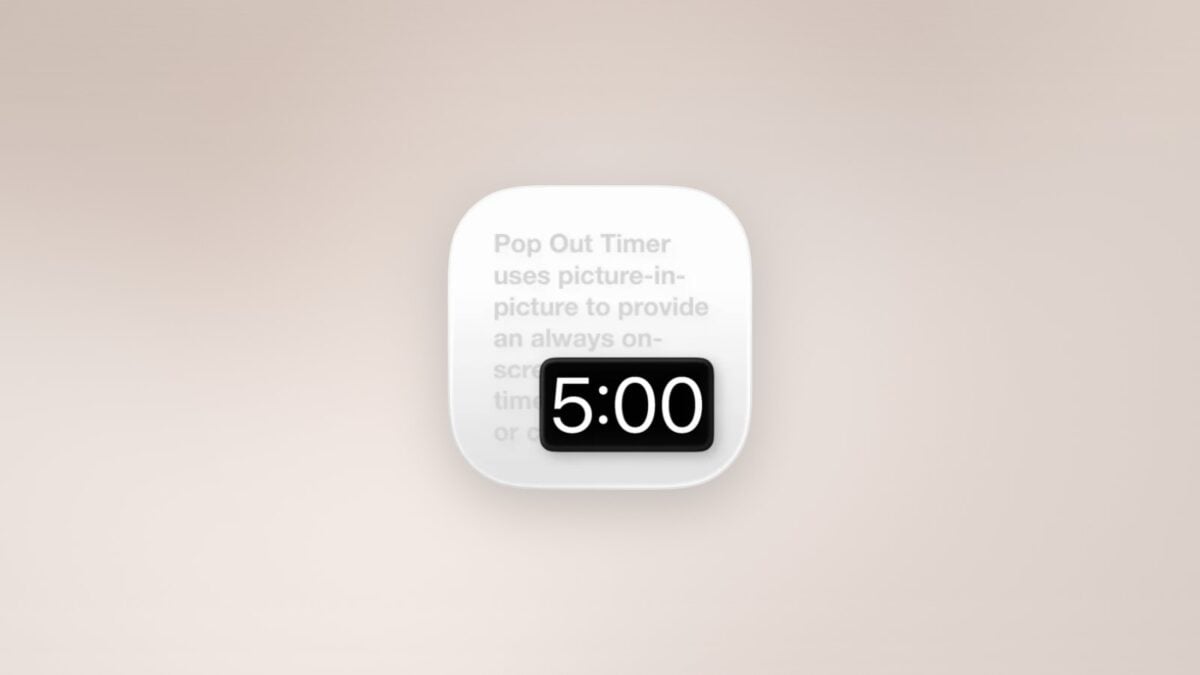
Pop Out Timer uses picture-in-picture to provide an always on-screen, floating timer, stopwatch, pomodoro, or clock. Perfect for presentations, workouts, cooking, studying, or any task that needs precise timing while using a full-screen app.
While in picture-in-picture you can move the window around to any corner, flick it off screen, or resize with a pinch.
Pop Out Timer is generously offering the first year of the subscription free, saving you $3.99 while giving you Pop Out Timer for a full year.
My thanks to Jeremy for participating – make sure to check out the app and get your free subscription!
Learn more about the Membership,get Pop Out Timer on the App Store, or sign up for a membership below:
- Quarterly membership ($15/3 months)
- Annual membership ($50/12 months)
Check out the members-only Discounts page for Pop Out Timer’s redemption link to the App Store.
Interested in becoming a partner? Register your app or service here.