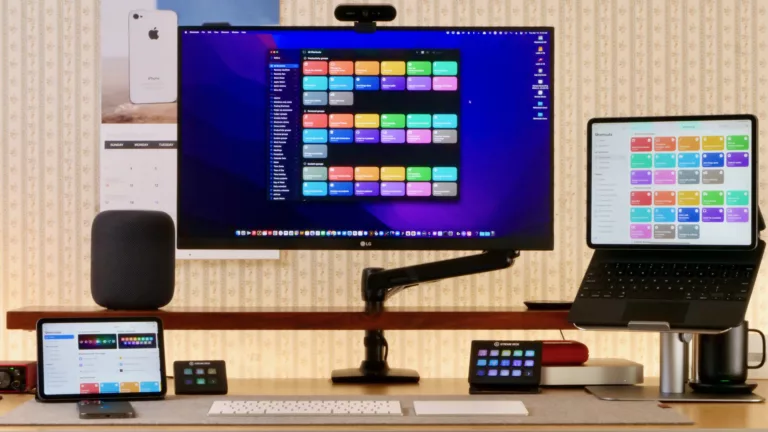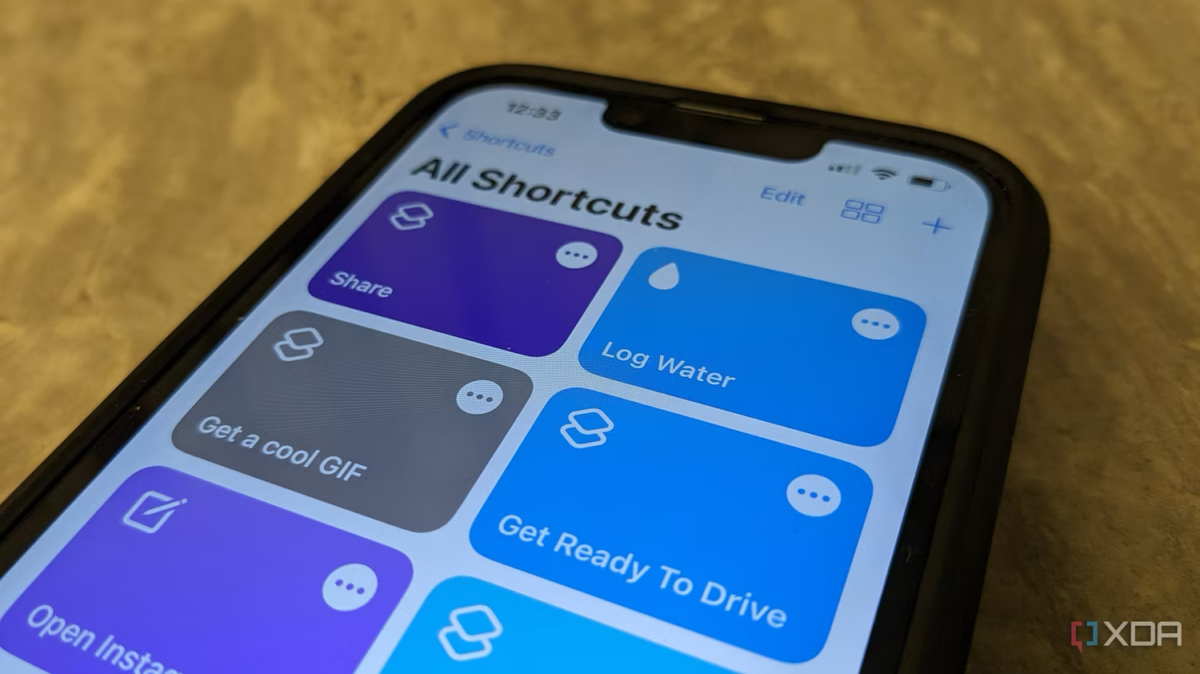
Siri Shortcuts is a prominent example of how Apple has already deployed some major AI features. This offering works by offering recommendations based on your location, app usage, habits, time of the day, and more. So, for example, iOS has learned about my commuting habits and surfaces the playlist I typically stream when on the go at the relevant time of day.
Similarly, if you have an upcoming flight in your Calendar app, then the trip number and its updates will surface in Spotlight Search. Additionally, Apple Wallet may surface your saved boarding pass when the time comes. That’s not to mention that Maps could suggest directions to the correct airport, and Weather may display the forecast of your destination.
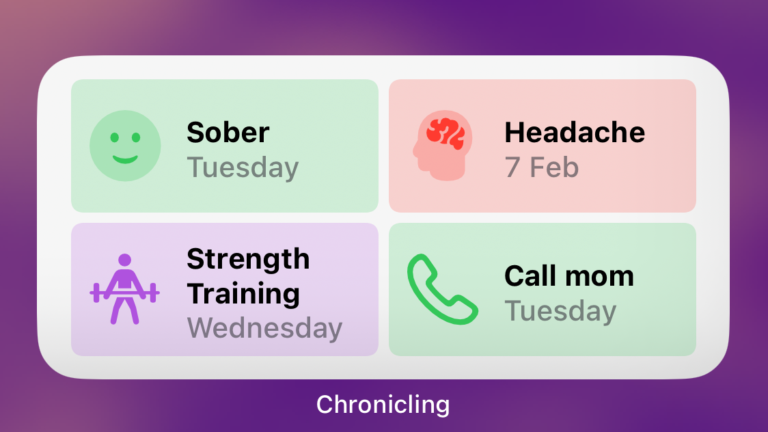
Siri Shortcuts can appear in the Notification Center, Spotlight Search, Siri Shortcuts widget, and other locations. After using your device for a while, you will notice the system suggesting all sorts of different actions and useful information based on your usual habits.