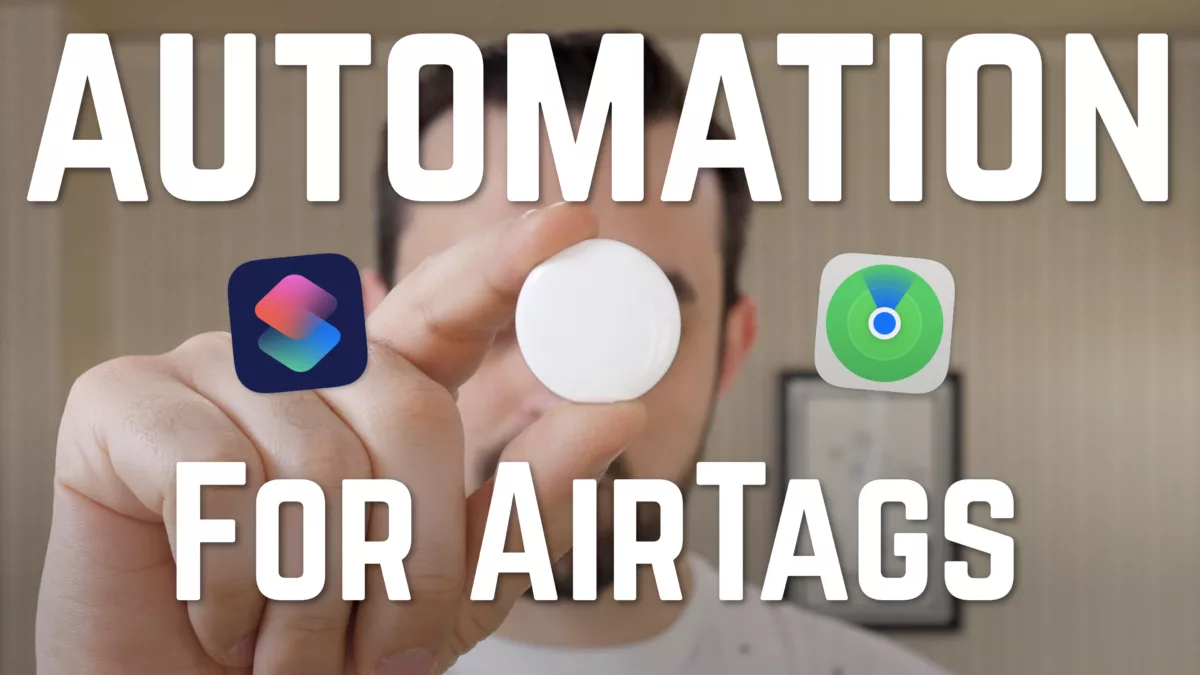
Automation for AirTags: what the U1 chip means (beyond finding lost devices)

Apple’s new AirTags are their cheapest standalone product, yet I think they’re one of the most interesting released in a while.

And that’s because of the U1 chip inside – now the fourth Apple product besides iPhone, Apple Watch, and HomePod mini to include one.

This ultra-wideband technology has super-precise tracking technology, which I think could enable a whole new wave of automation capabilities for Apple devices.

I made a video that explains my thoughts on what I’m calling “Spatial Awareness for Siri” – you can watch the whole thing on YouTube in under 3 minutes:

I’d love to know what kind of automations you’d like to use with U1 chips as a trigger – let me know on Twitter!

Plus, if you haven’t yet, make sure to also subscribe to my channel for more videos like this.
Posts You Might Like

New in the Shortcuts Library: Luma shortcuts
Shortcuts for Luma, the event platform of choice for the Siri AI Automators meetup as well as CommunityKit. Use these shortcuts to create events or calendars, open your schedule, and interact with your profile.
12 ways to get the most out of Shortcuts for iPhone
Shortcuts for iPhone is always with you, fits in your pocket, & utilizes the iPhone’s special features — here's how to best use it.
New podcasting shortcuts for Transistor.FM
While working on my podcasting workflow, I developed these shortcuts for my hosting service Transistor.FM.
How to use Mastodon’s API to open your Lists with Shortcuts
Building up your Lists in Mastodon is important – so is accessing them quickly when you need them. Using Apple's Shortcuts app, I built a tool that makes a web request to Mastodon's API and lets you return all your Lists to open from.