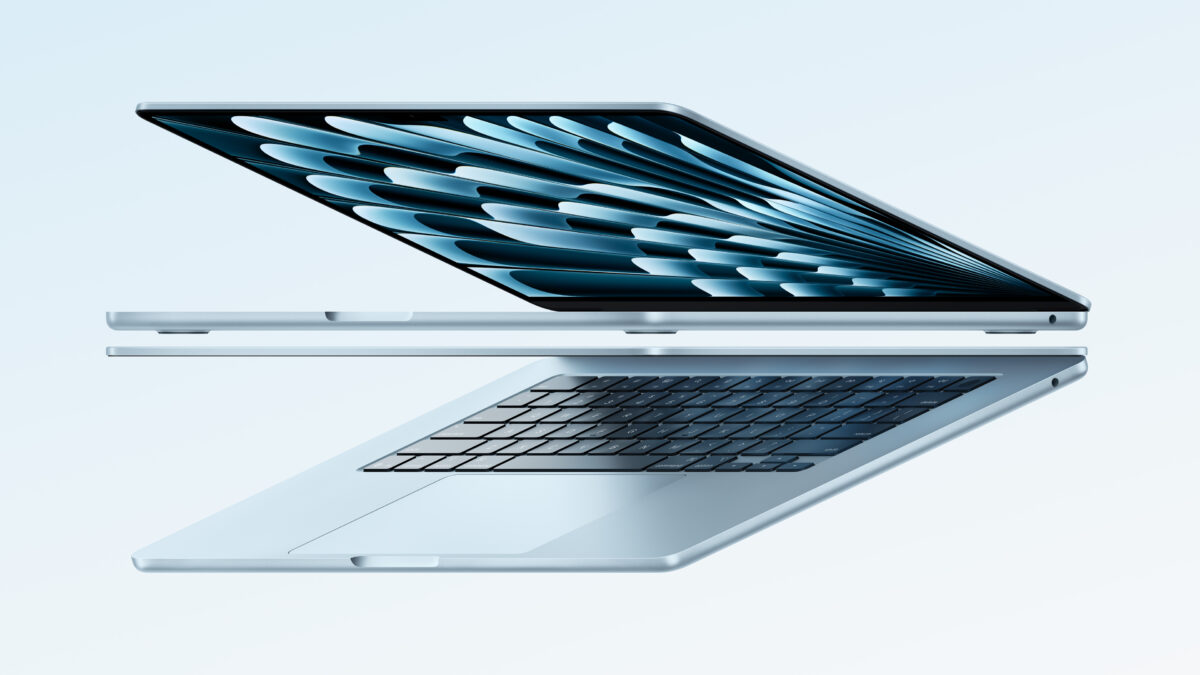
Apple introduces the new MacBook Air with the M4 chip and a sky blue color »

Apple has refreshed the MacBook Air, their linnest and lightest laptop.
Apple introduces the new MacBook Air with the M4 chip and a sky blue color »

From the Apple Newsroom:

Apple today announced the new MacBook Air, featuring the blazing-fast performance of the M4 chip, up to 18 hours of battery life, a new 12MP Center Stage camera, and a lower starting price. It also offers support for up to two external displays in addition to the built-in display, 16GB of starting unified memory, and the incredible capabilities of macOS Sequoia with Apple Intelligence — all packed into its strikingly thin and light design that’s built to last.

I’ve been rocking the M1 MacBook Air from 2020, but it’s beyond time I upgraded…
View the original.

Posts You Might Like

8 Tips for Optimizing Shortcuts for macOS from Club MacStories
Apple HomeView: The At-Home Test for Siri AI
Deep dive into community reactions to the HomeView announcement: Details, Criticisms, and Hot Takes
How to use Grok Bot with the Action Button on iPhone
Matt Palmer shared steps: open Settings, choose Action Button, assign Shortcut, select Grok Bot, and pick Start Voice Chat so pressing the button begins a chat.
How to Use Custom File Names for Screenshots on an iPhone »
MakeUseOf has put together a guide on how to use the Take Screenshot action in Shortcuts to give your captures a custom filename.