Apple’s Smart Home Display Now Coming This Fall: Here’s How to Get Ready Now »

Mark Gurman has reported Apple's smart home display won't ship until the fall to debut alongside the new Siri features – here's the developer session you can watch now to get prepared.

From Mark Gurman on X, linking to his story on Bloomberg:

NEW: Apple’s long-in-the-works smart home display and speaker with facial recognition for showing your personal content is delayed again, waiting on Apple’s new Siri and AI features. Current plan: September.

I quoted it with the following:

PSA: You can pre-plan for this platform today using the session “Design Interactive Snippets.” No need to wait for WWDC.

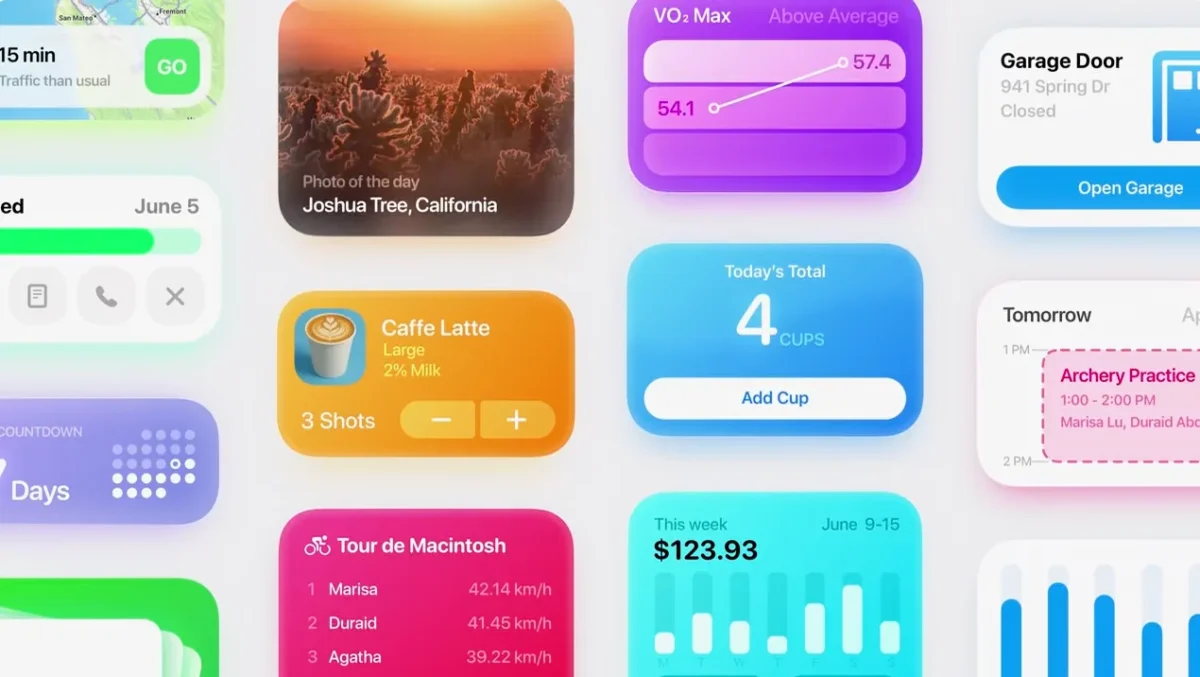
Design Interactive Snippets walks through how to design for the interactive, context-aware surface this hardware will use — Snippets are part of the Actions portion the new Siri and the content is powered by personal-context patterns that will finally be available when the device ships.

As you watch the session, think about how your app’s content and intents could show up on a home display – you can be ready when the device ships in September.

Give the session a watch and read the full story on Bloomberg.
Posts You Might Like

Automating My Household Chore Reminders »
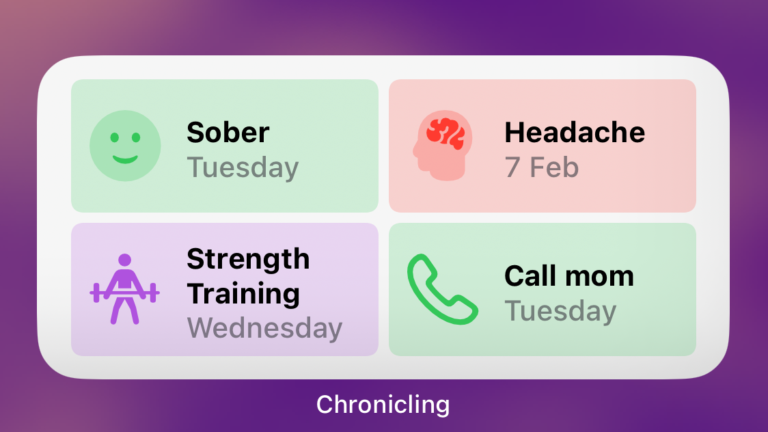
Tom Robertson covers his Shortcuts-powered setup that uses Chronicling to store the status of his chores and Reminders to alert him when things are due.
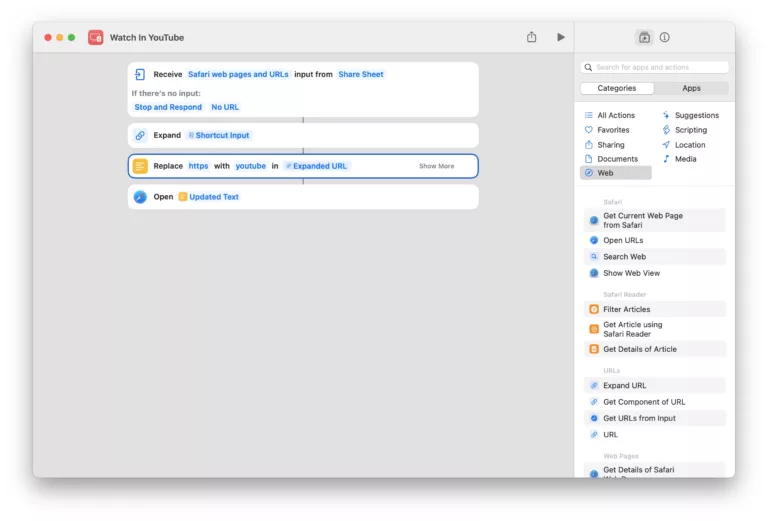
Shortcut to redirect YouTube links into the iOS app »
How to make YouTube videos redirect into the app – thanks to this shortcut from Stephen Robles.
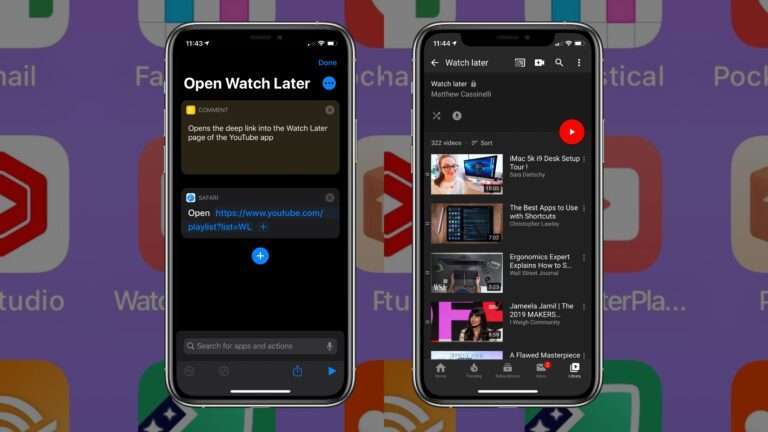
Add Your YouTube Watch Later To The Home Screen With Shortcuts
Creator Levi Allen shared his tip on Threads about adding the Watch Later playlist to Shortcuts and putting it on his Home Screen.
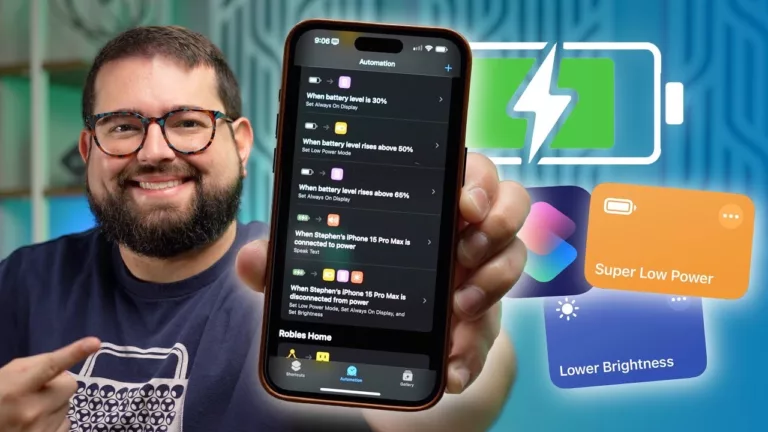
10 Shortcuts to Save your iPhone Battery »
Stephen Robles shared these great shortcuts and automatinos for interacting with your device's settings for managing battery life.