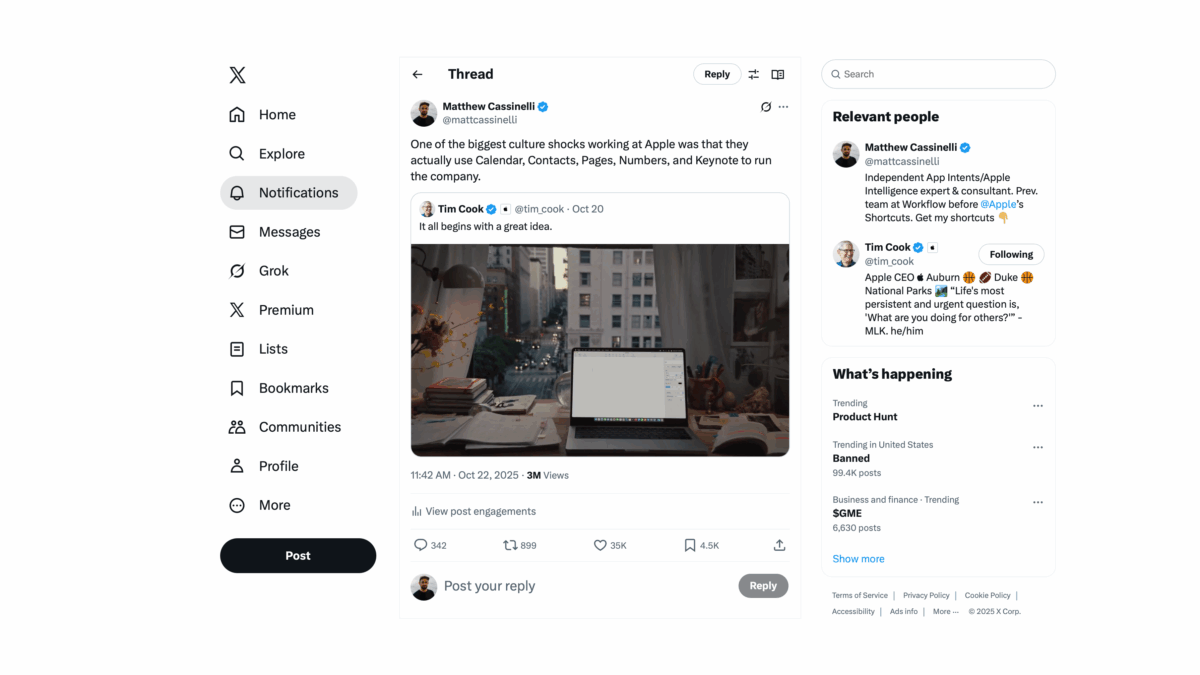
Accidentally wrote the perfect tweet – a technically-true point that can be wildly interpreted, which went viral on Twitter (and of course Grok got slightly wrong):
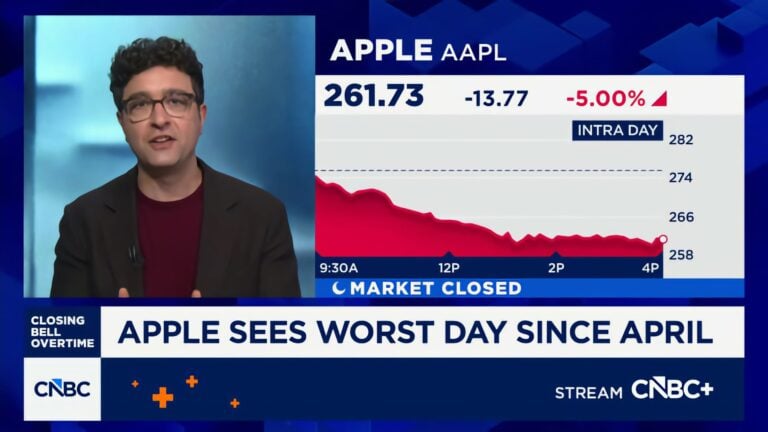
Former Apple engineer1 Matthew Cassinelli disclosed that the company conducts much of its internal operations using its own iWork apps, including Calendar, Contacts, Pages, Numbers, and Keynote, as a key aspect of its dogfooding practice. This revelation, shared on X and garnering over 15,000 engagements, highlights Apple’s commitment to testing products internally to drive improvements, with proprietary backend tools enhancing functionality for its needs. While users praised the apps’ integration and usability in areas like Keynote and Pages, criticisms focused on Contacts’ cumbersome interface and the occasional reliance on tools like Excel for complex tasks.
A few clarifications (you can find in more detail in the replies):
- I both used and enjoyed these apps before I joined, but I had never seen a whole company committed to them.
- Apple does not necessarily “conduct much of its internal operations” within iWork – they all have the apps and use them, but there are many other tools in place.
- Employees are given these apps and use them by default, but do not exclusively use these tools; the people in Finance use Excel, for example, and anything specialized like CAD is also used – in addition to iWork.
- Contacts and Calendar specifically are buoyed by an internal directory; Mail also has server-side rules that make filtering easy for them and not in the product.
- I worked at Apple in 2017, so this is outdated – still true at a base level, but they’ve adopted more advanced tools like Slack since then.
- On a basic level, Apple provides the apps because they make the apps, and it wouldn’t make sense to pay for a second set of tools for every employee while also not using your own freely-available product.
- I started my YouTube channel because I got Final Cut Pro for free.
Plus, while you’re here – if you’re ever running into speed problems with apps like Contacts or Calendar, you should look into Shortcuts. For example, the new Use Model action for Apple Intelligence makes tasks like processing contact information much easier to build within a few steps.
View the story from Trending on X2.
- For what it’s worth, I was a Product Specialist and not an engineer – I studied Business Administration and Marketing before joining Workflow. I became a programmer because of Workflow (now Shortcuts), but I don’t want to misrepresent myself as a former Apple engineer. ↩
- Feel free to repost your own wildly-misinterpreted version of my point so I can hit Creator Monetization and get paid. ↩