Notes on “Design great actions for Shortcuts, Siri, and Suggestions” ?

After taking notes on how to design great actions, I wanted to share my mind map ahead of future blog posts on how to build great shortcuts with members.

Hey members,

I wanted to share this mind map of notes I created while watching Apple’s Developer session from WWDC ’21 on how to Design great actions for Shortcuts, Siri, and Suggestions.

Hey members,

I wanted to share this mind map of notes I created while watching Apple’s Developer session from WWDC ’21 on how to Design great actions for Shortcuts, Siri, and Suggestions.

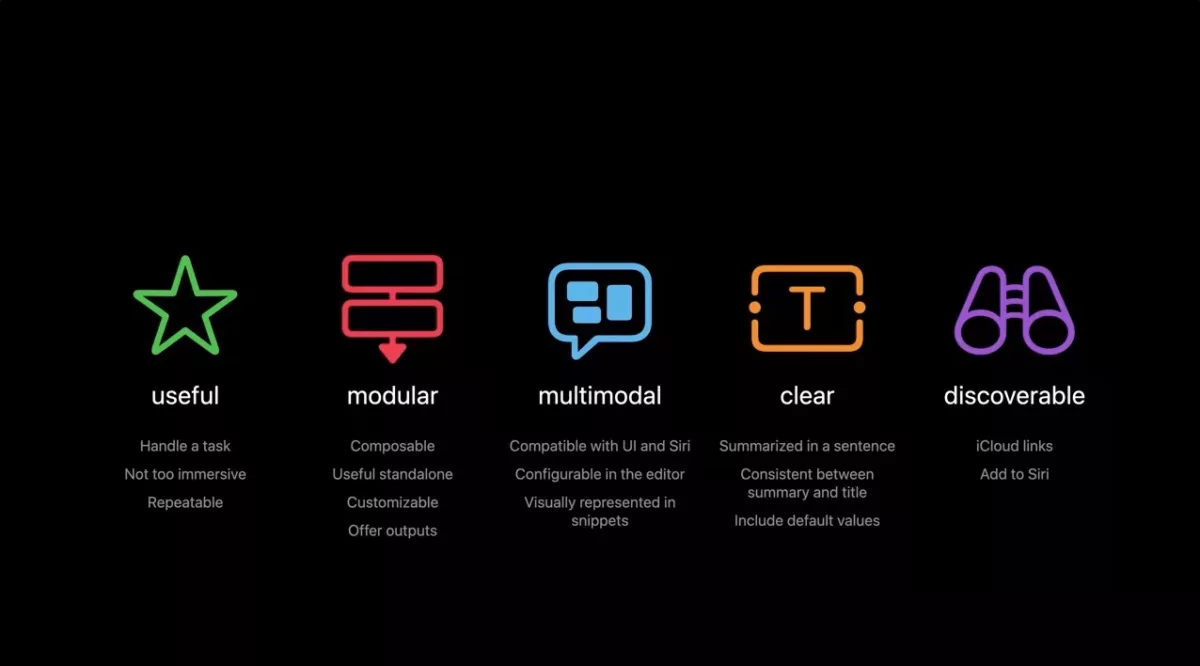
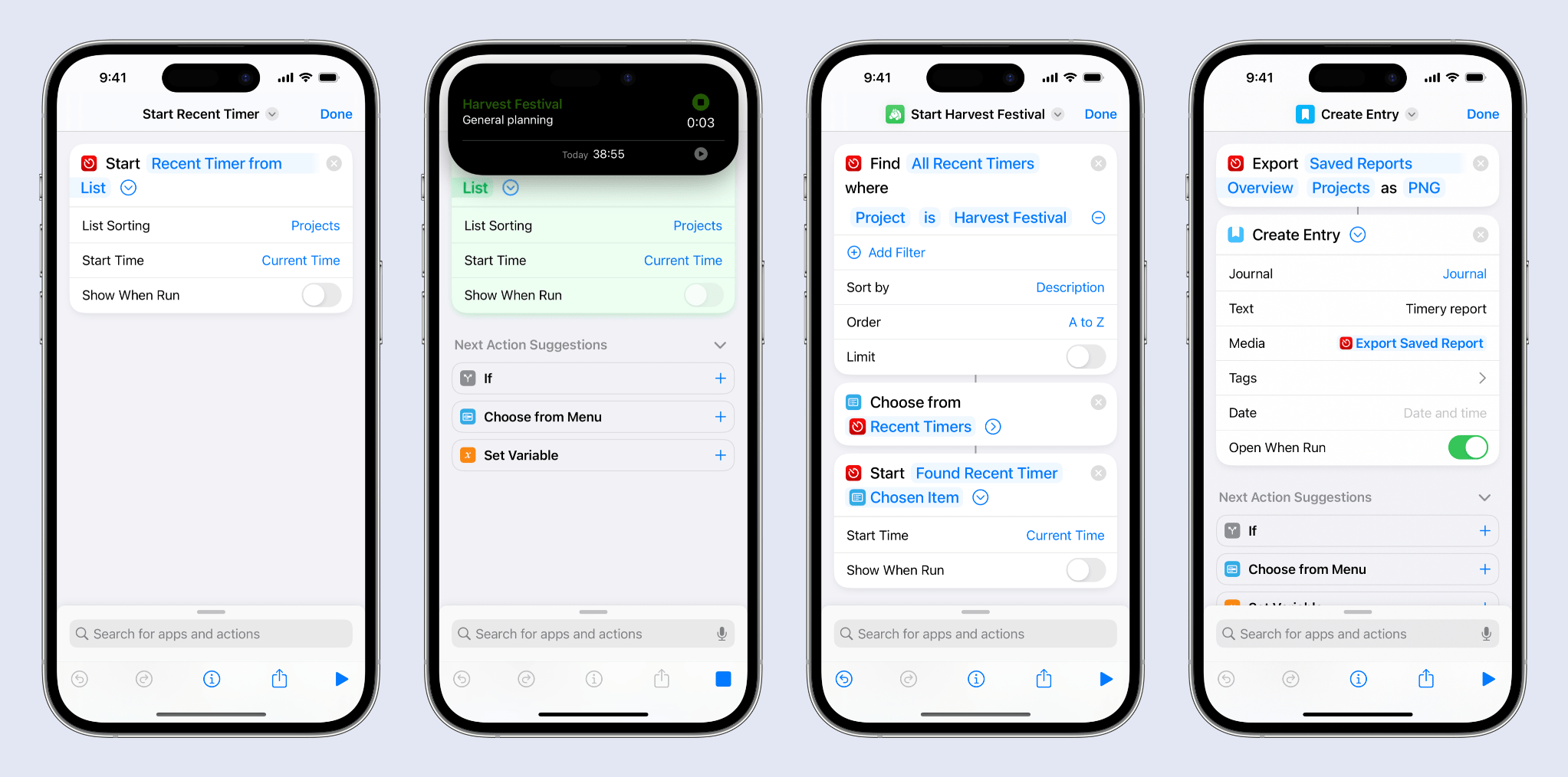
The session is focused on how developers can build out a set of actions for their app, but it actually provides a lot of insight into how “Shortcuts authors” (as we are called in the session) can build their shortcuts thoughtfully – here’s the last slide:
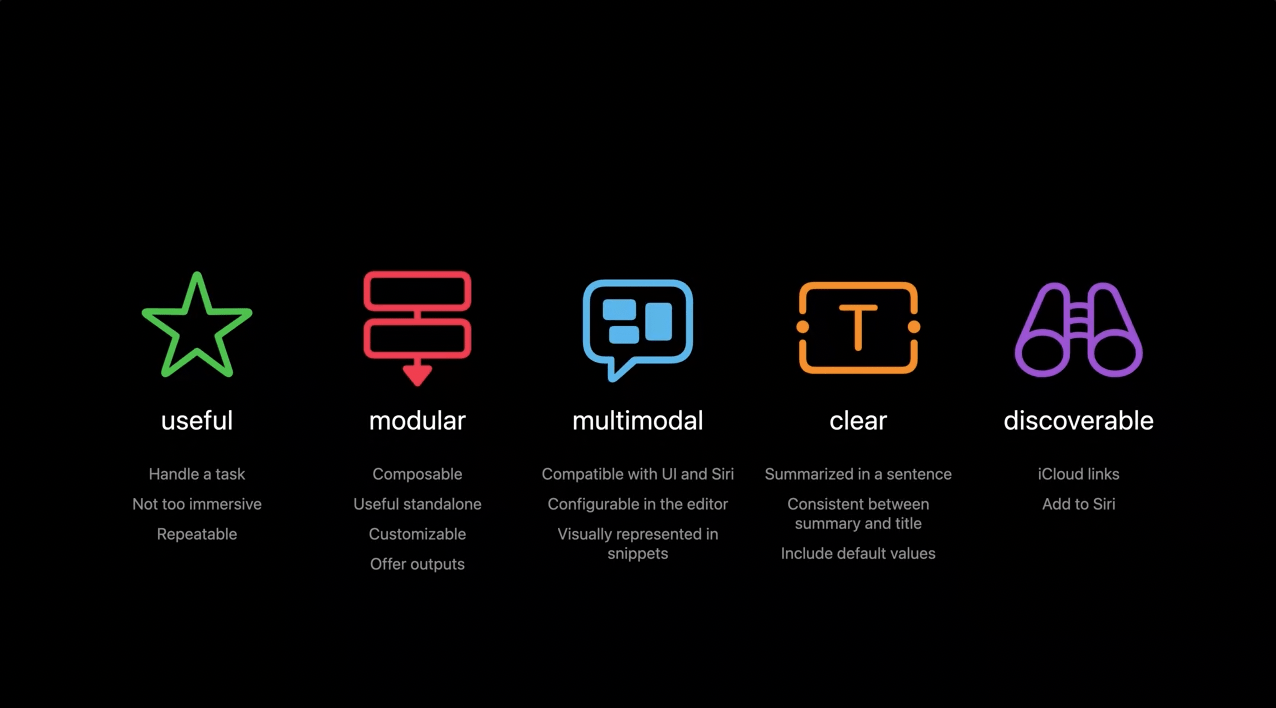
I noticed at least 10 individual topics I’d like to cover for members in future posts, but I wanted to share my full mind map ahead of time in case you wanted to watch the session and read along yourself:
Posts You Might Like

Apple’s WWDC’24 starts June 10
Apple has officially announced the lineup for WWDC'24 – check out the schedule and links on Apple Newsroom.
Pro-Tip: Close Your Shortcuts To Make Them Run Faster
If you're fatigued by the animation in long-running shortcuts, my tip for you is: run it without opening it first.
Apple Intelligence in under 2 minutes: Did they fix Siri?
After the WWDC keynote, I filmed this quick video summarizing what’s new with Apple Intelligence.
What’s New in Shortcuts for iOS 26 »
Apple has shared their release notes for Shortcuts across the iOS 26 platforms – including new & updated actions, updates to the Shortcuts Editor, plus Mac improvements like Spotlight, Automations, and Control Center.