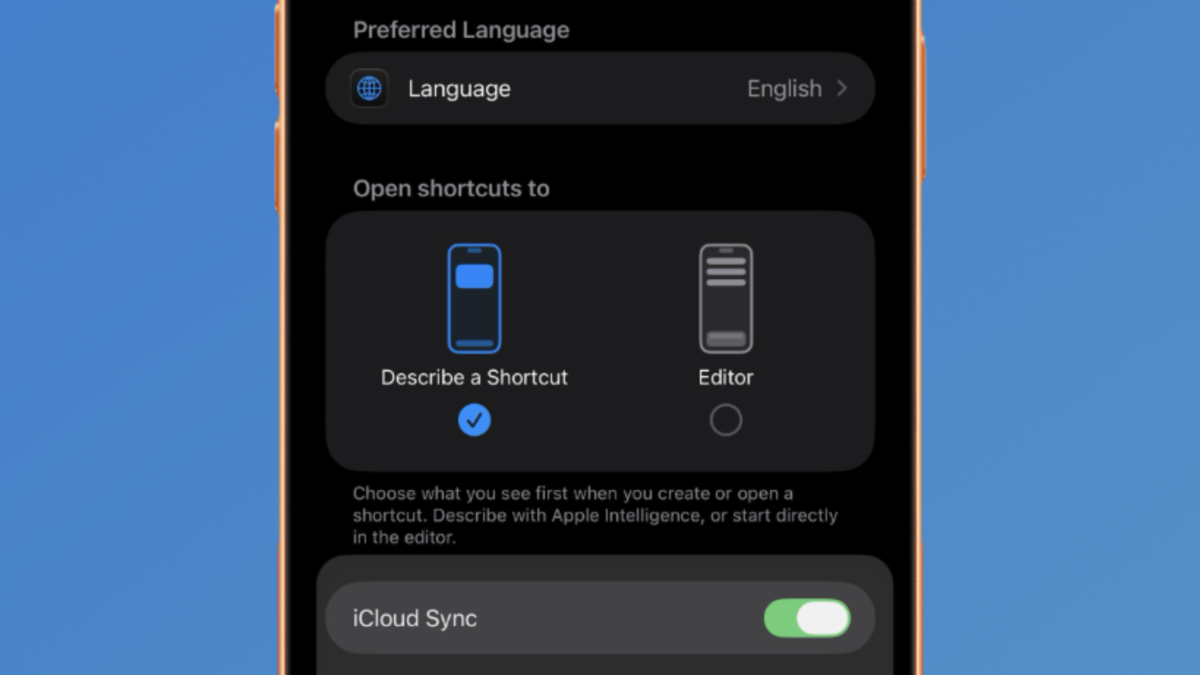
New in iOS 27, Apple has a setting for the Shortcuts app called “Open shortcuts to” that lets you pick between “Describe a Shortcut” (by default) or the Editor.
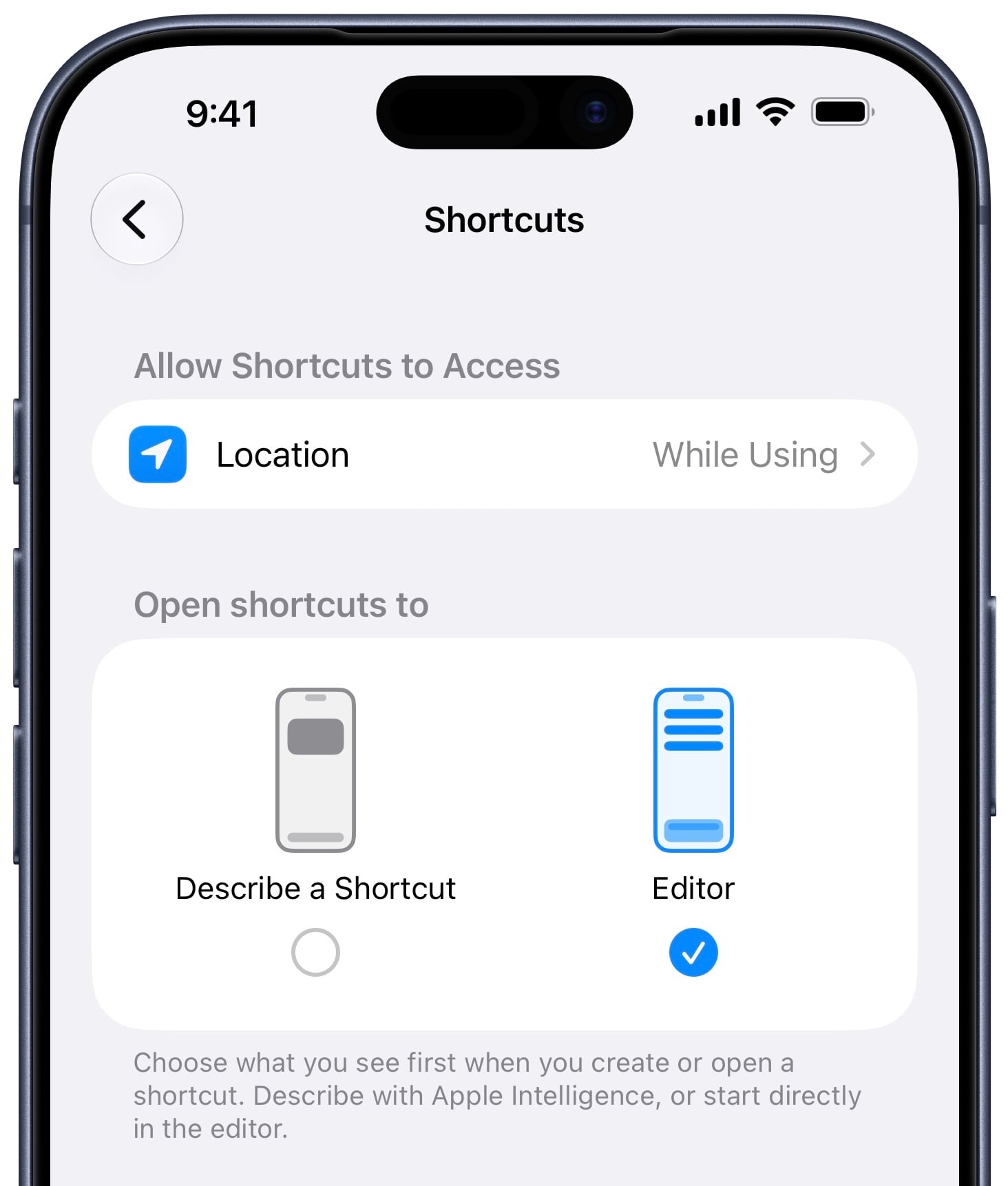
First spotted in Reddit user u/iBanks3’s post, the option is located in Settings > Apps > Shortcuts – here’s what the caption says:
“Choose what you see first when you create or open a shortcut. Describe with Apple Intelligence, or start directly in the editor.”
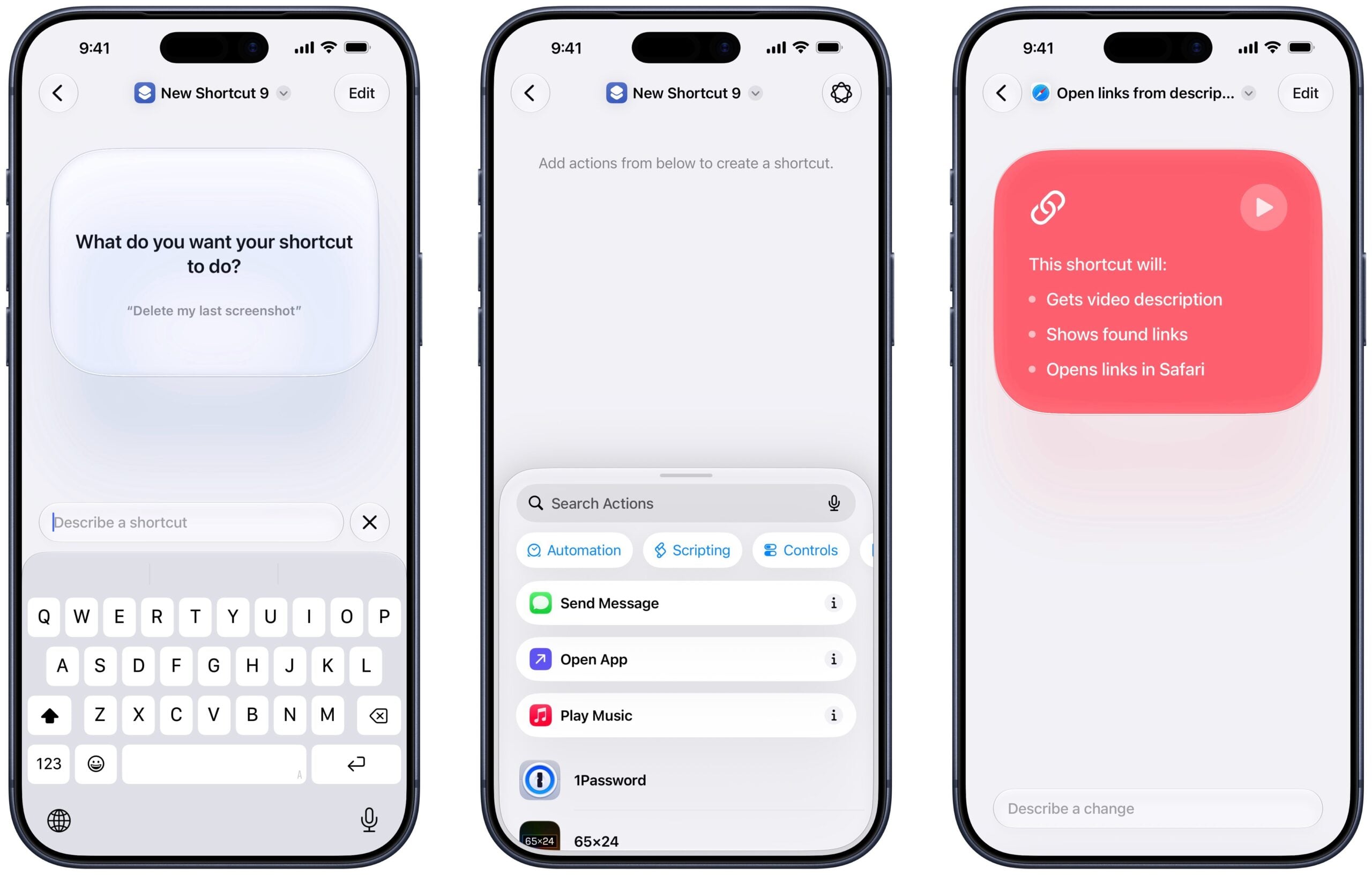
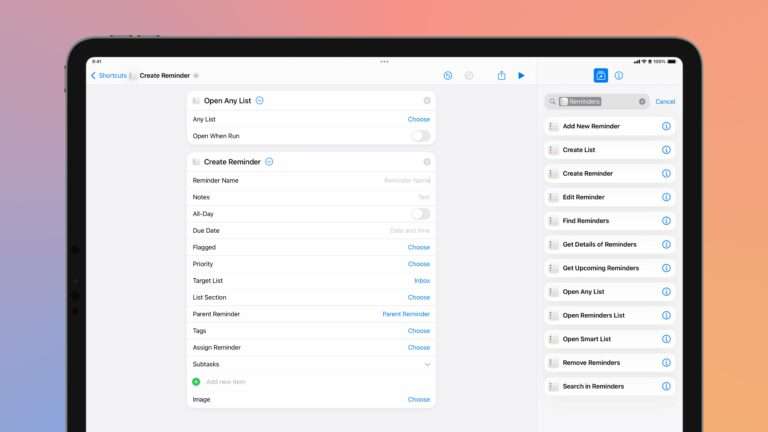
For long-time Shortcuts users like me, it was already common to skip past Describe a Shortcut and press the button with three lines to open to the Editor to find actions for the shortcut one already has in mind.
Plus, the Apple Intelligence logo in the corner can be tapped to go back into Describe a Shortcut at a moment’s notice.
Further, when returning to the Describe a Shortcut view, Apple Intelligence will summarize the actions and create a new bulleted description. I’ve long been asking for a Description field, so an automatic description is a great step.
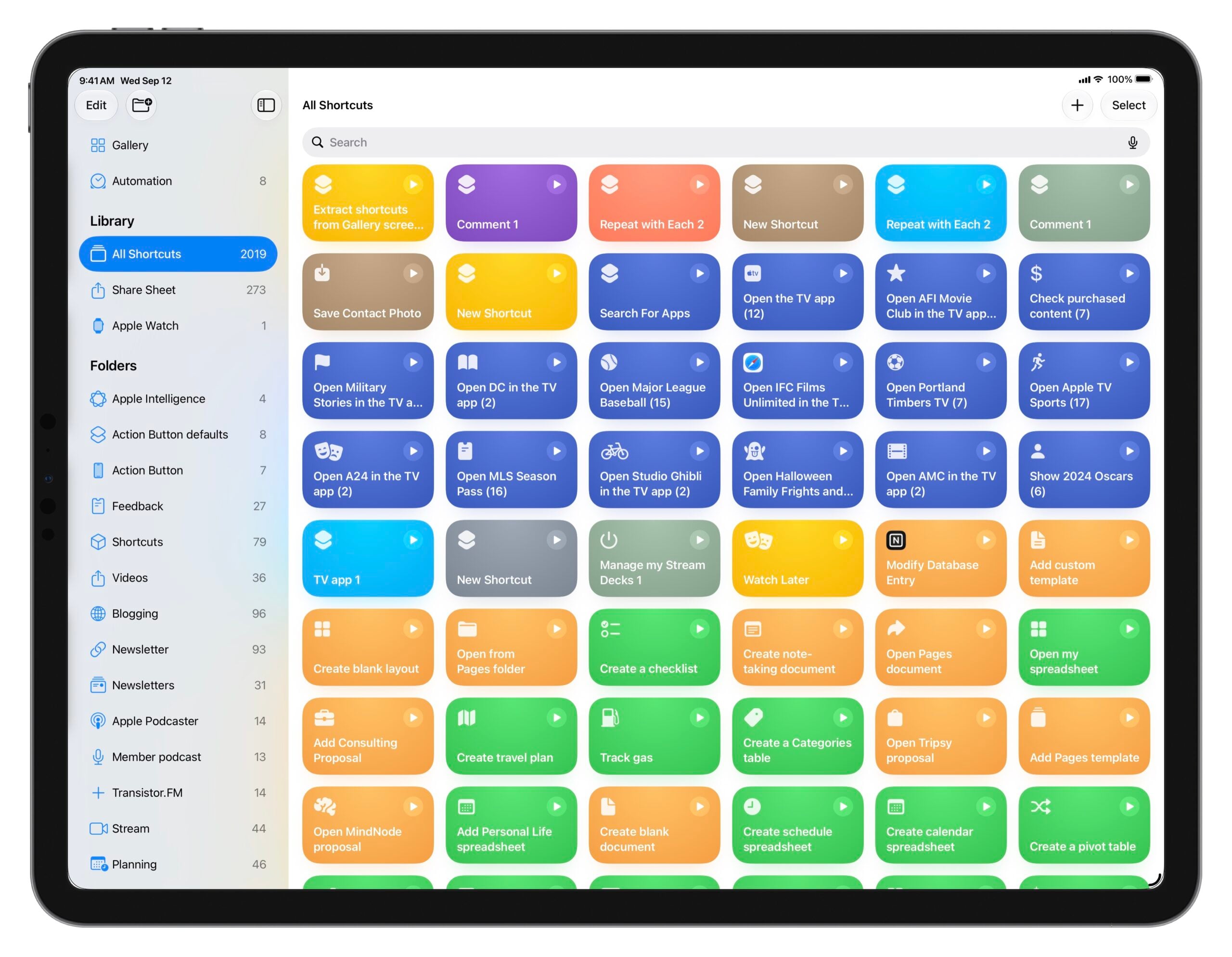
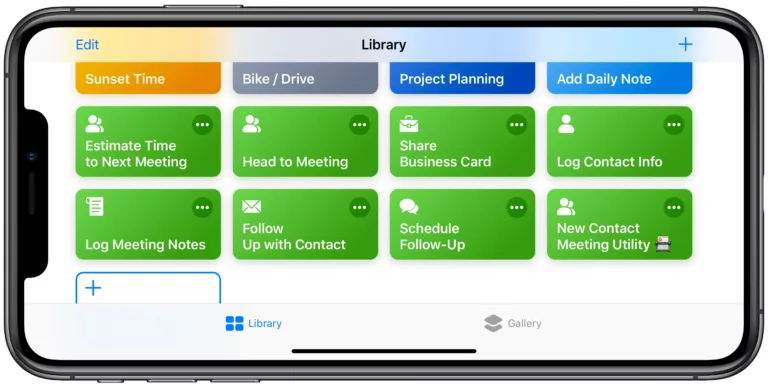
On iPad, enabling this setting also restore the full-screen Library and Folder views, making Describe a Shortcut a toggle inside a shortcut view rather than attached on the side of the library.
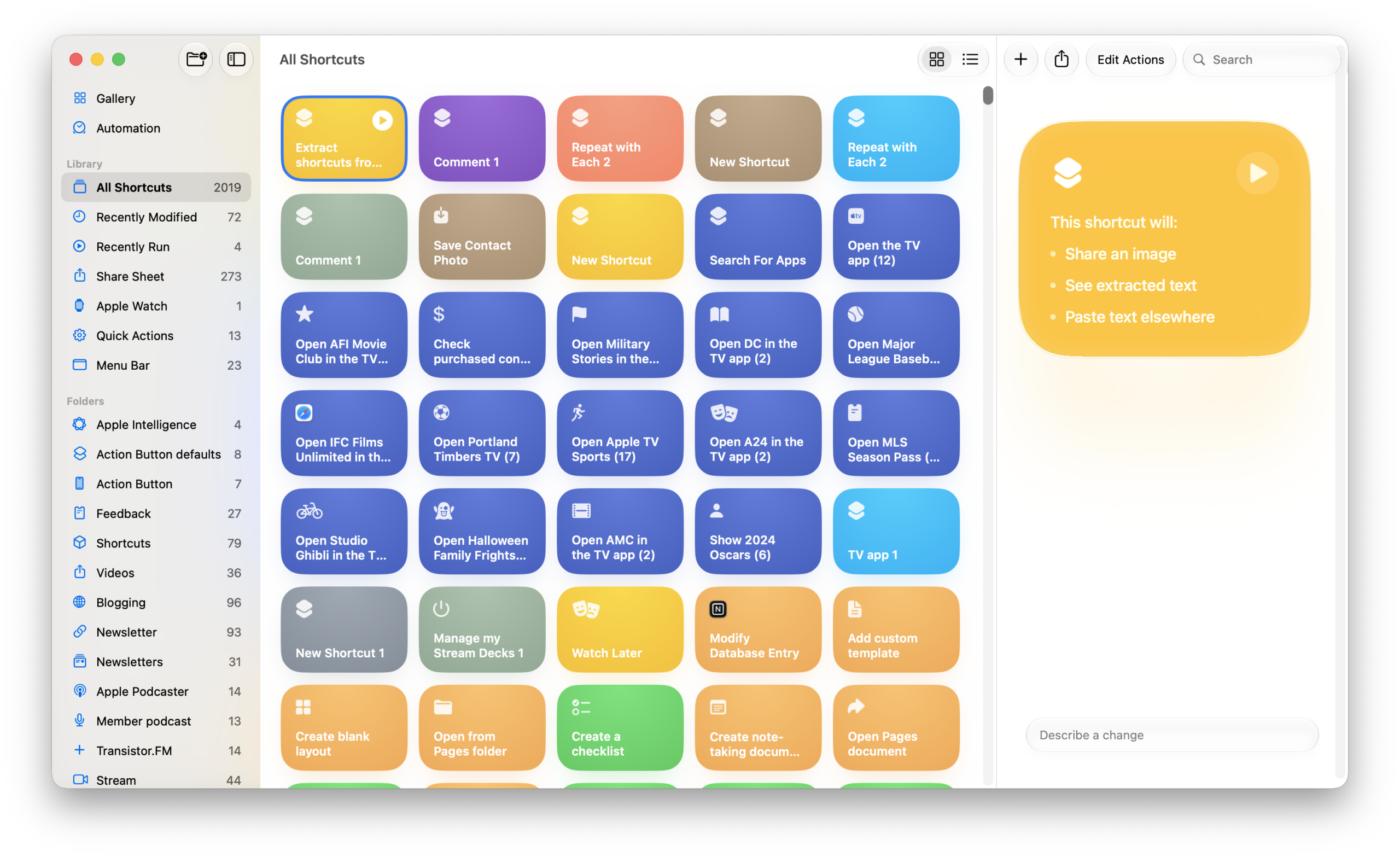
On MacOS, there is currently no setting for this, and Shortcuts always shows the Describe a Shortcut view on the right side of the Library (with the Editor as a pop-out window for each new shortcut).
I’ll probably use the Editor view for now until Describe a Shortcut works better with actions from third-party apps, since I was skipping it every time. Plus, I’m happy it restores a more library-like view on iPadOS – even if only so I can take full-screen screenshots 🙂 I hope all brings the setting to macOS as well, and enables the full-screen library view when toggled.
Check out the post on Reddit, check out the iOS 27 beta megathread I’m maintaining where I’ve just added this post, and get the iOS 27 beta as a developer or when the public beta releases.