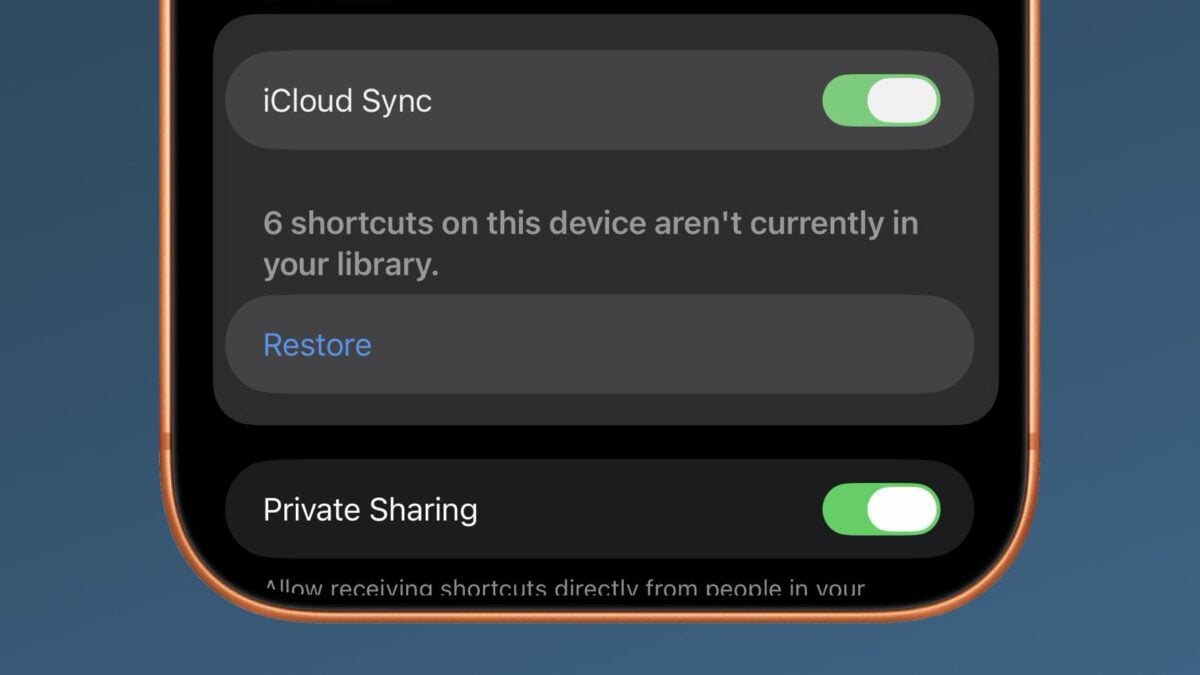
New in iOS 27 developer beta 4, Apple has added a Restore button in the Settings for the Shortcuts app, as shown in Reddit user u/iBanks3’s post.
Located in Settings > Apps > Shortcuts, the caption reads:
“[X] shortcuts on this device aren’t currently in your library.”
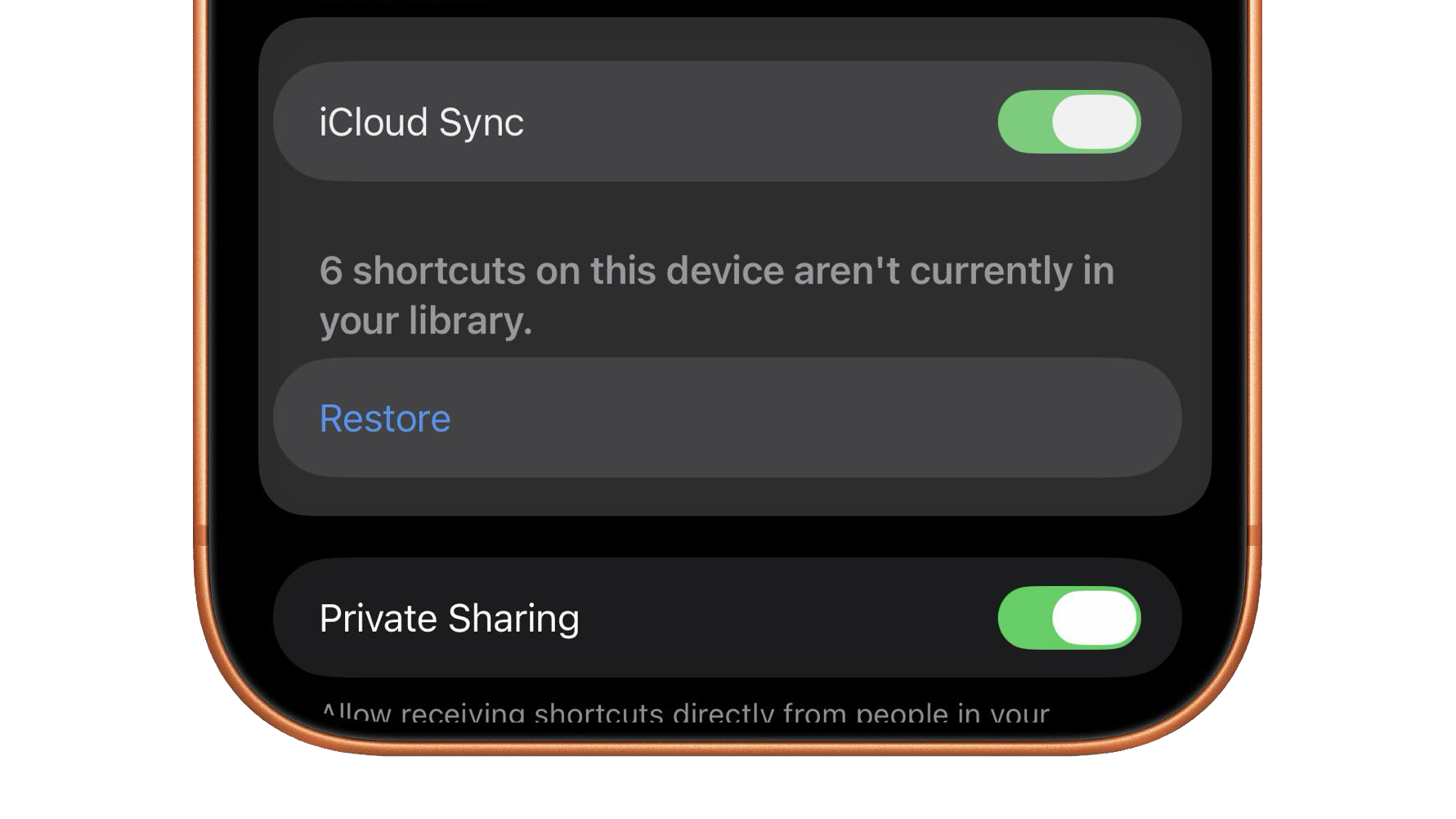
Pressing the Restore button will open into the Shortcuts app and immediately add all the shortcuts available to be restored, placing them in your All Shortcuts view unsorted.
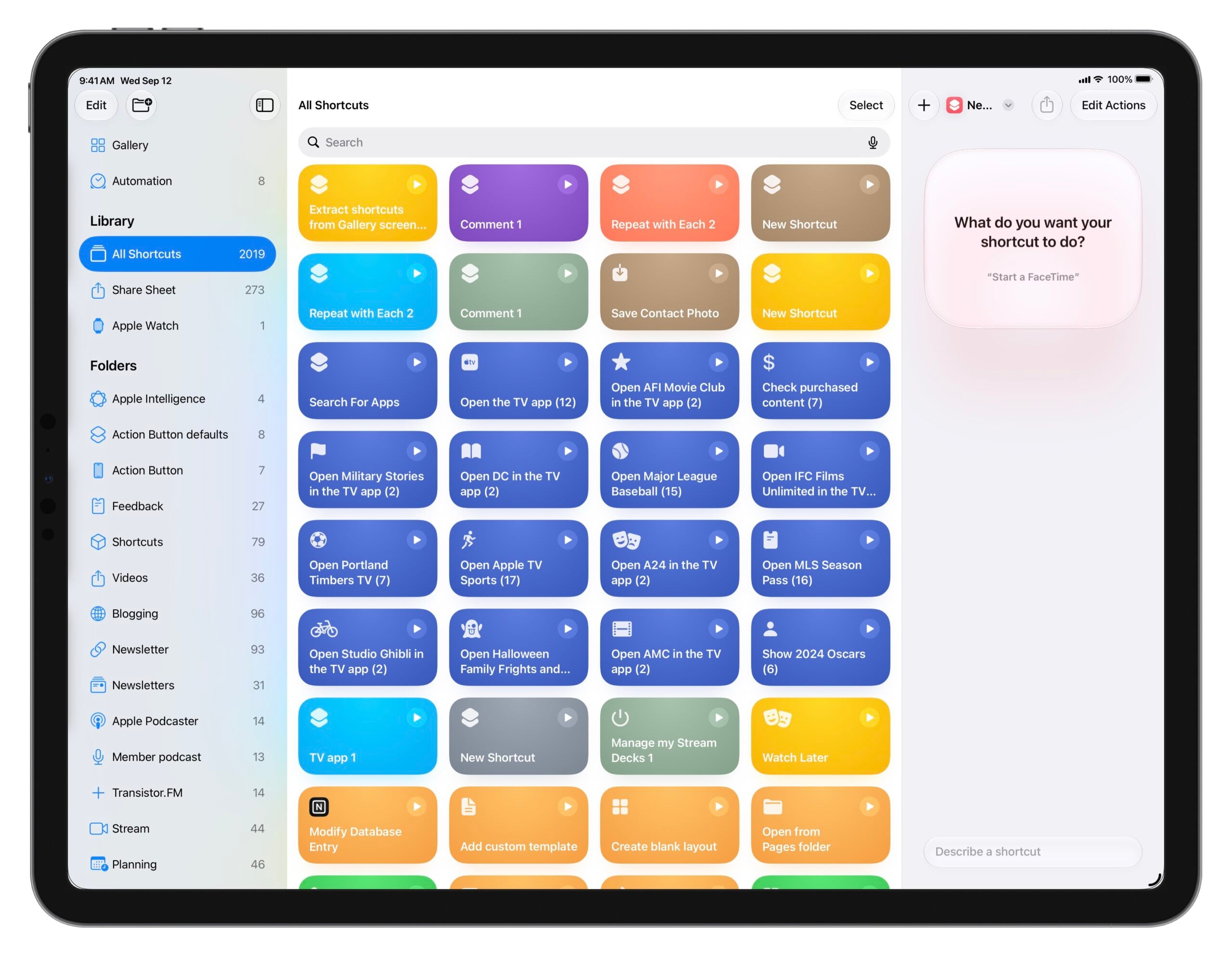
I personally had over 200 shortcuts to restore from iCloud, but it’s not clear to me when they were lost or why some are duplicates (indicated by a 1 at the end). That being said, I’ve recently deleted, re-added, and then re-deleted up to 4,000 shortcuts from my collection, so it’d be easy to slip through the cracks during that process.
Regardless, having an OS-level function to restore your shortcuts collection, should anything go wrong, will be a welcome peace-of-mind.
Check out the post on Reddit, check out the iOS 27 beta megathread I’m maintaining where I’ve just added this post, and get the iOS 27 beta as a developer or when the public beta releases.