My Screenshot Workflow ?

Hello members!

This post will walk you through my new Screenshot Workflow, which consists of two shortcuts… and a Mac app!
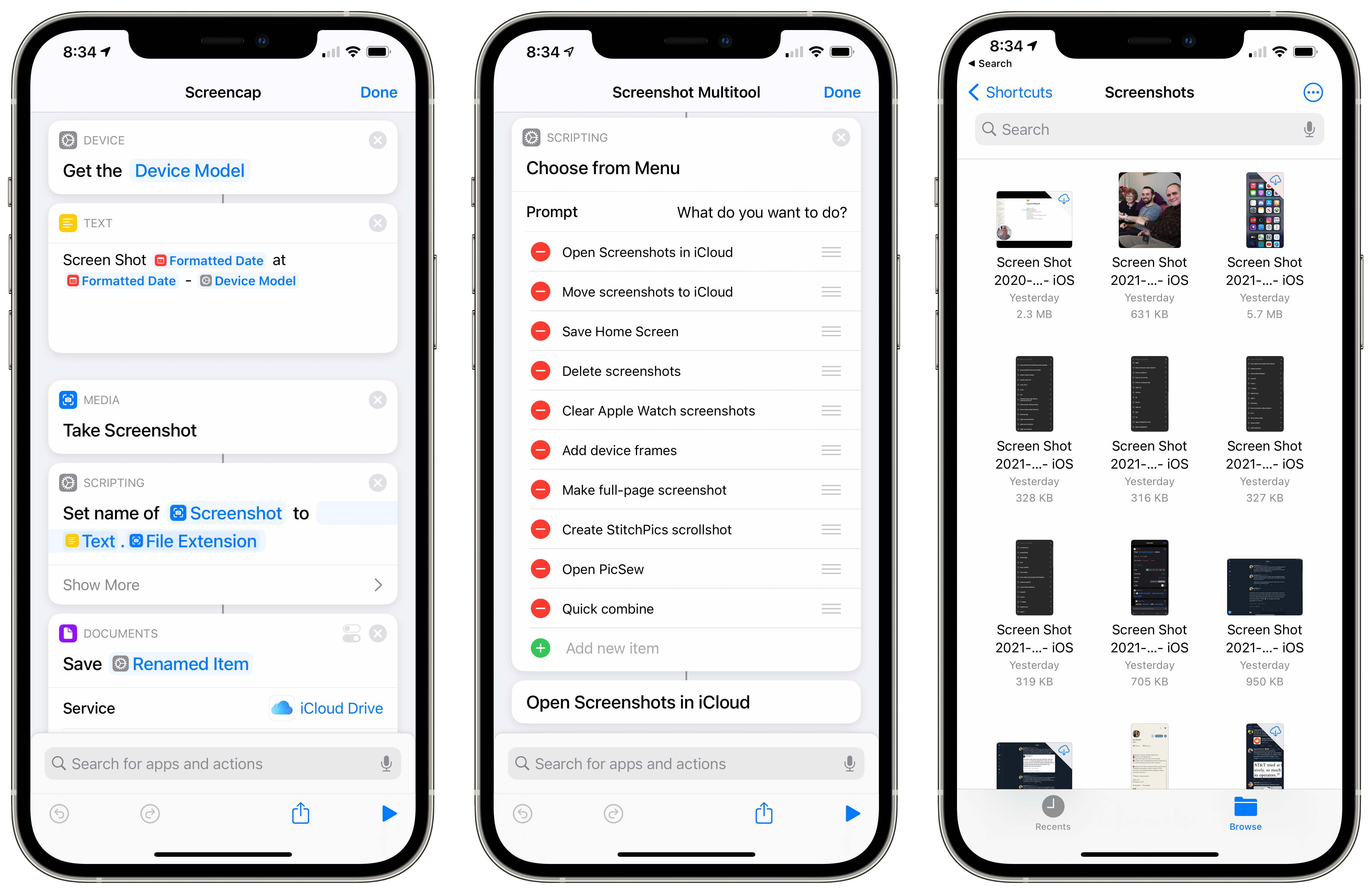
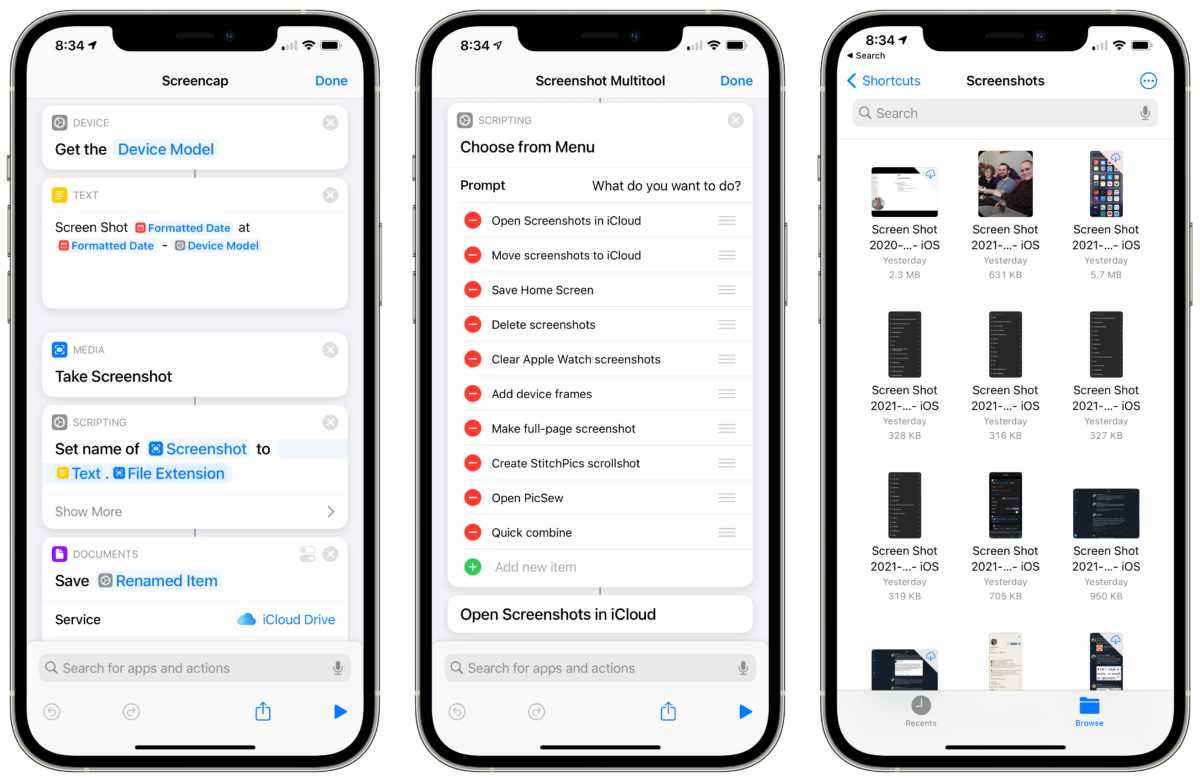
This workflow is designed to synchronize all your screenshots into one placed, named in the same style that macOS generates automatically – it’s built in three parts:

Hello members!

This post will walk you through my new Screenshot Workflow, which consists of two shortcuts… and a Mac app!
 

Get access to the full post by signing up for a membership.

Posts You Might Like

New shortcut: Crop Podcast Artwork with Pixelmator
Built for linking to podcasts mentioning my work, this shortcut uses Apple Podcasts and Pixelmator Pro for Mac to perform a ML crop on the show artwork to generate a 16x9 image for a blog post.
What’s new in Shortcuts for iOS 18.1, iPadOS 18.1, macOS 15.1, watchOS 11.1 and visionOS 2.1 »
Apple has updated the release notes for Shortcuts with all the new actions available in iOS 18.1.
Zenitizer, a clean and simple meditation timer »
Congrats to Zenitizer, a clean and simple meditation timer app that just launched on the App Store.
New in the Shortcuts Library: Groceries shortcuts
If you're looking for a better to manage your groceries in the Reminders app, check out my new folder of shortcuts for Groceries.