Portal’s Mac app helps users focus with immersive backgrounds and audio »

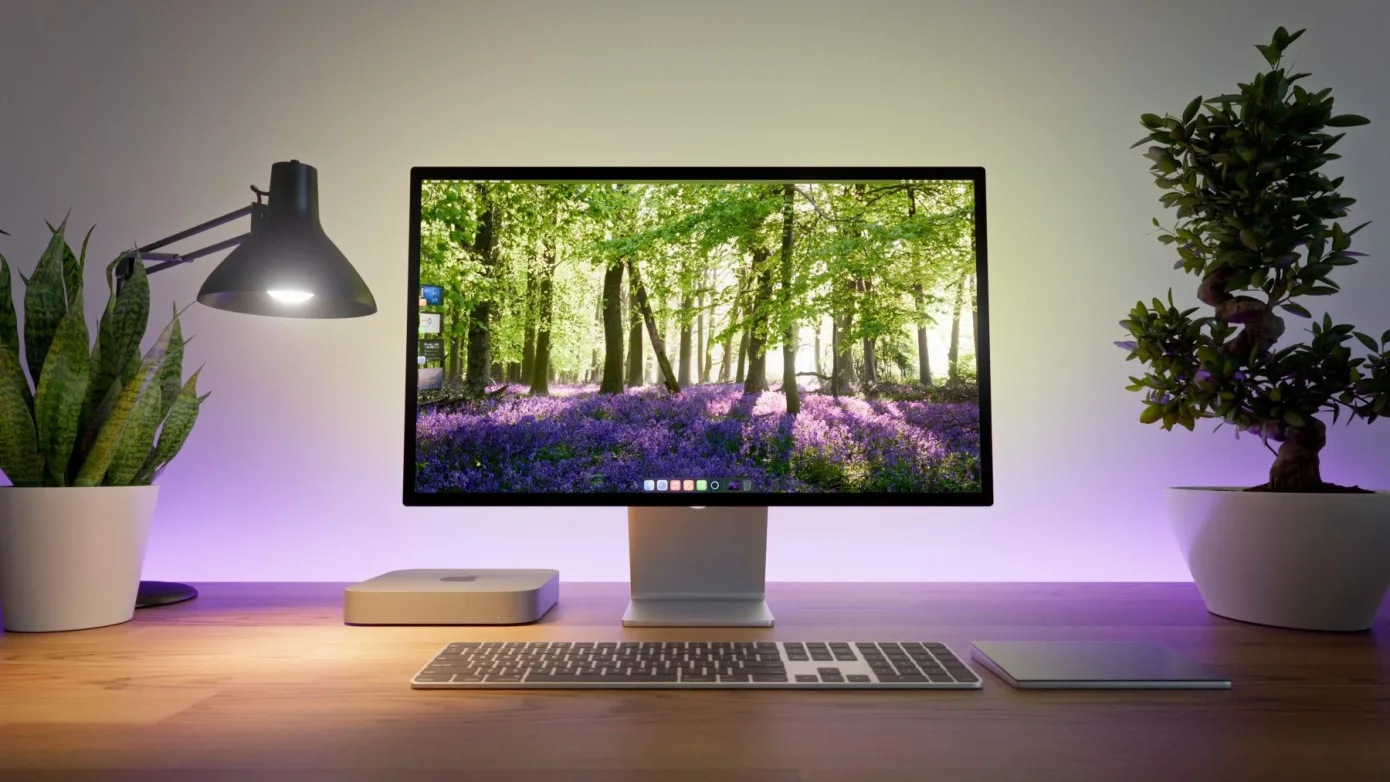
Portal for Mac lets users great immersive, focused environments – and it supports Shortcuts too!
Portal’s Mac app helps users focus with immersive backgrounds and audio »

Ivan Mehta writing for TechCrunch:

Productivity-enhancing app Portal has launched a Mac app. The company helps users regain focus and become more productive with immersive backgrounds and natural sounds.[…] Portal for Mac has more than 80 environments to choose from, which include high-quality looping videos captured by the company’s own team.

Further on:

Users can control the sound and motion or change the background through the menu bar icon too. Given that Portal is a native Mac app, it integrates with Siri Shortcuts as well.

I’m a huge fan of apps like Endel for its generative audio soundscapes – Portal looks like an interesting visual version of the same concept.

View the full story on TechCrunch.

Posts You Might Like

Shortcuts & Siri: I’m excited to see more
Sharing some initial thoughts on Shortcuts, Siri, and what it means for Apple’s future. Also, you should start using Workflow now.
Matt Galligan’s Shared Shortcuts on Notion
Matt Galligan has published a collection of Shortcuts on Notion – including a handy one for dialing in to meetings. Seems like a great way to share shortcut if you don’t have a website.
Apple introduces the new MacBook Air with the M4 chip and a sky blue color »
Apple has refreshed the MacBook Air, their linnest and lightest laptop.
How to create speaker groups for HomePod using Shortcuts