Shortcuts beta adds “Notify When Run” toggle to hide Automations

Shortcuts beta adds “Notify When Run” toggle to hide Automations

Yours truly for iMore:

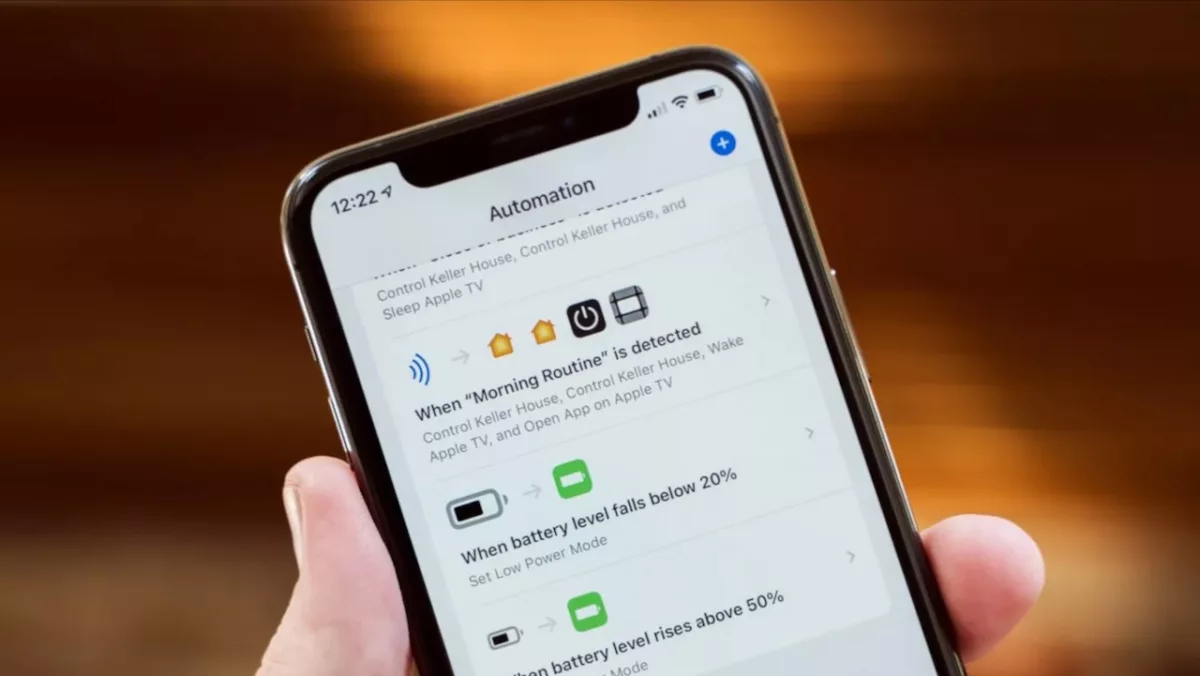
In iOS 15.4 beta 1, Apple has added a new toggle to Personal Automations in the Shortcuts app for “Notify When Run.”
[…]
With the new “Notify When Run” toggle, Shortcuts users can toggle off the setting to notify them when the shortcut is run, meaning you won’t actively be alerted each time the automation trigger is met.

Shortcuts automations are becoming more seamless and will soon truly work in the background – it’s time to take more advantage of Personal Automations.
Read the full article on iMore.

Posts You Might Like

16 ways to use Personal Hotspot with Shortcuts in iOS 16
I asked the Twitter community about Personal Hotspot — and made different Personal Automations for their responses.
How to create a deep link to file in iCloud Drive so you can directly access it later
Using the Share sheet and Add People to copy a direct link to a file in iCloud Drive, without exposing your data to the outside world.
Check out Devon Dundee’s updated Watch History Journal shortcut »
Devon has updated his excellent Watch History Journal shortcut to support the new Shortcuts actions that just came to Sequel.
Writing about Shortcuts/Workflow (and HomePod) on the Web
Collecting some recent links about Workflow & HomePod from The Sweet Setup and iMore