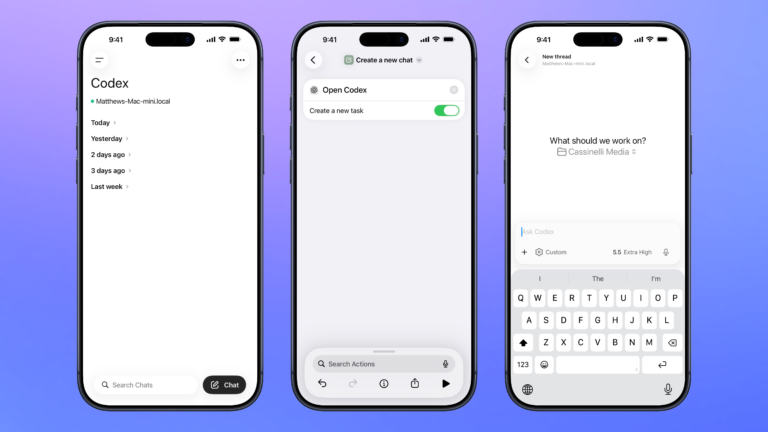


Open Codex for Mac
Open the Codex app for Mac, organized to your preferred window settings, or launches the app over SSH when run from mobile.

Control Codex remotely
Open the Codex experience in the ChatGPT app so you can remotely manage threads running on your Mac, plus search, organize, or create a new chat.

Type Gemini prompt
Opens Gemini to the Ask Gemini chat menu with the keyboard activated, ready for you to type your prompt right away.

Toggle Theater Mode
Switches the Theater Mode setting on your Apple Watch to enable or disable all alerts, touches, and wake-on-raise-wrist.


Play out loud
Sets the volume to 30%, starts Podcasts, and sets playback to the current device.

Log out
Uses AppleScript to press the keyboard shortcut ⌥+⇧+⌘+Q to immediately log out the current user.

Change the comfort setting
Prompts you to choose from your Home, Away, or Sleep setting and sets your Ecobee to your choice until the next schedule activity.

Automators Membership
Enhance your experience with bonus shortcuts, folder bundles, and exclusive perks.


Action Directory
Discover endless possibilities by combining the building blocks for Shortcuts.