
Control Codex remotely
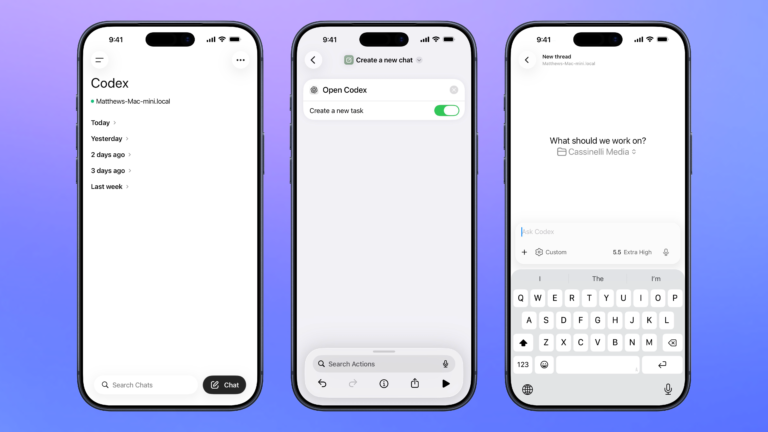
Open the Codex experience in the ChatGPT app so you can remotely manage threads running on your Mac, plus search, organize, or create a new chat.

Open the Codex experience in the ChatGPT app so you can remotely manage threads running on your Mac, plus search, organize, or create a new chat.

Opens the Codex experience in the ChatGPT app and create a new task where you can start a thread for any project.

Open the Codex app for Mac, organized to your preferred window settings, or launches the app over SSH when run from mobile.


“You can share chats or an individual prompt & response. Once you do, you can manage public links that you’ve created and see their details here.”

Lets you quicky add characters like parantheses, brackets, or quotes before and after a string of text.

Use this shortcut to sort the list of shortcuts that appear in the Menu Bar on macOS.


Enhance your experience with bonus shortcuts, folder bundles, and exclusive perks.