The Allegory of Dark Mode

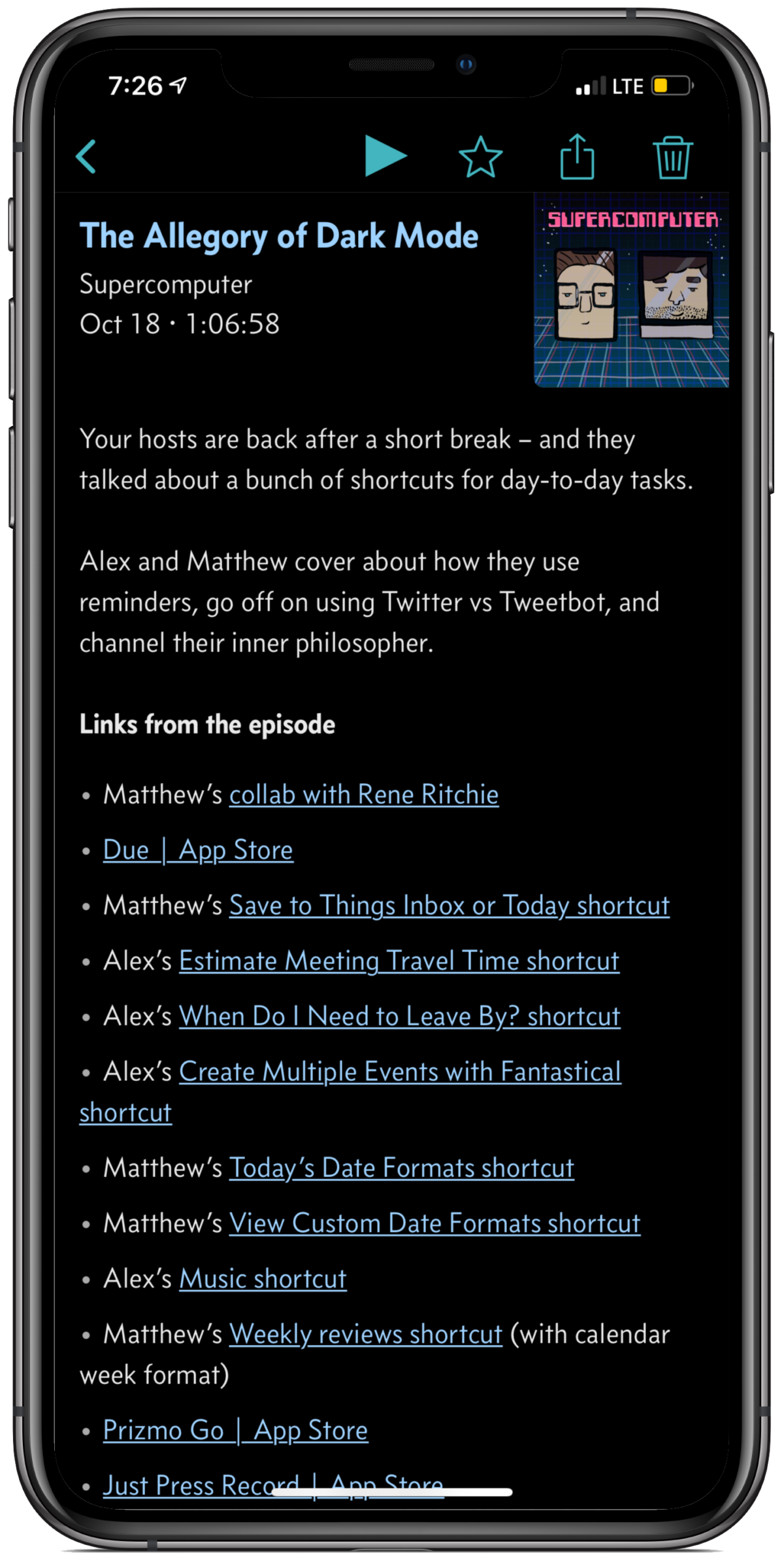
Episode 9 of Supercomputer is out – we converted task managers part 2, Twitter, and share a bunch of shortcuts.


On Thursday, Alex and I released our 9th episode of Supercomputer into the world. Titled “The Allegory of Dark Mode”, this episode follows up from our show two weeks ago on task managers.

After a short one-week break, we broke back into how we use our devices to get things done, plus went off a bit on how I use Twitter.

Near the end things got weirdly philosophical, which I’m totally okay with.

We talked about and shared a good number of shortcuts we use in the show notes, so if you’re not already subscribe to the show and add them as you listen along.

I also started a submission form for Shortcuts questions, so feel free to submit any places you’re getting stuck or shortcuts problems in the Airtable form any time!

Next week we’ll be talking about the home – HomePod, Apple TV, HomeKit, and more – looking forward to episode 10!
Listen to the show:
Website
iTunes
Overcast

Posts You Might Like

Now streaming in the Shortcuts Library: Disney Plus shortcuts
Check out my new set of shortcuts for Disney+ subscribers. These work on iPhone, iPad, and the web – plus using Add to Dock on Mac.
A Pair of Shortcuts to Log Podcast Episodes in Airtable and Play One at Random in Overcast
New shortcut: Crop Podcast Artwork with Pixelmator
Built for linking to podcasts mentioning my work, this shortcut uses Apple Podcasts and Pixelmator Pro for Mac to perform a ML crop on the show artwork to generate a 16x9 image for a blog post.
How to Enable iPhone Orientation Lock for Specific Apps »
The folks at MacObserver have put together a guide for how to set up App automations that control Orientation Lock – check it out.