Yours truly for iMore:
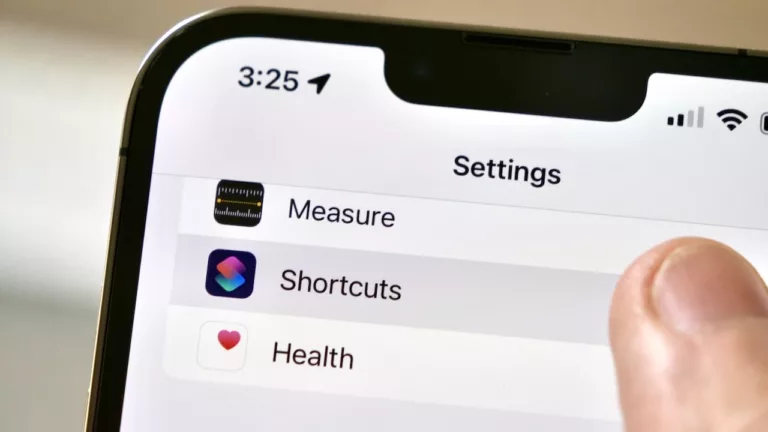
In iOS 16, one of the hallmark features for iPhones is the new Lock Screen customization — users have been excitedly adding their own combinations of widgets to show up on their always-on displays. However, one of Apple’s own apps was curiously missing from the options: Shortcuts.
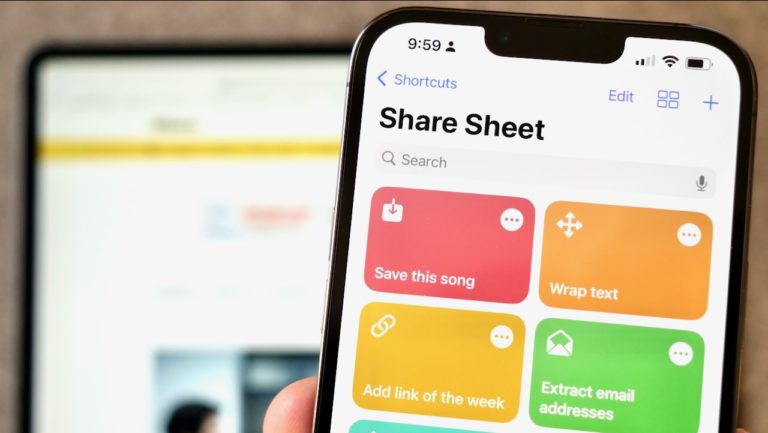
Across its platforms, Apple makes it easy to run shortcuts in tons of places — the Shortcuts widgets are extremely useful, you can run shortcuts from the Menu Bar on Mac, and the Apple Watch extends the functionality to your wrist.
But in this newest release, Apple didn’t add a Lock Screen widget for Shortcuts. And while this did open up the demand for third-party developers, it’s left an odd gap for everyday users who want to run shortcuts right from the first screen they see.
In this story, I’ll share a few reasons why Apple might not have added the Lock Screen widget, argue that Apple should one anyway, and share the best apps for adding shortcuts to your Lock Screen as it works in iOS 16 today: