You Can Change The Elgato Prompter Between Text, Chat, and Display Modes »

Elgato's teleprompter is multi-purposes – you can record scripts, interact with chat, or put any app up on the display.

From @elgato:

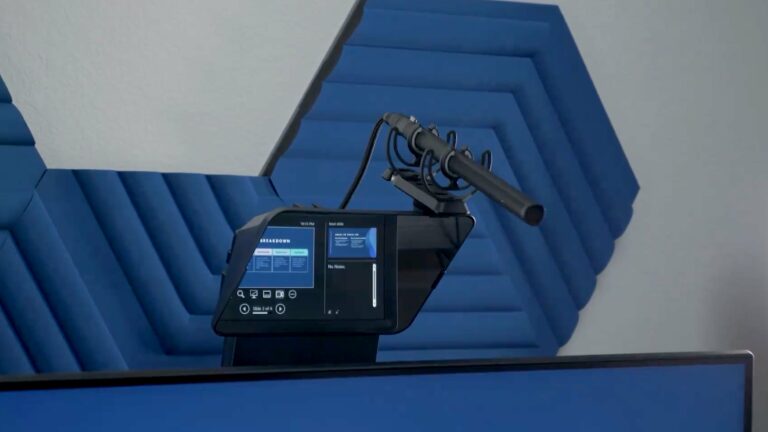
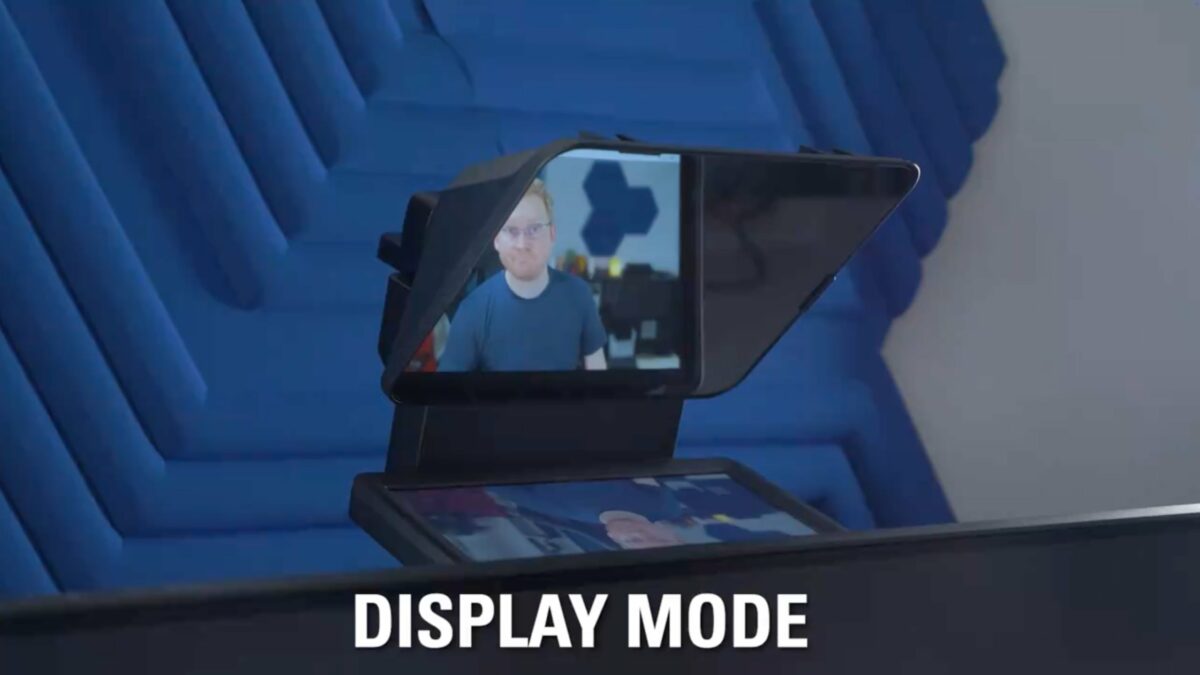
With a built-in 9” screen, you can use Prompter to display video scripts, stream chat, or even mirror any window or app from your computer automatically.

[Video]

I mostly use the Prompter in Display Mode to mirror my whole desktop and pull up specific windows like Zoom or Ecamm when I want to look directly into the lens.

I want to try Stream Mode with Twitch chat while gaming later this year, but I haven’t found a good workflow for Text Mode and video scripts just yet…

View the post and get the Prompter from Elgato.

P.S. You can use my Elgato Partner code ZZ-CASSINELLI for 5% off at checkout.
 

Posts You Might Like

You Can Control Elgato’s Key Light Mini Wirelessly »
In case you didn't know, Elgato's smaller Key Light Mini works remotely with their app – even while battery-powered.
Voice Sync Beta Scrolls Scripts on Elgato Prompter Automatically »
Elgato has released a beta version of Voice Sync for the Prompter, which automatically scrolls as you speak (and stops when you do).
Stream Deck + Pairs Perfectly With the Elgato Prompter »
The Stream Deck + has physical dials so you can scroll up and down on the Elgato Prompter.
Elgato Prompter Gains Voice Sync, Camera Preview, and Global Hotkeys »
Voice Sync for the Elgato Prompter is now out of beta, along with a new Camera Preview for Display Mode and hotkeys for chapters.