

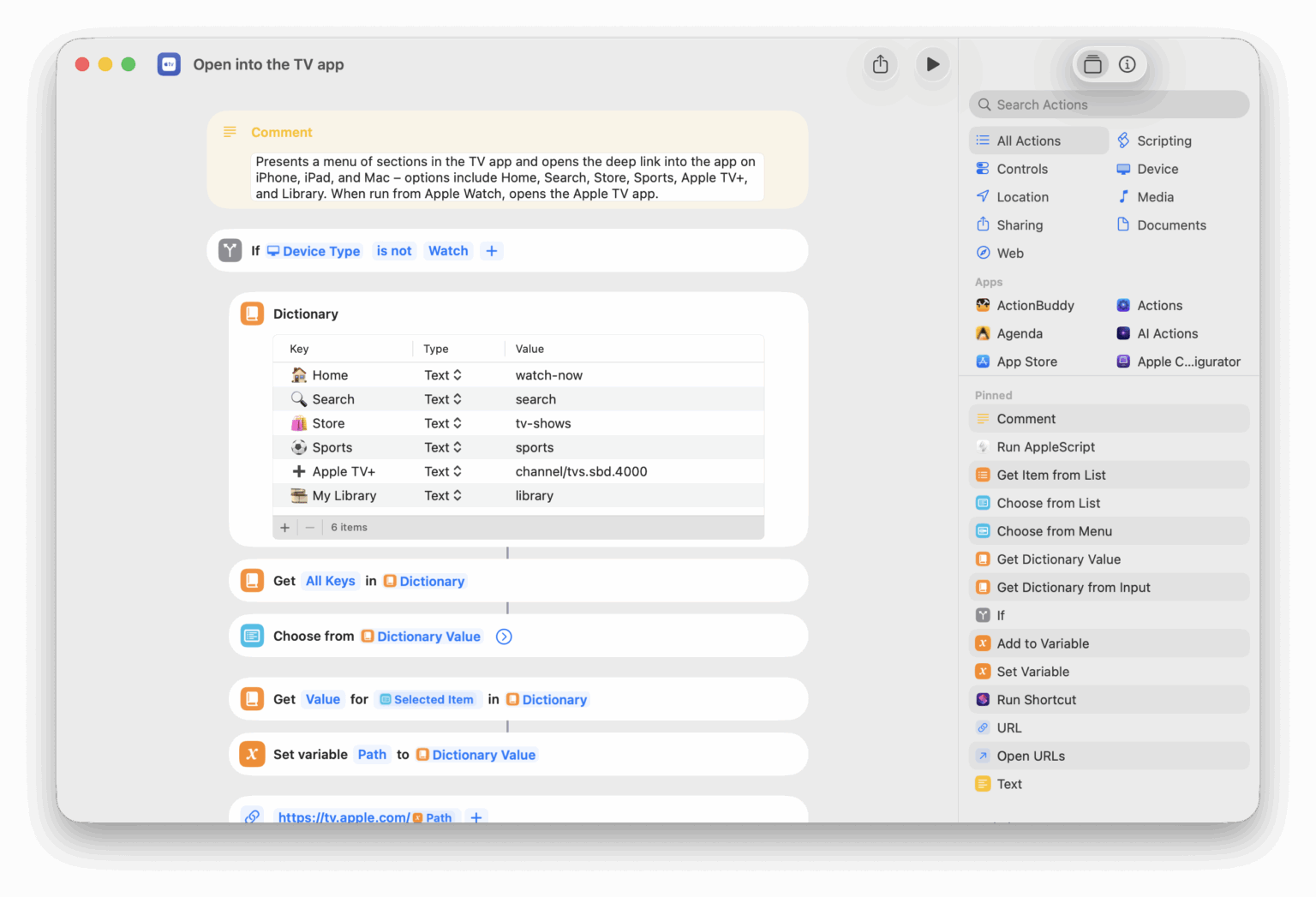











Show Included With Apple TV
Opens the TV app to the “Included with Apple TV” category, showing the occassional set of movies that Apple makes free temporarily to go along with the theme of new Apple TV+ Originals.

Add to my TV watchlist
Accepts a list of TV shows or movies, scrapes the results from Apple’s Marketing Toolbox, and lets you pick where to send the media – with options to open into the TV app, add to your Watchlist, send to Reminders, or copy the links.

Open Trailers
Opens to the Movies and TV Trailers section of the TV app (which replaced the dedicated Trailers app).

Open Apple TV+
Opens the TV app to the Apple TV+ tab to show content from your subscription.

Open Major League Baseball
Opens the TV app to the dedicated section for Friday Night Baseball.


Current Apex rotation
Calls an Apex Legends API to get the activate map in Public matches and gives you the current information.

Edit Disney Plus profiles
Opens the “Edit Profiles” page which lets you select between your profiles and change the details.

Discover a comic series
Opens the “See More” link from your curated Comixology homepage to the “Discover a new comic series” page on Amazon.

Play my Replay 2022
Plays the preselected Replay 2022 playlist on Shuffle. My top tracks of the year were full of Kraughnbin and Foals.

Open the emoji picker
Uses AppleScript to press the key combination for the Special Characters palette.
Open Club MacStories
Shows the main homepage for Club Macstories, the members-only portion of the MacStories website with weekly newsletters, community events, and private stories with more advanced techniques.

Automators Membership
Enhance your experience with bonus shortcuts, folder bundles, and exclusive perks.


Action Directory
Discover endless possibilities by combining the building blocks for Shortcuts.