Get Significant Siri AI Performance Improvements With Large EntityCollections
When working with large data sets, developers using App Intents should mark them as EntityCollections for performance improvements – loading only the identifiers.
In the WWDC 26 session “Discover new capabilities in the App Intents framework,” App Intents Engineer Moe Mehrabi talks about improvements to App Intents when working with large collections of data, by wrapping them in an EntityCollection of IDs rather than the full payload of every entity:
[…] Your entities are shared and the system knows when they’re relevant. Now, let’s make them more efficient.
Back in the travel tracking app – the app has landmark photos, but I also wanted to let people save their own travel photos.
So I added a photo album view. And to make the photos available to the system, I defined a PhotoEntity with an app schema for photos.
This gives the system the context it needs to work with my photos across Siri, Shortcuts, and Spotlight.
I also created an intent to tag my photos by keyword, so people could organize and find them easily.
As the photo library grew, I noticed something – tagging a lot of photos at once was slower than expected.
Let’s walk through the code to understand why.
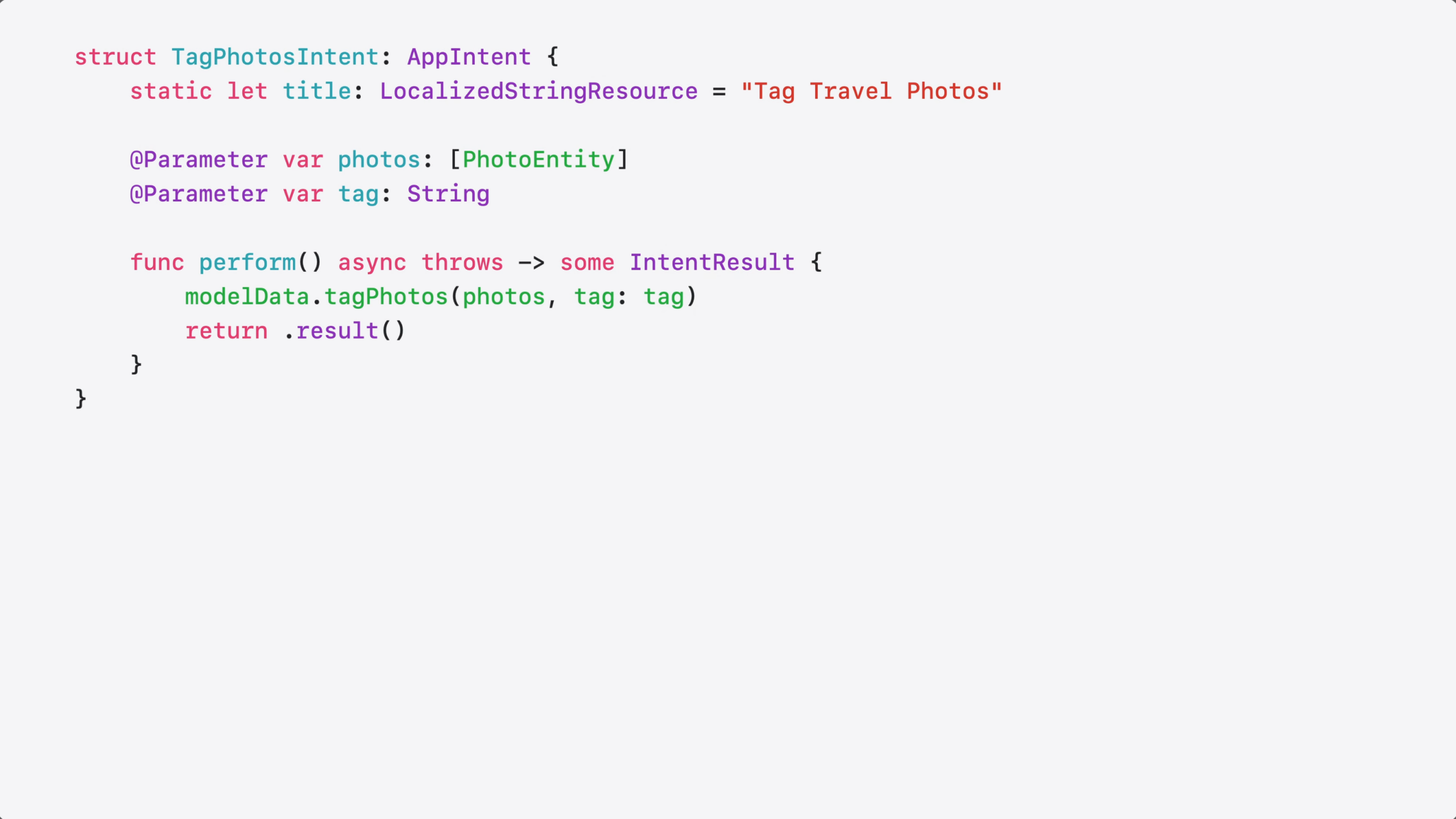
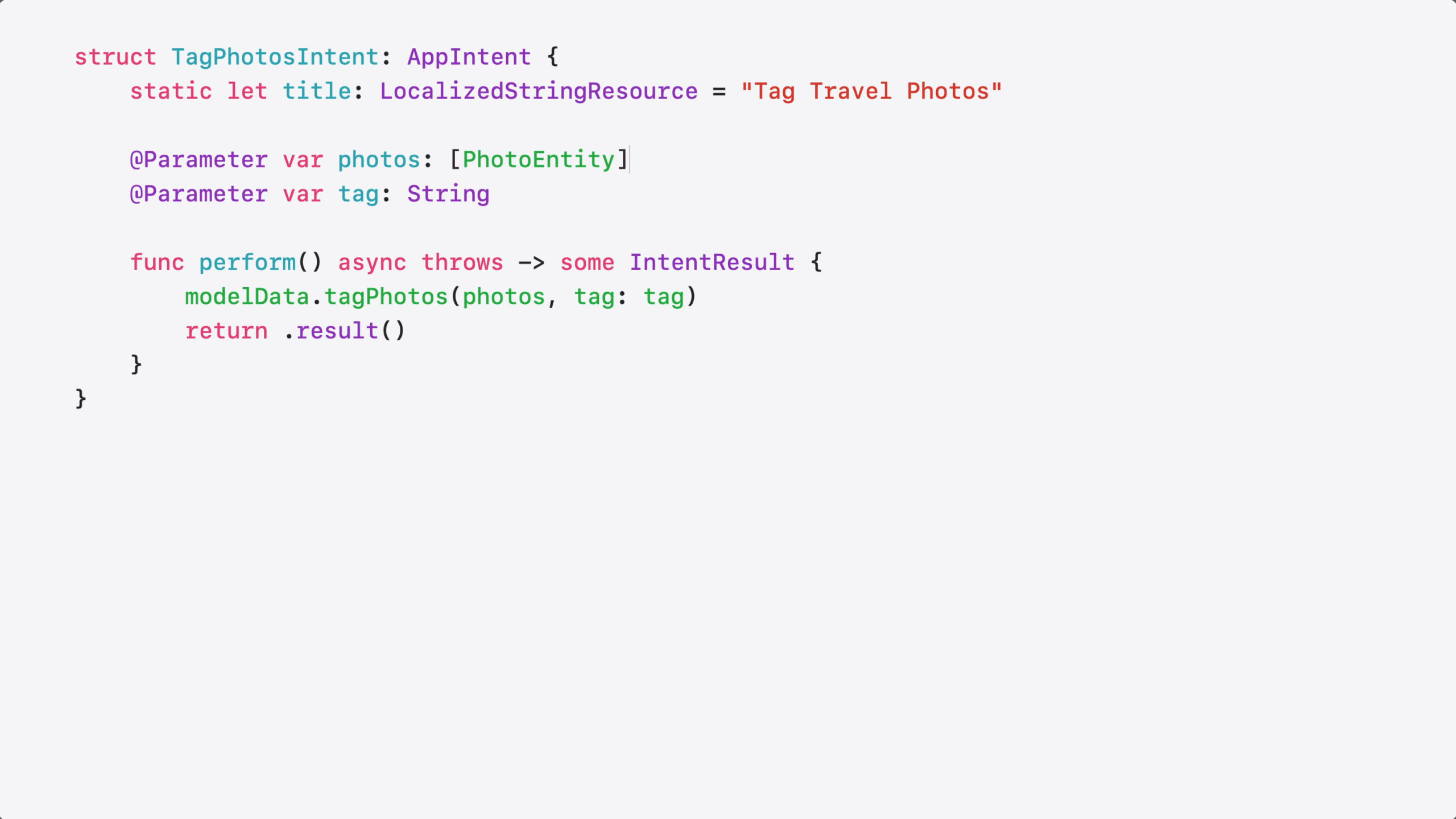
The intent is very simple – it just adds a keyword to my photos.
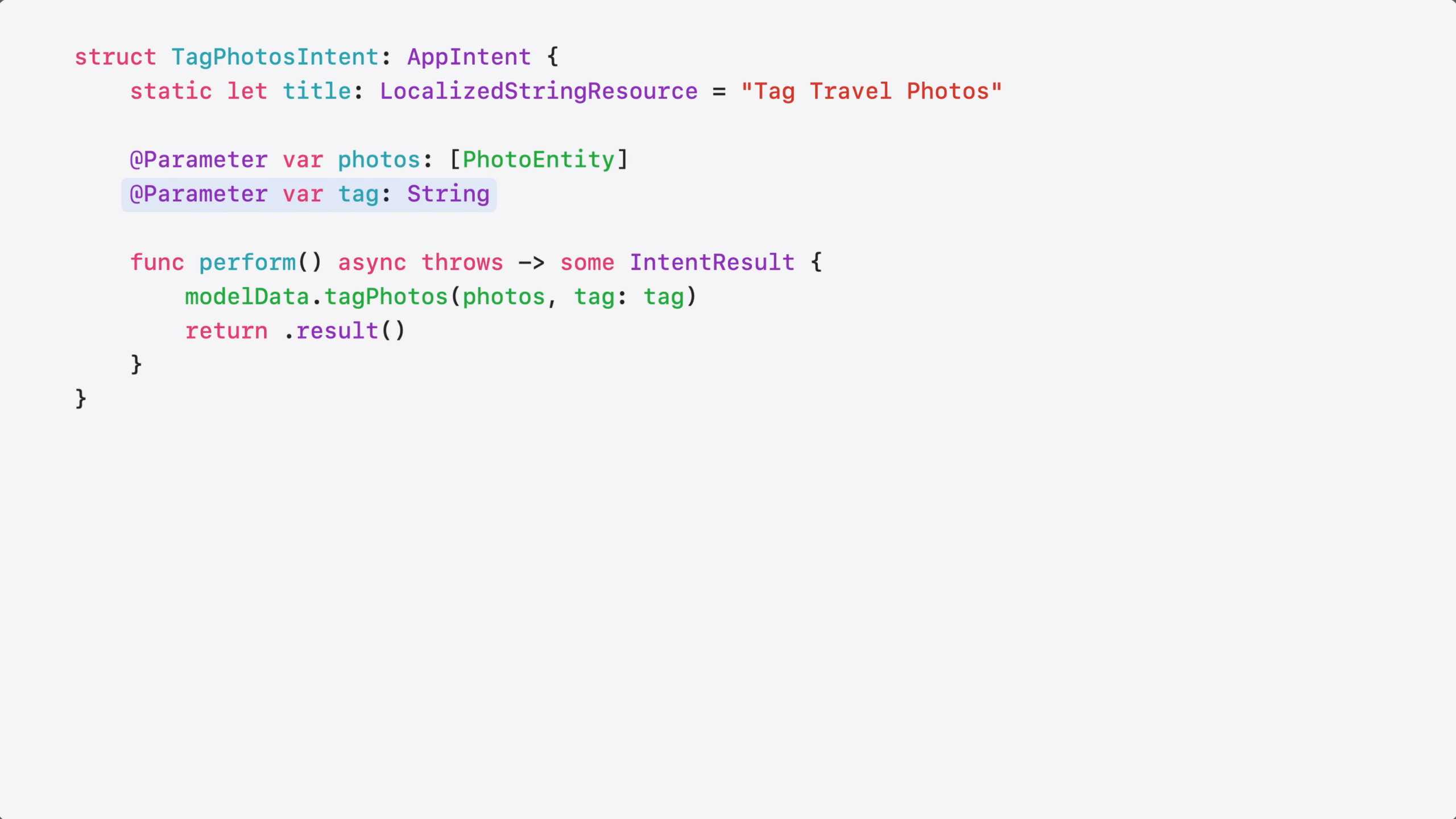
It takes a list of photo entities and a tag as a @Parameter…
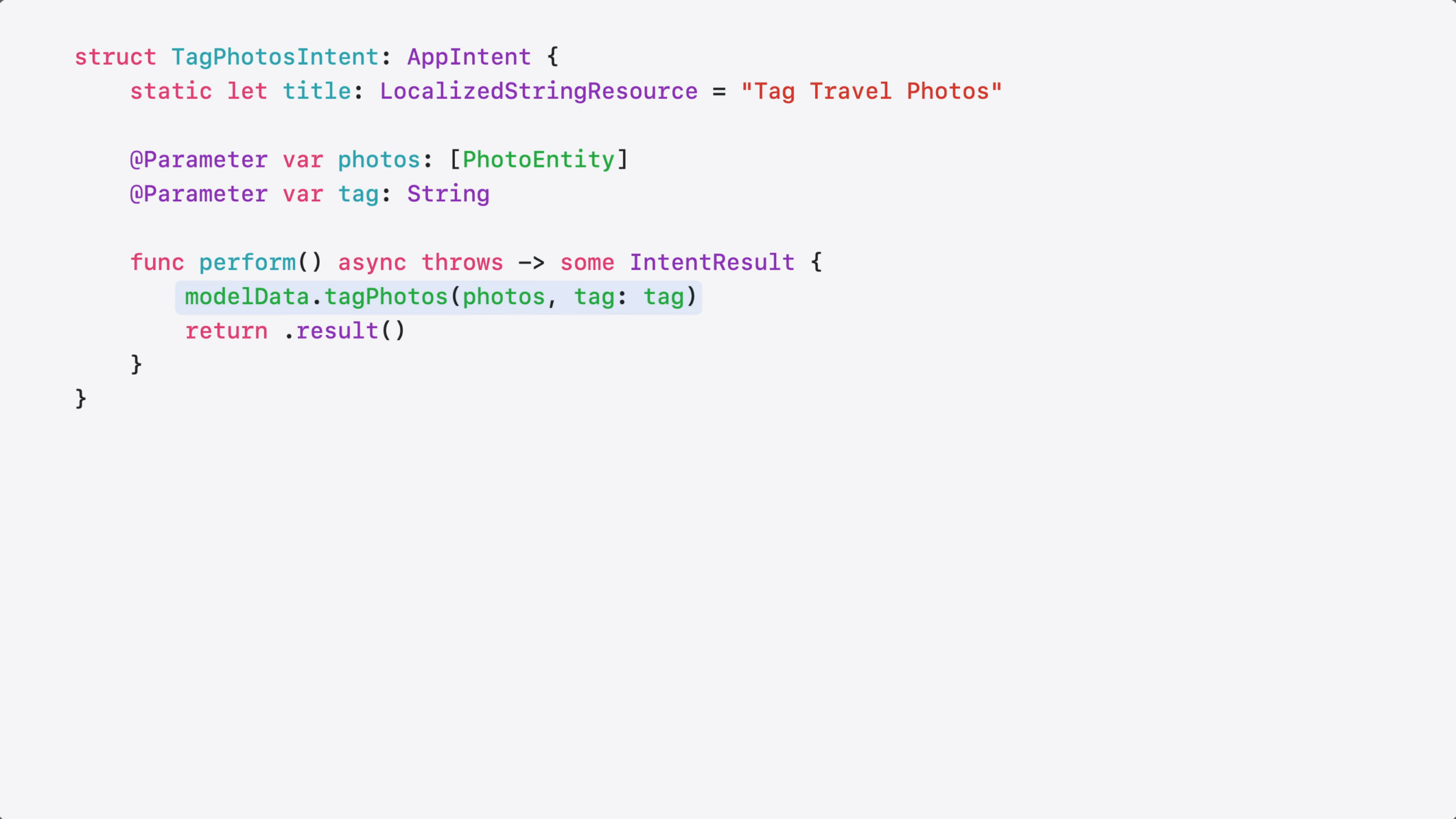
…and the Perform method just applies the tag to each photo item.
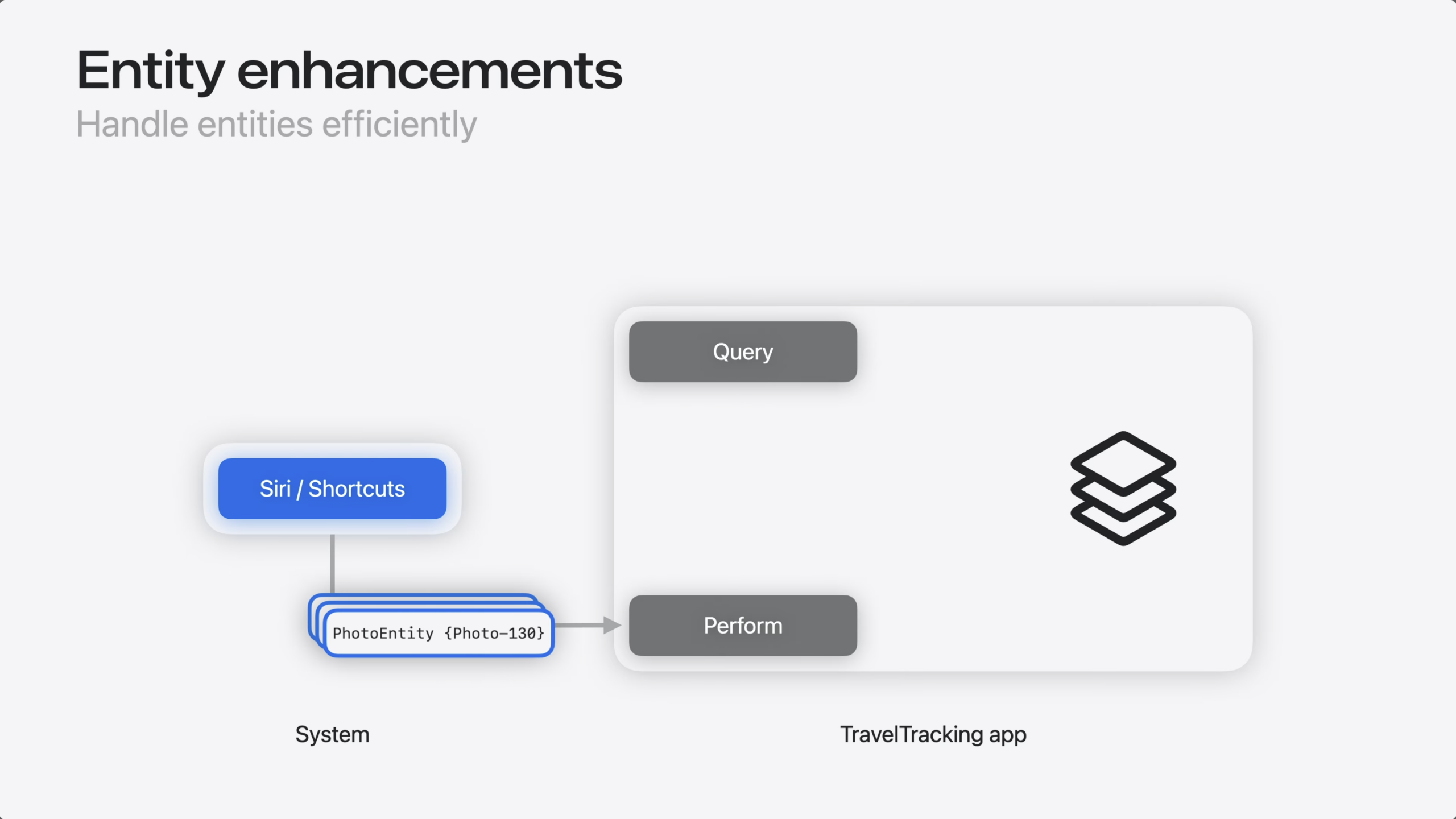
So, why was that actually a problem? Well, it has to do with how App Intents resolves parameters.
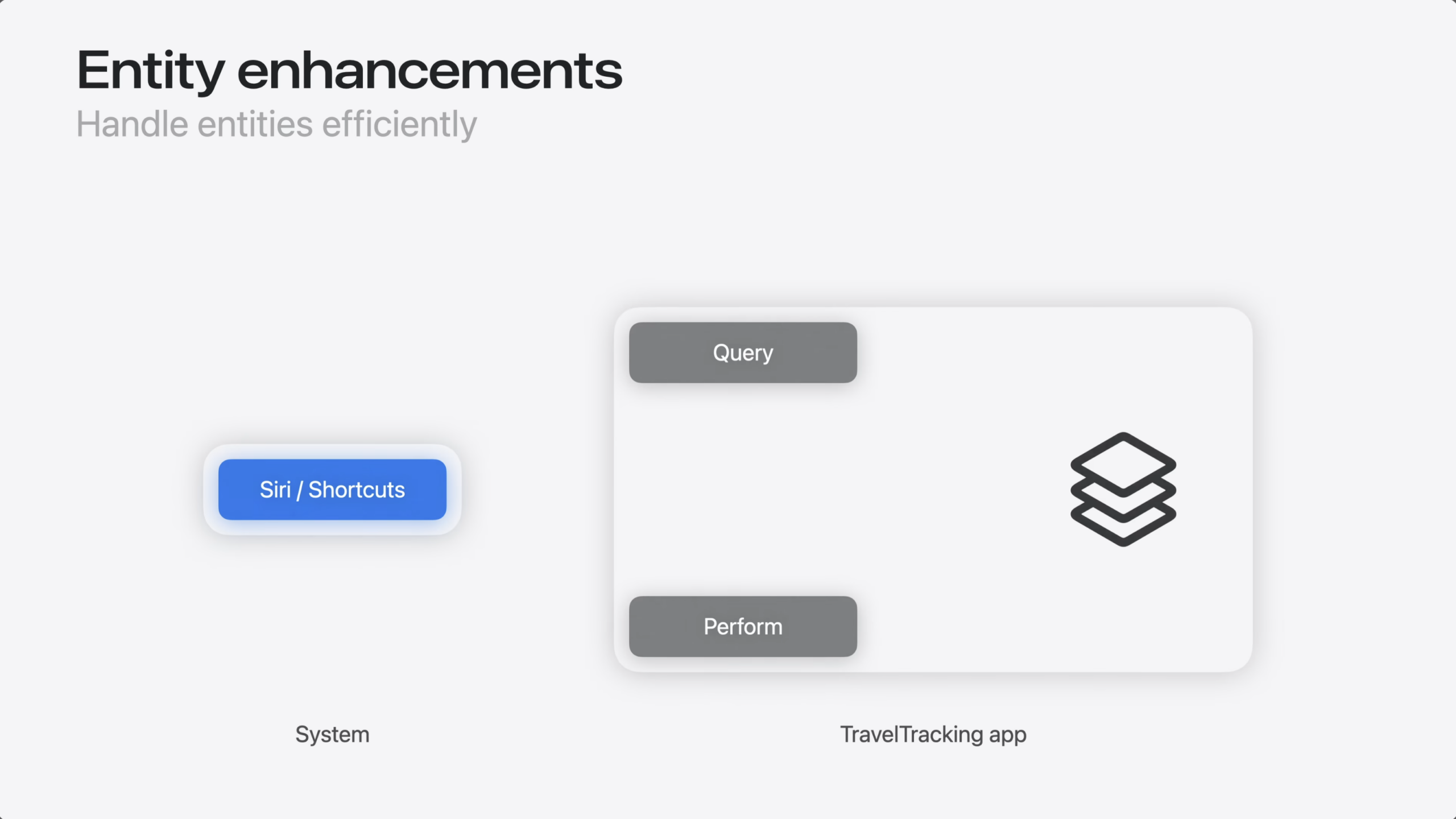
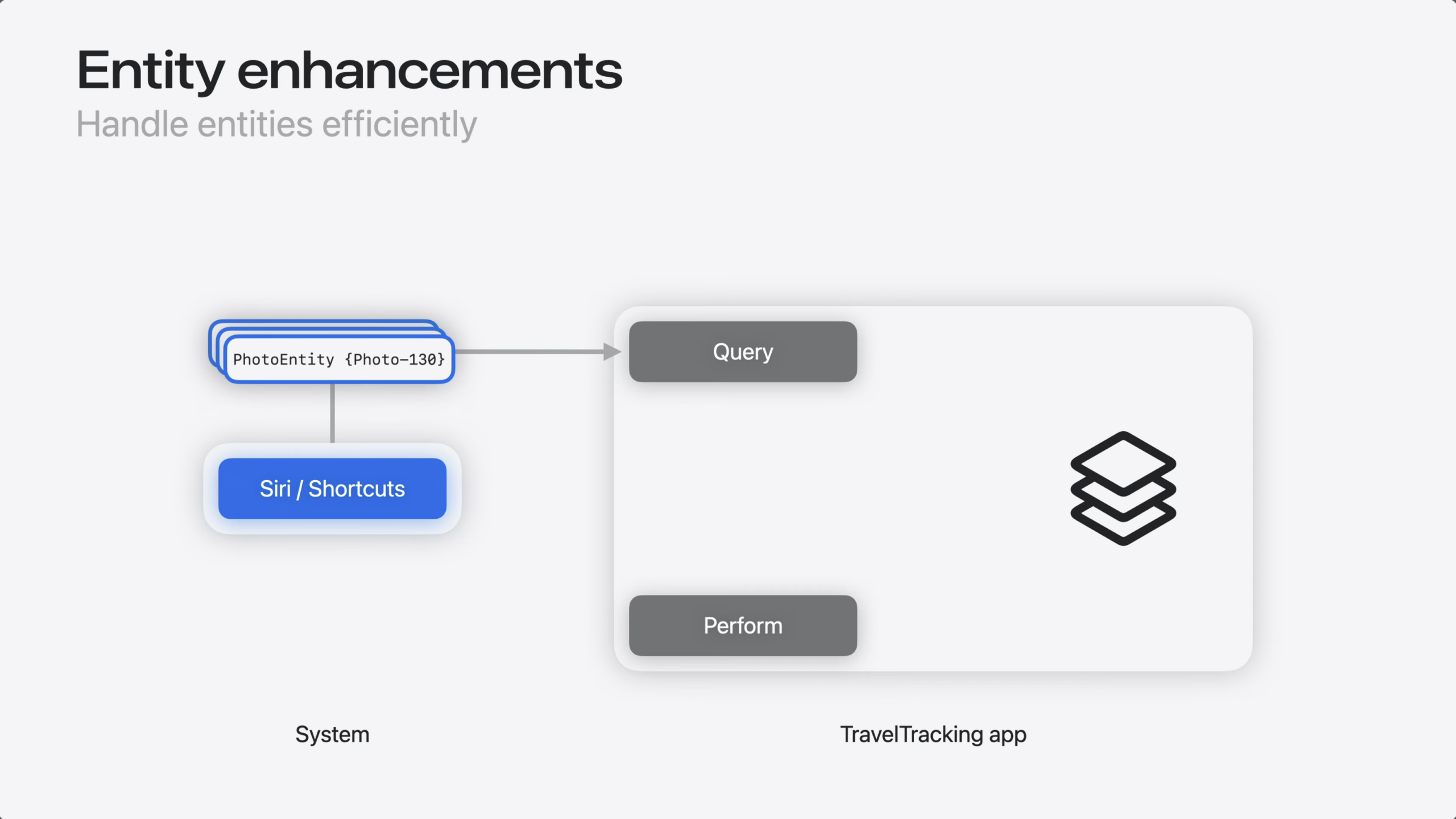
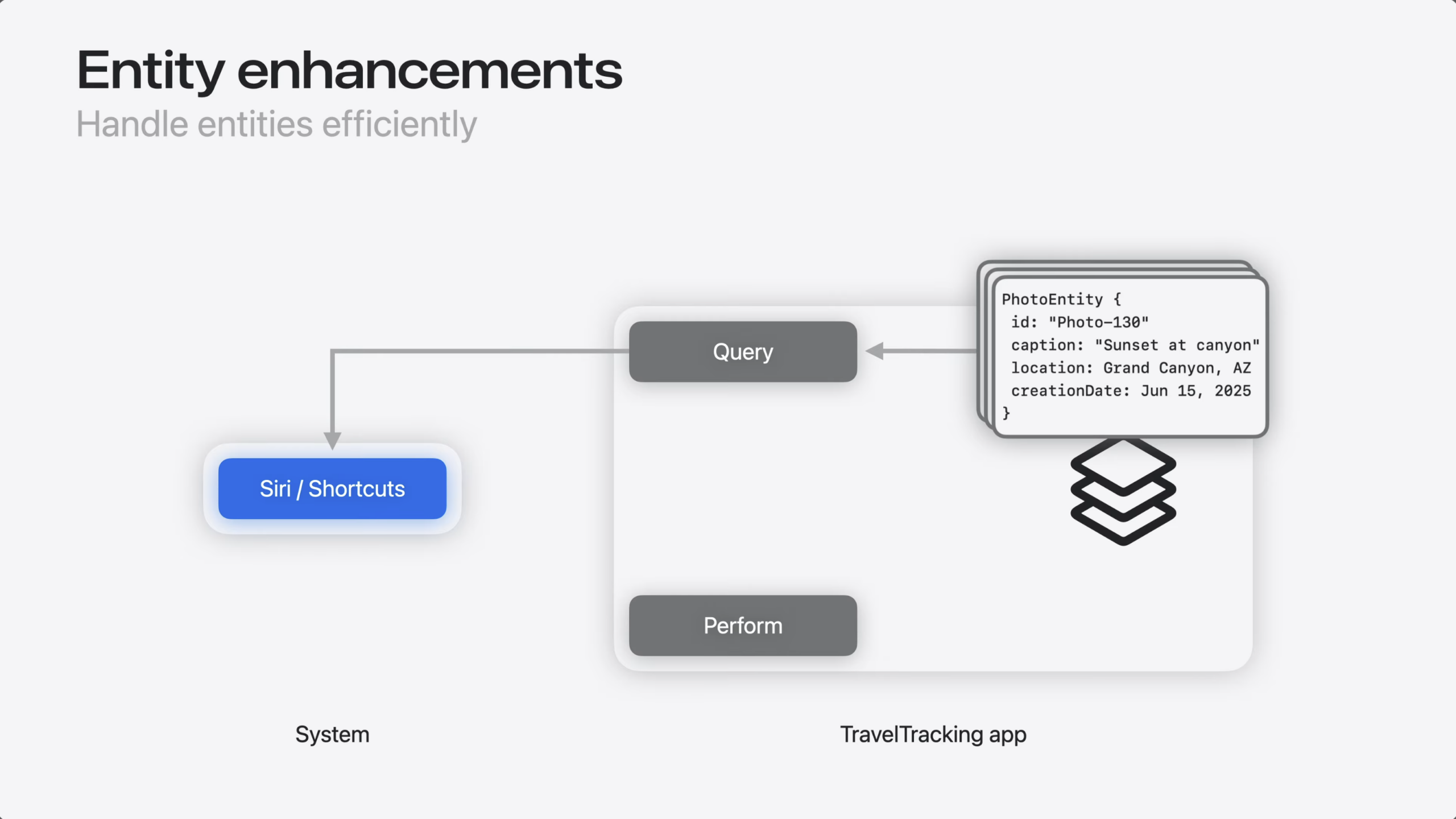
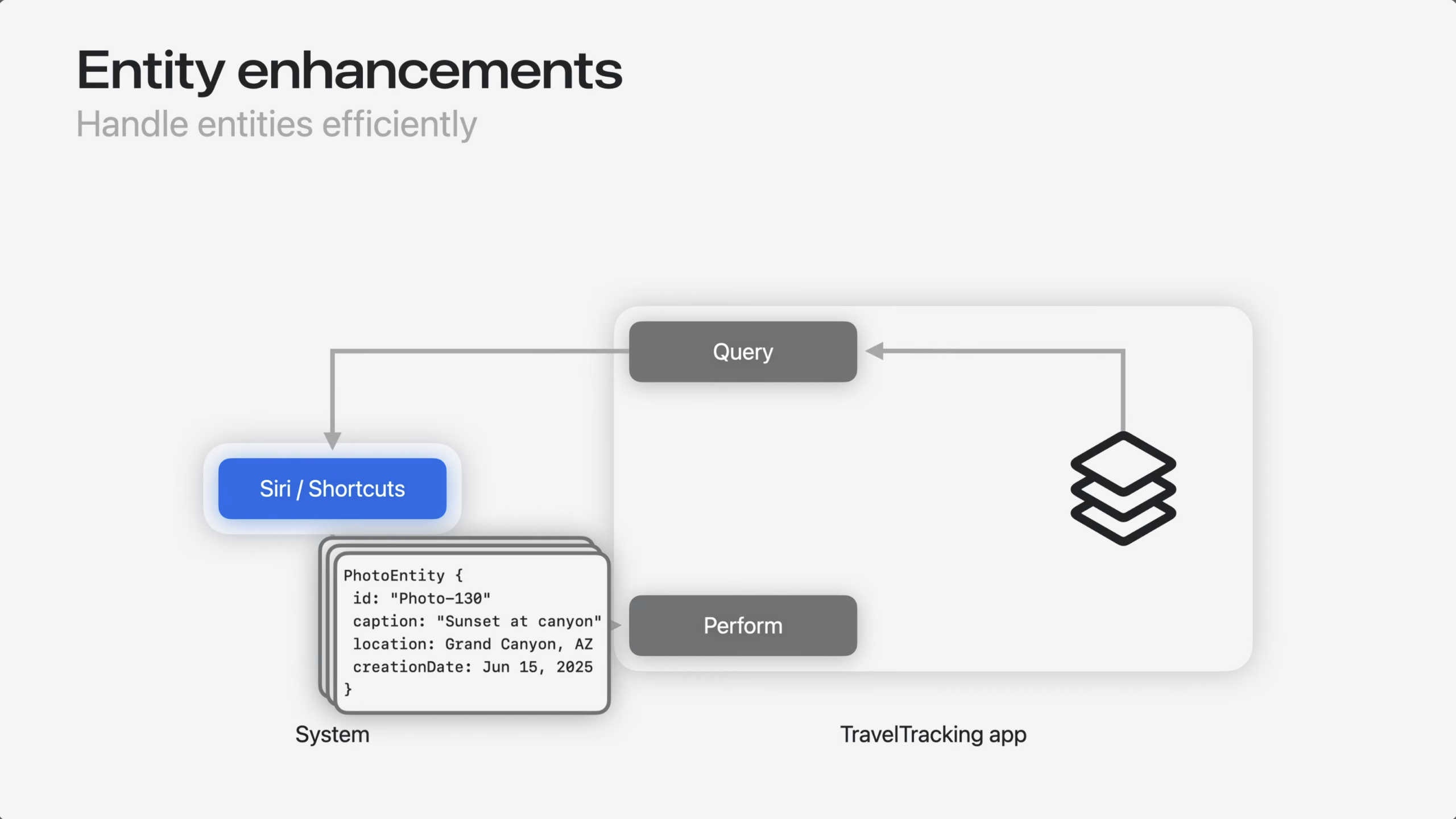
Before an intent runs, the system resolves every entity.
That means calling the entity query to populate all of its properties, so the intent has everything it may need.
For most intents, that’s exactly what you want. But in my case, this meant resolving hundreds or thousands of photo entities…
…even though my code only needs the entity ID to update my data model.
So, how do I fix this?
Entity Collection fixes this. It’s a new type that stores an array of entity identifiers instead of fully-resolved entities.
When you use EntityCollection as your parameter type, the system passes just the identifiers to the intent’s perform method – without resolving the full entities.
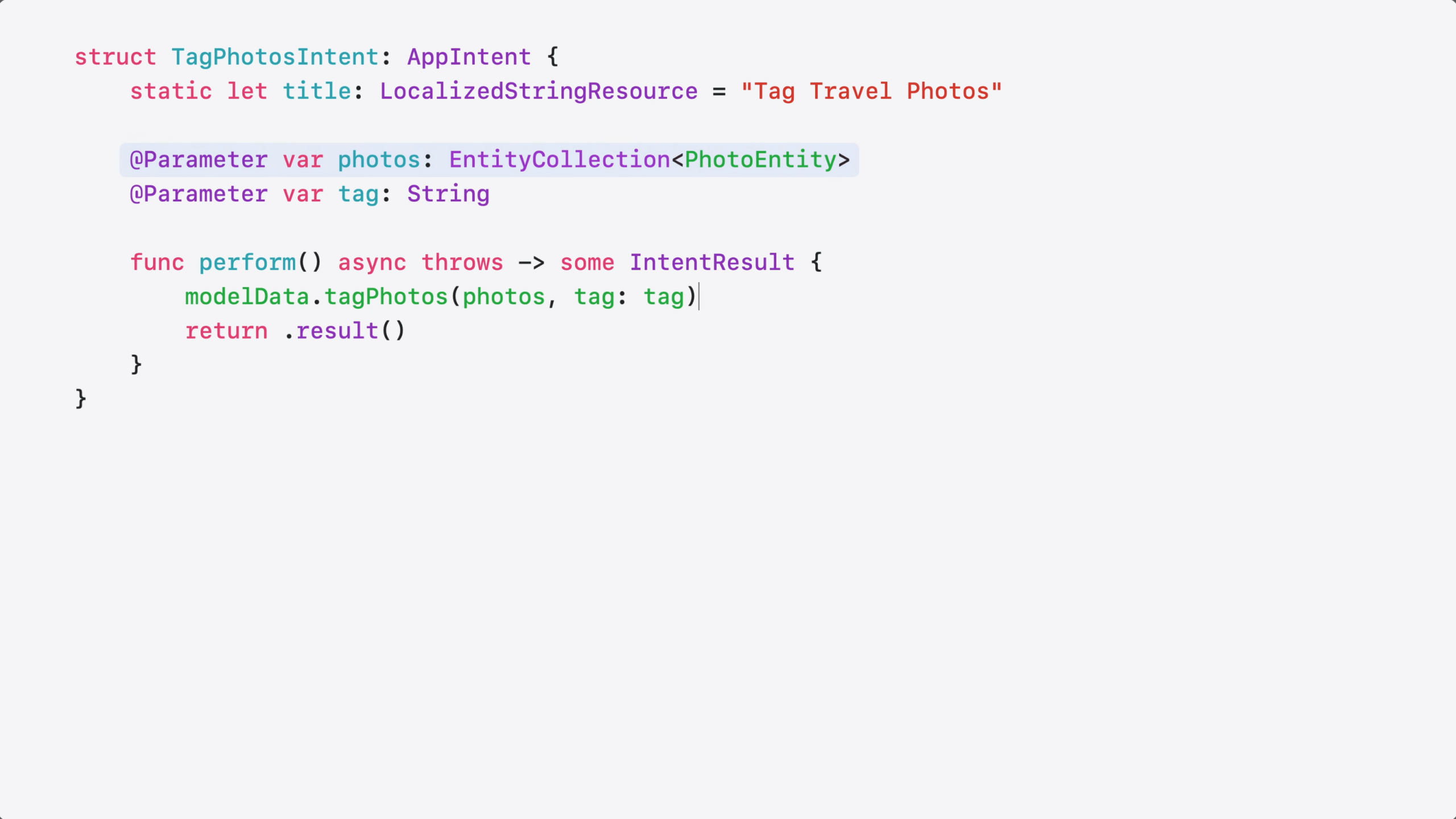
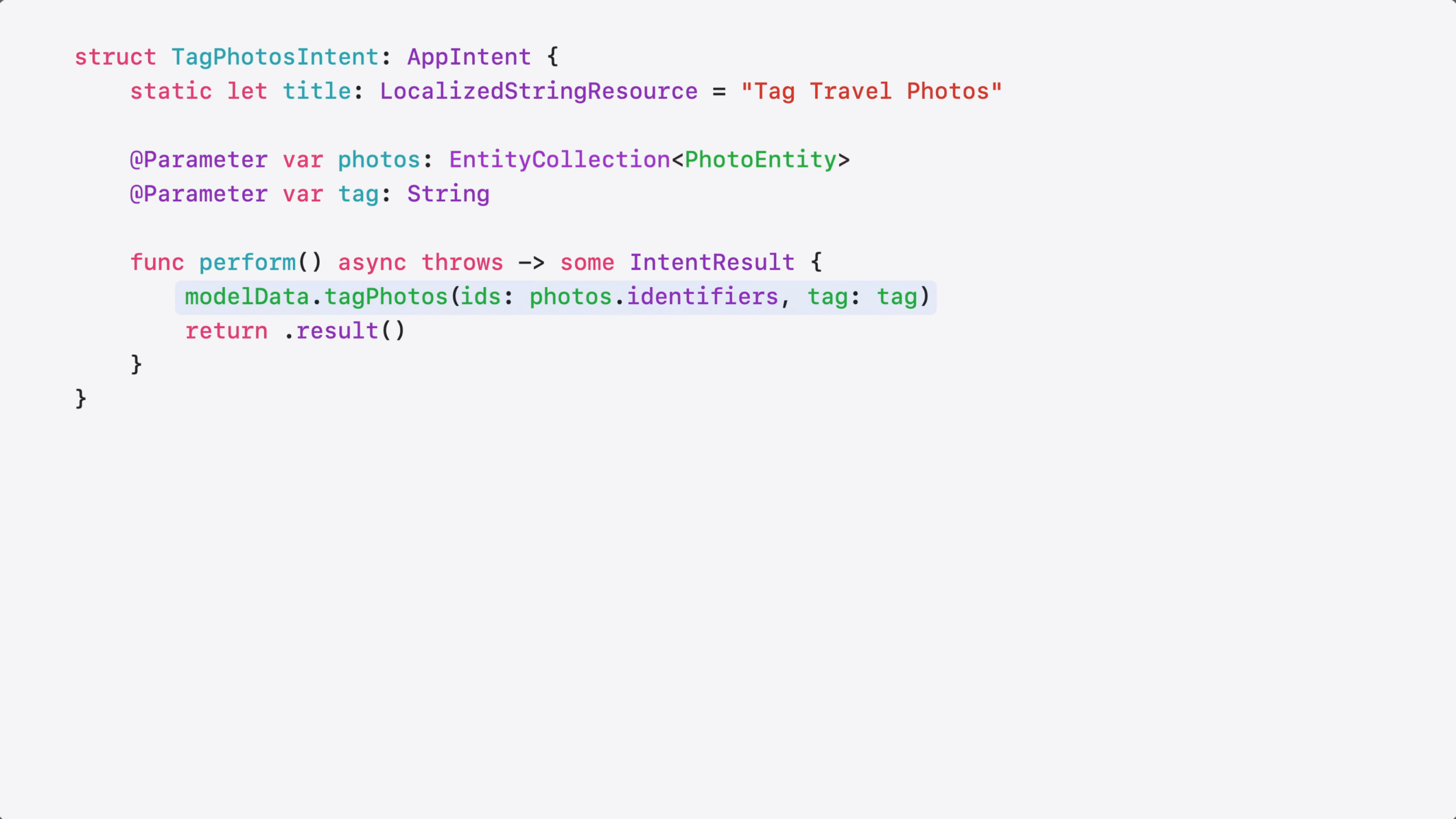
Here’s the updated code.
I changed my @Parameter type to EntityCollection…
…and passed the identifiers directly to my tagging method. That’s all it took!
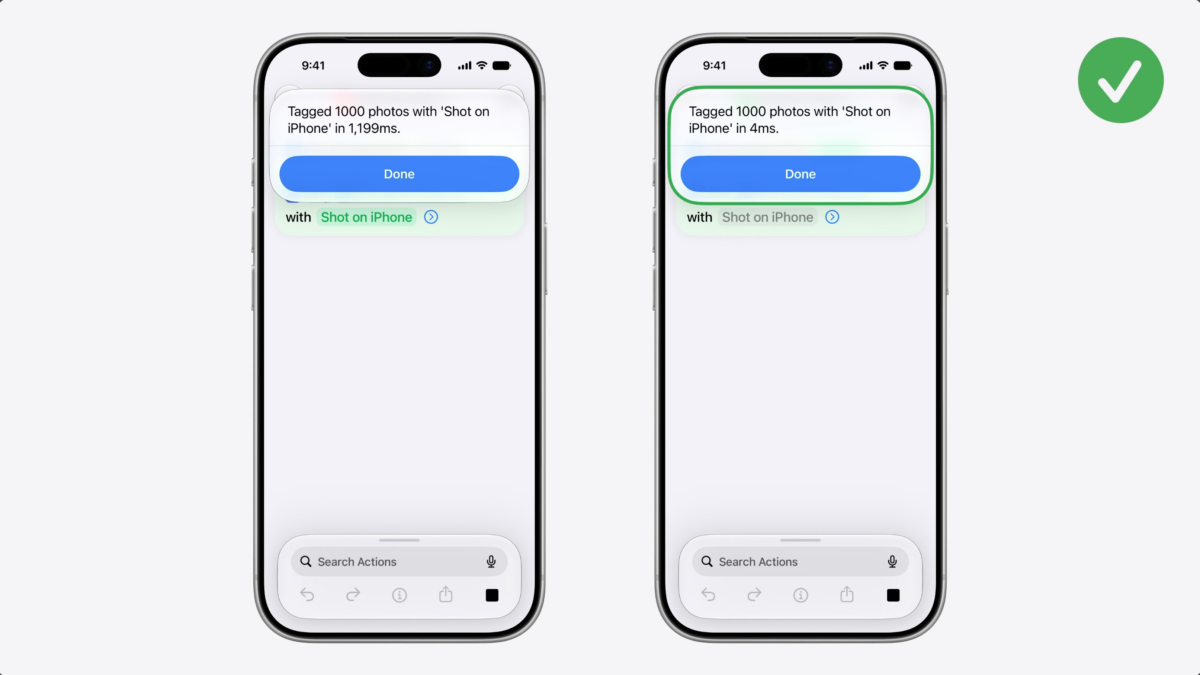
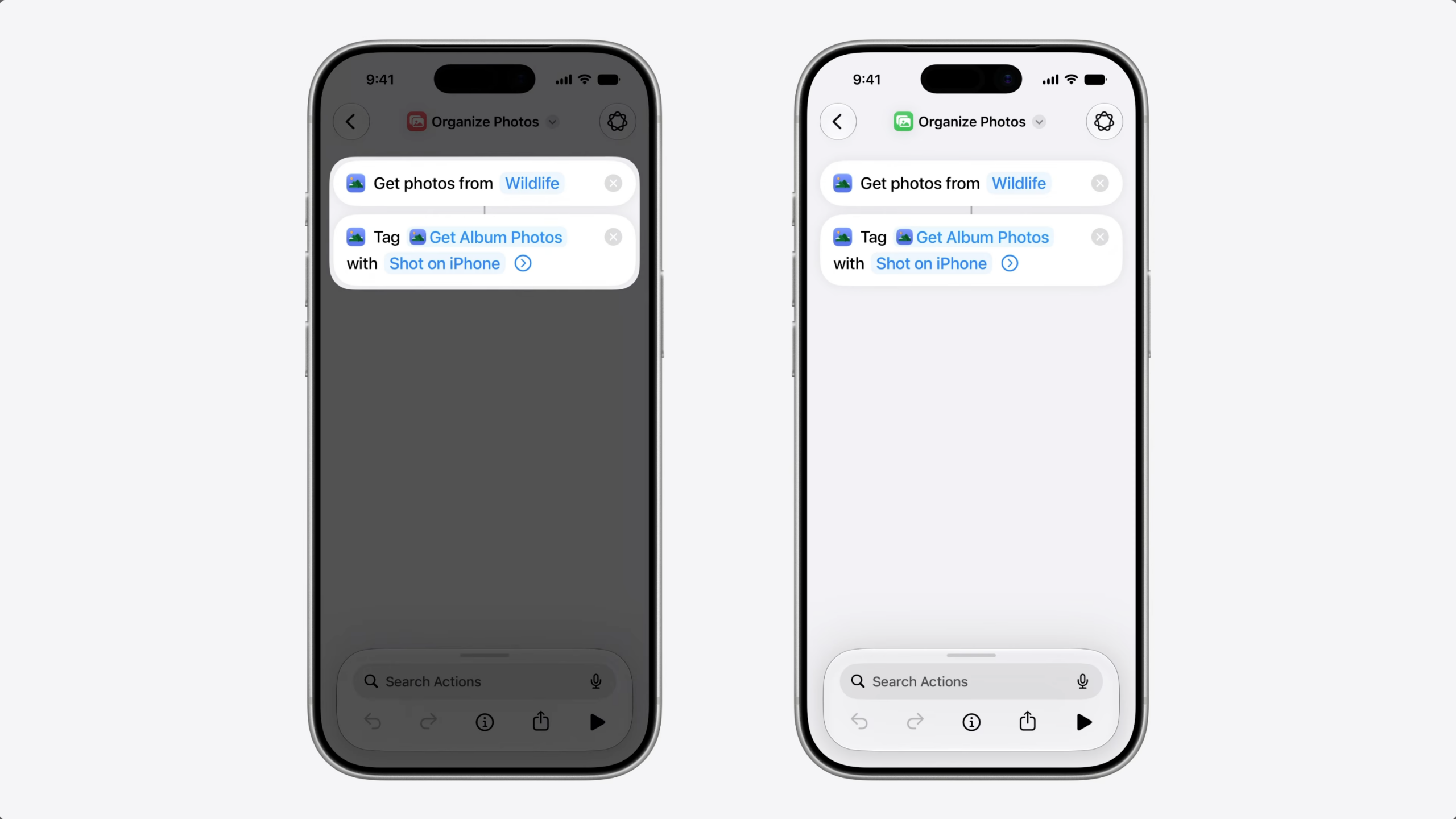
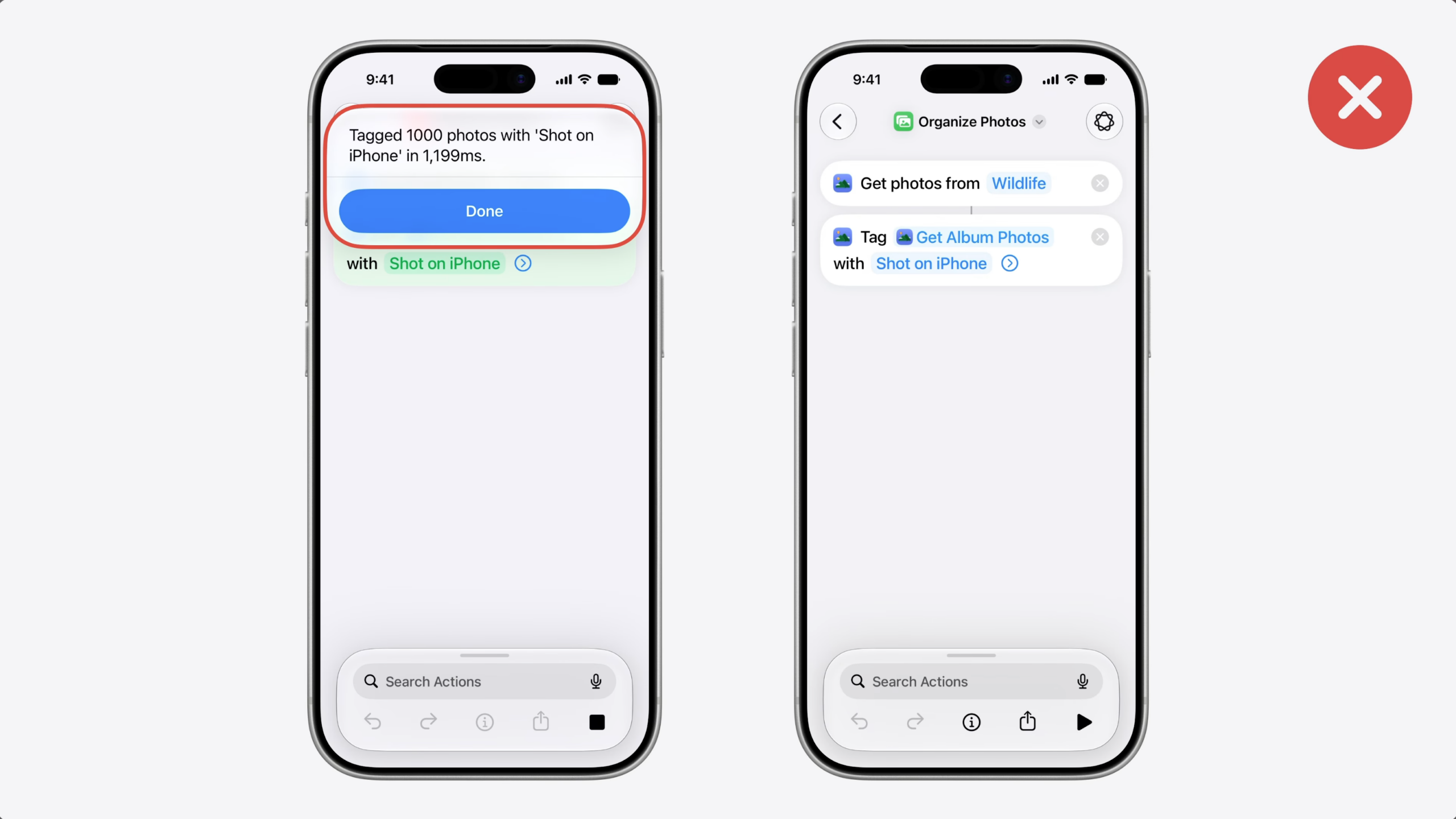
To confirm the fix worked, I built a shortcut to find and tag 1000 photos.
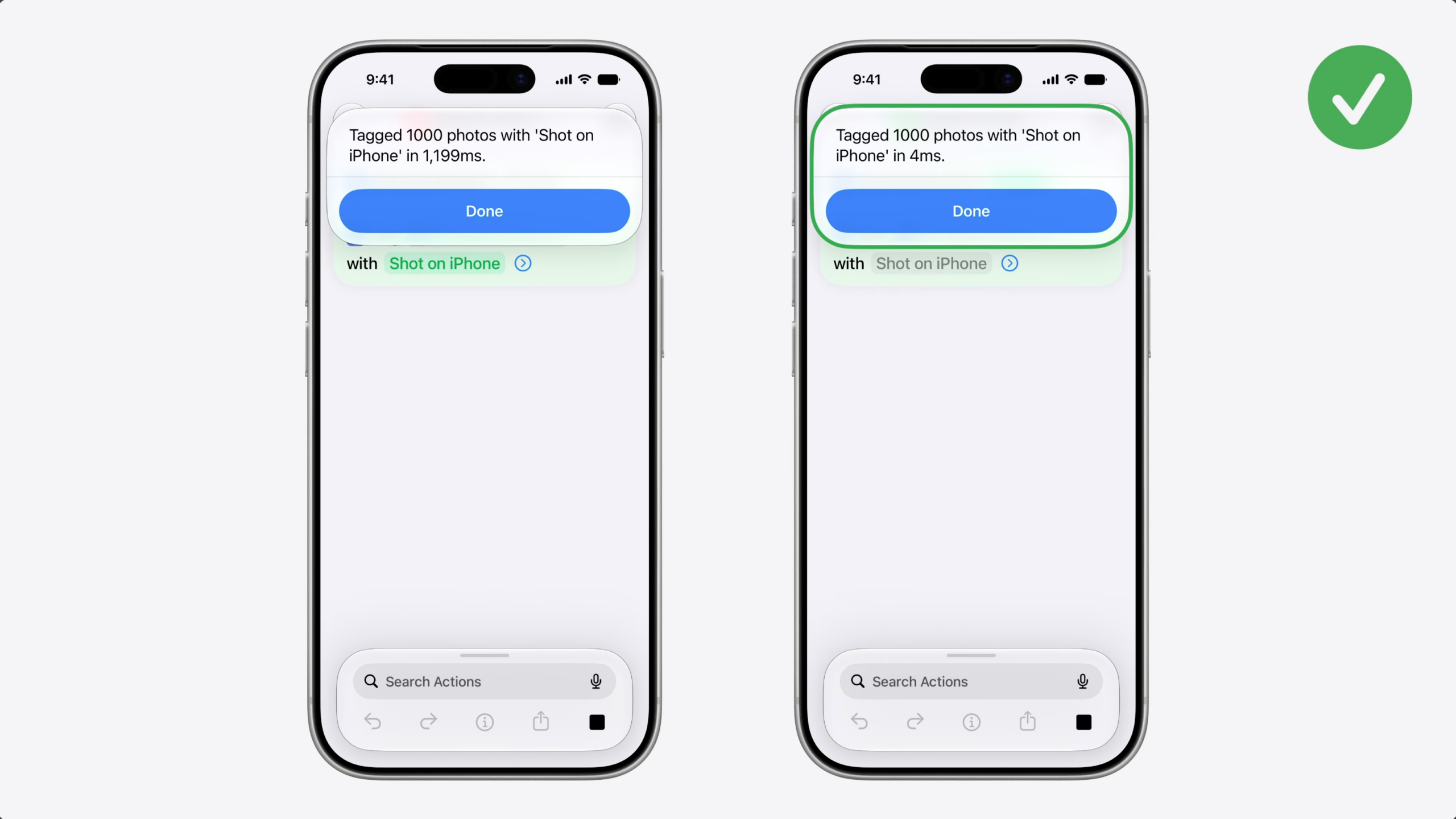
First, with a regular array of photos entities (1,199ms).
Then, with EntityCollection, which was almost instant (4ms).
The code change was small, but the performance difference is significant.
If your Siri AI actions are slow, try EntityCollection. Don’t let your App Intents be the bottleneck.
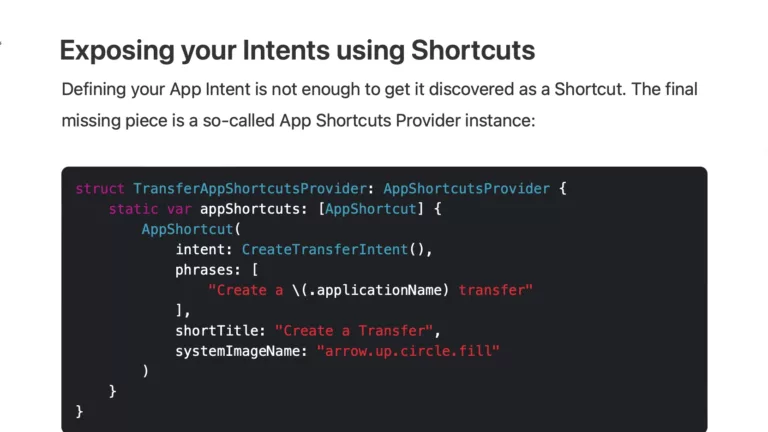
How to build an App Intents Spotlight integration using Shortcuts »
Apple has introduced a new feature to display App Intents in Spotlight – Antoine Van Der Lee wrote up how he implemented the change in his app WeTransfer.