Teach Siri AI to Share Structured Types Without Known Formats Across Apps with ValueRepresentation
Some apps have unique types that Siri AI can't understand by default – ValueRepresentation helps teach the system about your type.
In the WWDC 26 session “Discover new capabilities in the App Intents framework,” App Intents Engineer Moe Mehrabi talks about ValueRepresentation, a way for apps to mark up their structured types that don’t fit into existing file types in such a way that other apps on the system—and, more importantly, Siri AI—can understand them:
Your entities—your app’s content, like a landmark or playlist—live inside your app. But the people using your app don’t. They move between apps all the time.
Let’s go through a pair of examples using Mail and Maps with my travel tracking app.
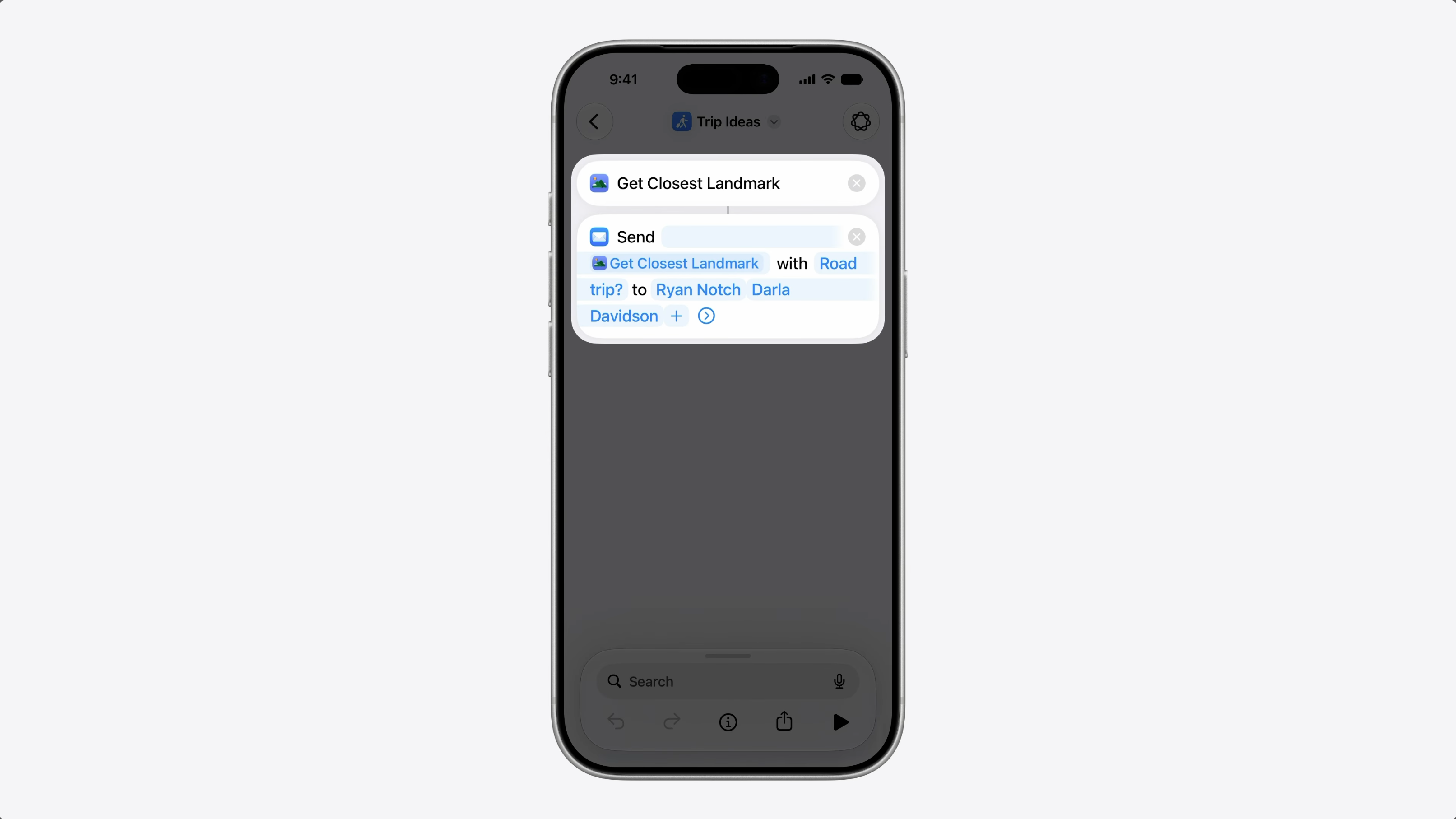
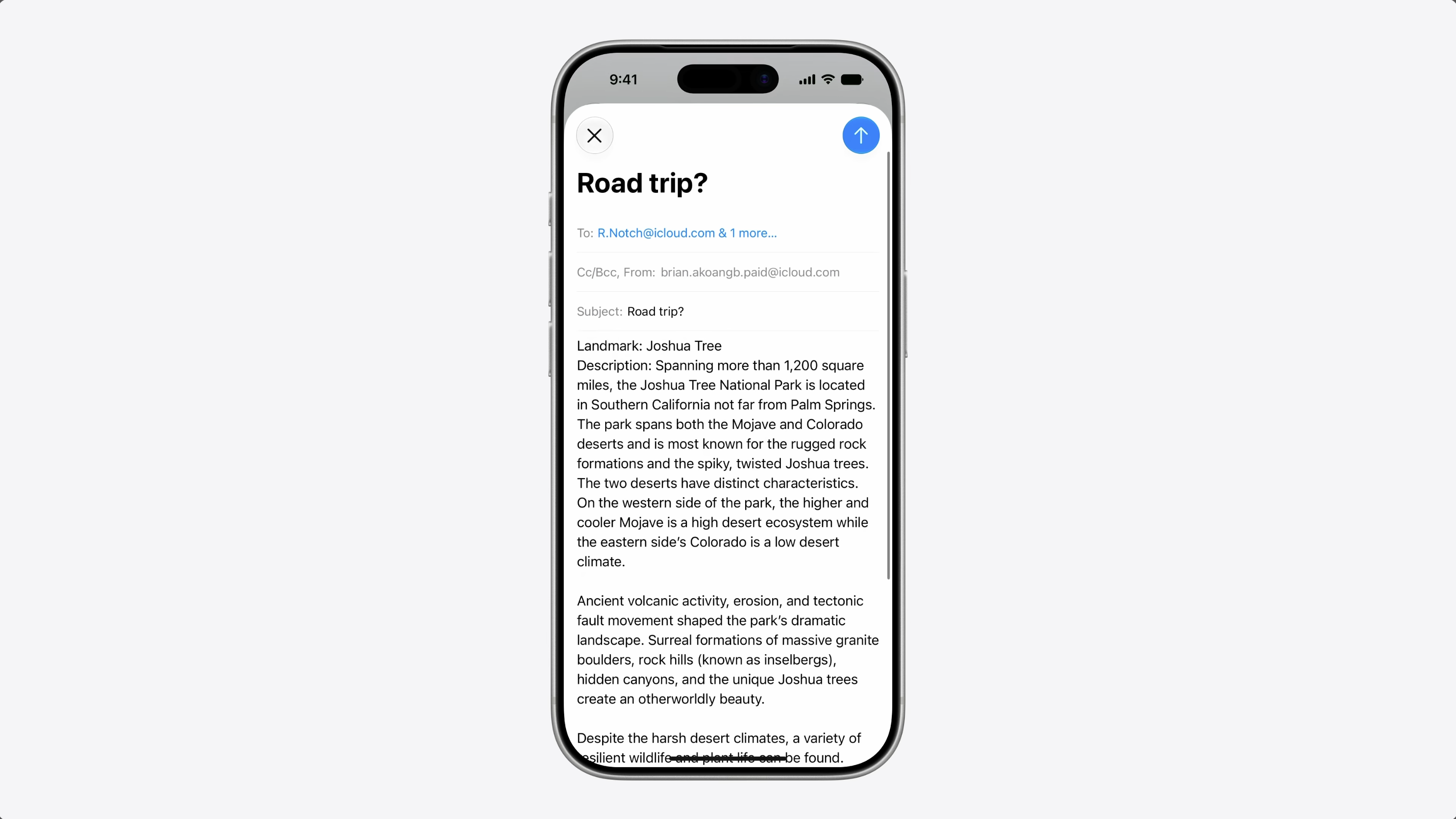
I built a shortcut to share trip ideas with friends. It finds a nearby landmark and its it along with a message. My entity conforms to Transferable from the CoreTransferable framework.
So the shortcut can share it in a format mail can use. And that works great.
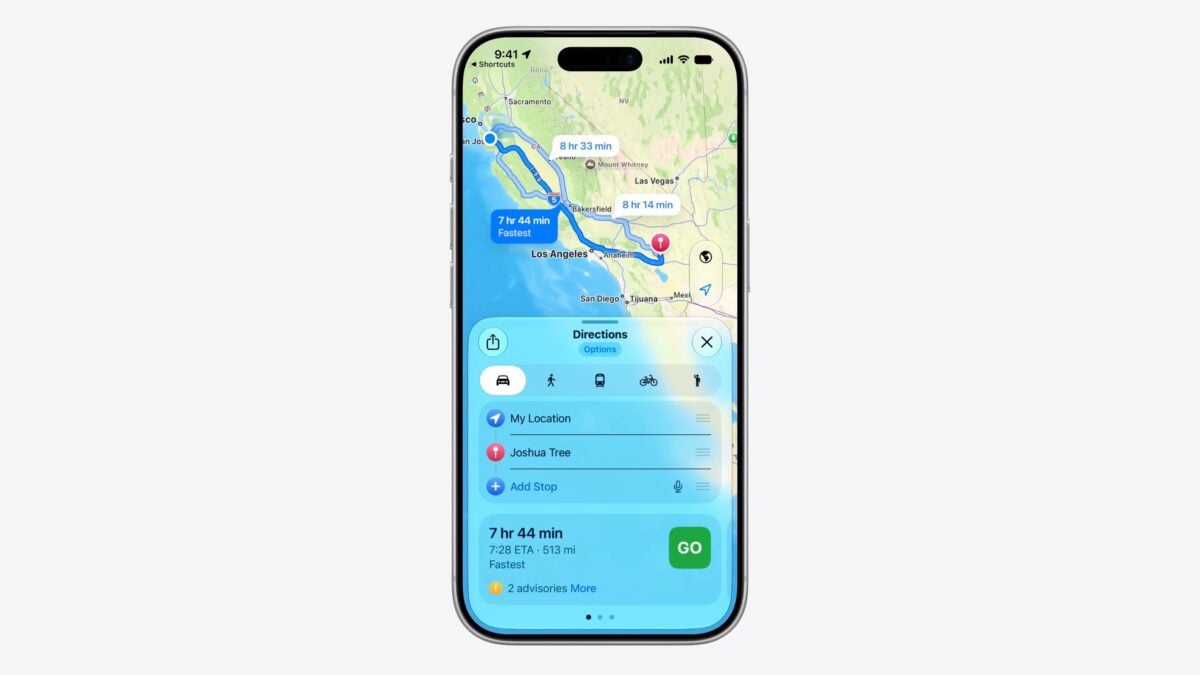
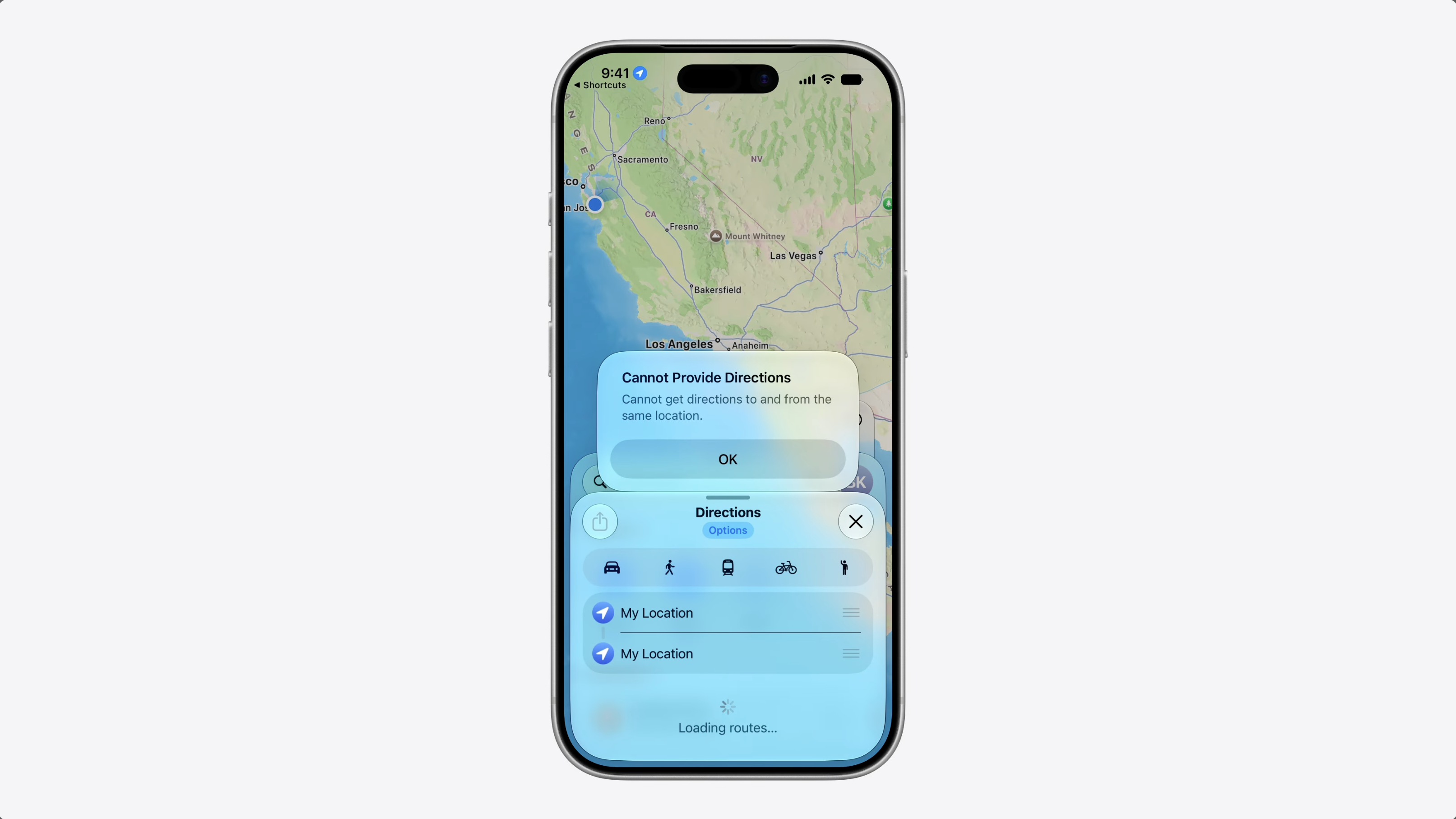
But what if, instead of sending it to a friend, I want to get directions to that landmark? Well, that won’t work.
Maps needs some structured information, a coordinate, an address, or something it can navigate to. But that kind of data doesn’t have an associated format that can be put in a file or data.
The existing file and data representations work great for known formats like PDFs or images – but not for structured types that don’t have any [format].
This is where ValueRepresentation comes in. It’s a new representation that lets you share a structured type that the system already understands.
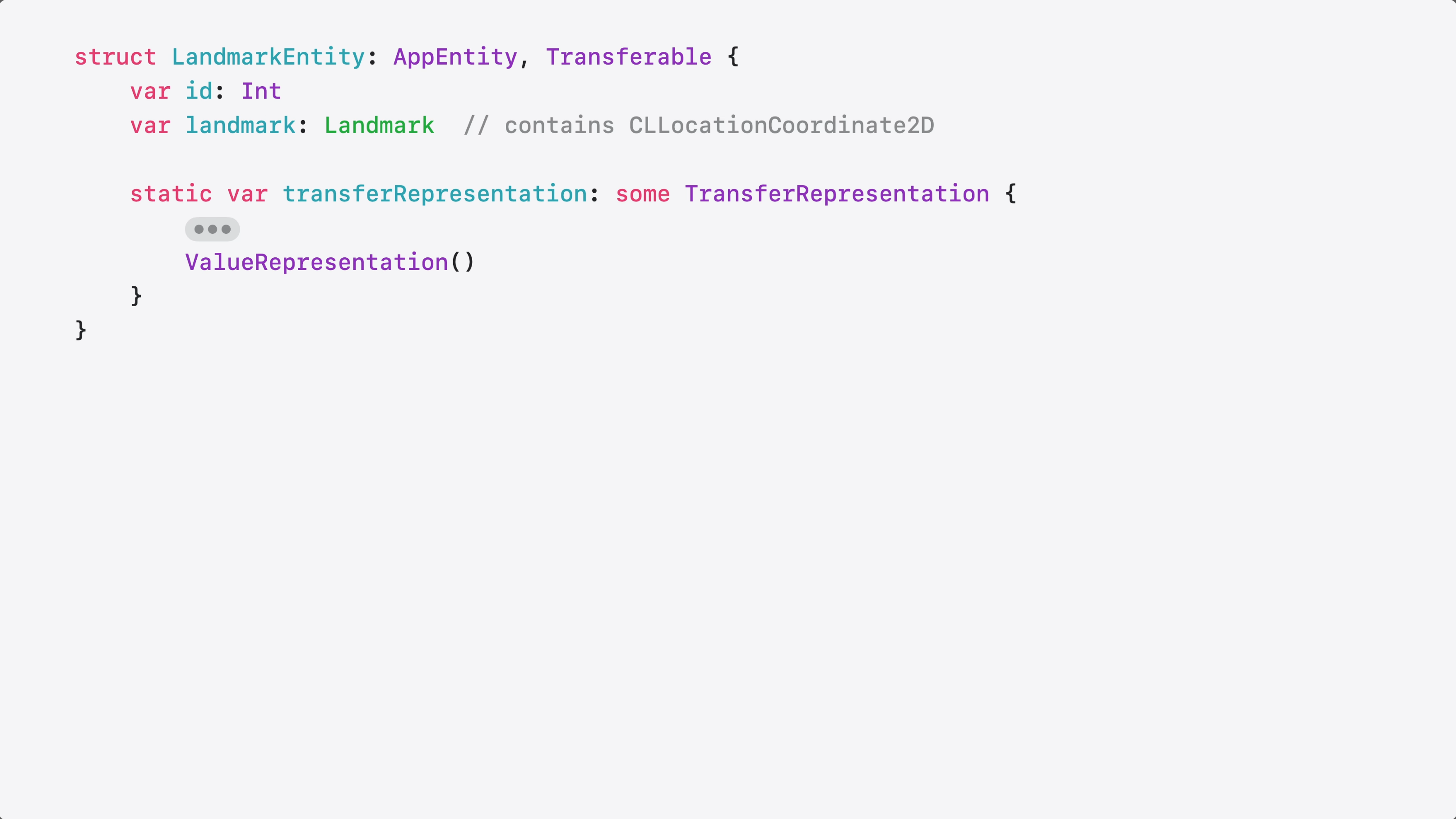
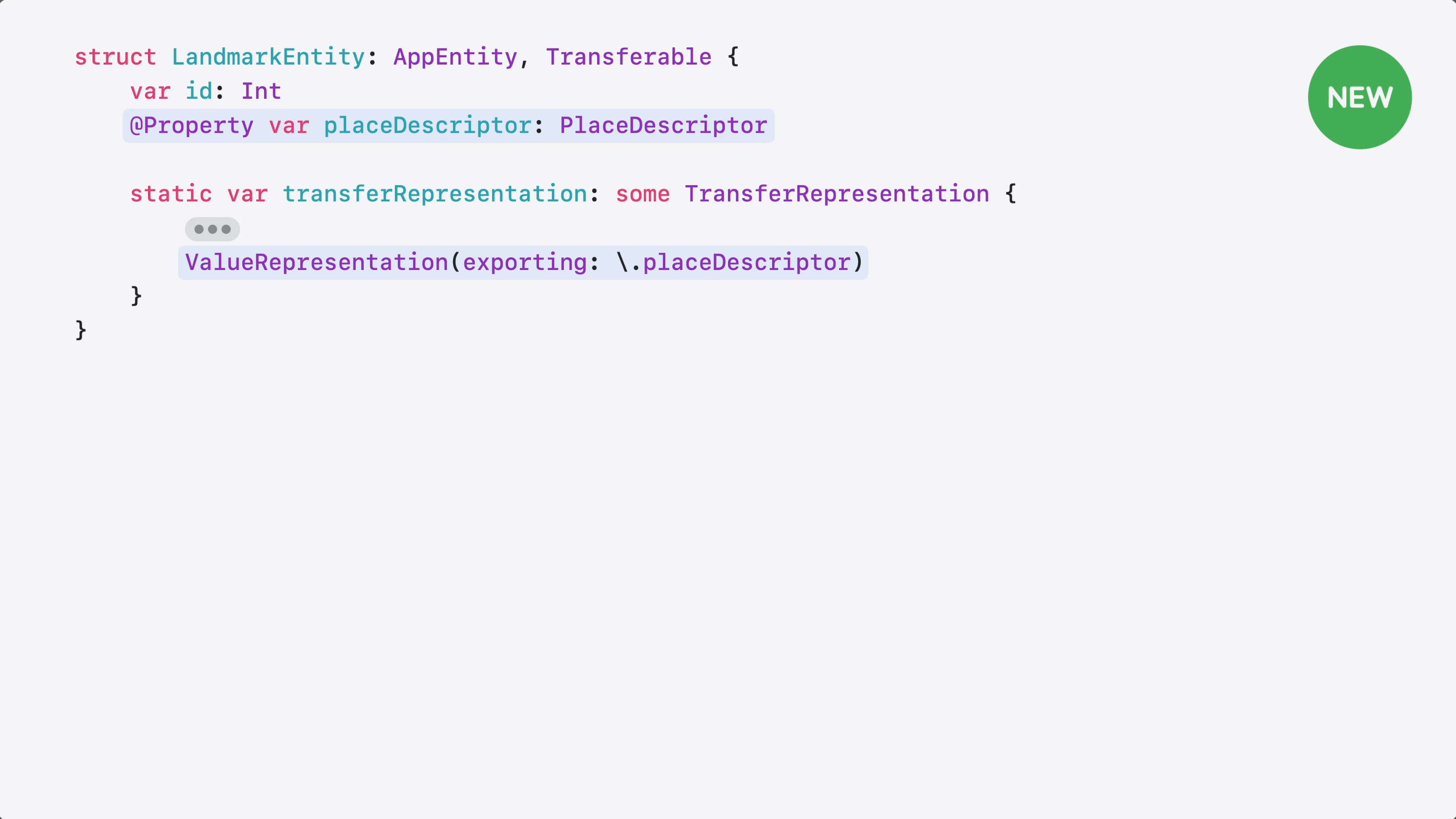
Here’s my Landmark entity. It represents a place in a travel tracking app.
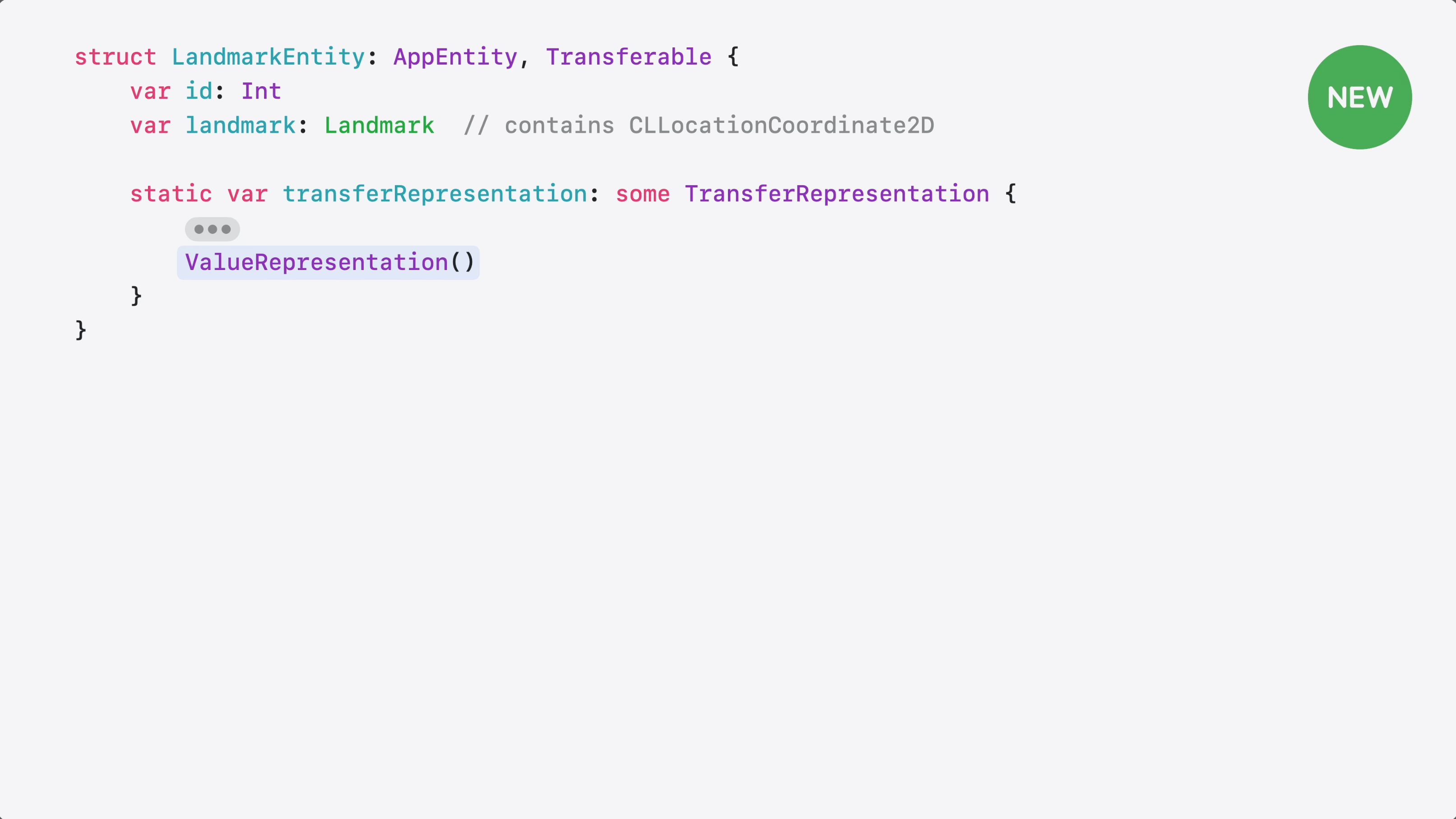
It already conforms to Transferable, so I just need to add a ValueRepresentation alongside any existing representations.
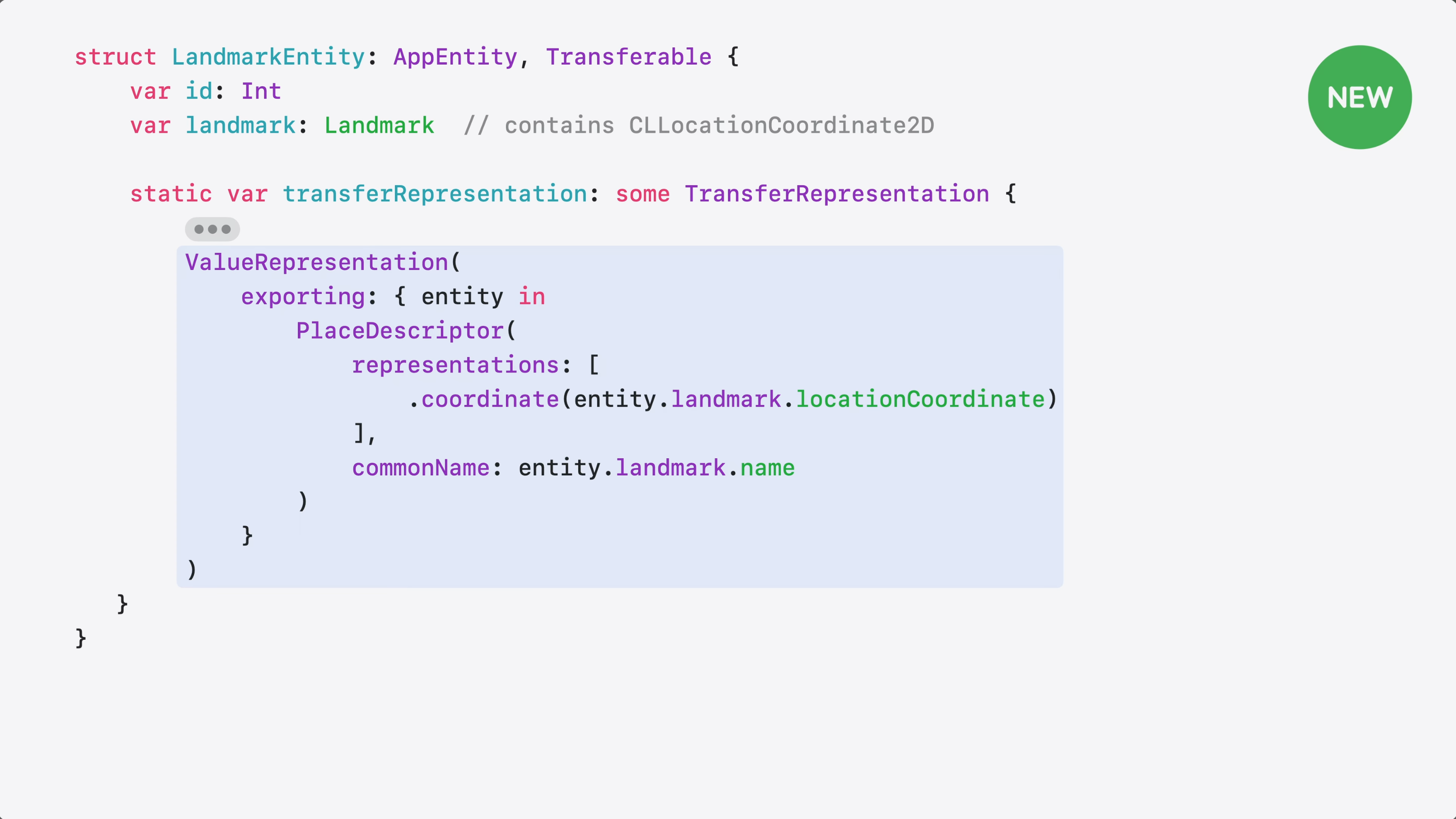
Inside my ValueRepresentation, I export my landmark’s coordinate and name as a PlaceDescriptor from the GeoToolbox framework. PlaceDescriptor carries coordinates and other metadata that Maps needs to navigate.
If my entity already has a PlaceDescriptor @Property, I can skip the closure entirely and use a key-path. Same result, much less code.
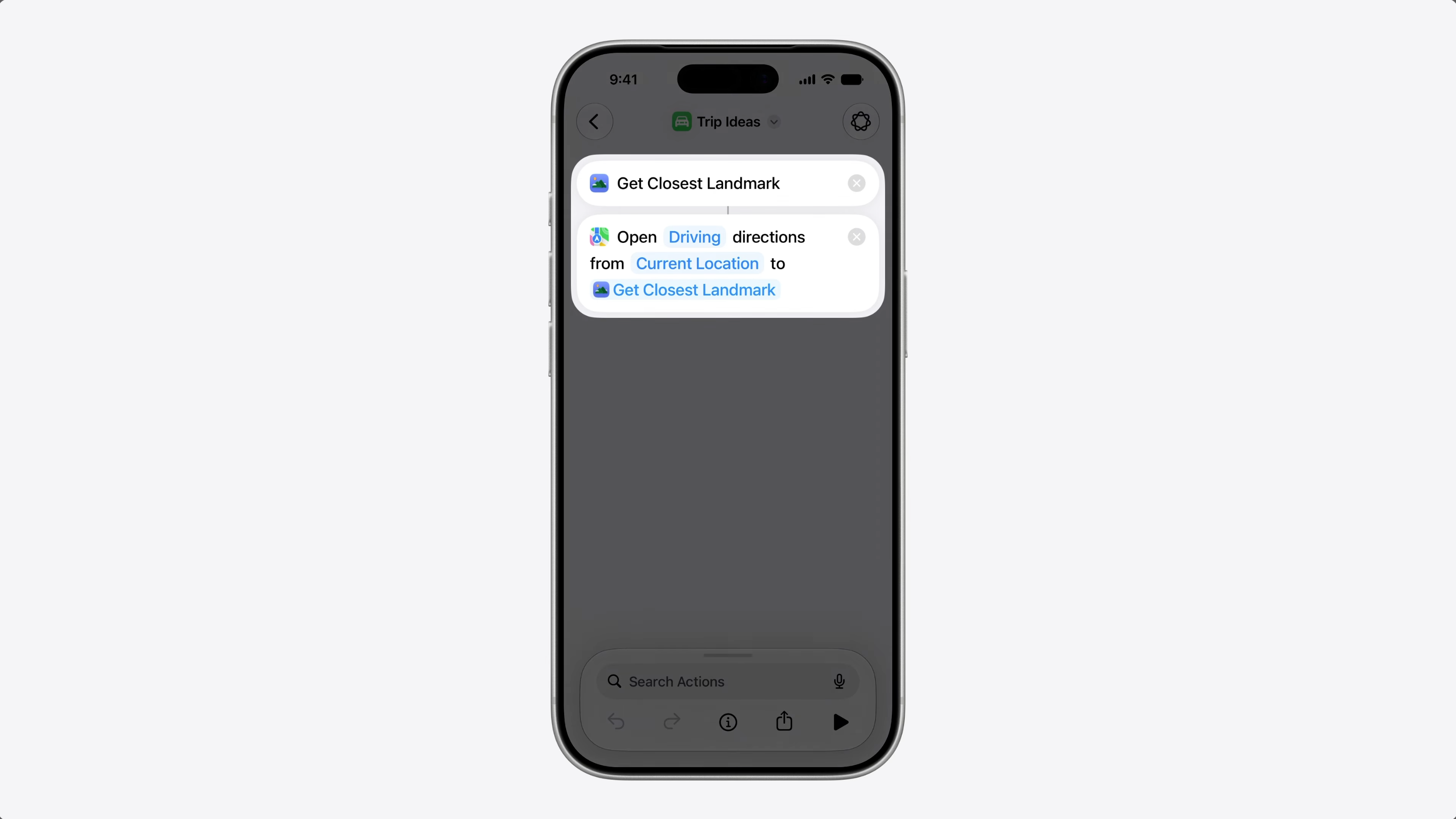
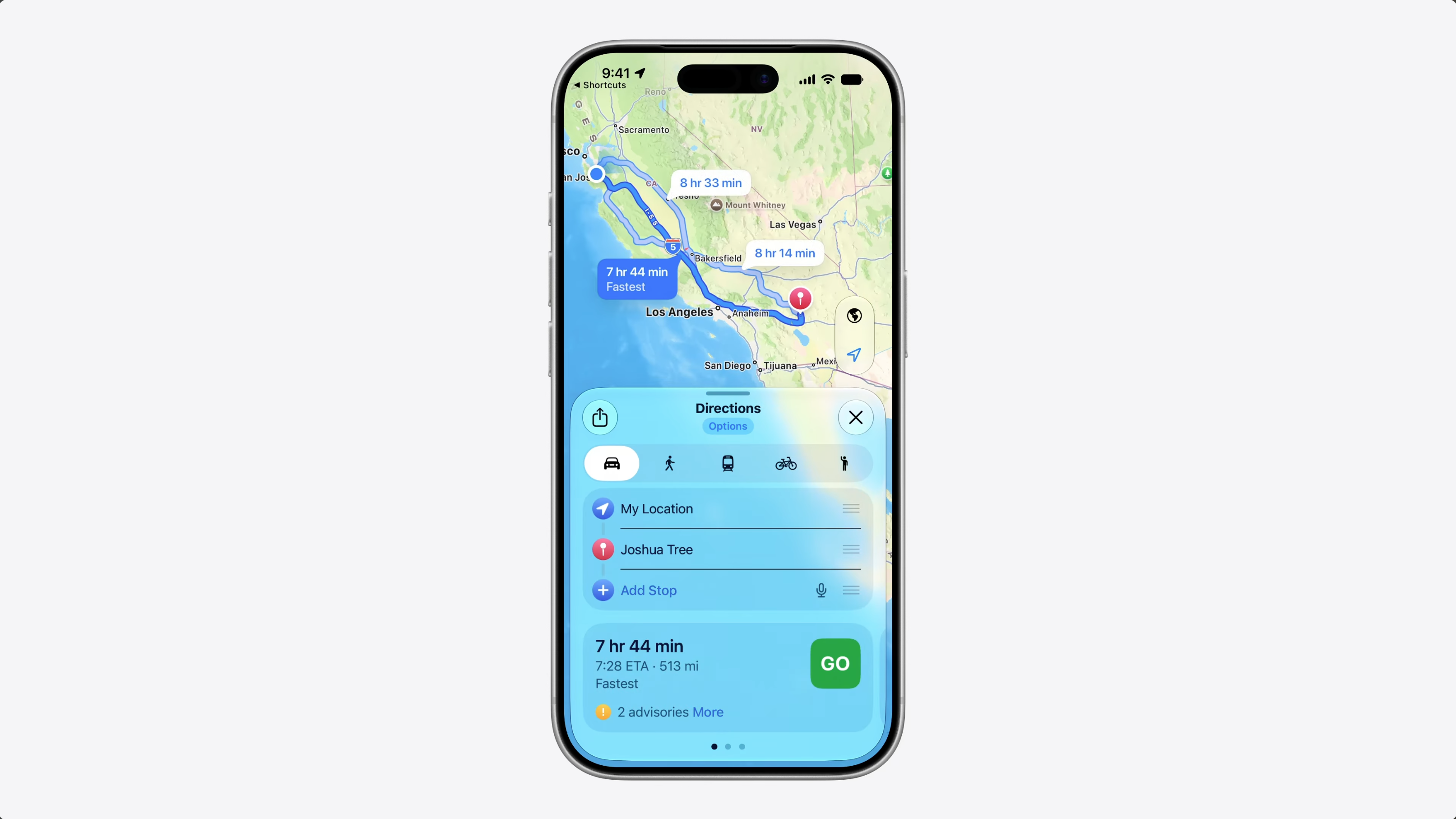
So, going back to my shortcut – I tap run, my landmark flows to Maps as a PlaceDescriptor, and Maps opens with directions to the landmark.
Your entities now have more ways to travel across apps.
The core experience here is making sure Siri AI can take your app and connect it with another app, without the content failing to transfer. It’s like Transferable, but for representing unique values rather than known types.
Given this, I’m super intrigued with the idea of apps specifically designed to share their unique types with other apps. What if there was a suite of apps that all knew about each others’ data? What kind of experiences could they create?
OpenClaw Showed Me What the Future of Personal AI Assistants Looks Like »
Federico Viticci dove deep into the OpenClaw project from Peter Steinberger and reported back on his experience – a must-read for the state of AI at the beginning of 2026.