Now, let’s talk about helping the system suggest entities when they are relevant.
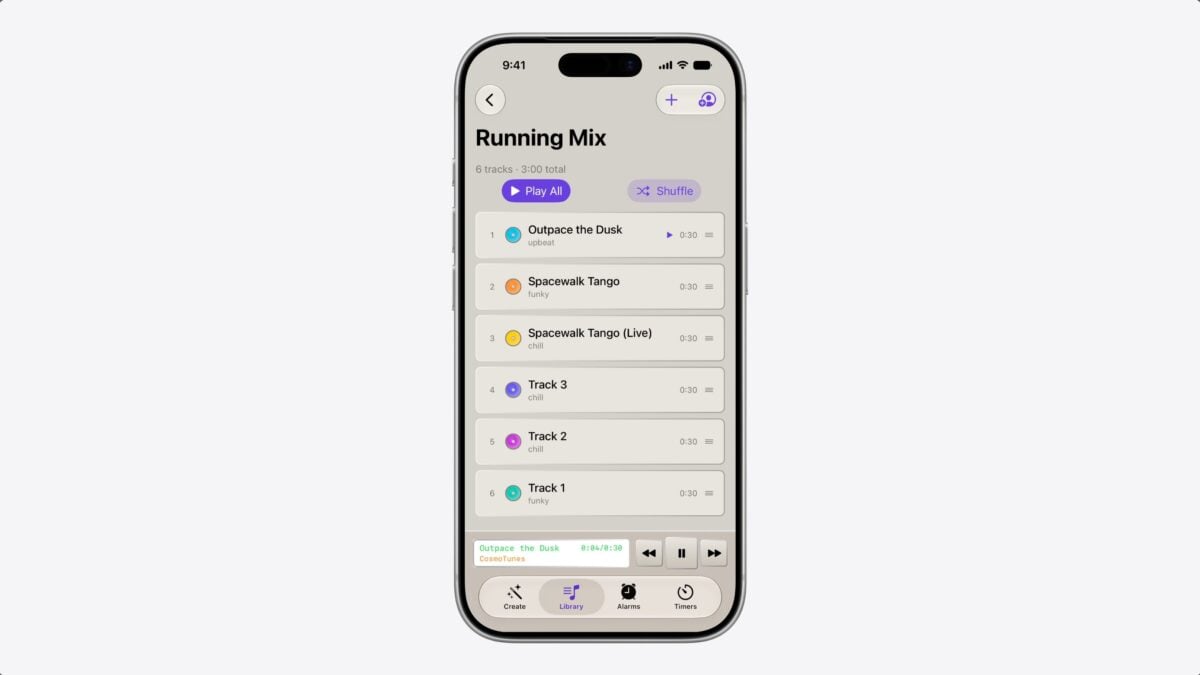
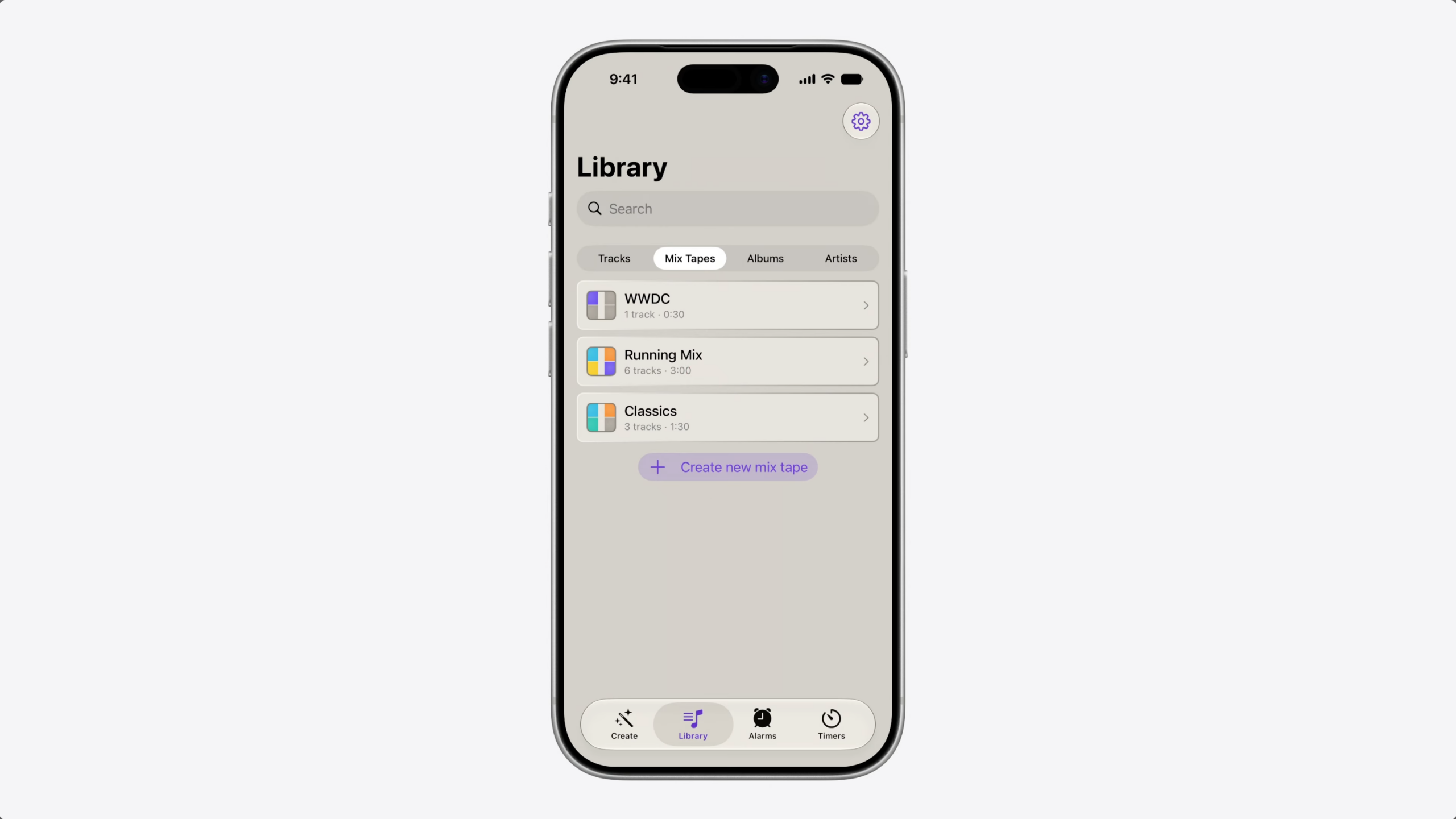
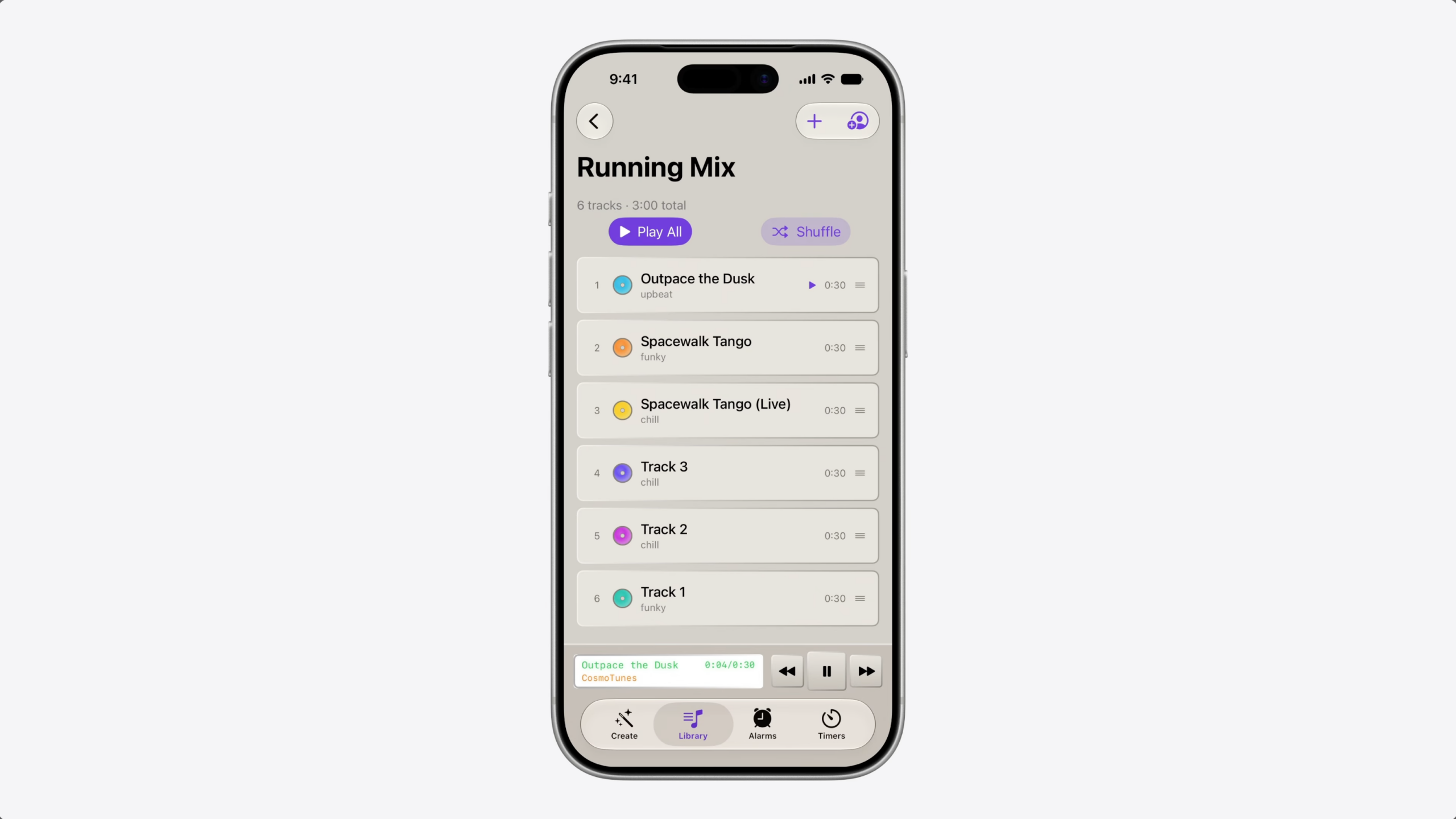
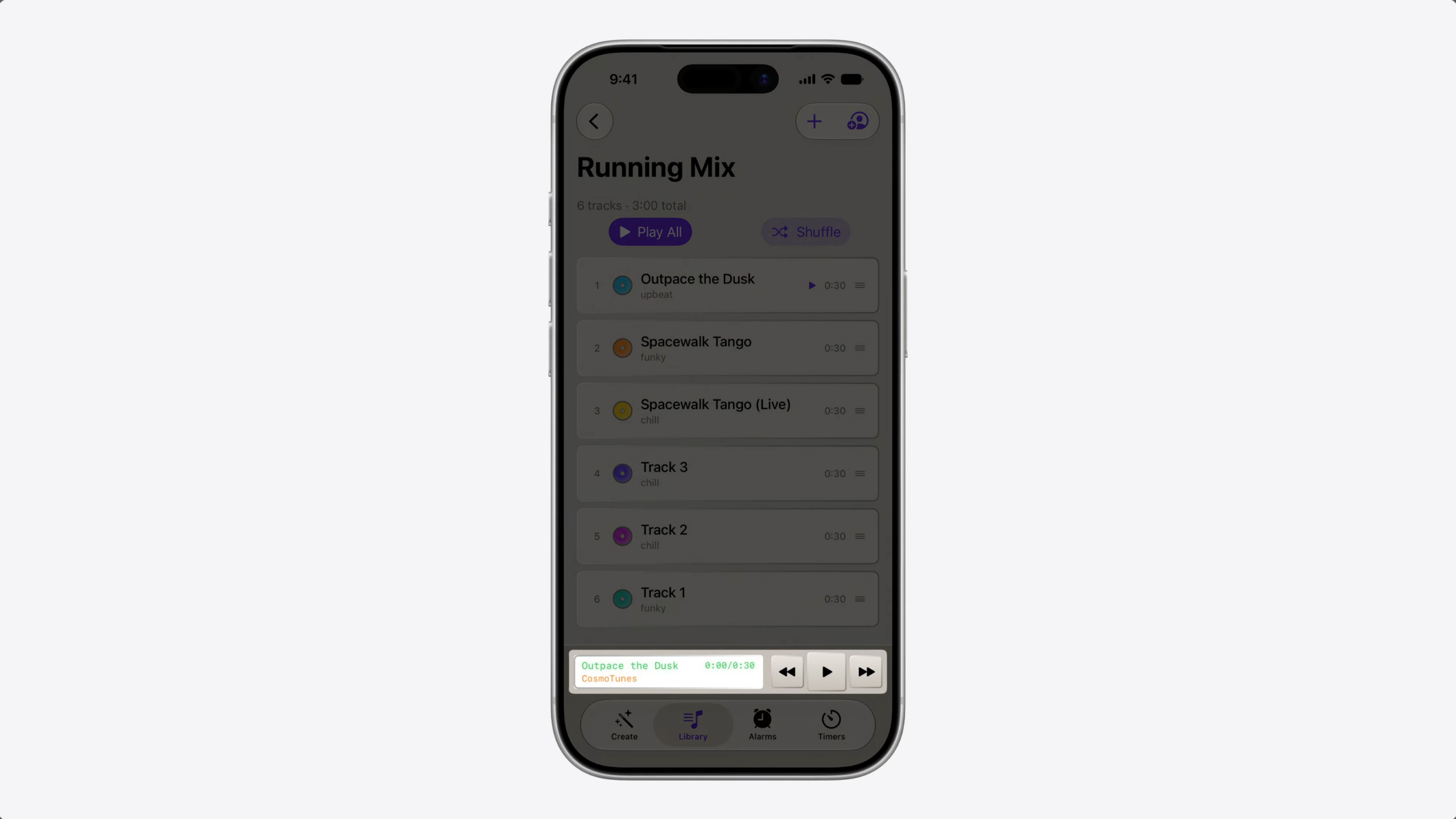
Suppose you’re building a music app like CosmoTunes, the sample app from the video “Explore advanced App Intents features for Siri and Apple Intelligence.”
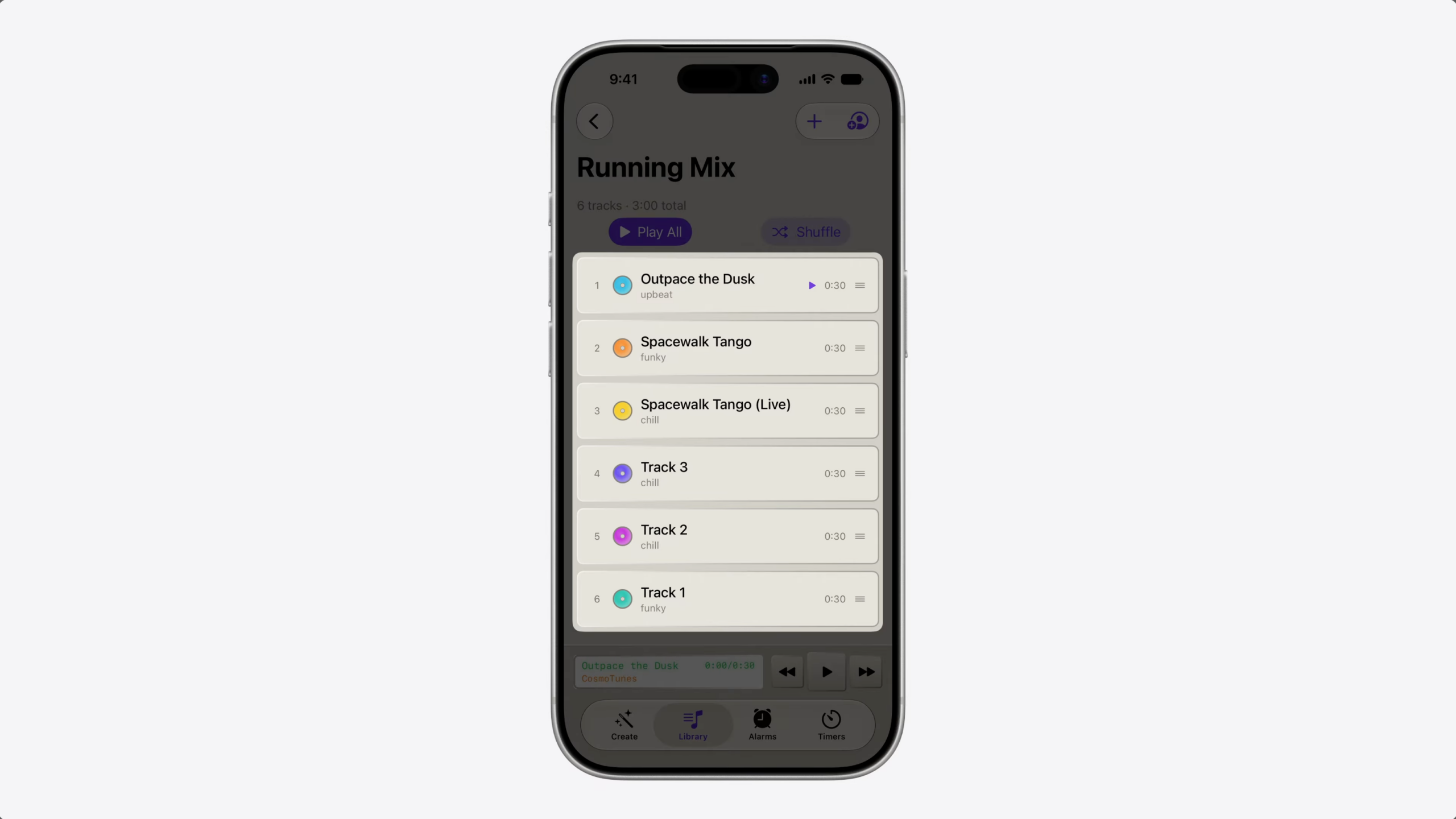
Your app has a brand new, high-tempo playlist that’s perfect for running.
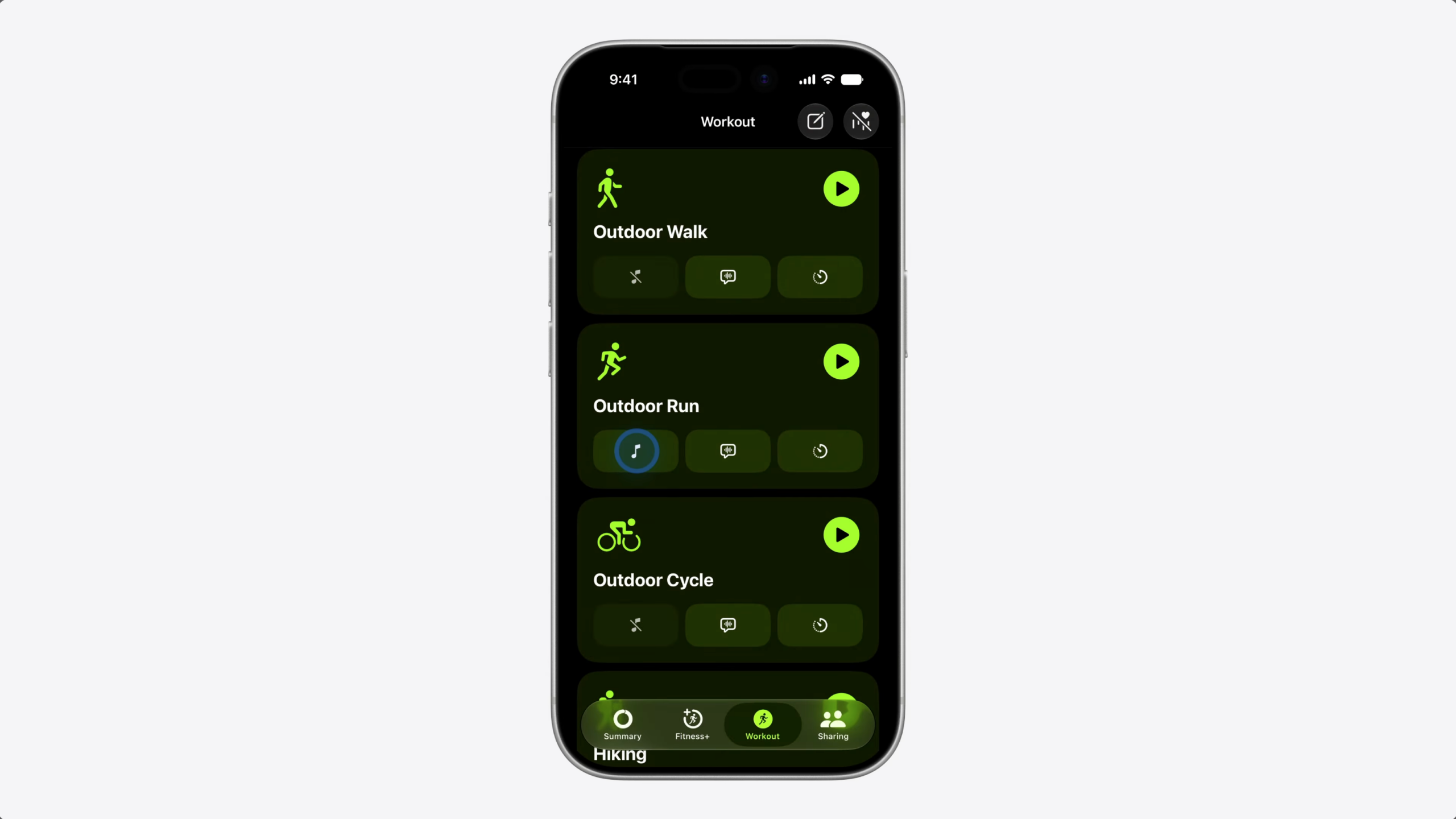
When someone sets up a workout in the Fitness app…
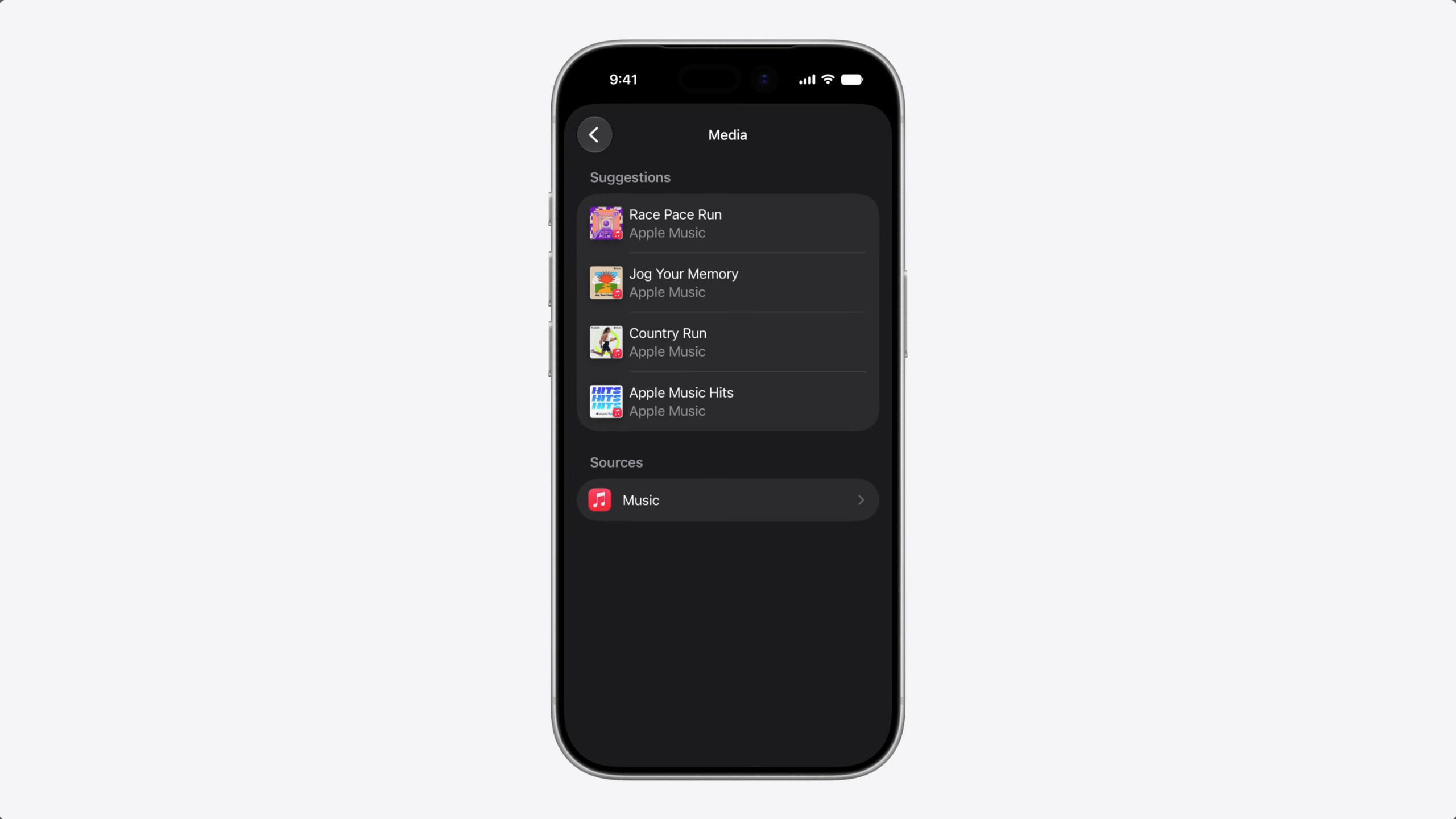
…they get a list of suggested playlists. How do you get your playlist into those Suggestions?
Today, we have two ways to make your content available to the system.
The first is to index your context in Spotlight. This makes it available to people searching for your content in the Spotlight UI, including Semantic Search. This is also the primary way Siri is able to retrieve your content.
The second approach is interaction donation. When people take actions in your app, you donate those interactions to the system through the IntentDonationManager API. Over time, the system learns patterns and can suggest similar actions in the future. Siri also uses these interactions to delivery a more personalized experience.
But, what about that new playlist? Nobody’s searched for it in Spotlight because they don’t know it exists.
And since nobody’s played it, there’s no interaction either.
You need a way to tell the system this playlist is relevant, so it can surface it at the right moment.
Introducing RelevantEntities. With RelevantEntities, you can suggest entities to the system and provide context about when and why they’re relevant.
Here’s how this works.
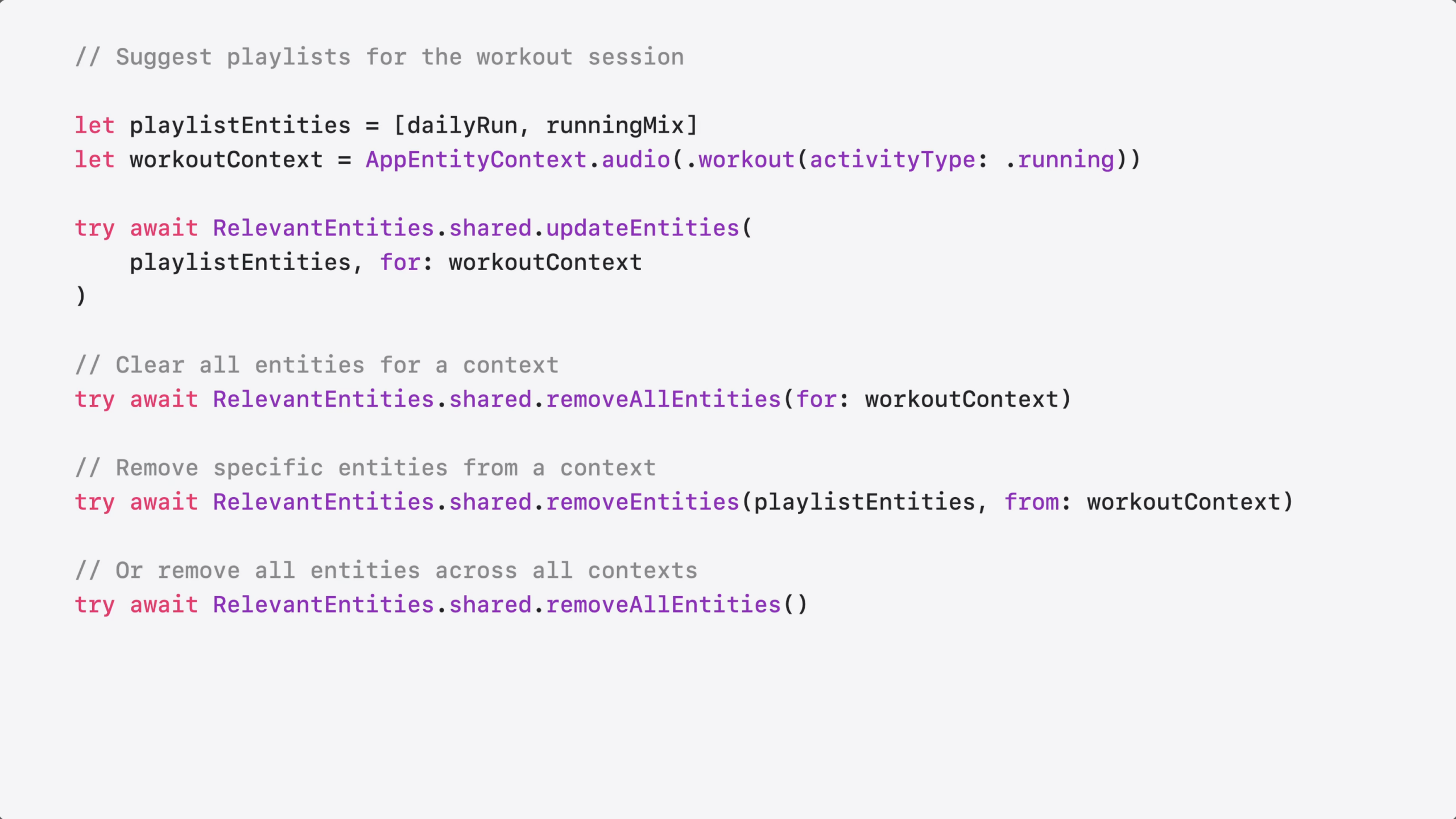
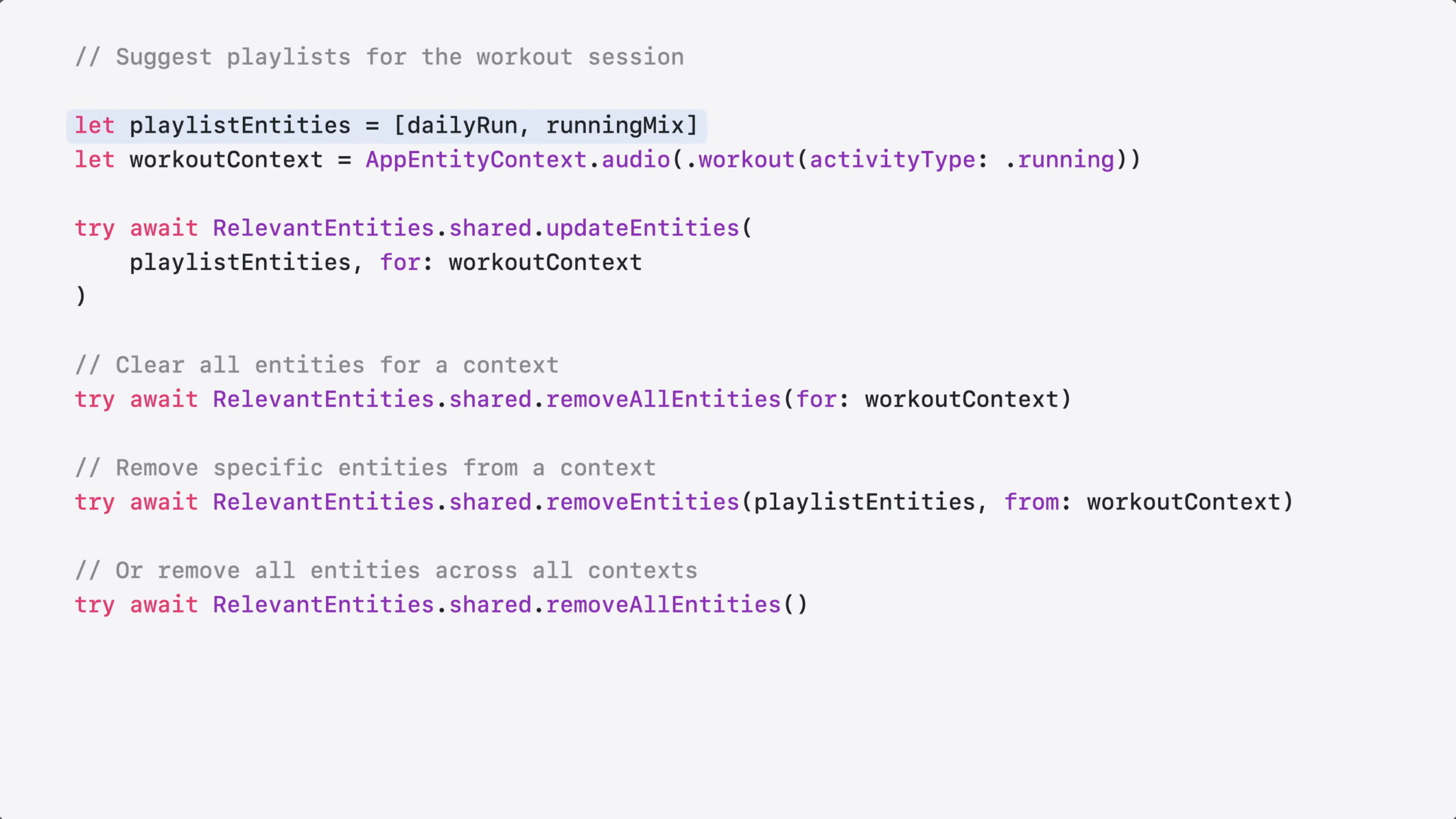
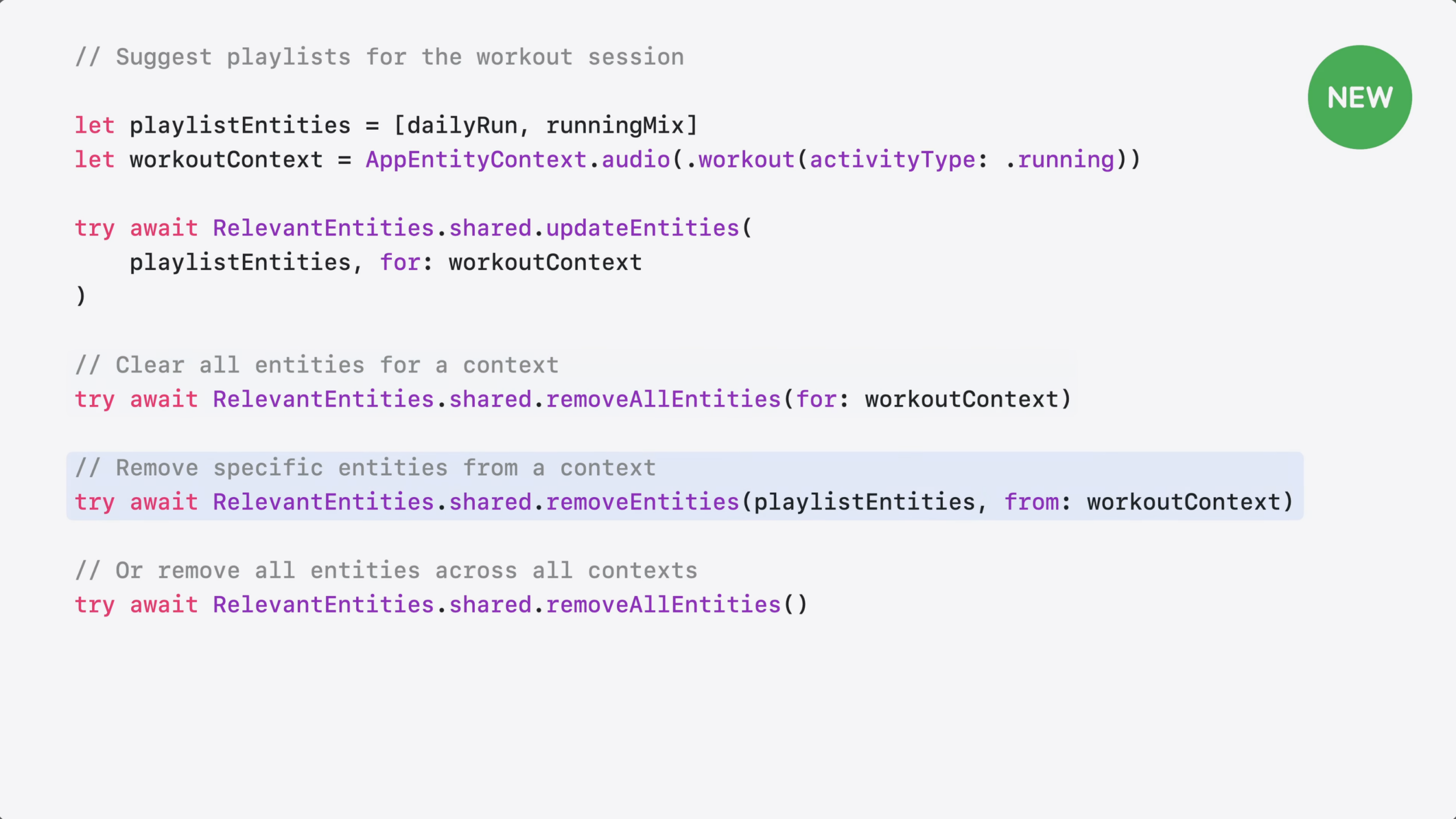
You start by identifying the relevant entities – in this case, your running playlist.
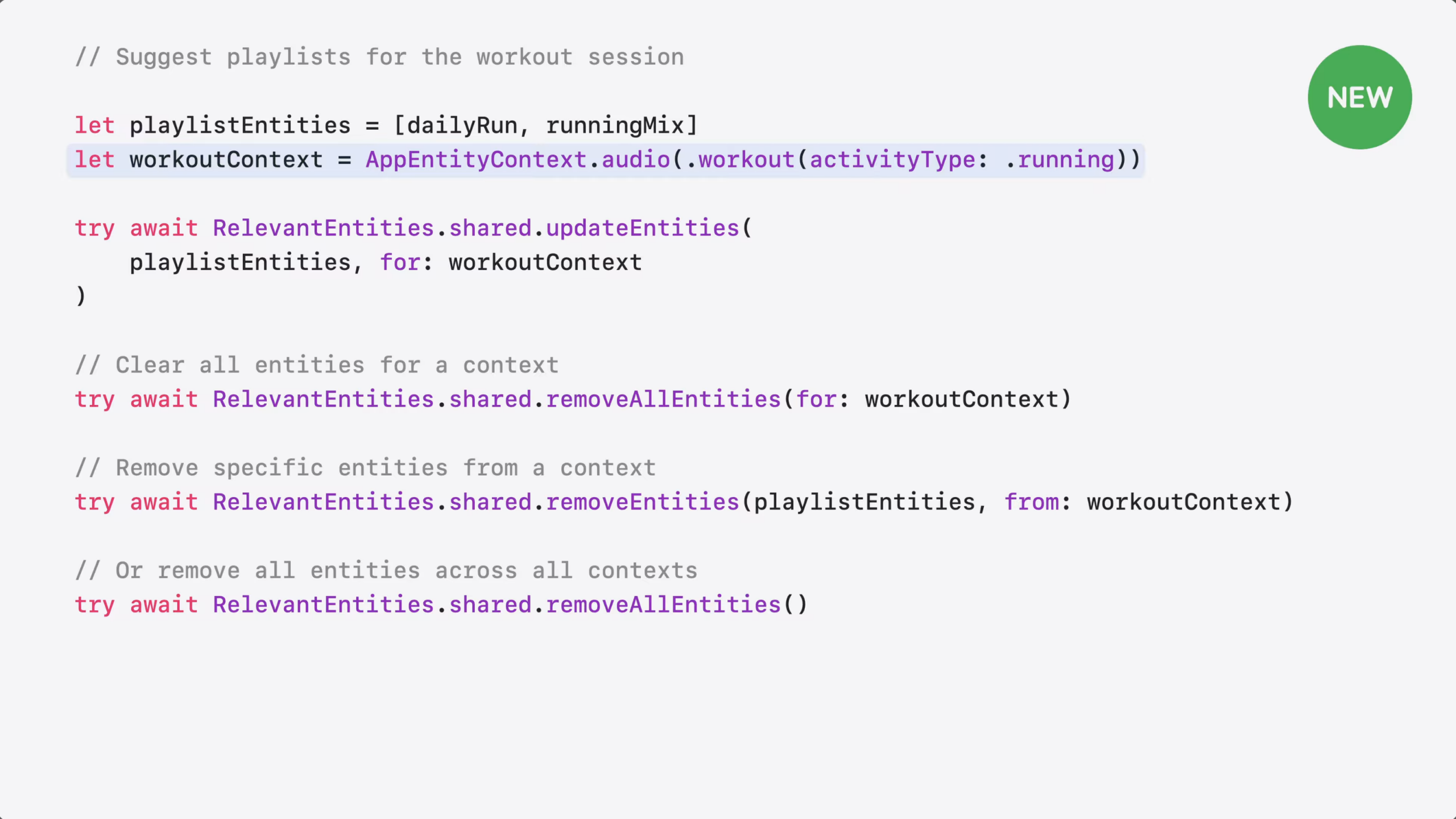
Next, you create a context to tell the system these playlists are relevant when someone starts a run.
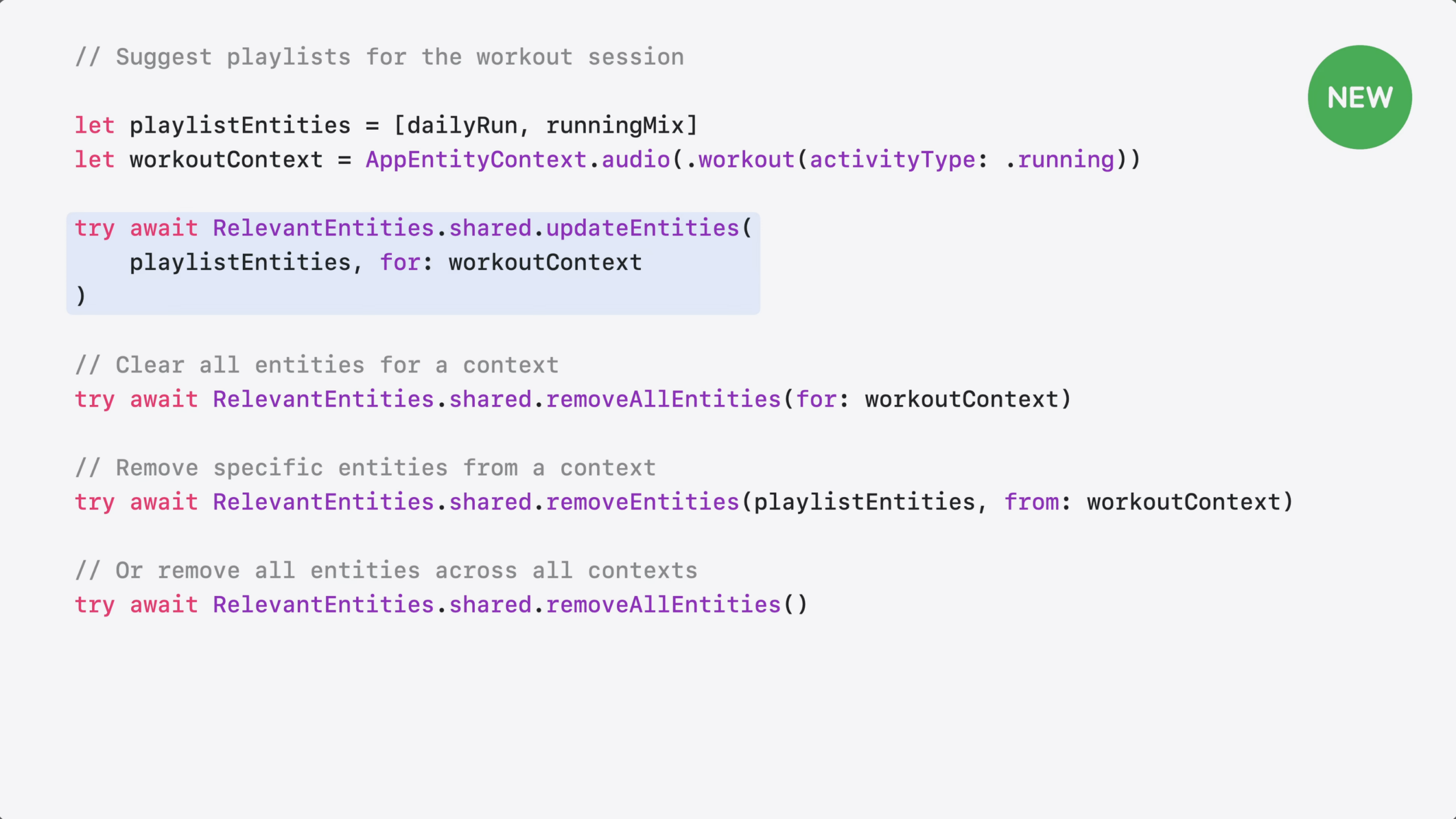
Then, you call updateEntities to register them. The system surfaces these playlists as suggestions in the right context – even if they were never played before.
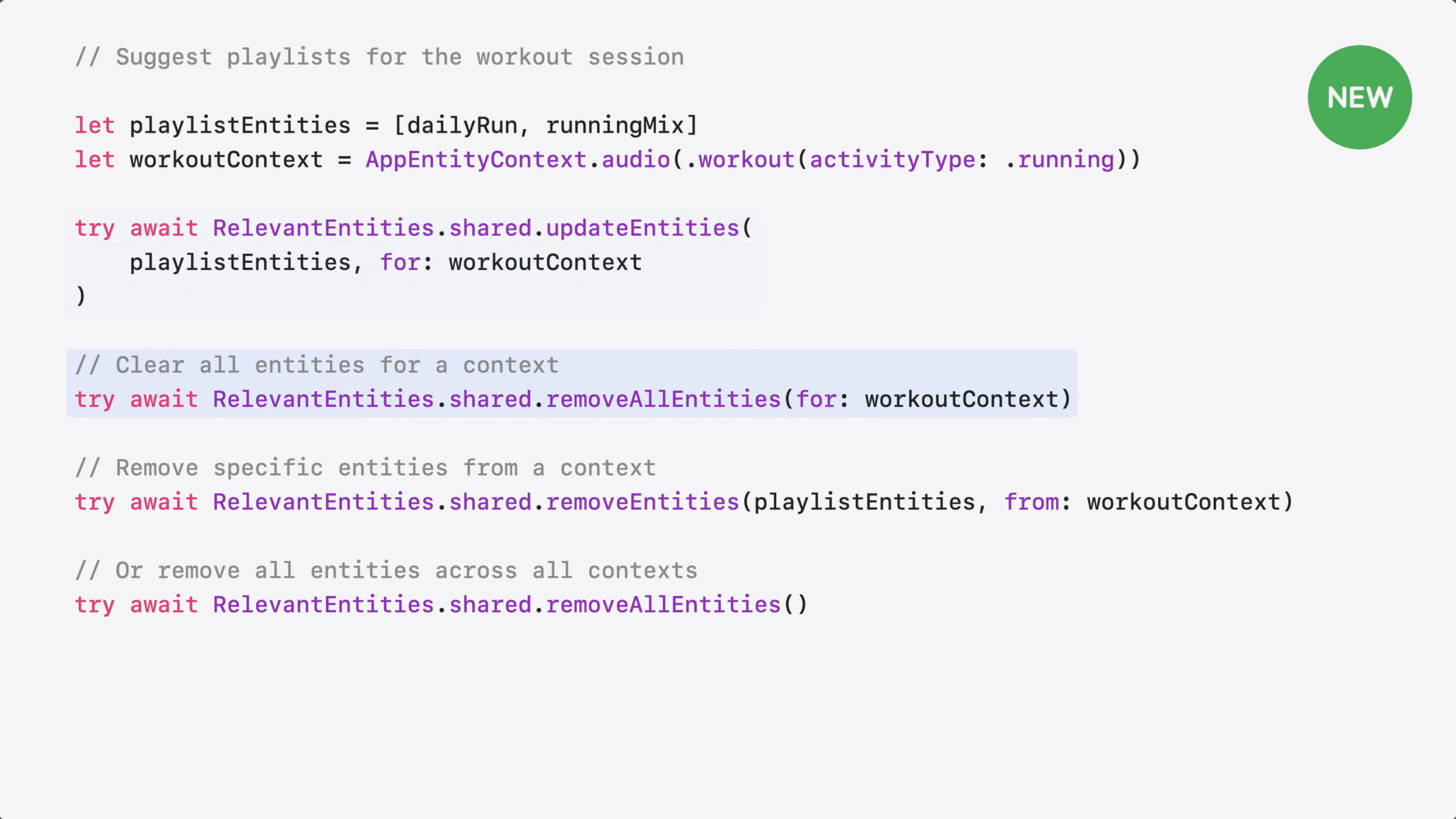
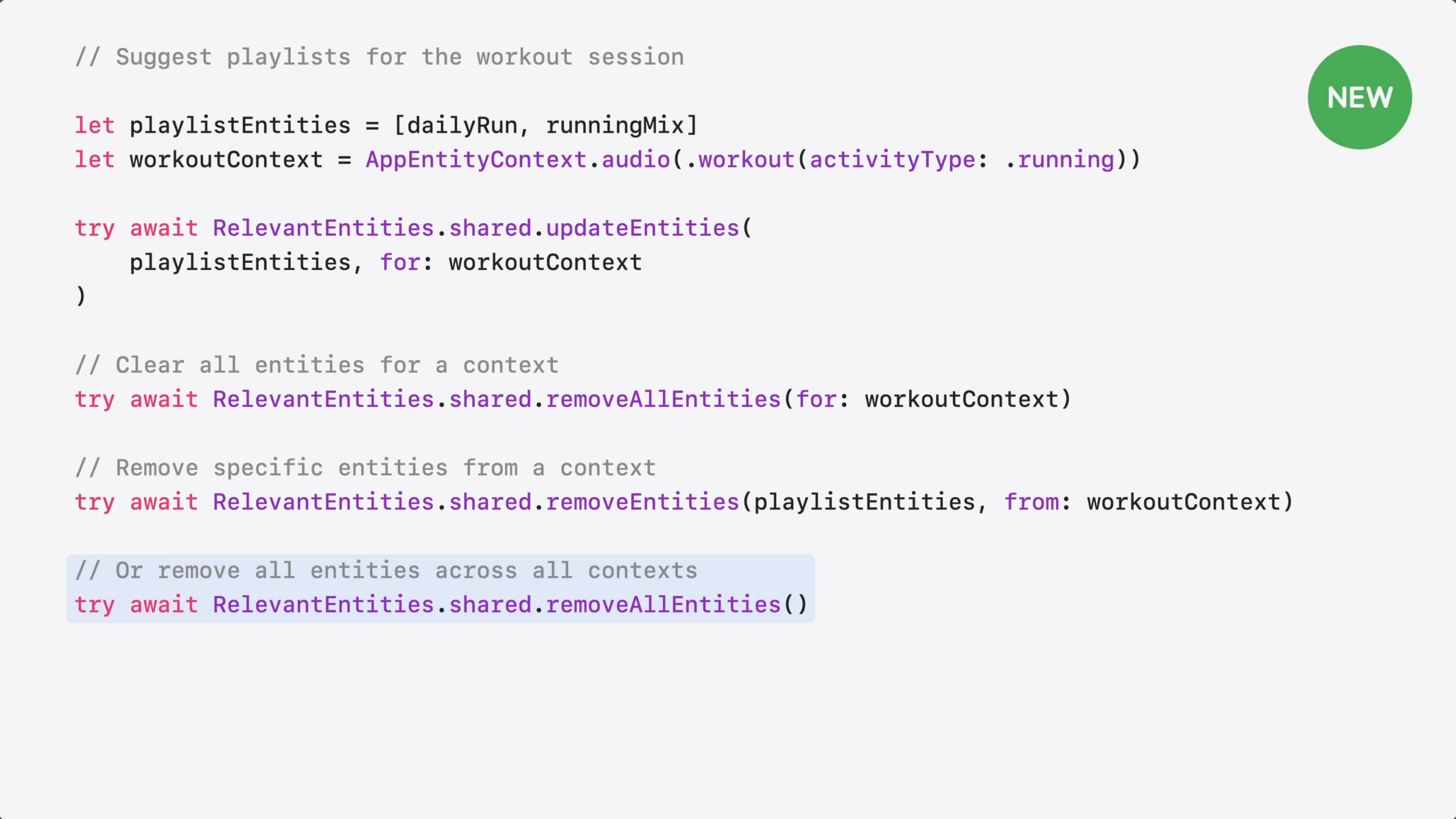
Entities stay registered until you remove them. You can removeAllEntities for a specific context…
…Remove specific entities from a context, or…
Clear all entities across all contexts.
Now you have more options for helping people discover your content. How do you choose between them?
Use Spotlight when you want your content to be searchable and retrievable by Siri.
Use interaction donation to teach Siri and the system how people use your app – so it can identify patterns and suggest actions people may want to repeat.
And use RelevantEntities to hint to the system which content is relevant in specific situations – so the system can suggest it at the right moment.
For more on this topic, check out our new documentation on Spotlight and Interaction Donation.
This means developers now have three ways to tell Siri AI & the system what’s important: Spotlight indexing, interaction donations, ANDRelevantEntities; that’s also not OR – it’s all three.
I’m curious how this overlaps with ValueRepresentation too – can we recommend relevant entities of all types in other apps? The Fitness + Music app example seems to suggest so, but it’s just ambiguous enough given playlists are already a known type. If anyone can test it in their apps or knows the answer, I’ll update this post.
How to integrate Siri and Apple Intelligence into your app to query onscreen content »
Jordan Morgan has shared another excellent App Intents guide, this time setting developers up so users can query on-screen content using Apple Intelligence.