How to use Grok Bot with the Action Button on iPhone

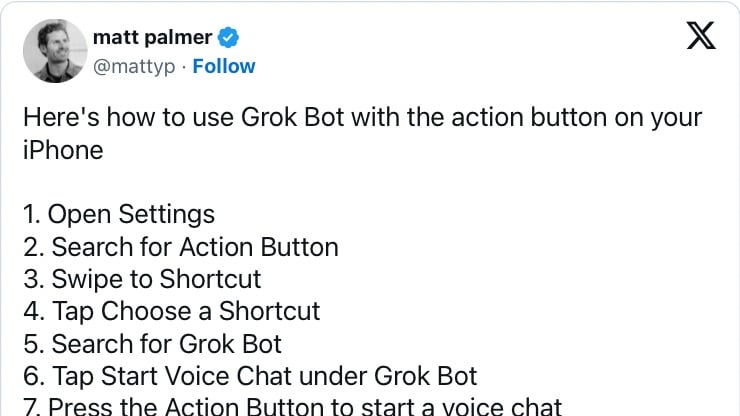
Matt Palmer shared steps: open Settings, choose Action Button, assign Shortcut, select Grok Bot, and pick Start Voice Chat so pressing the button begins a chat.
How to use Grok Bot with the Action Button on iPhone

From matt palmer (@mattyp) on X:

View the post on X.

Posts You Might Like

Apple embraces AI – Will Siri get smart in iOS 18? »
Jason Snell and Myke Hurley discuss Apple's artificial intelligence investments, the idea of Spotlight as their AI brand, and rumors about Siri improvements coming in iOS 18.
watchOS 6: the BirchTree review | Matt Birchler
Shortcuts Showdown on The Vergecast »
Stephen Robles appeared on the Vergecast for a Shortcuts Showdown Debate with David Pierce – I linked to the various chapters for their discussion.
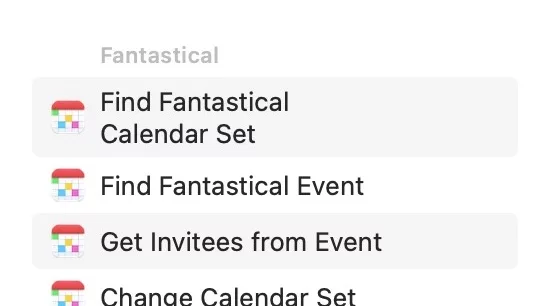
Fantastical gets updated Shortcuts actions »
Fantastical has improved their Shortcuts collection, and Jason Snell has all the details on Six Colors.