Hello members (and future members)! I am excited to announce a new Partner addition to my Membership – Progress!
Built from developer Stephen Hayes, Progresslets you track any goal with a great visualization. Here’s how it’s described on his website:
Progress is an app for iOS & macOS designed to help keep track of progress towards goals. Perfect for tracking almost anything – distance, money, time, weight, and more! Stay on target with history charts showing your recent trends!
Progress is offering 50% off the annual subscription of $7.99/year, saving you $3.99 while giving you Progress for a full year – here’s the summary:
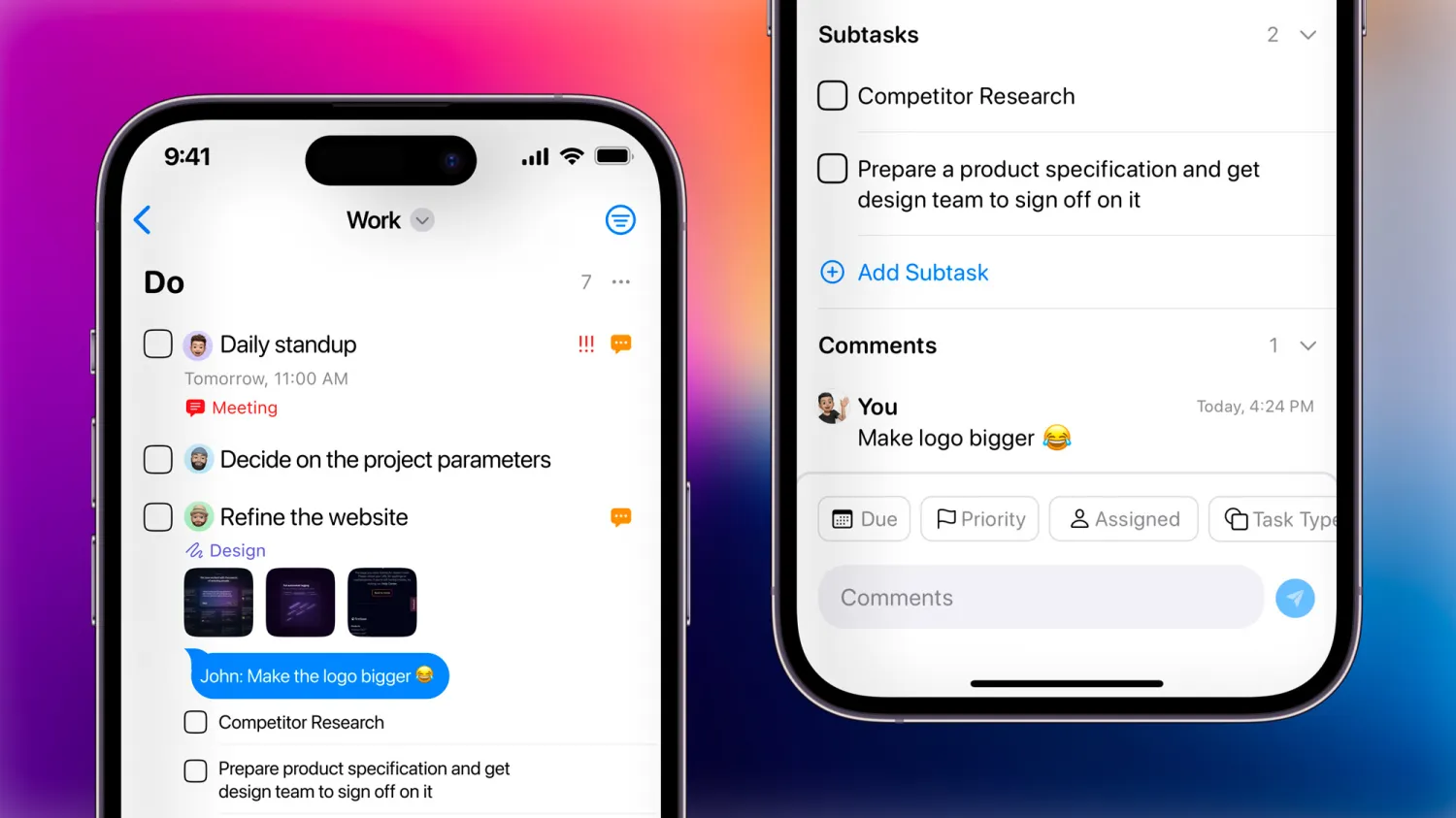
Track any goal effortlessly across iPhone, iPad, and Mac with Progress. Powerful Siri Shortcuts support lets you log updates instantly or automate your routine, with seamless syncing that keeps your progress up to date everywhere.
My thanks to Stephen for participating – let us know what kinds of goals you are tracking with Progress!
Learn more about the Membership, learn about Progress,get Progress on the App Store, or sign up for a membership below:
- Quarterly membership ($15/3 months)
- Annual membership ($50/12 months)
Check out the members-only Discounts page for Progress’ redemption link to the App Store.
Interested in becoming a partner? Register your app or service here.