App Intents are Limited to Thirty Seconds: Extend Execution as Live Activity with LongRunningIntent
Normally, App Intents have a 30-second limit to finish running – LongRunningIntent helps developers get beyond that by moving to a Live Activity. Plus, CancellableIntent makes sure it can be ended gracefully.
Everything we’ve covered so far makes your entities and parameters more expressive and efficient. Now, let’s talk about execution.
When your intent runs – from Siri, Shortcuts, or any system surface – it only has 30 seconds to finish. That works for most everyday actions, but not every intent is that quick.
Now that my app supports tagging and organizing photos…
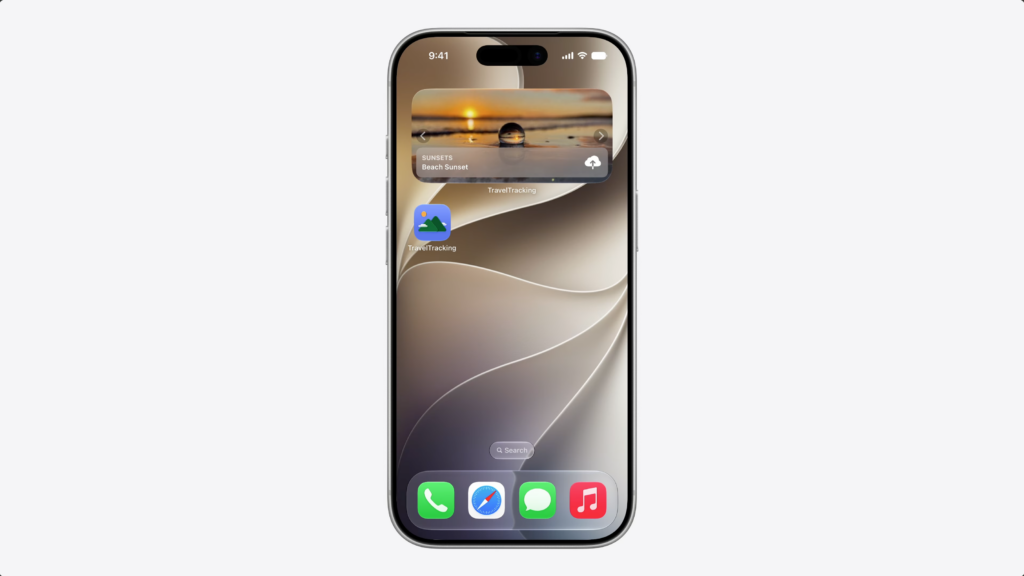
…I wanted to let people share their travel photos – uploading them to a shared album without opening the app.
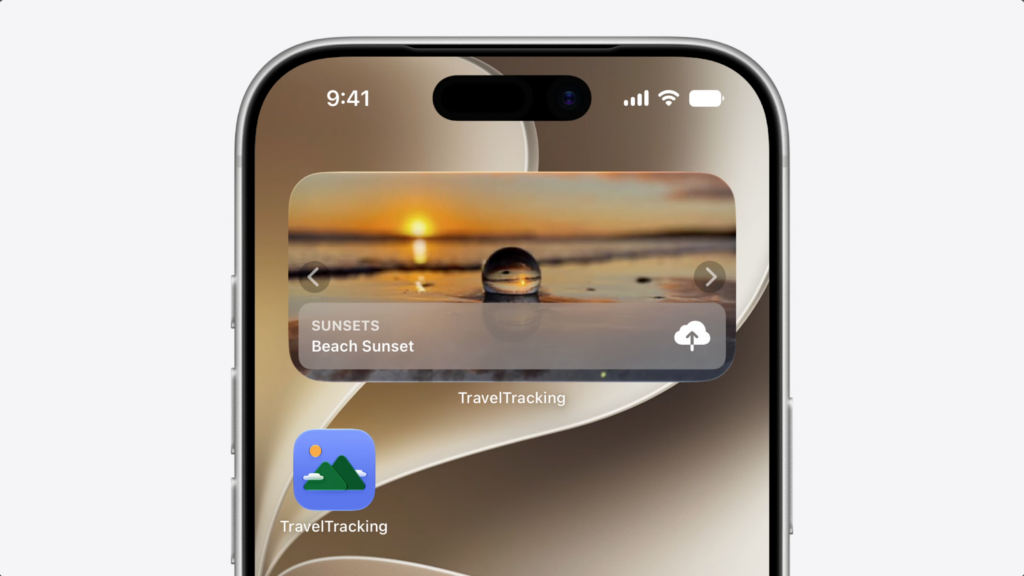
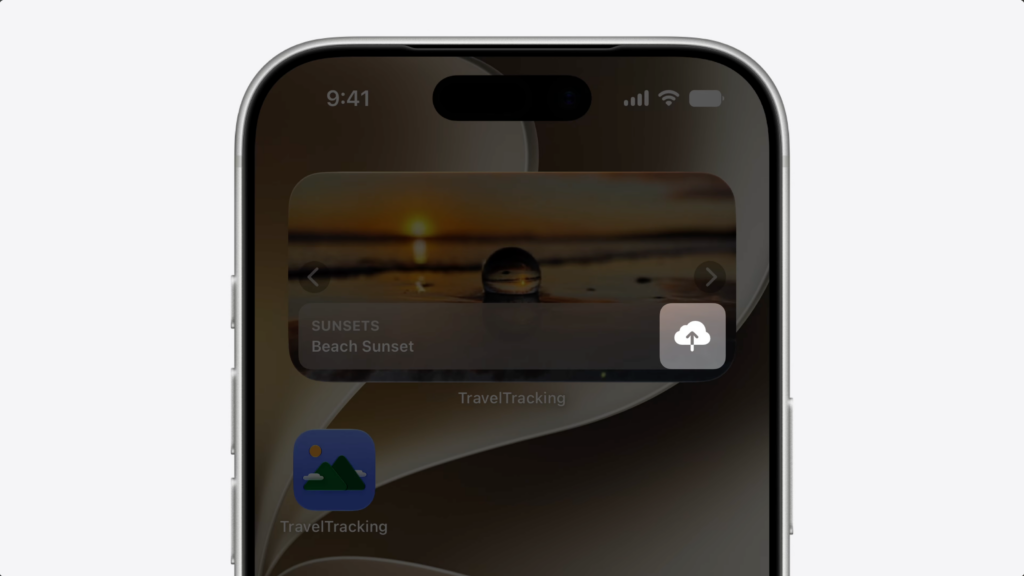
So I created an upload intent and added a button to my widget to trigger it.
But with large photos, the upload takes time – and the intent kept failing because it couldn’t finish within the 30-second limit.
LongRunningIntent fixes this. It lets your intent run beyond the 30-second limit – and manages the background task lifecycle of your app.
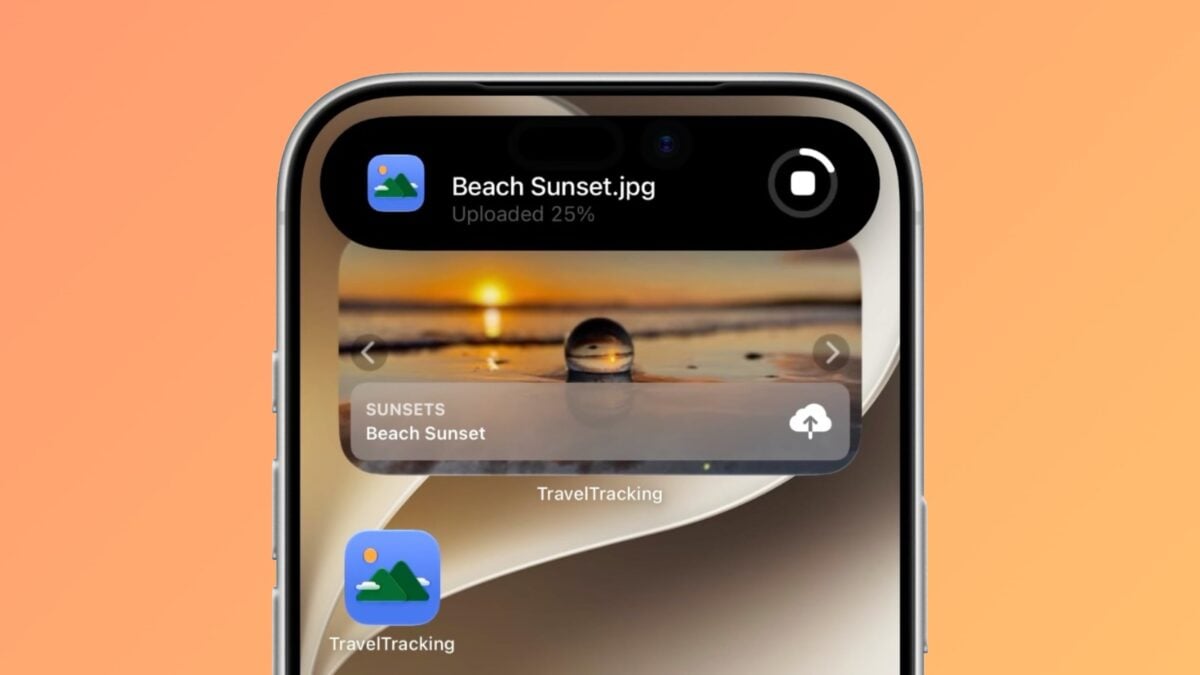
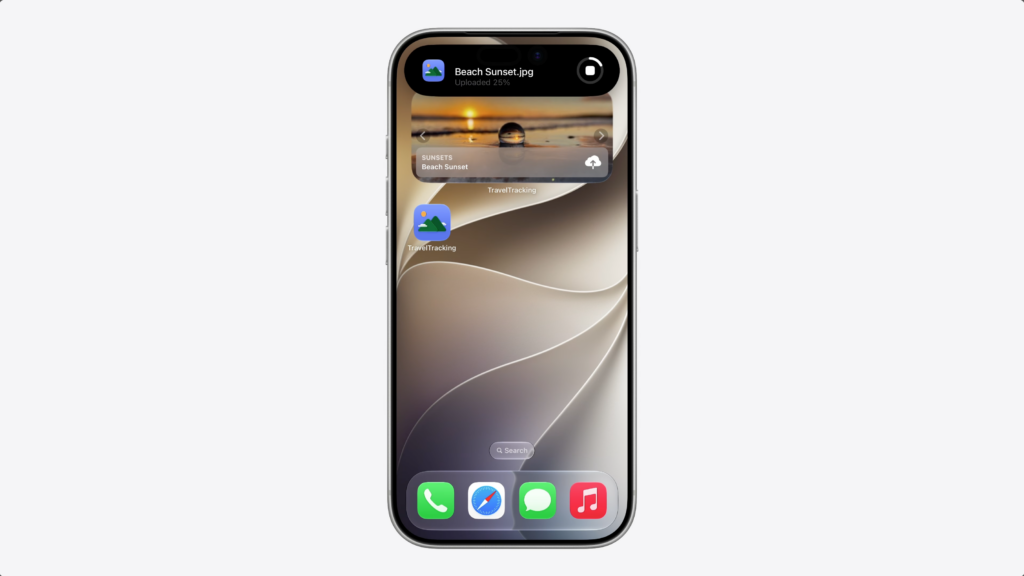
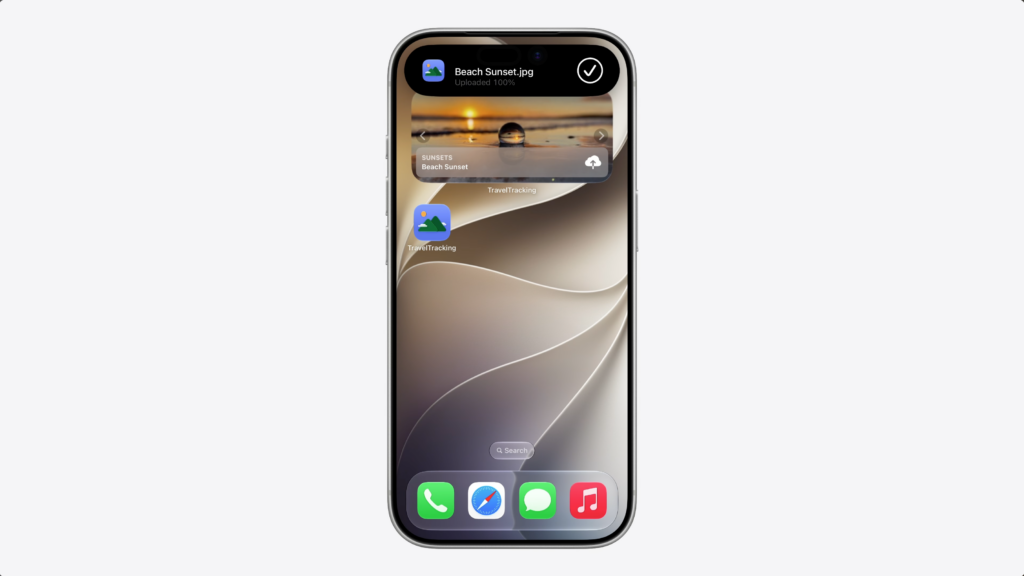
And as your intent runs, progress updates appear automatically as a Live Activity.
Now, let’s check out the code.
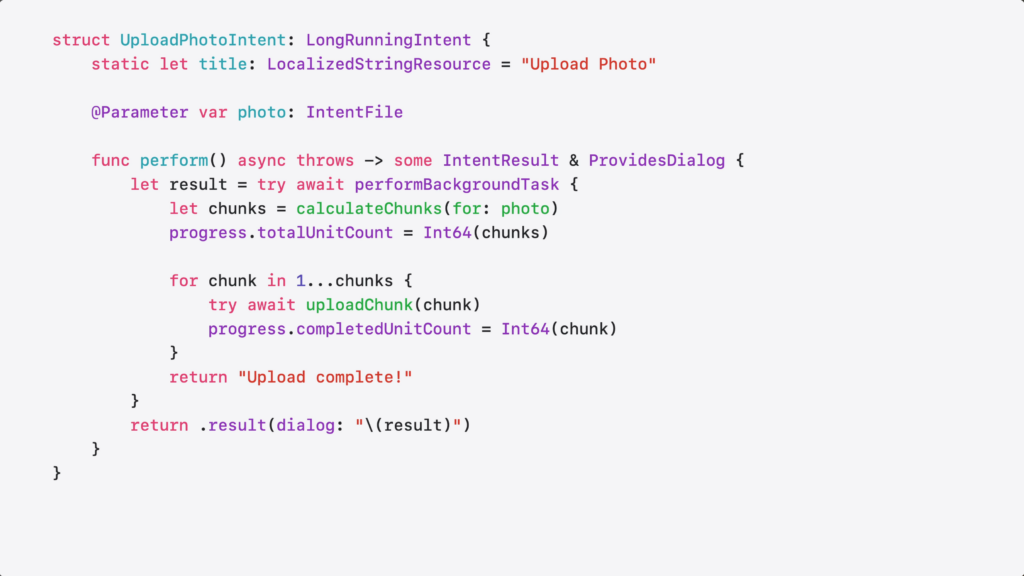
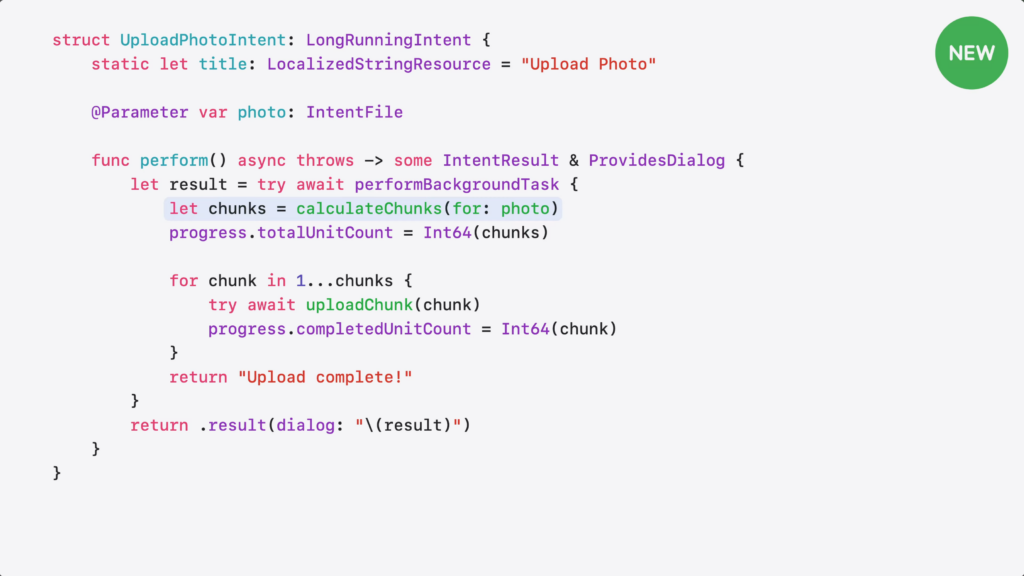
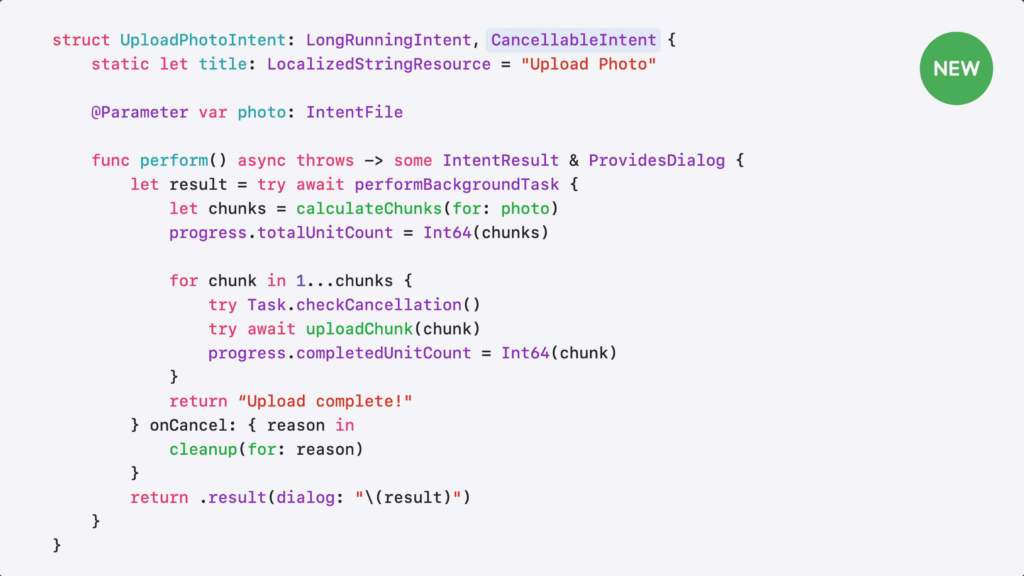
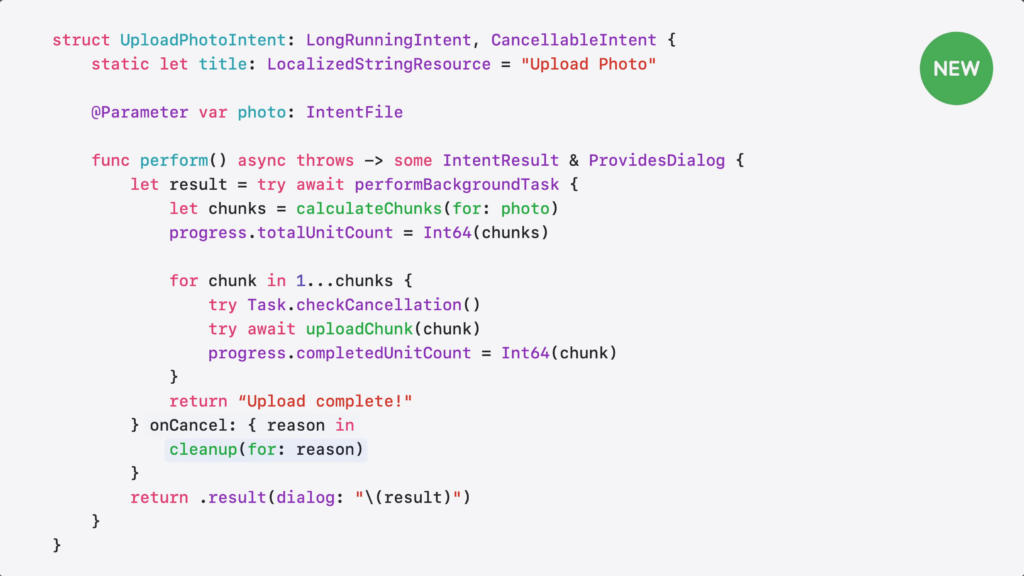
Here’s the intent I wrote to upload my photos.
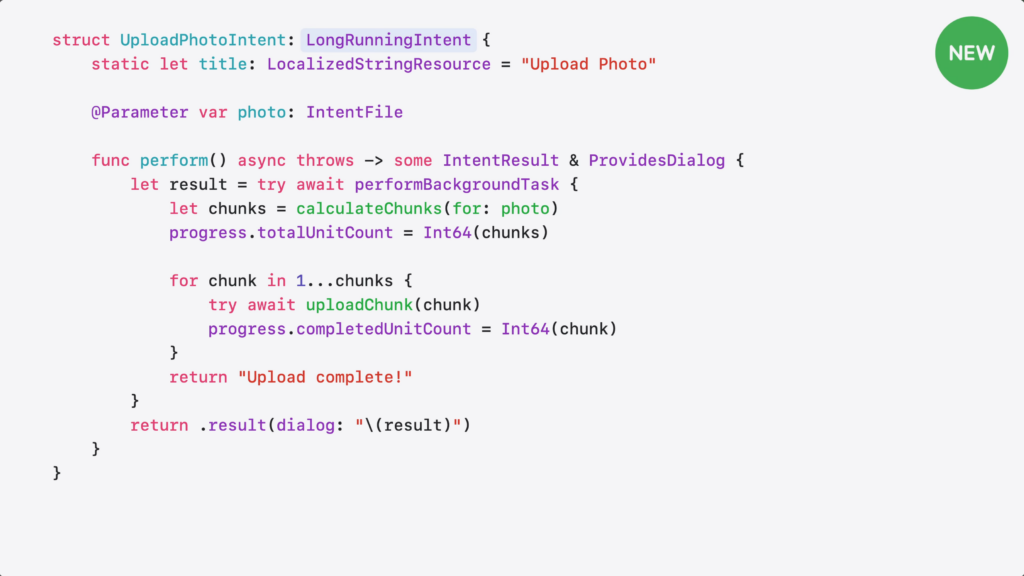
I’m conforming to LongRunningIntent.
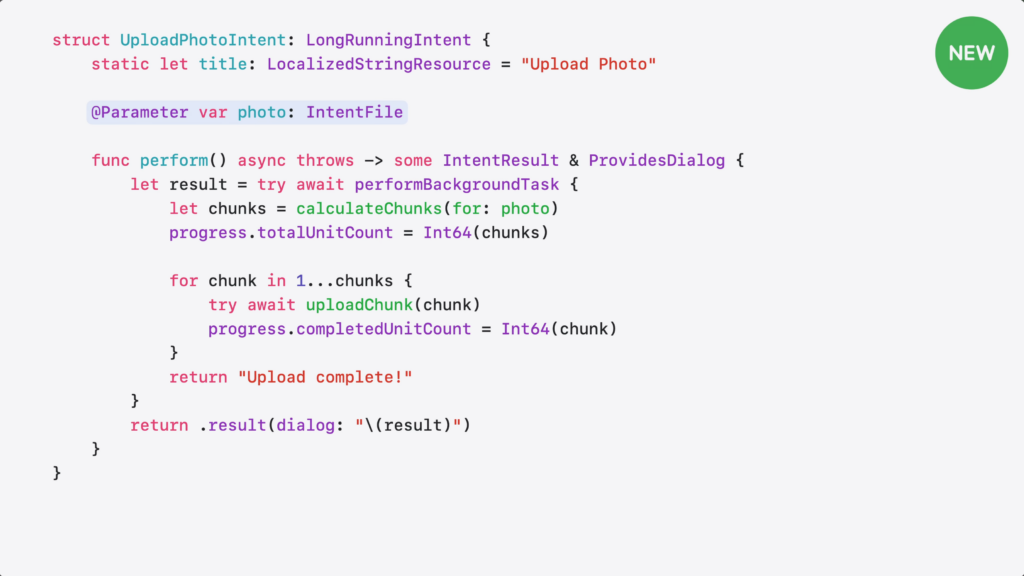
I take a photo file as input.
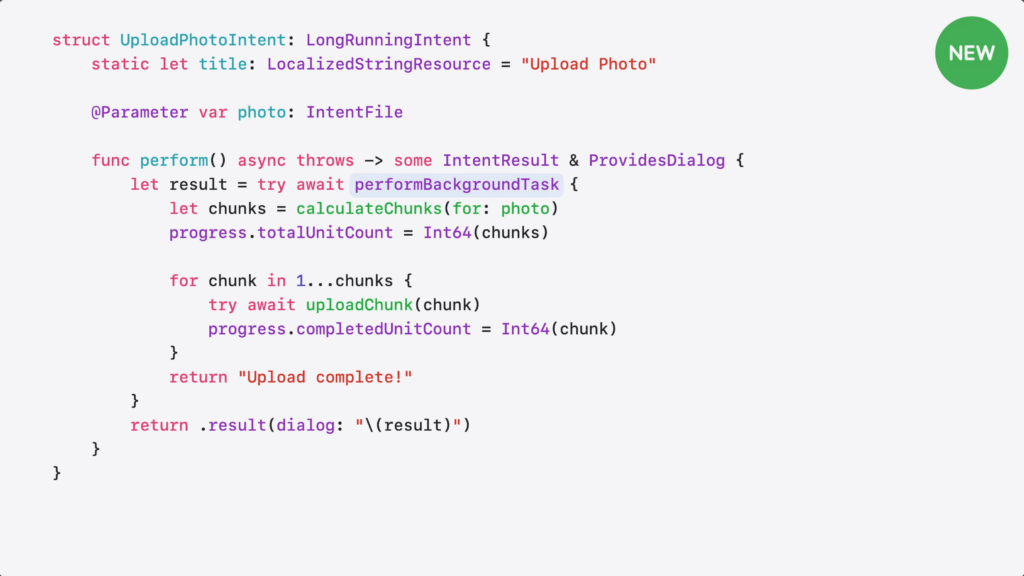
Then, I wrap my work in performBackgroundTask for extended execution.
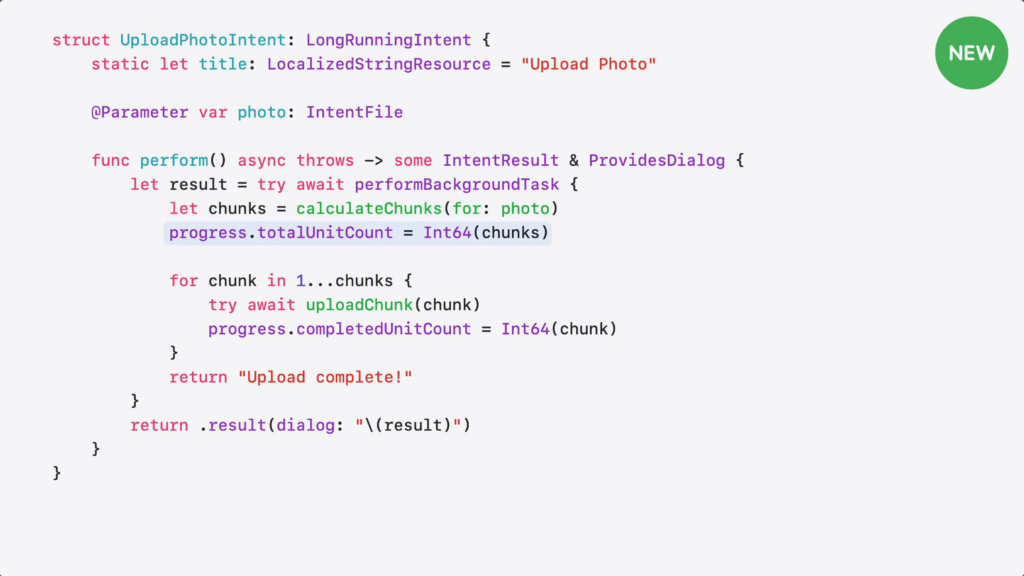
LongRunnningIntent requires the intent to report progress, so the system knows it’s still working and hasn’t stalled. And because it builds on ProgressReportingIntent, I get a built-in progress object to track my work.
I calculate the number of chunks for the file…
…and set the total count.
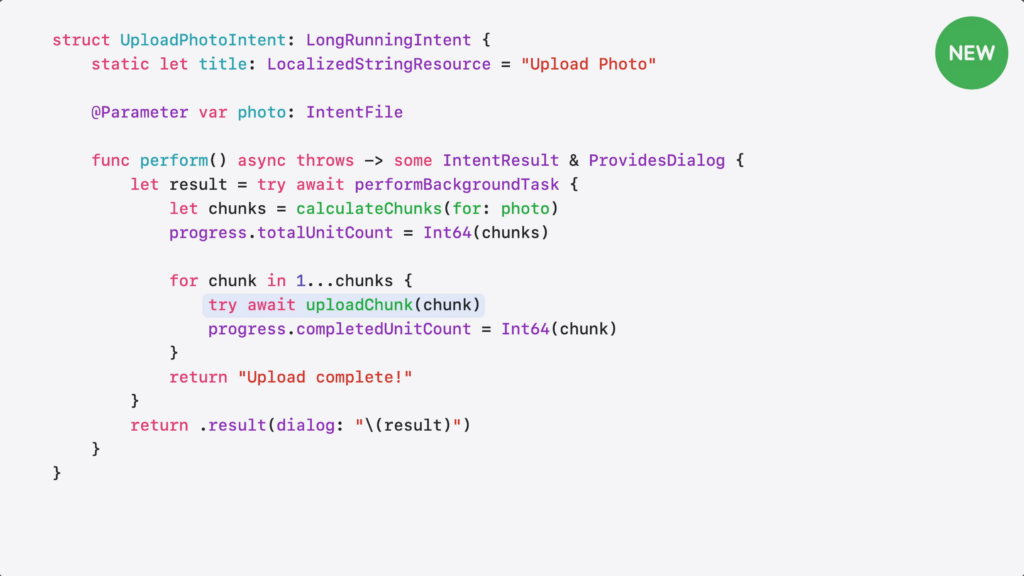
Then, upload each chunk…
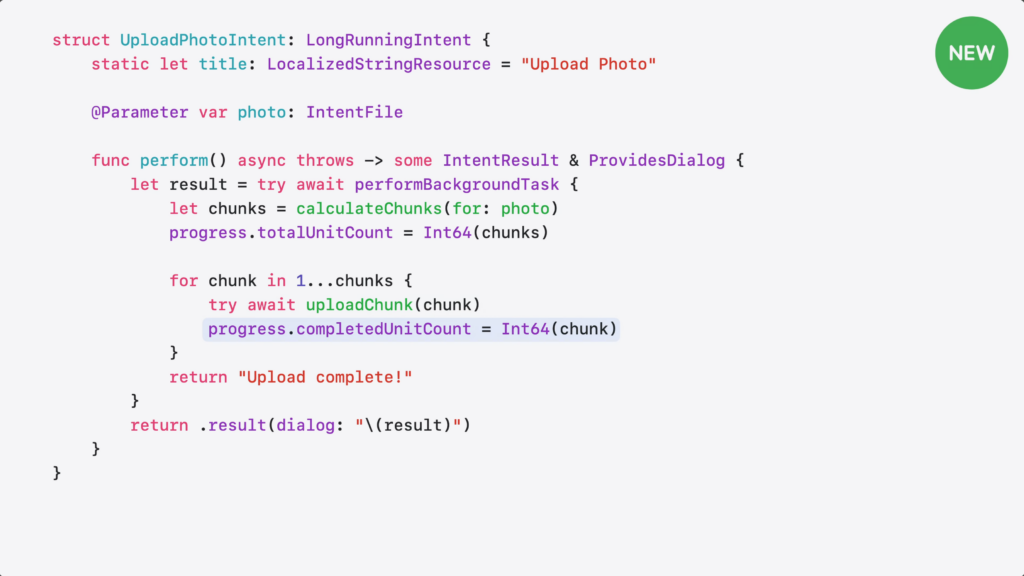
…and update the progress as I go.
Here’s what happens when my intent runs. It can run longer and there’s a stop button right on the Live Activity, so the person can cancel it at anytime.
Though, it’d be great if my intent got a heads-up before being stopped.
CancellableIntent lets your intent clean up gracefully when cancelled – whether the person tapped cancel, the system timed out, or needed to reclaim resources.
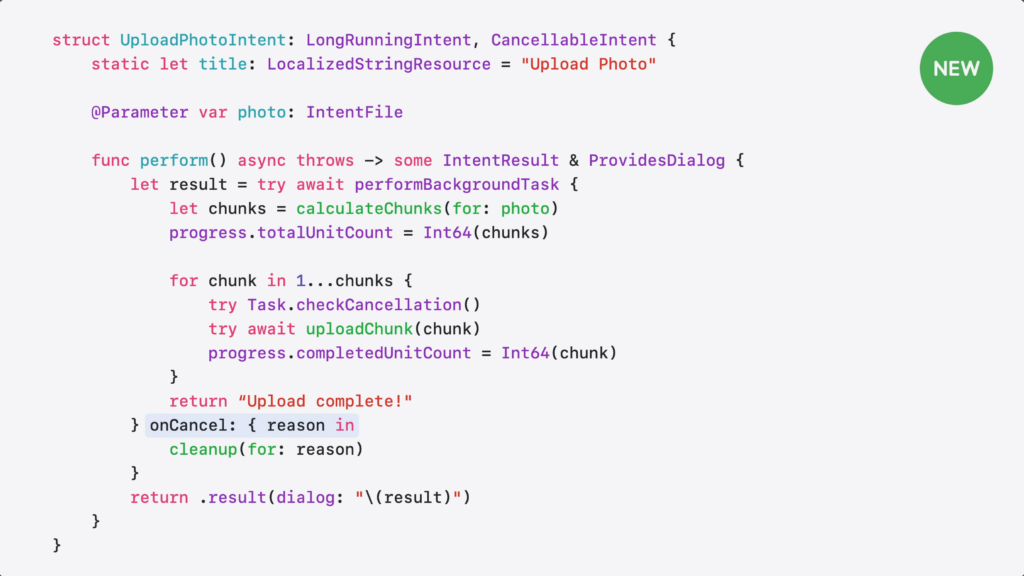
Here’s how I can add cancellation support.
I add CancellableIntent…
…and implement the onCancel handler. When cancellation reason happens, handler gives me the reason…
…and I can use it to clean up partial uploads or cancel in-flight requests.
LongRunningIntent also supports background GPU access on supported devices for tasks like photo processing or on-device inference. Just make sure to add GPU access to your app’s entitlement.
As tasks being handled by App Intents become more and more complex, LongRunningIntent will be helpful in making things run smoothly for developers and users. Plus, it’s especially helpful for agents to finish their responses – like Codex for iOS’ release today.
How to integrate Siri and Apple Intelligence into your app to query onscreen content »
Jordan Morgan has shared another excellent App Intents guide, this time setting developers up so users can query on-screen content using Apple Intelligence.
This Thursday: Siri AI Automators meetup in Portland
Join me in downtown Portland this Thursday, July 23, for another Siri AI Automators meetup about Siri, App Intents, Shortcuts, and practical automation.
Apple iOS 18 Siri AI Update Will Let Users Control Features in Apps With Voice »
Mark Gurman from Bloomberg reports on new Siri-focused features coming at WWDC, including mentions of App Intents as a potential basis for these upgrades.