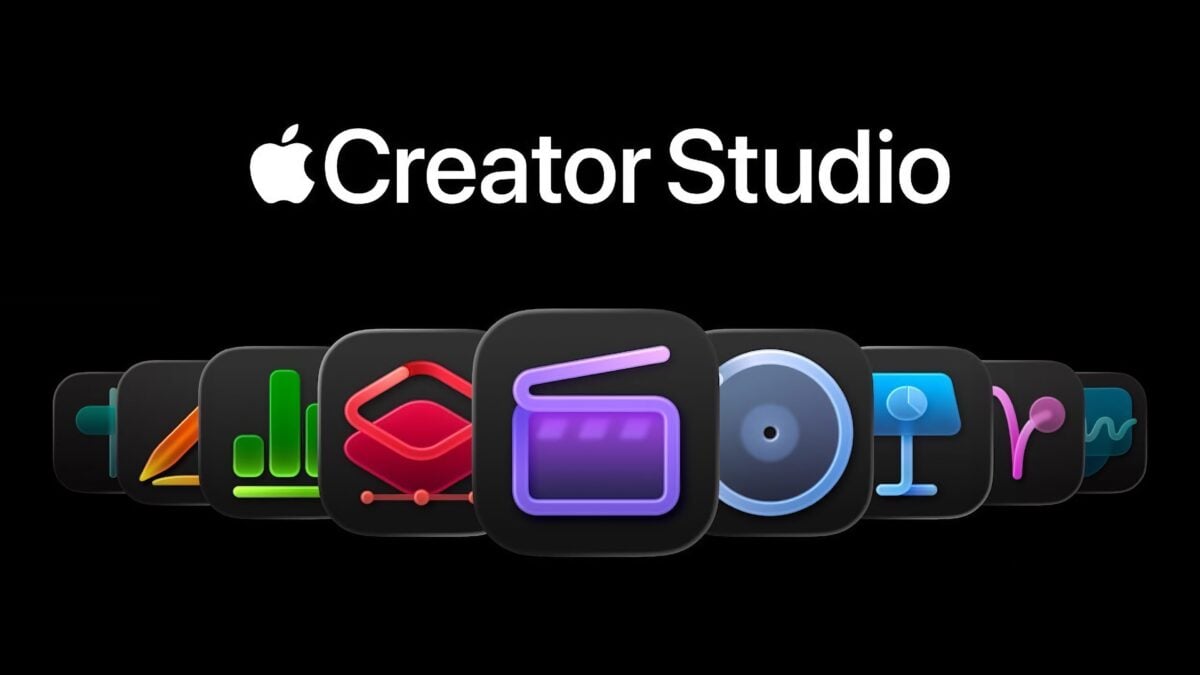
Apple introduces Creator Studio, an inspiring collection of creative apps »

Final Cut Pro, Logic Pro, Pixelmator Pro, Motion, Compressor, and MainStage — plus new AI features and premium content in Keynote, Pages, and Numbers — come together in a single subscription.
Apple introduces Creator Studio, an inspiring collection of creative apps »

From Apple Newsroom (line breaks added):

Apple today unveiled Apple Creator Studio, a groundbreaking collection of powerful creative apps designed to put studio-grade power into the hands of everyone, building on the essential role Mac, iPad, and iPhone play in the lives of millions of creators around the world.

The apps included with Apple Creator Studio for video editing, music making, creative imaging, and visual productivity give modern creators the features and capabilities they need to experience the joy of editing and tailoring their content while realizing their artistic vision.

Exciting new intelligent features and premium content build on familiar experiences of Final Cut Pro, Logic Pro, Pixelmator Pro, Keynote, Pages, Numbers, and later Freeform to make Apple Creator Studio an exciting subscription suite to empower creators of all disciplines while protecting their privacy.

View the press release.

Posts You Might Like

New iPad Pro and iPad Air Product Bezels Available For Your Designs
Apple designer Mike Stern has shared update Apple Design resources that contain product bezels for the new iPads – now waiting on a new Apple Frames shortcut…
Exploring Conferences: Preparing for WWDC 2024! »
Rudrank Riyam has a great post summarizing his experience and goals for WWDC – reading this is getting me excited!
YouTuber Personas Take FaceTime Call on Apple Vision Pro
YouTuber iJustine joined MKBHD and Brian Tong in a FaceTime call to demo their Personas created with Apple Vision Pro.
How to create speaker groups for HomePod using Shortcuts