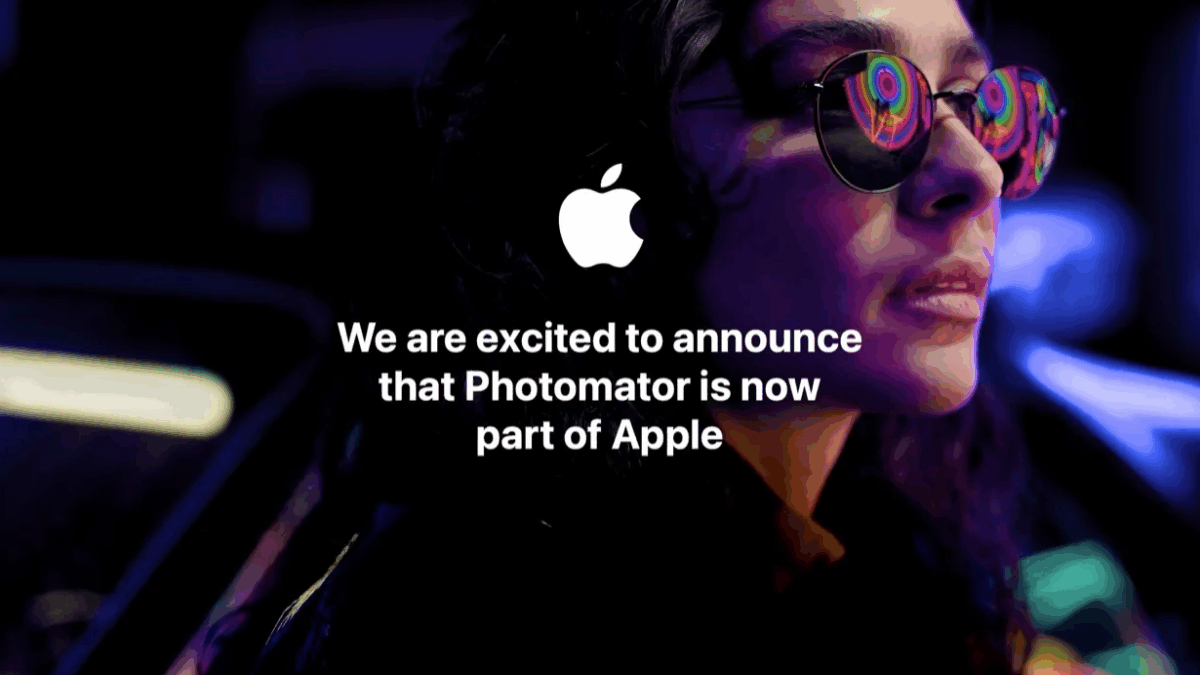
Joe Rosensteel, writing for Six Colors:
One of the things that I think about from time to time is Apple’s collection of apps. Some are the crown jewels, like Apple’s pro apps, and others help an everyday consumer to tackle their iLife. All are pretty starved for attention and resources, outside of infrequent updates aligned with showing off the native power of Apple Silicon, Apple Intelligence, or demos of platform integration that never quite get all the way there.
Three things really brought this up to the surface for me recently: The neglect of Clips and iMovie, the radio silence regarding Pixelmator/Photomator, and Final Cut Pro being trotted out for demos but not shipping appropriate updates.
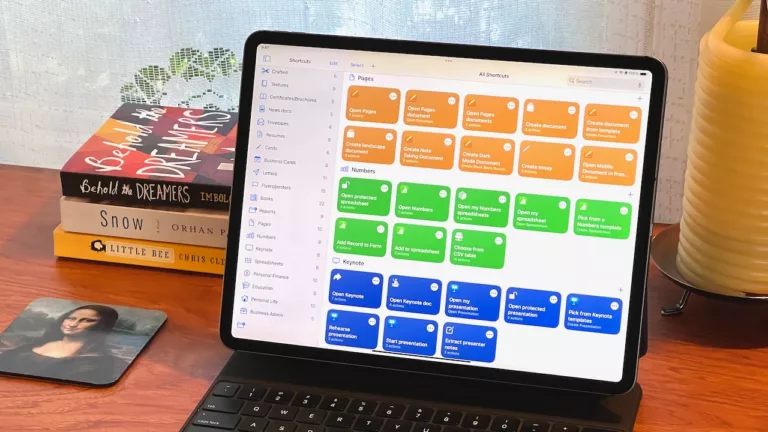
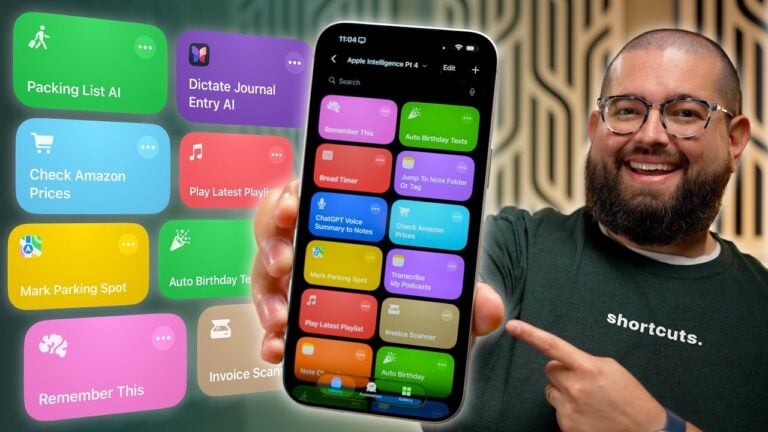
I agree with Joe’s sentiment, but direct it more towards—you guessed it—the Shortcuts app than Pixelmator, which I’ve been saying is within a reasonable window for updating – anything they’re working on could only feasibly ship after en entire yearly cycle.
Shortcuts, on the other hand, has been out for over 5 years and still hasn’t evolved too far beyond its original Workflow UX – Six Colors’ own Jason Snell just talked about how Shortcuts is not really that friendly on Monday of this week.
Read the whole story on Six Colors.