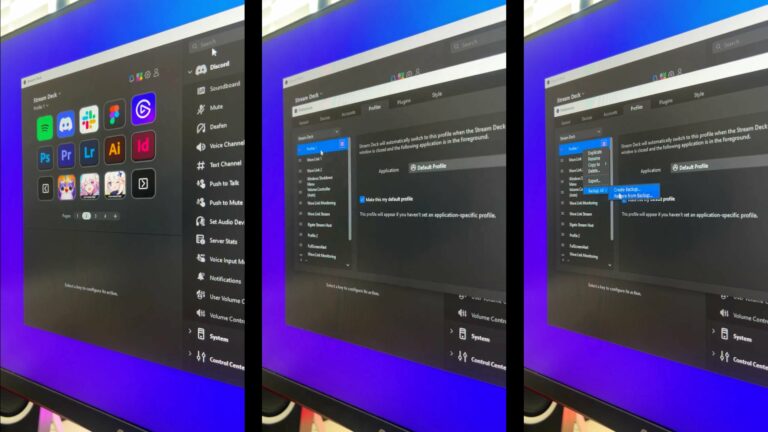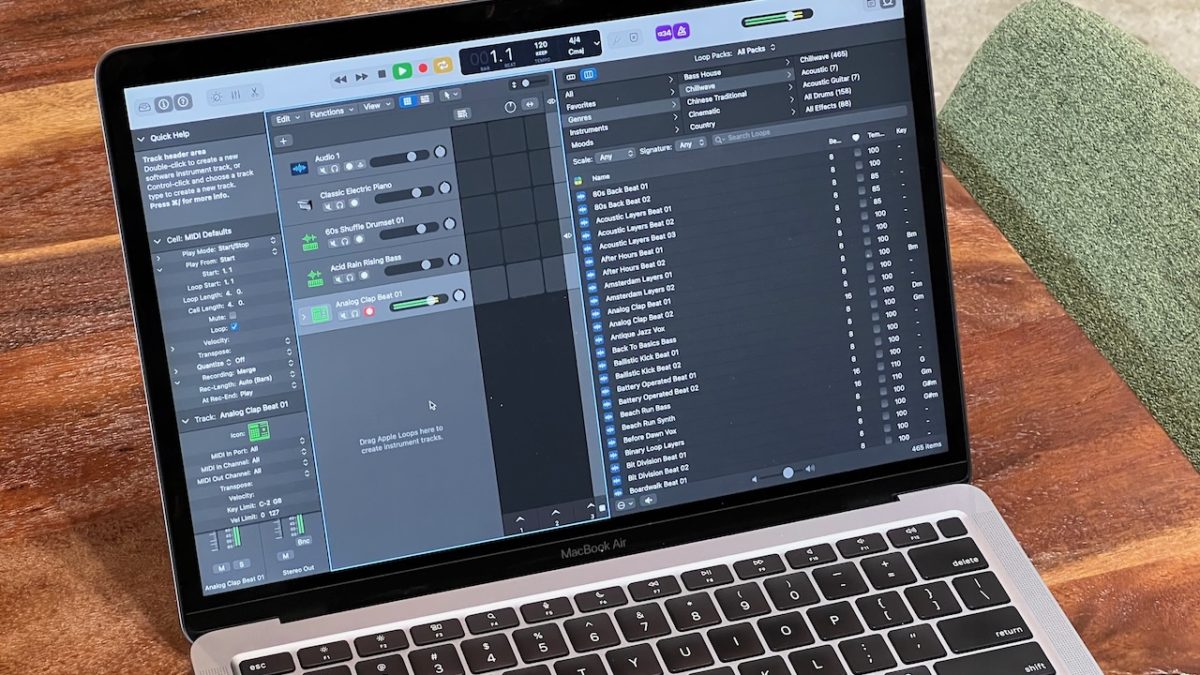
Five apps Apple could automate to win over pro users

Apple's pro apps don't have enough Shortcuts support — here are suggestions for actions to add for each of them.

Yours truly for iMore:

Apple’s Shortcuts app is the best way to automate processes across its devices and develop professional workflows to get things done.

With iOS 16, Apple is adding many more actions for its own apps and improving its Shortcuts support with deep new actions. However, these updates have been limited to more everyday apps like Safari, Mail, and Reminders — but Apple’s pro-level apps haven’t received similar updates.

This piece covers five first-party apps that “pros” use to get their work done and some starter actions that Apple should add for each of them:
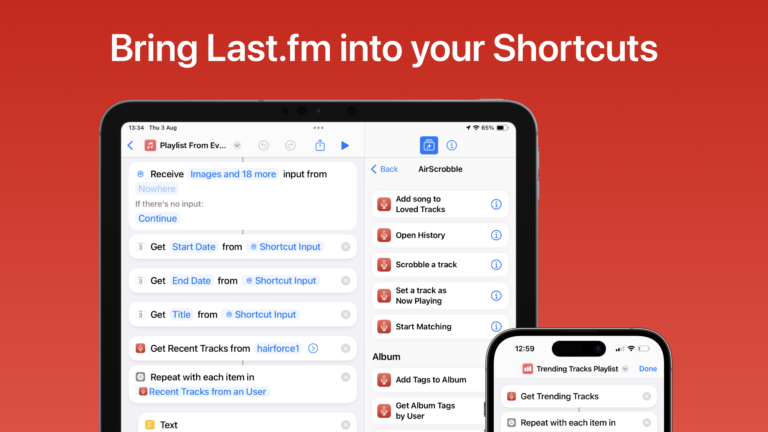
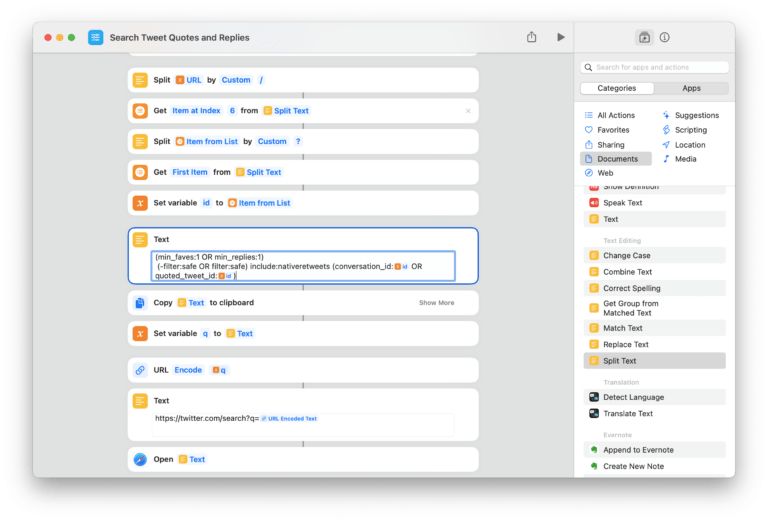
Read the full story on iMore.

Posts You Might Like

Guest Spot: iPad Pros 90 & 91 – Shortcuts for iPadOS 14
Shows a screenshot from the Shortcuts app with “Get Current Weather,” “Get the Device name,” an “If” action set to “If Device Name contains iPad”, then “Show Result,” otherwise “Log Health Sample” and then “Show Alert.”
Log your sun exposure with an Apple Watch automation ⌚️
How To Rotate Upside-Down Top-Down Camera Footage using the Final Cut Pro Browser
My new camera position means my footage is upside-down – here's how to rotate those clips in the Browser of Final Cut Pro before they enter the timeline.
How the Shortcuts widget makes the Home Screen much more powerful
From Shortcuts stacks to entire screens of App Suggestions — here's how to make your Home Screen smarter.