How To Quickly Plan Scripts For The Elgato Prompter With Voice Dictation Mode »

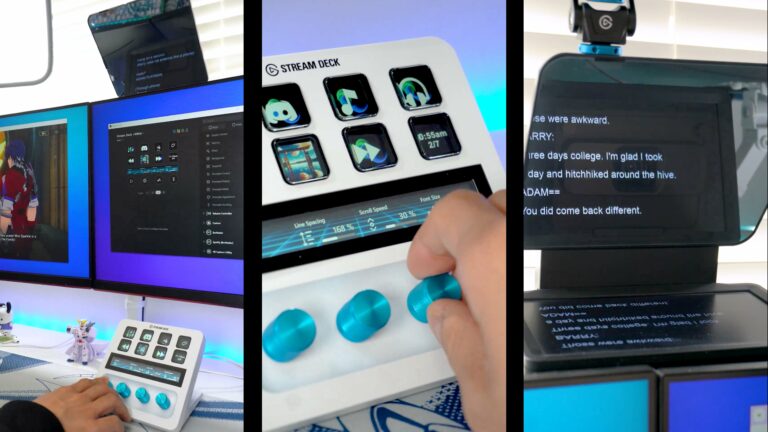
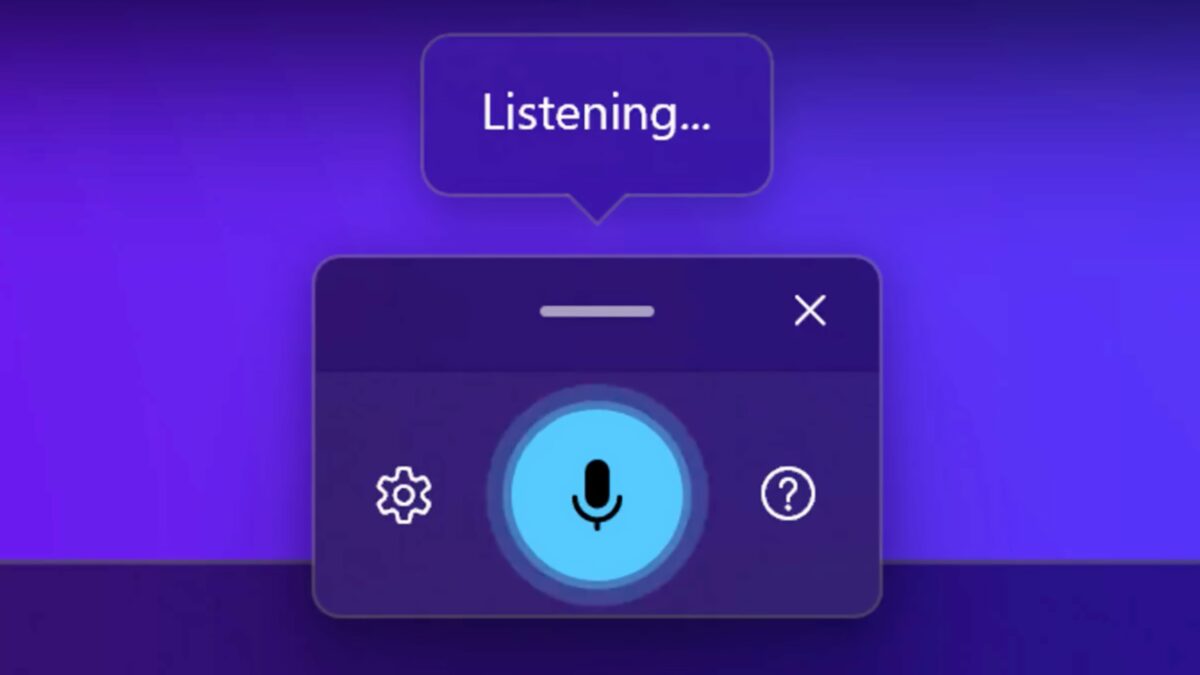
The Camera Hub app for the Elgato Prompter has a new Voice Dictation feature to let you add scripts just by talking.
How To Quickly Plan Scripts For The Elgato Prompter With Voice Dictation Mode »

From @elgato:

?️ New Voice Dictation Mode

Turn your speech into text with Voice Dictation, perfect for talking through and planning scripts to run on Prompter. ?

[Video]

Voice Dictation Mode in the Camera Hub app looks great for getting your thoughts out quickly without focusing on your performance, then immediately revisiting it on the Prompter to deliver for the camera. Very welcome new feature.

View the post and get the Prompter from Elgato.

P.S. You can use my Elgato Partner code ZZ-CASSINELLI for 5% off at checkout.
 

Posts You Might Like

Automating Devices with Elgato Stream Deck via Apple Shortcuts »
Daniel Raffel shares his experience setting up HomeKit devices as a single-press toggle in Shortcuts – so he can control his lights via Stream Deck.
How to use Visual Intelligence on iPhone »
Use visual intelligence to quickly learn more about what’s in front of you, whether in your physical surroundings or on your iPhone screen.
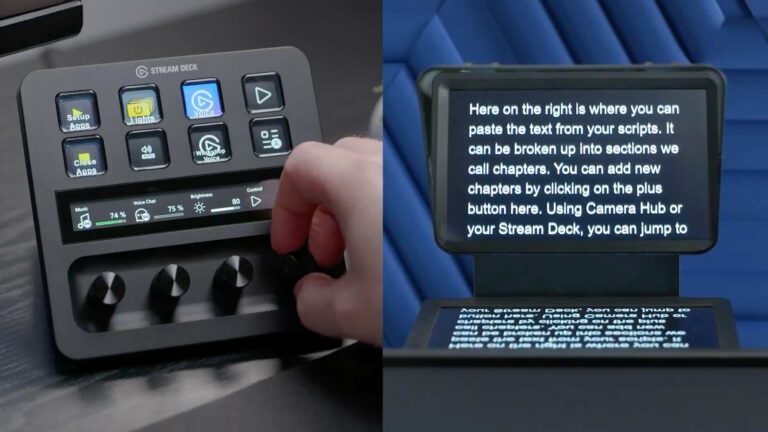
Elgato’s Prompter Lets You Look Right Into The Camera »
I just got my hands on Elgato's Prompter for recording videos and streaming after it was released in October of last year.
How to reopen the Action Bar for the Stream Deck Pedal on macOS
Since I always forget how to turn on the Action Bar for my Stream Deck Pedal, I wrote a how-to for myself. Hint: it's in the Menu Bar!