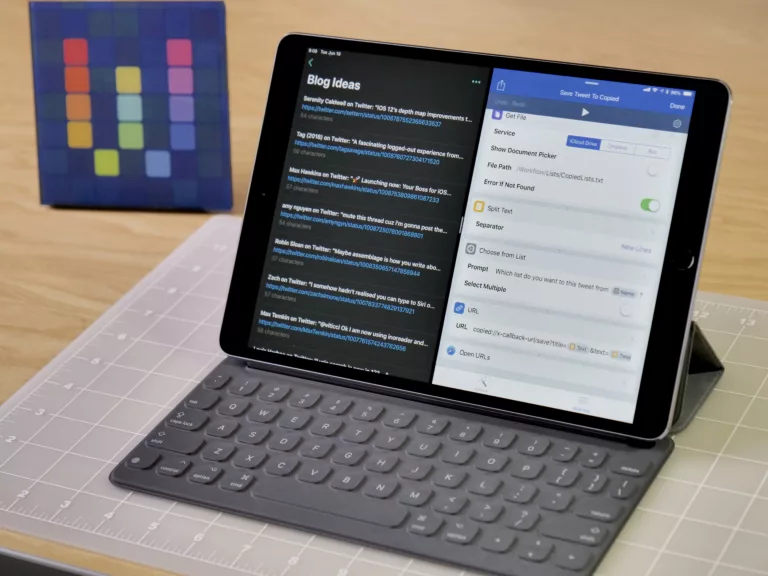
A few weeks ago, I had the honor of being invited back onto Tim Chaten’s podcast iPad Pros to discuss the updates coming to Siri Shortcuts and the Shortcuts app for iPadOS 14.
In the show, Tim asked me a detailed series of questions that covers pretty much every single aspect of what’s new in Shortcuts for iOS 14 on iPhone and iPad.1
Our conversation was so good that the show ended up being split across episode 90 and episode 91! Now that both episodes are out, you can listen to the whole chat and learn about what’s coming next.
Plus, Tim gave me the opportunity to explain a bit about what’s now released as my Shortcuts Catalog and membership (which launched in between the episodes).
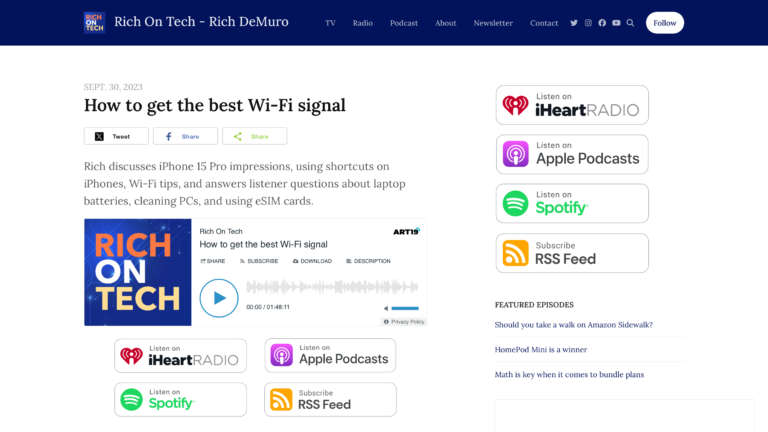
Listen to episode 90 and episode 91 – I also recommend subscribing to iPad Pros.2
- Our episodes are always such a thorough conversation that I’ll often listen back myself just to reference what I already said! ↩
-
Tim regularly interviews various developers and iPad power users on the show which has given me tons of ideas on how to improve my own workflows.
In my opinion, iPad Pros is a must-listen podcast if you’re interested in Shortcuts and iPadOS. ↩