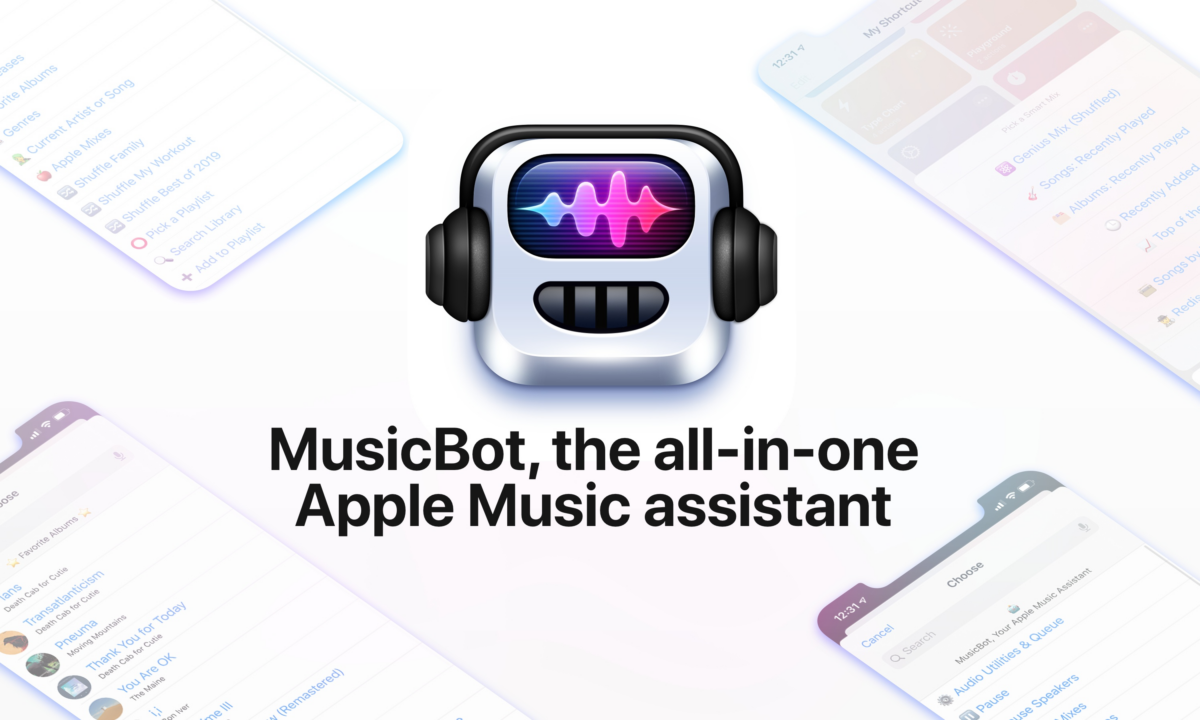

Federico Viticci, doing his usual excellent work on MacStories:
For the past several months, I’ve been working on a shortcut designed to be the ultimate assistant for Apple Music.
Called MusicBot, the shortcut encompasses dozens of different features and aims to be an all-in-one assistant that helps you listen to music more quickly, generate intelligent mixes based on your tastes, rediscover music from your library, control playback on AirPlay 2 speakers, and much more.
I poured hundreds of hours of work into MusicBot, which has gained a permanent spot on my Home screen. Best of all, MusicBot is available to everyone for free.
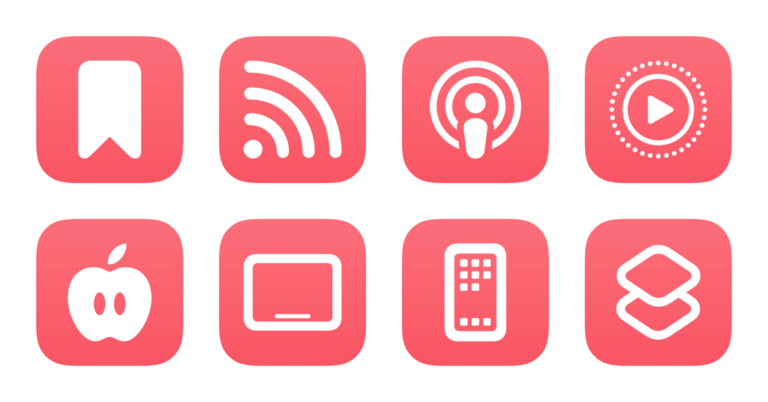
MusicBot is yet another one of Federico’s shortcuts that turns a vast number of functions into a single Siri Shortcut for you to use. Plus, look at that custom icon!
I quite literally have over 50 music-based shortcuts that this will be replacing.
If you’re an Apple Music subscriber, or if you’re interested in the Shortcuts app, you should head to MacStories and read “Introducing MusicBot: The All-in-One Apple Music Assistant, Powered by Shortcuts”, then add the shortcut from the page.

Plus, Federico is releasing a “Pro” version for Club MacStories subscribers that takes advantage of Toolbox Pro integrations, and comes with more custom icons! An annual subscription to Club MacStories is $50 – anyone who reads my site should probably be a subscriber.